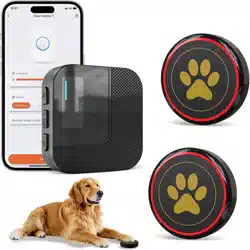
Doorbell Operation Instruction
About The Product
Product Features
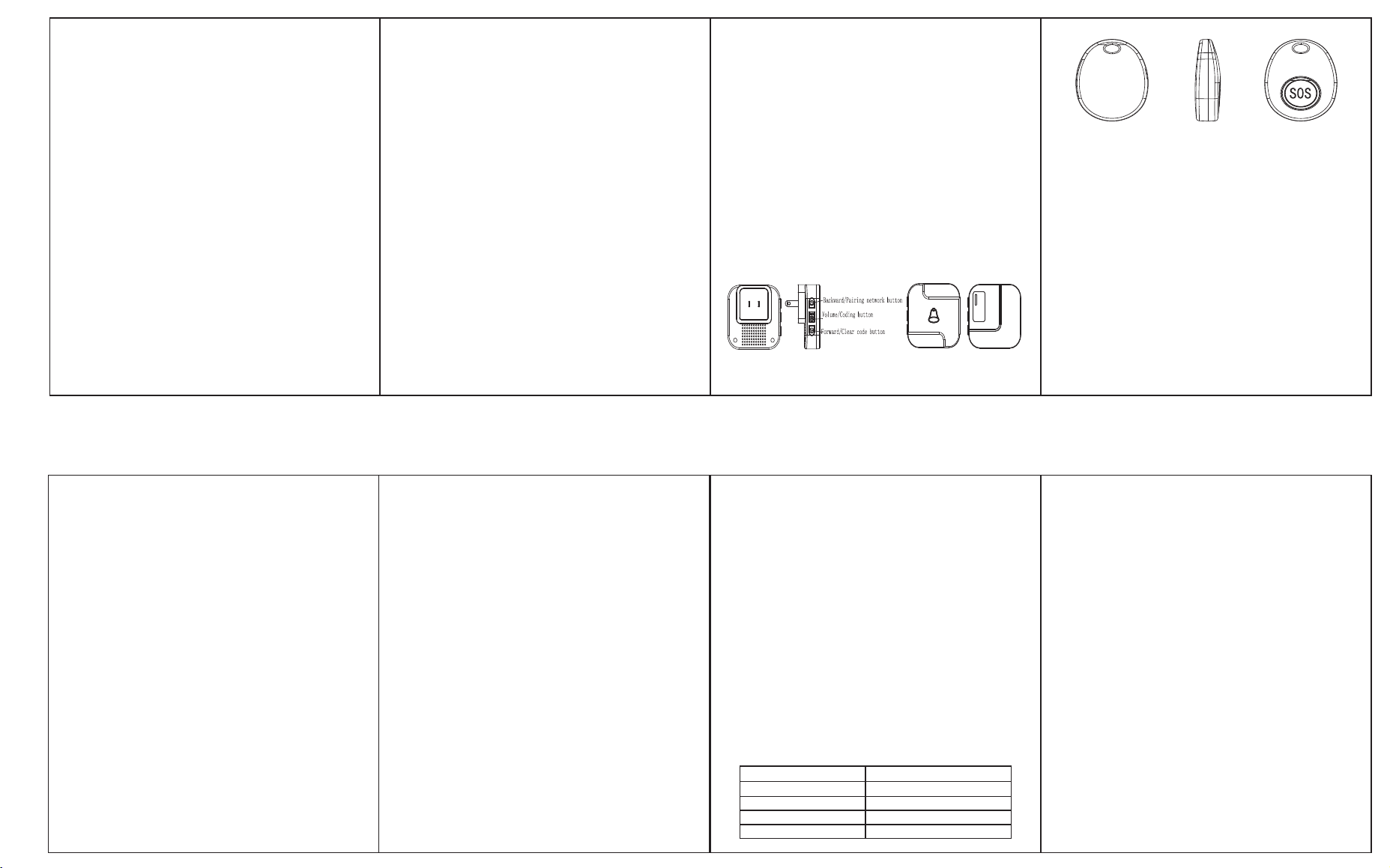
Product Details
Operation Instruction
Setting with Tuya APP
Technical Specification
Notice
Tuya Receiver
Transmitter
The doorbell consists of receiver and transmitter,
receiver that is the indoor machine, transmitter that
is the outdoor machine, must works in pair,
wireless, simple and flexible installation, this
product is mainly suitable for homes, companies,
hospitals, hotels, and factories.
1. Remote setting of bell ring, volume mode and
other functions through Tuya APP.
2. The doorbell information can be checked
through Tuya APP. When the bell rings, the APP
will inform by message.
3. The DND(Do Not Disturb) mode can be set
through Tuya APP.
4. 38 ringtones optional, users can set any music as
the doorbell ringtone.
5. Users can add or subtract receivers and transmit-
ters flexibly according to your needs, simple and
easy to operate.
6. Memory function: the ringtone has been
memorized after setting even when power off the
ringtone will not reset.
7. 5 level adjustable volume from 0dB to 110dB,
and the DND(Do Not Disturb) mute mode, provide
a better experience for user.
8. When pressing the transmitter button, the
transmitter sends a signal to the receiver, and the
receiver rings when receiving the signal.
9. Transmitter distance can reach 150-300 meters in
open area, transmitter signal is stable and does not
interfere with each other.
Setting without Tuya APP
1、Connection
1) Plug in the receiver.
2) Holding the Volume/Coding button more than 5
seconds, when heard the prompt "DING" and the
indicator blink, it enters the connection mode.
3) Press the button on the transmitter, when the
"DING DING" ring and LED light flashing, the
connection succeed.
4) Press the button on the transmitter again, and the
ringtone you hear is the selected one.
Notice: If the transmitter is not connected within 30
seconds after entering the connection mode, the
system automatically exits after the prompt
ringtone "Ding".
2、Select ringtone and adjust the volume
1) Shortly press the Backward/Pairing network to
choose ringtone;
2) Shortly press the Volume/Coding button to
adjust the volume.
3) Shortly press the Forward/Clear code button to
choose ringtone;
3、Recovery mode
1) Holding the Forward/Clear code button more
than 5 seconds, then heard the prompt "DING" and
the indicator light blink, that means the recovery
finished.
1. Download Tuya APP on your phone (Supported
by Android or Apple)
2. Plug in the receiver.
3. Connect the phone to WIFI.
4. Open "TUYA" APP.
5. Click the “+” in the upper right corner and select
device on Tuya App
6. Holding the Backward/Pairing network button on
receiver more than 5 seconds to enter the network
configuration status.
2) When recovery finished the transmitter
originally setting all cleared, ringtone turn to the
default "DingDong" automatically.
3) Press the transmitter again to reconnect.
Notice: In recovery mode, the transmitter can be
reconnected within 30 seconds. If no transmitter
connected, the system automatically exits after 30
seconds.
7. Notice: If the network has been configured
successfully before, the device will automatically
configure the network, there is no need to holding
the Backward/Pairing network button.
8. Click the device that automatically found in the
APP and connect.
9. When connect successfully, turn to the device
page and click the "+" to add transmitter.
10. Shortly press the transmitter button, when heard
"DING DING" from the receiver, the connection is
successful.
11. Set the volume, change the ringtone through the
APP.
12. Add/delete device through the APP.
* Please test the working distance between receiver
and transmitter before installing!
* Do not install the transmitter on the security door,
metal will weaken the signal, affect the transmitter
distance!
* Do not install the receiver next to the TV,
induction cooker, microwave oven and other
electromagnetic wave electrical appliances!
* Do not set the receiver and transmitter on fire or
in the water to avoid unnecessary accidents!
* Please regularly clean the surface of the touch
transmitter, the dirty surface will lead to abnormal
touch!
Working Temperature
-30℃ to +70℃
Receiving Frequency
433.92MHz±280KHz
WIFI Frequency 2.4G
Transmier Baery
23A 12V Baery
Receiver Volts
110-260 Volts (wide voltage)
