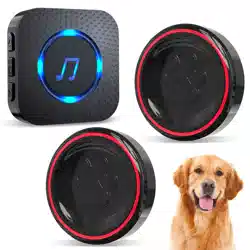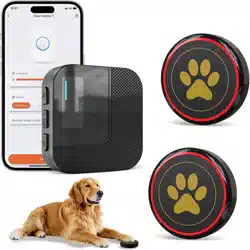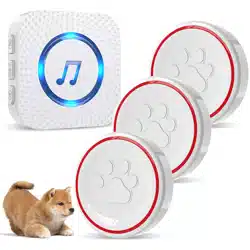
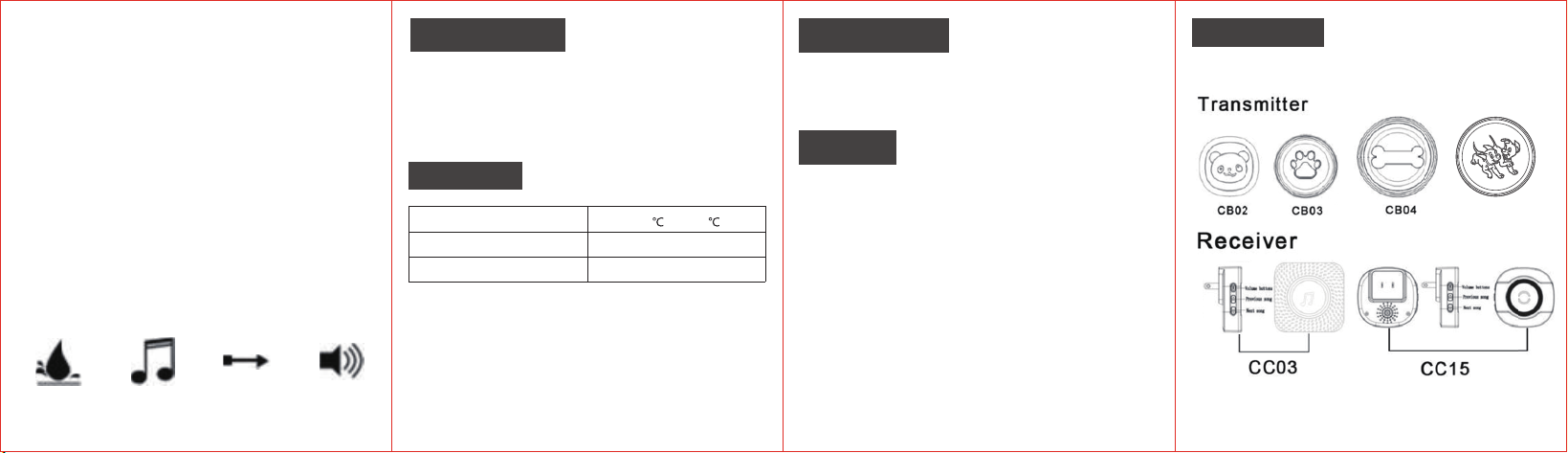
The wireless dog doorbell consists of the receiver and
transmitter, the receiver with plug is AC powered, the
transmitter is powered by Alkaline batteries, without
wiring, and simple and flexible installation.
Specification
WorkingTemperature
TransmitterBattery
23 A12 V battery(inc uded)
-30
to +70
l
ACReceiverVoltage
AC1 10-260 V(widevoltage)
- LED Indicator
- 55 Ringtones
- Memory Function -500
-950Ft Working Range
- For Transmitter: Pull out
- For Receiver: Plug the receiver into a socket and switch th
socket on.
the white insulating strip of the
transmitter.
Put the tr
ansmitter in where you intend to place
with double-
sided velcro.
Check the receiver whether sound when you touch
the
transmitter button,if the doorbell receiver does not
sound, please to reposition the transmitter or
receiver.
Wireless Dog Doorbell
User Manual
IP55
Waterproof
55
Ring-tones
150-300M
ControlDistance
0-110dB
5 Levels
- IP55
Waterproof Transmitter
- Level 5 Volume Adjustable,0-110 dB
CB05
Product Overview Product Features
Installation
Product Model
INST-EN-CB03-T-20230315

Volume Adjustments
5 Levels volume can be set (0-110db).
PRESS the Volume Button on the receiver to
increase the volume by one level,the doorbell will sound to
indicate the selected level.
If the max. volume is already set, the next level will switch to
the min. volume,i.e. Silent Mode.
Change the Ri ng-t one/Pairing
The default ring-tone is DingDong,userscan change it easily,
pleaserefer tothe followingsteps.
Step 2: HOLD the VolumeButton on the receiver for
about 5s,until it makes Ding sound with LED light flashing.
Remark: Thismethodissuitablefor changingring-tone,
addingnew transmitters or receivers,and
completed. This learning mode lasts only 8s,then it will
automatically exit.
rematch.
Clear Settings
HOLD the Backward Button on the receiver for about 5s,
until it makes Ding sound with LED light flashing, all the
settings will be cleared,that means the ring-tone you have
set and the transmitters/receivers you have paired will be
cleared.
When you press the transmitter button again,only the first
transmitter will be automatically paired with the receiver,
and the others need to be rematch.
Troubleshooting
If the doorbell does not work,the following are possible
causes:
1. The battery in the transmitter may be run down, please
replace the battery.
2. The battery may be inserted the wrong way round,
polarity reversed. Please insert the battery correctly, but
be aware the reverse polarity may damage the unit.
3. Ensure that the receiver is switched on at the mains.
4. Check that neither the transmitter nor the receiver is
near to possible sources of electrical in
terference, such as
a power adapter, or other wireless devices.
5. The range will be reduced by obstacles such as
walls, although this will have been checked during
setup.
6. Check that nothing,particularly a metal object,has been
placed between the transmitter and the receiver. You may
need to reposition the doorbell.
Cautions
1. The doorbell receiver is for indoor use only. Do not
use it outside or allow itto become wet.
2. There are no user-serviceable parts. Do not attempt to
repair either the transmitter or the receiver by yourself.
3. Avoid sitting the transmitter in direct sunlight or rain.
4.Use only high quality batteries.
Warranty
The warranty covers the product to be free from the
defects in materials and workmanship for a period of one
year from the date of original retail purchase. The warranty
does not cover damage, defect, or failure caused by, or
resulting from, accidents, external damage, alteration,
modification, abuse, misuse, or attempted self-repair.
Please keep the purchase receipt.
Packing List
- Transmitter
- 23A12VAlkaline Battery
- Mini Screw Driver
- Receiver
- Double SidedAdhesive Tape
-User Manual
Step 1: PRESSthe Backwardor ForwardButton on
the receiver to select your favorite music.The receiver will
Step 3: Press the button on the transmitter quicklywithin
8s after step 2, then thereceiver will makes
DingDing sound with LED light flashing,the settingis
ring theselectedmusic.