
Technical Support and E-Warranty Certificate www.vevor.com/support
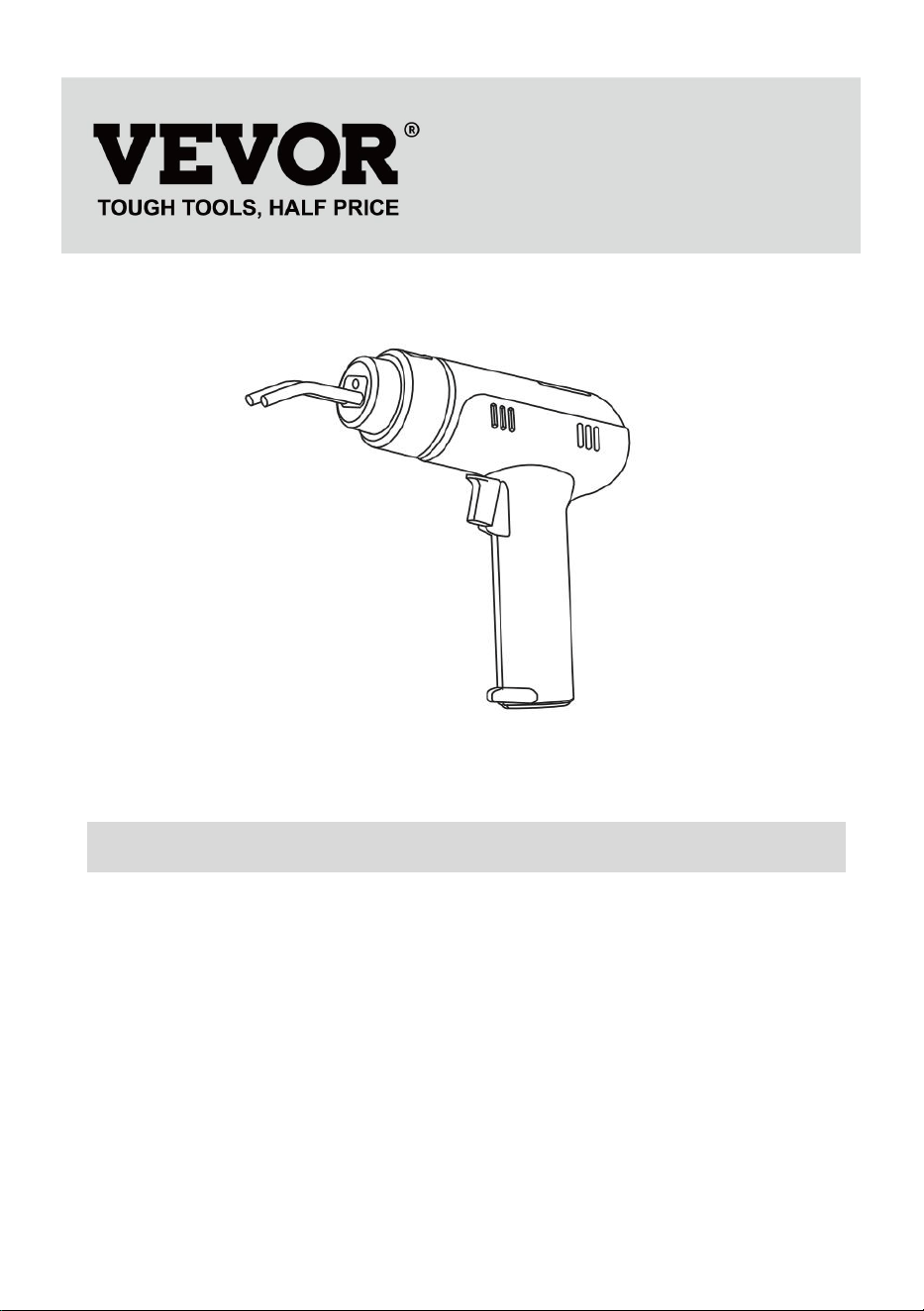
Plastic Welding Kit
MODEL:XC-01
We continue to be committed to provide you tools with competitive price.
"Save Half", "Half Price" or any other similar expressions used by us only represents an
estimate of savings you might benefit from buying certain tools with us compared to the major
top brands and does not necessarily mean to cover all categories of tools offered by us. You
are kindly reminded to verify carefully when you are placing an order with us if you are
actually saving half in comparison with the top major brands.
- 1 -
MODEL:XC-01
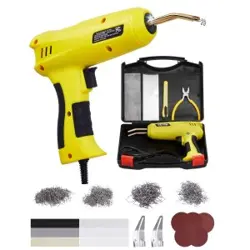
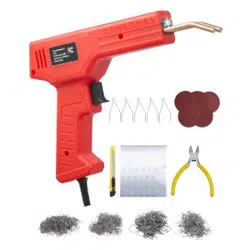
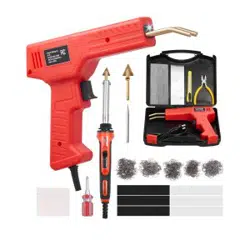
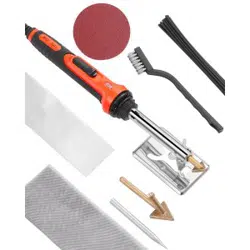
Note:The product picture is for reference, the actual details shall prevail
NEED HELP? CONTACT US!
Have product questions? Need technical support? Please feel free to
contact us:
Technical Support and E-Warranty Certificate
www.vevor.com/support
This is the original instruction, please read all manual instructions
carefully before operating. VEVOR reserves a clear interpretation of our
user manual. The appearance of the product shall be subject to the
product you received. Please forgive us that we won't inform you again if
there are any technology or software updates on our product.
Plastic Welding Kit
- 2 -
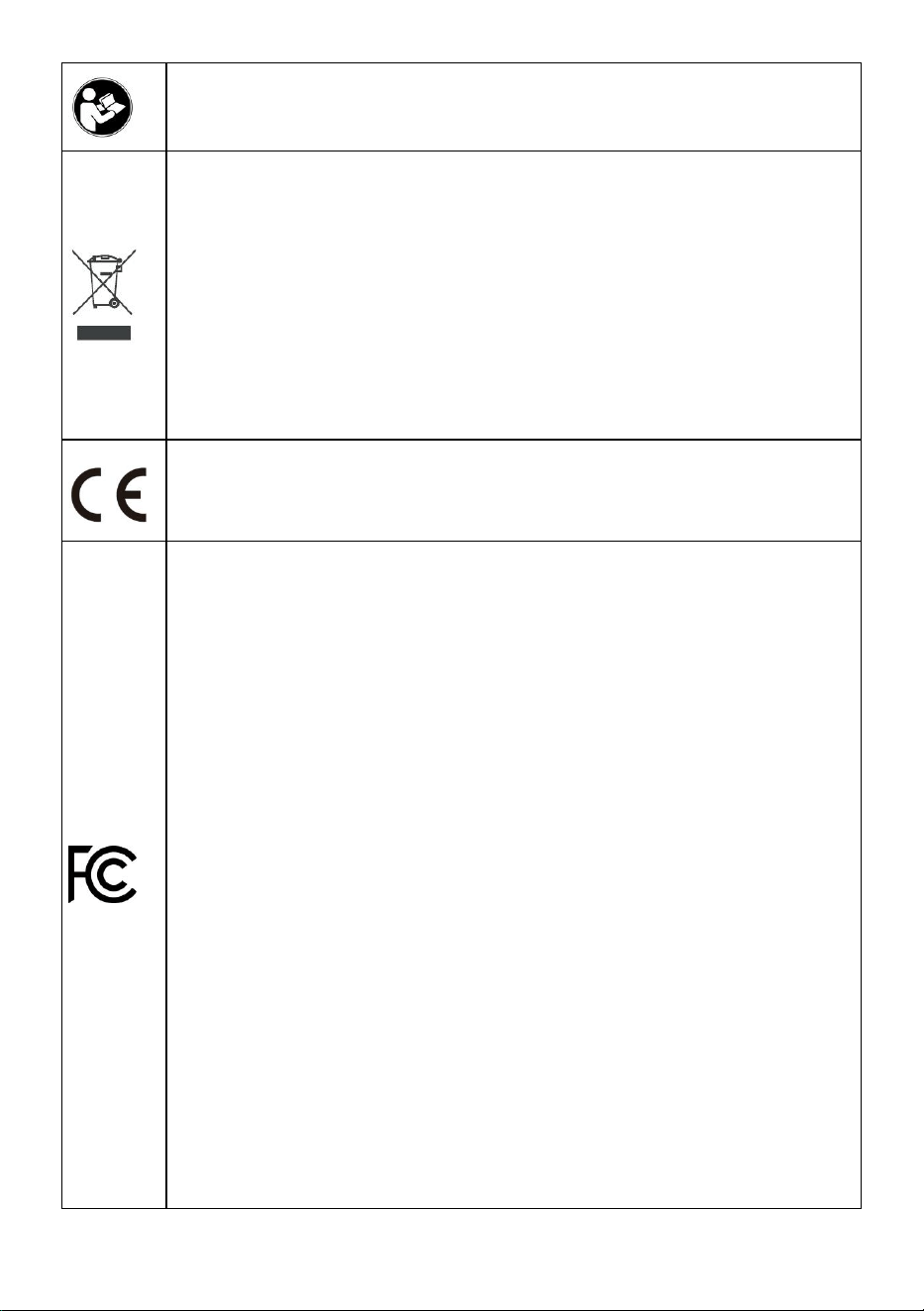
Warning-To reduce the risk of injury, user must read instructions
manual carefully.
CORRECT DISPOSAL for Display
This product is subject to the provision of european Directive
2012/19/EU. The symbol showing a wheelie bin crossed through
indicates that the product requires separate refuse collection in the
European Union. This applies to the product and all accessories
marked with this symbol. Products marked as such may not be
discarded with normal domestic waste, but must be taken to
acollection point for recycling electrical and electronic devices.
Compliance is a EC security certification.
FCC Information:
CAUTION: Changes or modifications not expressly approved by the
party responsible for compliance could void the user's authority to
operate the equipment!
This device complies with Part 15 of the FCC Rules. Operation is
subject to the following two conditions:
1) This product may cause harmful interference.
2)This product must accept any interference received, including
interference that may cause undesired operation.
WARNING: Changes or modifications to this product not expressly
approved by the party.responsible for compliance could void the user's
authority to operate the product.
Note: This product has been tested and found to comply with the limits
for a Class B digital device pursuant to Part 15 of the FCC Rules,
These limits are designed to provide reasonable protection against
harmful interference in a residential installation.
This product generates, uses and can radiate radio frequency energy,
and if not installed and used in accordance with the instructions, may
cause harmful interference to radio communications. However, there
- 3 -
is no guarantee that interference will not occur in a particular
installation. If this product does cause harmful interference to radio or
television reception,which can be determined by turning the product
off and on, the user is encouraged to try to correct the interference by
one or more of the following measures.
· Reorient or relocate the receiving antenna.
· Increase the distance between the product and receiver.
· Connect the product to an outlet on a circuit different from that to
which the receiver is connected.
· Consult the dealer or an experienced radio/TV technician for
assistance.
Operation safety
WARNING:
Please read all instructions before using this product
It is the Owner's responsibility to ensure that all users of this product are
fully aware of all warnings and precautions.
1. To provide continued protection against risk of electric shock, connect to
properly grounded outlets only.
2.Do not immerse in water.
3. Hot Surface, Avoid Contact.
4. Shock Hazard. To provide continued protection apainst electric shock
disconnect from the power supply when not in use
5. Heat gun, soldering iron, desoldering iron must be placed on its stand when not
in use.
6.HOUSEHOLD AND INDOOR USE ONLY.
7. To prevent electric shock, unplug before replace the fuse and other service.
8. Replace only with same type and rating of fuse.
9. This appliance is not intended for use by persons (including children) with
reduced physica, sensory or mental capabilities,or lack of experience and

- 4 -
knowledge, unless they have been given supervision or instruction conceming use
of the appliance by a person responsible for their safety.
10. Children should be supervised to ensure that they do not play with the
appliance.
11. The soldering iron and desoldering iron is only to be used with the power
supply unit provided with the appliance.
12. lf the SUPPly CORD is damaged,it must be replaced by the manufacturer,its
service agent or similarly qualified persons
in order to avoid a hazard.
13. Any servicing should be performed by an authorized service representative
AND that the product has no user serviceable parts.
14. To reduce the risk of fire or electric shock, do not expose this product to rain or
moisture. Store indoors. Read instruction manual before using.
15. A fire may result if the appliance is not used with care, therefore -be carefully
when using the appliance in places where there are combustible materials;
-do not apply to the same place for a long time;
-do not use in presence of an explosive atmosphere;
-be aware that heat may be conducted to combustible materials that are out of
sight
-place the appliance on its stand after use and allow it to cool down before storage
-do not leave the appliance unattended when it is switched on.
16.To ensure personal safety, please turn off the power switch after work is
completed;When not in use for an extendedperiod, please unplug the power cord!!
17. The soldering iron should only be used for soldering. Do not hit the soldering
iron against the work surface to remove fluxresidues (Can be cleaned by the
cleaning device of the product), as doing so may seriously damage the soldering
iron.
18.Soldering produces fumes, ensure there is adequate ventilation.
19. Ater used, remember that cooling the unit, the handle should be placed on the
handle holder.

- 5 -
20. Longer detachable power-supply cords are available and may be used if care
is exercised in their use.
21. lf a long detachable power-supply cord is used;
1) The marked electrical rating of the detachable power- supply cord or extension
cord should be at least as great as the electrical rating of the appliance,
2) The extension cord should be a grounding type 3-wire cord;
3) The longer cord should be arranged so that it will not drape over the countertop
or tabletop where it can be tripped
over, snagged, or pulled on unintentionally (especially by children).
22. A short power- supply cord (or short detachable power- supply cord) is
provided to reduce the risks resulting from becoming entangled in or tripping over
a longer cord.
23. When using the brass wool tip cleaner (rosin-inside),
DO NOT inhale the fume generated or consume the solid-state rosin
DO NOT allow your skin and eyes to get in direct contact with the rosin.
SAVE THESE INSTRUCTIONS
TIPS
The tool comes with protection function. When the tools has been used for an
extended period, the operation indicator will turn OFF, indicating the tool in
protection mode.
Please wait for a few minutes and the tool will automatically restart
- 6 -
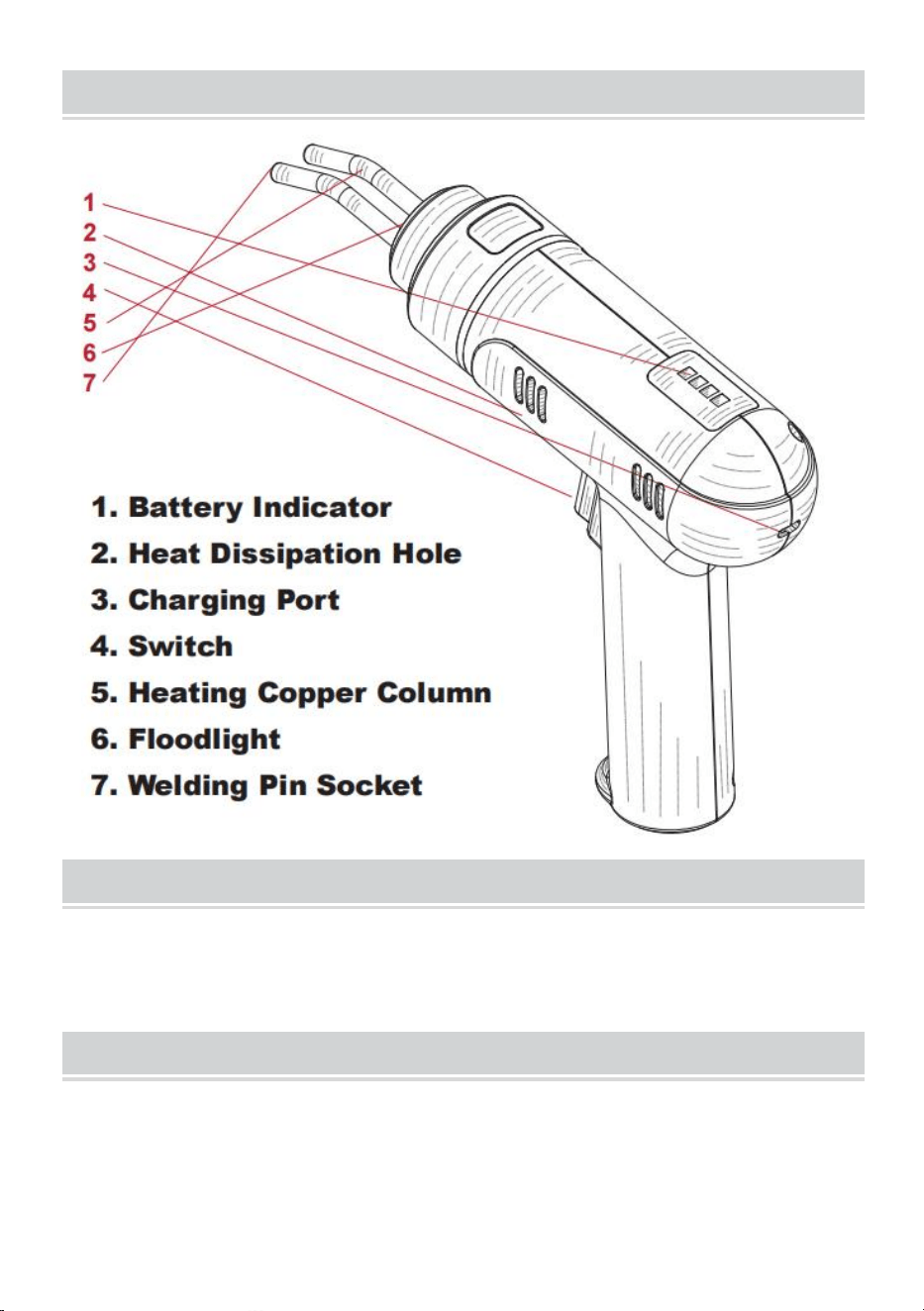
Product Diagram
Troubleshooting
The operation indicator stays on but the hot staple does not heat up.
- Please check if the hot staple is installed properly
Note
1. When charging, please keep away from flammable and explosive materials,
and do not leave people's view.
- 7 -
2. Do not store the battery for a long time after using it, as it may seriously
damage the battery. Please charge a portion of the battery in advance before
storing it.
3. Charging process: There are four battery indicator lights above the welding
machine, with the first indicator light being red and the others being green. The
battery indicator light will flash during the charging process and stop flashing after
the charging is completed.
4. Discharge process: When the welding machine has sufficient power, all four
indicator lights are on. During the use of the welding machine, the indicator lights
turn off in sequence until the last red indicator light flashes, indicating the need for
timely charging.
5. Short circuit protection function: When the welding machine is accidentally short
circuited, the welding machine indicator light will flash and automatically
disconnect all working circuits to protect the welding machine. Please eliminate the
short circuit factor and press the switch again to use.
OPERATION
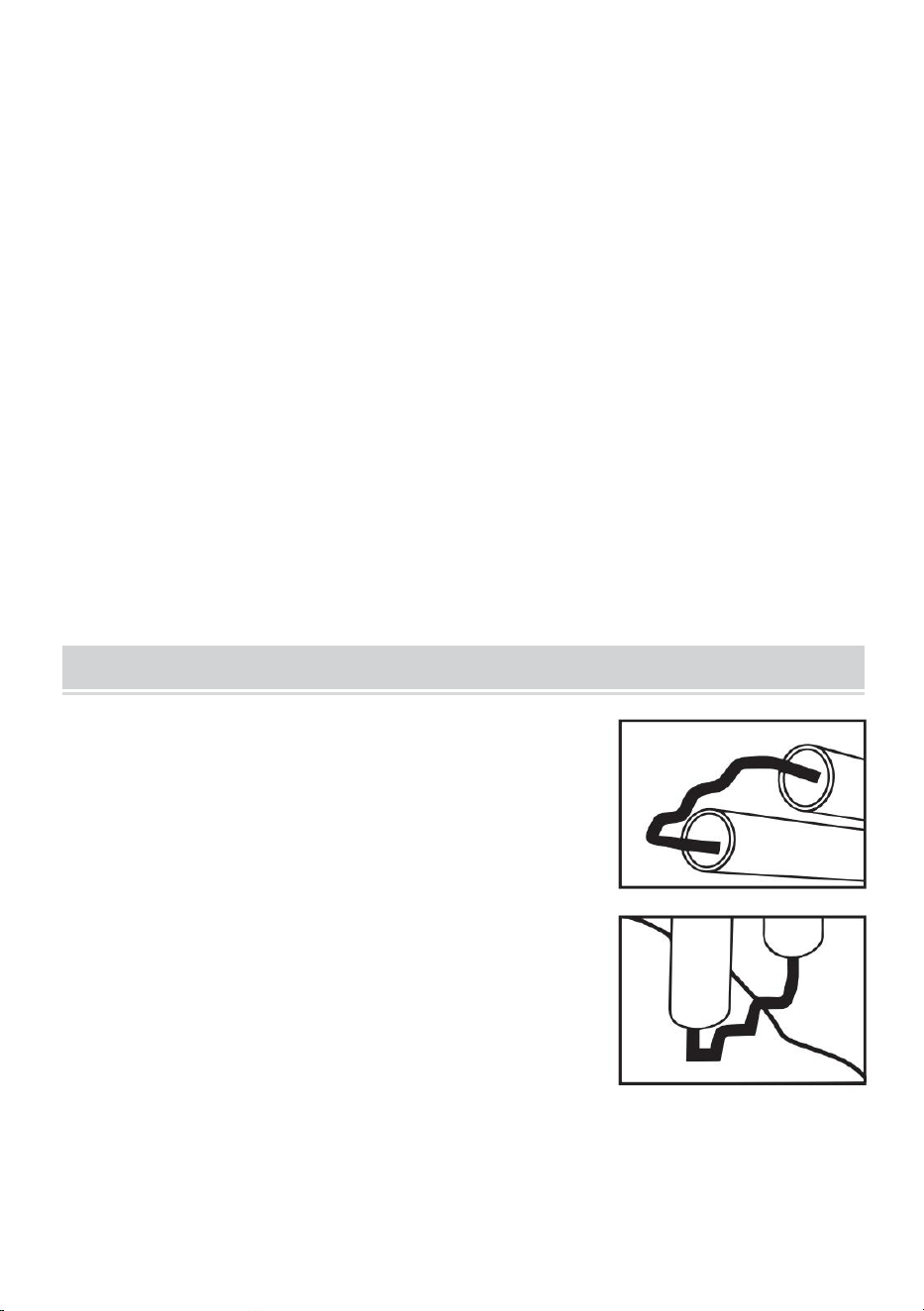
1. Clamp a hot staple with the plier and install the
staple into the copper tube. Make sure that the staple
is pushed all the way in.
2. Press the hot staple on the crack and make sure
that the hot staple intersects with the crack.
3. Press and hold the activation trigger until the staple
melts into the plastic.
4. Pull the hot stapler to separate from the hot staple.
5. Repeat the above procedures until the crack is fully
stapled.
6. Use a plier to cut off the excess staple leads.
- 8 -
Warning:
1. Melting plastic generates fume, and inhaling the fume may cause
discomfort.Ensure appropriate ventilation measures are taken and wear a
protective maskbefore operation.
2. During the operation, DO NOT touch the hot staple and copper tube.
3. DO NOT attempt to remove the hot staple leads with bare hands to avoid
potential cut injuries on your hand.
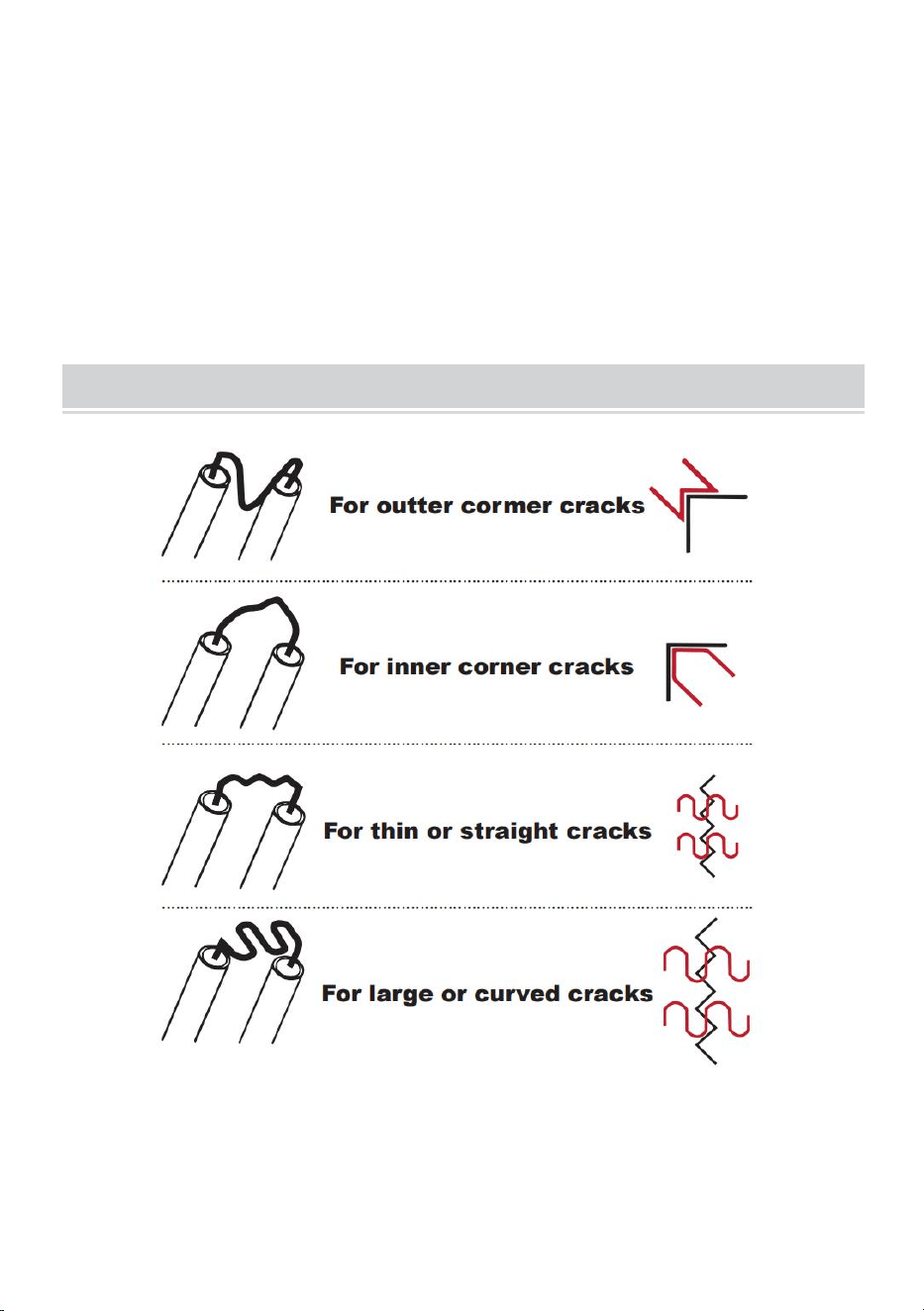
Hot Staple Guide

- 9 -
Manufacturer: Shanghaimuxinmuyeyouxiangongsi
Address: Shuangchenglu 803nong11hao1602A-1609shi, baoshanqu,
shanghai 200000 CN.
Imported to AUS: SIHAO PTY LTD. 1 ROKEVA STREETEASTWOOD
NSW 2122 Australia
Imported to USA: Sanven Technology Ltd. Suite 250, 9166 Anaheim
Place, Rancho Cucamonga, CA 91730
REP
UK
YH CONSULTING LIMITED. C/O YH Consulting
Limited Office 147, Centurion House, London
Road, Staines-upon-Thames, Surrey, TW18 4AX
REP
EC
E-CrossStu GmbH
Mainzer Landstr.69,
60329 Frankfurt am Main.