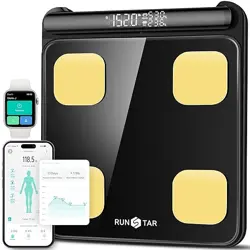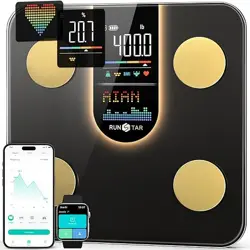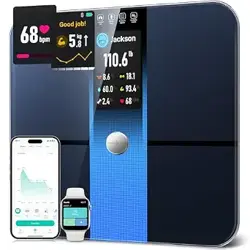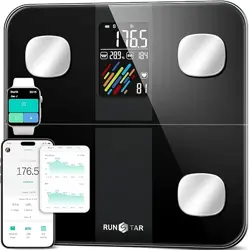
Thanks for your support! This guide will help you quickly learn how to use this scale.
User Guide
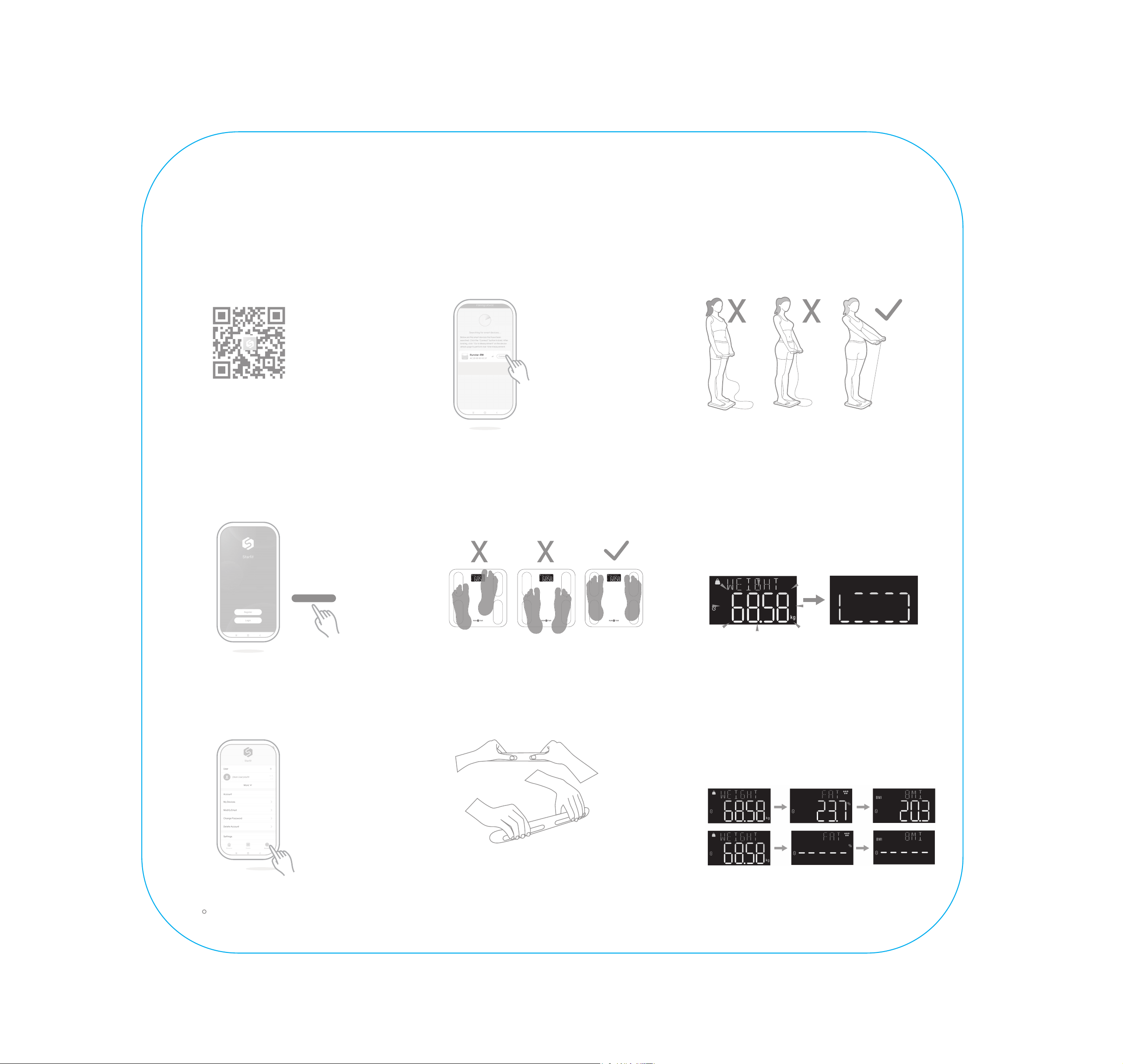
Download Starfit App
Scan the QR code below, or
search [Starfit] in App store
or Google play to download.
01
Register
After installing the APP,
complete the registration using
your email or log in directly using
your Apple ID or Google account.
02
Register
Search Device
Turn on the bluetooth of your
phone, open Starfit APP→
[Account]→[My Devices]→[+].
03
07
Attention Point 2
To get the most accurate data, make
sure the scale is connected to the app
and stand still on the scale for about 20s
until you hear “Body Fat Measurement
Completed."
08
Measurement Completed
09
Connect Device
Keep the scale powered on, then
tap [Searching Bluetooth for pairing]
to find [Runstar-R8] to connect.
Attention Point 1
Straighten your arms and keep at
30°~45° angle from your body.
04
Start Measurement
Barefoot. Step on the scale
until the display shows “0.0”, then
stand on the scale. Make sure the
soles of your feet are in full contact
with the electrodes on the scale.
05
Grip Handel
Grip the handle and lift, making
sure all fingers contact the
corresponding electrodes.
06
Scale's display shows 3 key metrics -
full 28 body measurements available in
app. If measurement fails, only weight
will display—other body data shows as
"-----".
Reconnect the scale again or contact
support team for help.
If you have any question, please click [Account]-[FAQ] in the APP, or please contact us: [email protected]