HDA–I/O
Owner’s Manual
Total Control
HDA-I/O
Owner’s Manual

Total Control
HDA-I/O
Owner’s Manual
Rev 1.0
Table of Contents
Introducing the HDA-I/O
The HDA-I/O Single-Zone Amplifier is URC’s powerful and discrete amplifier!
This document highlights product features, LED status conditions, basic installation,
and general speaker wiring instructions.
Online Support:
Total Control is sold direct only and must be installed/programmed by a certied
custom integrator.
End-User Support:
Visit the URC Home Page for product information, owner’s manuals, and support
contact information.
Contact Support:
Total Control is a URC product sold direct only. For questions or assistance contact
your Custom Installer/Programmer.
My Installer/Programmer
Overview............................................................................................................................1
Parts & Pieces ..................................................................................................................2
Front Panel Descriptions ................................................................................................3
Rear Panel Description - Using as a Stream Injector ...............................................5
Rear Panel Description - Using as a Stream Receiver .............................................6
Installation Instructions..................................................................................................7
Network Setup..................................................................................................................9
HDA Modules ..................................................................................................................10
Specifications .................................................................................................................11
Limited Warranty Statement.........................................................................................11
Technical Suppor t
Toll Free: 800-904-0800
Main: 914-835-4484
techsupport@urc-automation.com
H o u r s : 9 : 0 0 a m - 5 : 0 0 p m ES T M - F

1
Total Control
HDA-I/O
Owner’s Manual
Overview
URC’s HDA-I/O Stream Receiver/Injector creates or receives HDA audio streams
over the network. This device must be congured by a certified URC integrator to
function as either a Stream Injector or Stream Receiver.
As a Stream Injector, this device distributes any connected audio source (digital or
analog) over the network to any available HDA controlled zone.
As a Stream Receiver, the HDA-I/O connects to your favorite 3rd party audio device
and provides it with access to all HDA audio streams on the network.
HDA products are NOT compatible with URC’s legacy Total Control ampliers (DMS).
Features & Benefits:
• Stream Receiver or Stream Injector Capabilities: Congured via URC
software, the HDA-I/O can receive or transmit HDA audio streams over the
local network.
• HDA Audio Streams: As a Stream Injector, this device distributes any
connected audio source to any available HDA controlled audio zone.
• Source Sharing: Any zone controlled via an HDA amplier or I/O device has
access to the system’s HDA Audio Streams.
• Flexible Zone Linking: When connected to a 3rd party audio device as a
Stream Receiver, the HDA-I/O can link that 3rd party zone with any other HDA
controlled zone.
• Integrated Audio Sensor: Each available input on the HDA-I/O has built-
in audio sensing capabilities. These sensors can be used to trigger
programmed events or activities.
• Zone Input Ducking: The HDA-I/O has the ability to “fade in” an audio
input over the currently selected audio input. The perfect solution to briey
lower the volume on the current source to make an audio announcement or
doorbell chime.
• Power Configuration Options: The HDA-I/O can be powered via PoE or
the supplied 12VDC adapter.

2
Total Control
HDA-I/O
Owner’s Manual
Parts & Pieces
Included with the HDA-I/O are the following:

3
Total Control
HDA-I/O
Owner’s Manual
Front Panel Descriptions
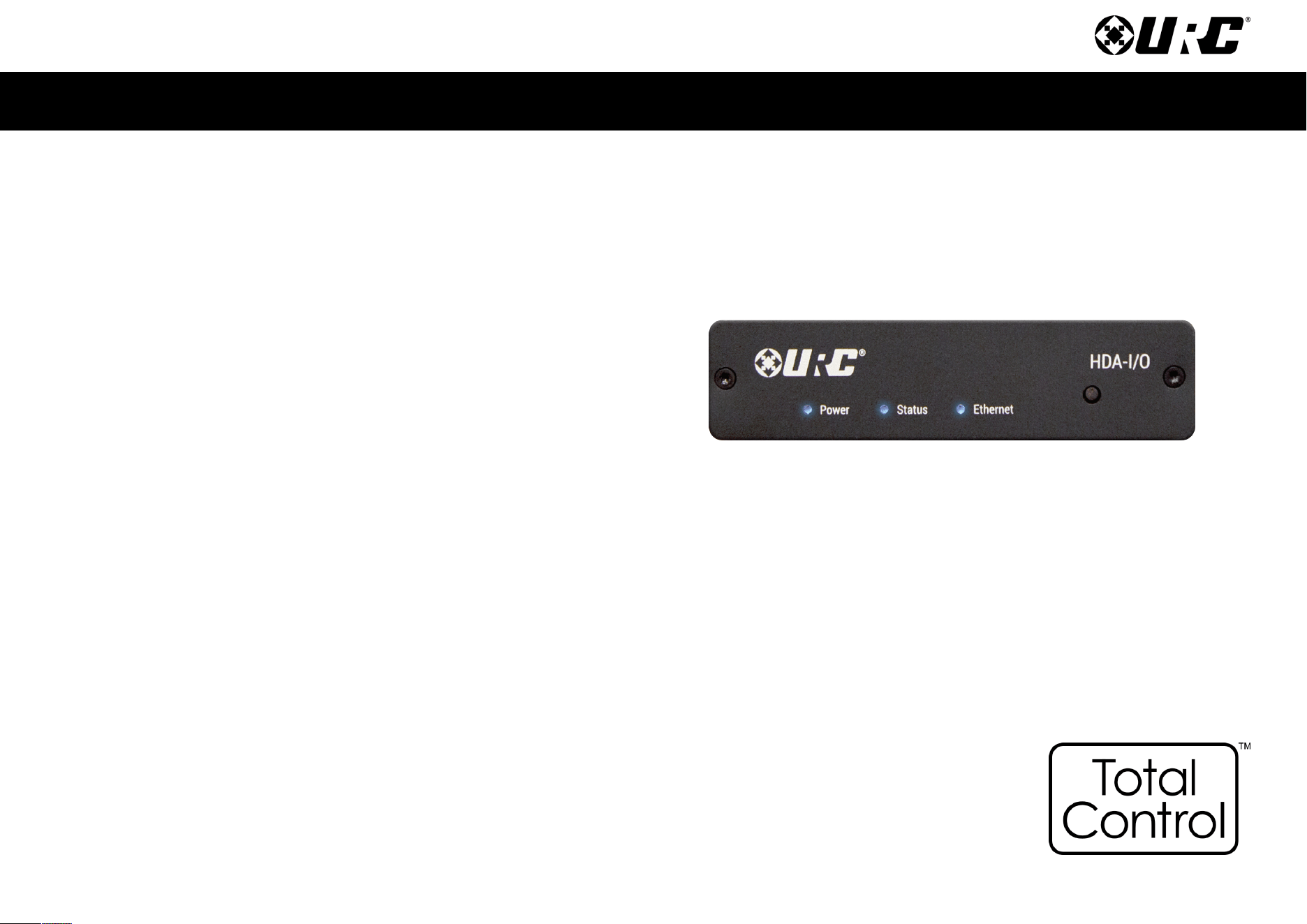
There are three (3) LEDs on the front panel of the HDA-IO:
1. Power LED: Indicates one (1) of the following:
• Solid Blue: Power has been applied to the device and it has
successfully initialized.
• Off: Power has been removed from the device.
2. Status LED: Indicates one (1) of the following:
• Solid Blue: The device has been programmed with Total Control software
and is ready for operation.
• Blinking Blue: The device is receiving a download from the Total Control
programming software.
• Blinking Green: The device is receiving a firmware upgrade, this light
continues to blink until the update is fully applied.
• Off: The device has not been programmed with Total Control software.
1
2

4
Total Control
HDA-I/O
Owner’s Manual
3. Ethernet LED: Indicates one (1) of the following:
• Solid Blue: The device has received an IP address from the local network.
• Blinking Blue: The device is connected to the local network; however, it
has not received an IP address.
• Off: The device is not connected to the local network.
4. Reset Button: There are two (2) ways to press this button:
• Single Press: Tap the Reset button to power cycle the device.
• Factory Reset: Press-n-hold the Reset button for 10 seconds or more.
This option cannot be reversed, once the device has been factory defaulted
it requires re-programming.
3
4

5
Total Control
HDA-I/O
Owner’s Manual
Rear Panel Description - Using as a Stream Injector
Below are the available connections on the rear of the HDA-IO:
1. DC IN: Connect the supplied 12VDC adapter to this port to power the
HDA-IO.
2. LAN: Full Duplex Gigabit LAN ONLY, for audio streaming and zone control
(Wi-Fi NOT supported, device must be hard-lined to the network).
3. 12 VDC CTRL: Mono 3.5mm connector capable of supplying 150mA of current.
4. Analog/Digital Inputs: Both of the following inputs can be used to
provide HDA “high-definition” audio streams. Only one input can
be in use at any given time.
• Analog - Unbalanced RCA
• Toslink (Optical)
• Digital Coax
1
2
3
4

6
Total Control
HDA-I/O
Owner’s Manual
Rear Panel Description - Using as a Stream Receiver
Below are the available connections on the rear of the HDA-IO:
1. DC IN: Connect the supplied 12VDC adapter to this port to power the
HDA-IO.
2. LAN: Full Duplex Gigabit LAN ONLY, for audio streaming and zone control
(Wi-Fi NOT supported, device must be hard-lined to the network).
3. 12 VDC CTRL: Mono 3.5mm connector capable of supplying 150mA of current.
4. Analog/Digital Outputs: All three (3) available outputs can be used. The
HDA-IO as a stream receiver provides 3
rd
party audio zones with access to
audio sources streaming via HDA.
• Analog - RCA Style
• Toslink (Optical)
• Digital Coax
1
2
3
4

7
Total Control
HDA-I/O
Owner’s Manual
Installation Instructions
The HDA-IO amplifier is supplied with two (2) “L” shaped brackets for mounting
on the wall or secure vertical surface.
1. Insert the supplied screws into the two (2) keyed slots on the L shaped bracket
(as displayed on the image at the right).
This L shaped bracket can be pre-installed and the HDA-IO amplifier can be
inserted afterwards.
2. Insert the supplied screws into the four (4) keyed slots for wall mounting.
Keyhole Diameter: 0.48”/12.5mm
1
2

8
Total Control
HDA-I/O
Owner’s Manual
3. Assure that all screws have been installed securely.
3

9
Total Control
HDA-I/O
Owner’s Manual
Network Setup
When using more than one (1) HDA devices, URC’s HDA-SW5 Network Switch is
REQUIRED on the local network.
For more information of the HDA-SW5 Network Switch, please refer to the
HDA-SW5 Owner’s Manual.
Although 3
rd
Party AVB switches may be utilized, they are not supported by
URC’s Technical Support team.
Connecting the HDA-I/O to the Network
1. Connect an ethernet cable to an available LAN port on the head-end
network switch.
If no switch is connected to the network then connect the ethernet cable to
an available LAN port on the local router (Luxul preferred).
2. Connect the ethernet cable from the previous step to any available LAN port
on the HDA-SW5.
3. Connect another ethernet cable to an available LAN port on the
HDA-SW5 Network Switch.
4. Connect the ethernet cable from the previous step to the ethernet port
found at the rear of the HDA-IO (page 5).
5. Configure the HDA-IO to a DHCP/MAC reservation within the local router
and program the device into the new or existing Total Control system.
A certified URC integrator is REQUIRED to integrate the HDA-IO into a
new or existing Total Control system.
1 2
HDA-I/O
Local Router
HDA-SW5 Network Switch

10
Total Control
HDA-I/O
Owner’s Manual
HDA Modules
URC’s HDA line of products contains several two-way modules that are accessible
from any graphical user interface.
These modules serve a variety of residential and commercial applications providing
end-users with advanced functionality directly from any URC interface.
For specific instructions on how to use these HDA modules, please refer to the
HDA User’s Guide.
The following modules are supported by the HDA-I/O Multi-Zone Amplifier:
• Room Volume Module
• Room / Zone EQ Module
• Volume Mixer Module
• Announcement Module
• Input Status
• Amplifier Status
• Zone Status
Room / Zone Status
Amplifier Status
Room / Zone EQ
Announcements
Not all HDA modules are displayed
at the right, for full details on how
these modules, refer to the HDA
User’s Guide.

11
Total Control
HDA-I/O
Owner’s Manual
Specifications
Connections
Audio Inputs:
■ 1x Stereo Analog RCA
style input
■ 1x Toslink (Optical) Digital
Input
■ 1x Digital Coaxial Input
Audio Outputs:
■ 1x Stereo Analog RCA
style output
■ 1x Toslink (Optical) Digital
Input
■ 1x Digital Coaxial Input
Dimensions
■ 1.44” x 4.94” x 5”
Weight
■ 0.65 lbs
Audio
■ 96 kHz / 24-bit streaming
■ Dolby Digital® and DTS® 5.1
channel Downmixing (digital
inputs only)
■ Ducking input capability
■ Page event support
■ Store up to 10 .WAV les
in each amplier (for
doorbell ring and/or
trigger alert chimes)
Thermal
■ Operating Temperature: 32°F
to 86°F
■ Humidity: Maximum 95%
■ Storage: -40°F to 140°F
Power
■ Power Consumption: 12V DC
0.9A (supplied adapter)
Limited Warranty Statement
https://www.urc-automation.com/legal/warranty-statement/
End User Agreement
The terms and conditions of the End User Agreement available at
https://www.urc-automation.com/legal/end-user-agreement/ shall apply.
Federal Communication Commission Interference Statement
This equipment has been tested and found to comply with the limits for a Class B
digital device, pursuant to part 15 of the FCC Rules. These limits are designed to
provide reasonable protection against harmful interference in a residential installation.
This equipment generates, uses and can radiate radio frequency energy and, if not
installed and used in accordance with the instructions, may cause harmful interference
to radio communications. However, there is no guarantee that interference will not
occur in a particular installation. If this equipment does cause harmful interference to
radio or television reception, which can be determined by turning the equipment off
and on, the user is encouraged to try to correct the interference by one more of the
following measures:
• Reorient or relocate the receiving antenna.
• Increase the separation between the equipment and receiver.
• Connect the equipment into an outlet on a circuit different from that to which
the receiver is connected.
• Consult the dealer or an experienced radio/TV technician for help.

12
Total Control
HDA-I/O
Owner’s Manual
Regulatory Information to the User
• CE conformity Notice Products with “CE” marking comply EMC Directive
2014/30/EU issued by the commission of the European Community.
1. EMC Directive
• Emission
• Immunity
• Power
• Declaration of Conformity
“Hereby, Universal Remote Control Inc. declares that this HDA-I/O is in compliance
with the Essential requirements.”
Warning!
The manufacturer is not responsible for any Radio or TV interference caused by
unauthorized modications to this equipment.
Changes or modications not expressly approved by the manufacturer could void the
user's authority to operate the equipment.
