
2
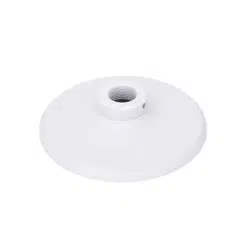
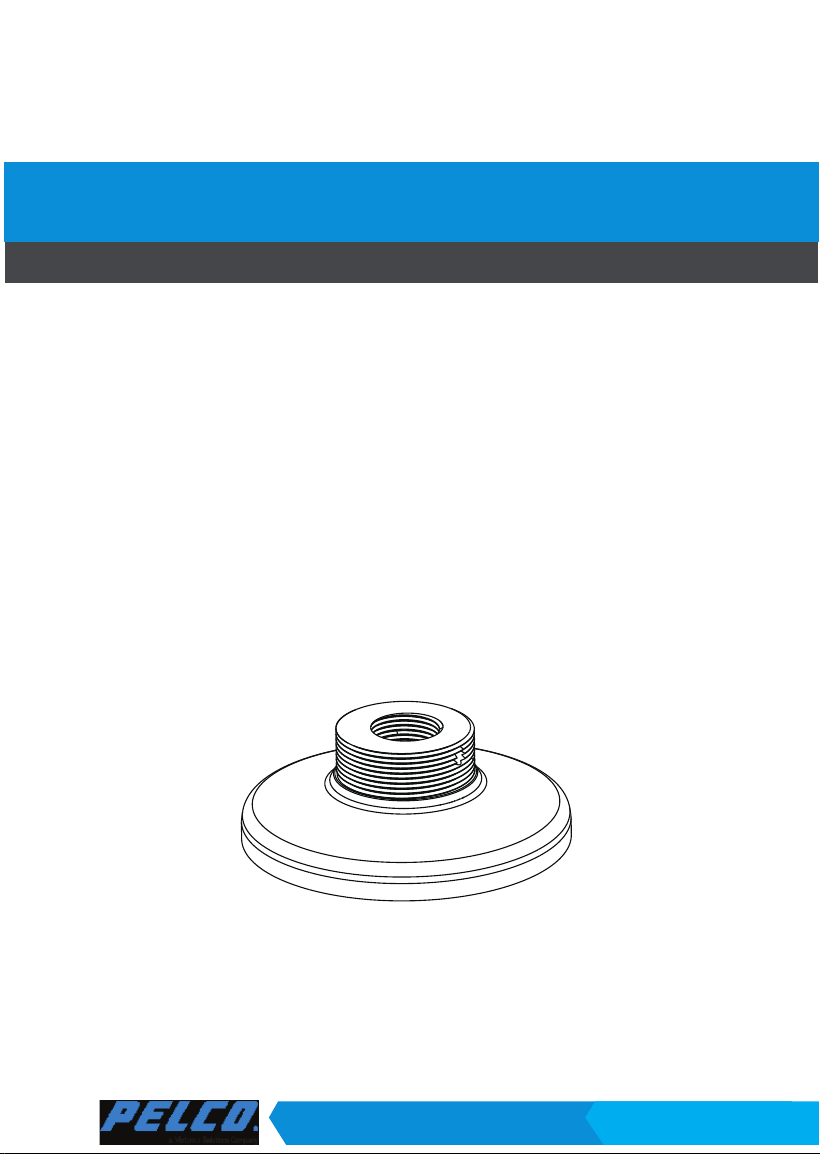
IJTFV-PA Mounting Adapter Contents
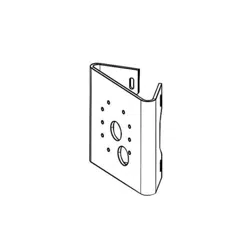
Accessory Compatible Cameras
IMV-PA IMV Series Only
IJTFV-PA A: IJV Series
B: ITV Series
C: IFV Series
IMV-PA Mounting Adapter Contents
Dimensions
IJTFV-PA
IMV-PA

3
English
WARNING:
1. Select a suitable location where the camera is free from accidental damage, tampering,
or harsh environmental conditions.
2. Locate a place for the installation where the camera can not be intentionally or
unintentionally interfered.
3. Select a solid and at mounting surface that can support the combined weight of the
camera and associated hardware. Vibration and temperature range should also be taken
into consideration.
AM-52E
AM-116
AM-117
AM-118
AM-52E
NPT pipe
AM-522
AM-118
NPT adaptor
1. Install Pendant Pipe according to QIG
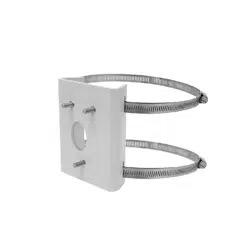
included with SRXV-PP
2. Attach the pendant mounting adapter to
the pipe by rotating it clockwise until it is
tightly fastened.
3. Tighten the retention screw using the
included hex wrench.
Installing to SRXV-PP Pendant Pipe

4
5.5 ~ 6.4mm
4. Pull the cables through the pendant pipe, and install the waterproof cable gland. Install
the camera using the corresponding mounting holes.
NOTE:
Some cameras come with a side-routing cutout. Use the included side lid to seal
the cutout.

5
English
1, Attach the mounting adapter to the bracket by rotating it clockwise until it is tightly
fastened.
1
2
3
2. Use a hex wrench to secure the mounting adaptor to the wall-mount bracket.
3. When cabling is done, proceed with initial setup such as enabling network access, focus
tuning, or zooming. When done, secure the outer dome cover.
Mounting adapter
Dome camera
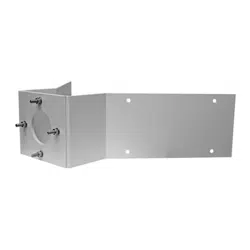
Installing to SRXV-WMP
Pelco, Inc.
625 W. Alluvial, Fresno, California 93711 United States
USA & Canada
Tel (800)289-9100 Fax (800) 289-9150
International
Tel +1 (559) 292-1981 Fax +1 (559) 348-1120
www.pelco.com