Tel: E-mail:customer.service@eco-worthy.com Web:www.eco-worthy.com
+44 20 7570 0328(EU)
1-866-939-8222(US)
For 24V/36V/48V/60V/7V Battery
FEATURES
TECHNICAL DATA
• Highly-functioning MCU to stabilize the system
• Visualized charge voltage and current
• 24V/36V/48V/60V/72V switchable output voltage
• Protection for overcharge, reverse current, overheat and reverse
wiring
• Draw power only from solar input, zero battery consumption
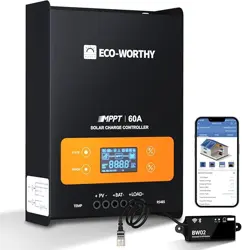
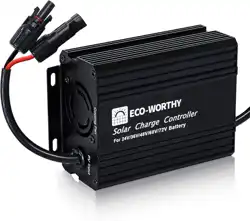
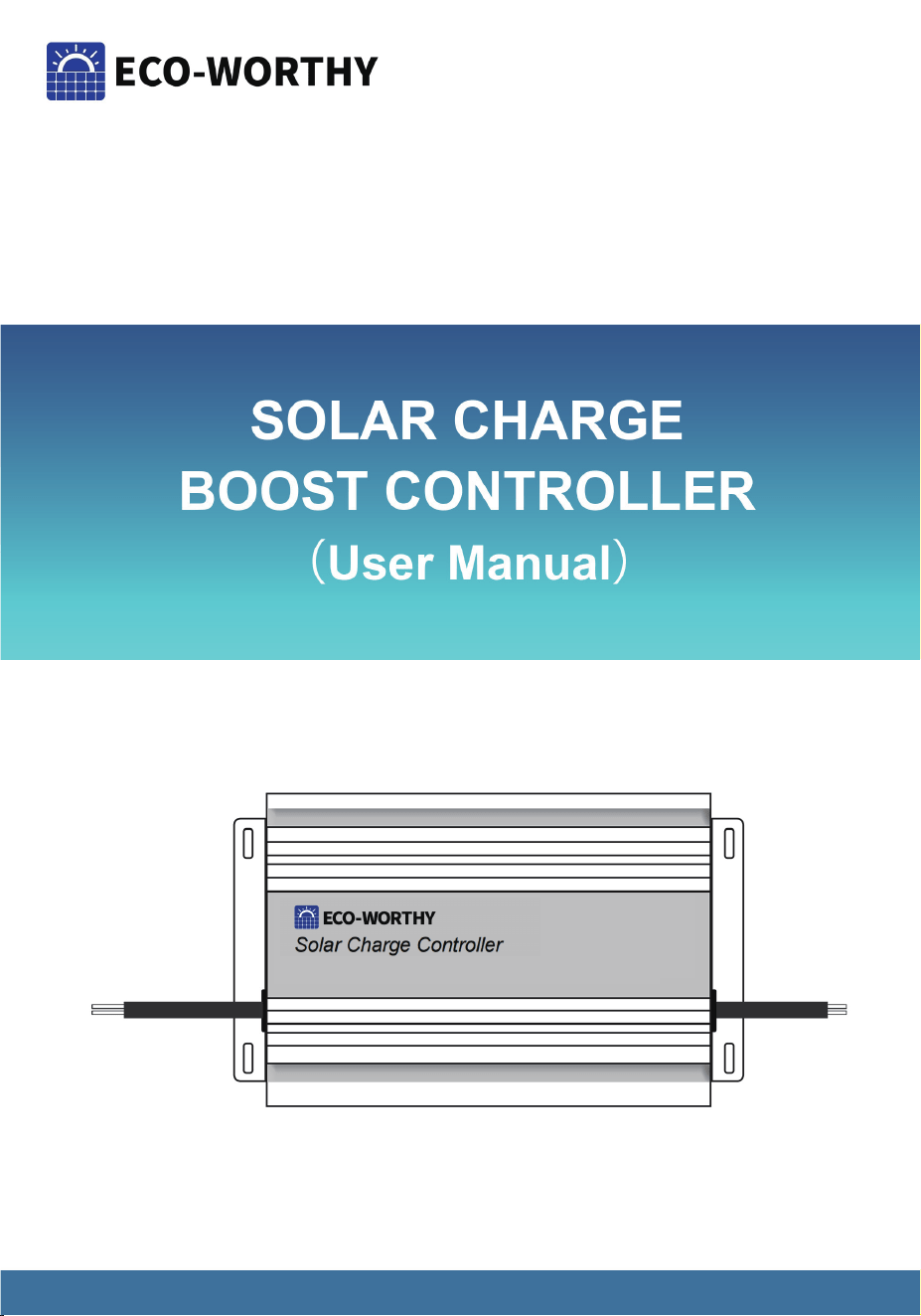
ECO-WORTHY solar charge boost controller is a device for boosting solar
charge voltage. The boost controller can work on 24V/36V/ 48V/60V/
72V Lead-acid battery, Lithium battery, GEL battery, Flooded battery, etc. It’s
perfect for golf cart and off-grid power system.
-1-
Display
Input Voltage
Input Power
Working Current
Charge Efficiency
Output Voltage
Battery Type
Working Temperature
Heat Dissipation
Ingress Protection
Size
Weight
LED digital
DC 13-50V
450W
12A
>93%
24V/36V/48V/60V/72V
Lead-acid/Lithium/GEL/Flooded
-20℃~60℃ (-4℉~140℉)
Cooling fan(Auto-turn-on at 131℉)
IP30
134*87*47mm (5.3*3.4*1.8 inch)
375g (0.83 lbs)

Work light:Constantly on when the controller is charging the battery.
Charge light:Constantly on when the controller is charging the battery. Flash
when the battery is full.
INDICATOR & LIGHTS
The set button has two functions:
1.Check the PV input voltage and controller temperature.
2.Set charging voltage for lithium battery.
Check the PV input voltage and controller temperature.
When the work light is on, press the set button once to show PV input voltage
one the upper screen and the controller temperature on the lower screen.
caution!
The default battery type for the boost charge controller is lead-acid,if your golf
cart battery is 48V/60V/72V lead-acid battery,then adjust the voltage gear of
boost charge controller to fit your golf cart battery.
If your golf cart battery system voltage is 24V/36V,Or your golf cart battery
type is lithium battery,according to the last passage,48V/60V/72V voltage
gear have default charging parameter for 48V/60V/72V lead-acid battery,you
need to manually adjust charge voltage .
• For 48V, the settable voltages are: 54.6V / 54.8V / 58.4V / 58.8V
• For 60V, the settable voltages are: 67.2V / 71.4V / 73V
• For 72V, the settable voltages are: 84V / 87.6V
SETTINGS
-2-

How to set the charging voltage of boost controller?
Step1:adjust voltage gear to fit your golf cart battery(e.g adjust voltage gear
to 60V for 60V golf cart battery).
Tips:For 24V/36V golf cart batteries,you need adjust voltage gear to 48V.
Step 2:Hold “SET”button 5 seconds,released “SET”button untill the volt age
on the display starts flashing.
Step 3:Press “SET”button a once for adjusting charge voltage(In 0.1V step
),Hold “SET”button for quick charge voltage adjustment.
-3-
24V
36V
48V
60V
72V
60-74.9V
75-89.9V
18.8-59.9V
72V
86.4V
57.6V
60V
72V
48V
Voltage
Gears
Default
Charging
Voltage
Battery
Voltage
Charging
Voltages
Range
Best Charging
Voltage for
LiFePO4 Battery
29.2V
43.8V
58.4V
73V
87.6
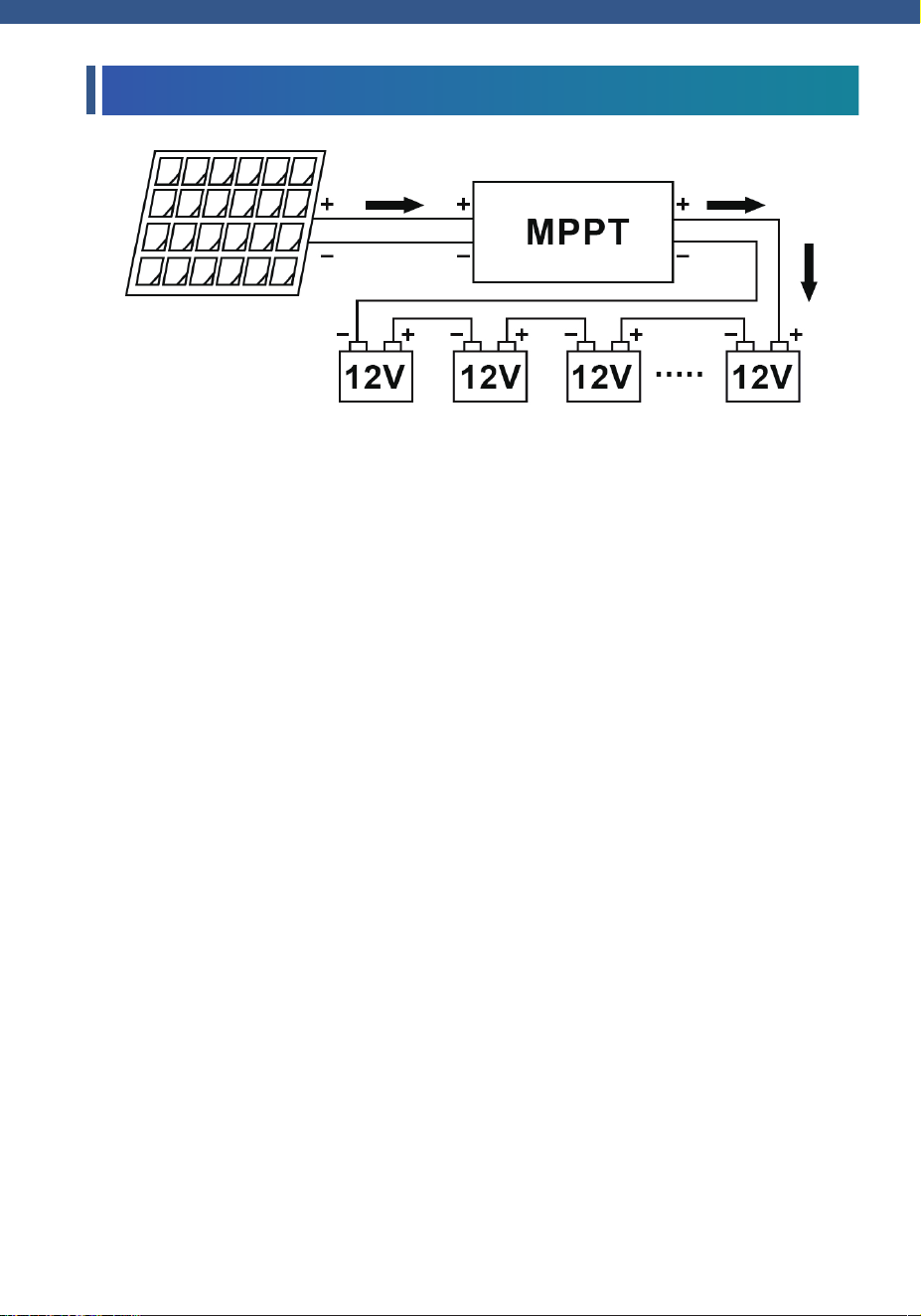
WIRING DIAGRAM
Installtion Guide
Step 1: Connect the controller to the solar panel, with the positive pole of the
red line connected to the positive pole of the solar panel and the negative pole
of the black line connected to the negative one of the solar panel.
Step 2:After the solar panel is connected, the controller will be turn on. You
need to adjust the gear switch to the same voltage as the battery.
Attention: For lead acid batteries, flood batteries, and gel batteries, you only
need to adjust the gear switch and DON'T TOUCH THE “SET”BUTTON! If you
use a lithium battery, the voltage needs to be reset. You can refer to the lithium
battery setting method.
Step 3: Connect the controller to the battery pack. Likewise, connect the
positive pole of the red wire to the positive pole of the battery, and connect the
negative pole of the black wire to the negative pole of the battery. Now you
complete the installation.
Error 1: The work light is not on and the screens are not showing any numbers
Solution: Check if the solar panels and the controller are correctly connected.
If everything’s correct, then the controller might be damaged. Contact service
team for further assistance.
Error 2: The Voltage screen is showing normal readings but the Current
screen is not.
-4-

1. It is strictly prohibited to use the controller under excessive voltage or power.
The controller will not work if it is connected to the battery without solar panel.
2. The voltage gear of the controller must be consistent with the battery's, and
it's dangerous to charge a battery with a higher voltage gear.
3. The controller should be connected to the solar panel first, and then to the
battery. The current input and output of the controller are both positive on the
red line and negative on the blue line.
4. The length of the wires connecting the controller to the battery and solar
panel should be as short as possible to reduce electrical losses.
5. Solar panels should be fully exposed to sunlight without any obstruction and
shadows.
6. To user of household electric vehicle: The blue (black) line in the charging
line is positive and should be connected to the red output line of the controller.
7. It is prohibited to replace fuses with larger ones or copper wires. The fuse of
the 450W controller is 10A.
8. The controller must be protected from water. And it's highly recommended to
be installed inside the Golf Cart.
Solution: Check the fuse to see if it’s blown or check if the battery and the
controller is correctly connected.
Note:
-5-
Contact number:
US 1-866-939-8222
UK +44 20 7570 0328
Email:
customer.service@eco-worthy.com
SUPPORT