NA-Prechecker
Manual
Natural Electronics IDentification
Ubiquitous 시대를 열어가는 기업
1. Warnings
2. Device Features
3. Specifications
4. User Manual
Table of Contents
6page
3page
5page
4page

1. Warnings
- 3 -
1. Avoid dropping from height or yielding impact.
It may cause serious damage to the device.
2. Professional servicing only.
It may cause injury and/or malfunction to the unit.
3. Remove the charger during lightning storms.
It may cause lightning strike and/or fire.
4. Do not use in high temperatures, humidity or around explosive atmospheres.
It may effect the high-frequency device.
5. Do not dismantle or yield impact.
It may lead to shock or short-circuiting.
6. Do not remove the antenna during operation.
It may lead to poor performance. Please remove after powering down.
7. Do not throw away in fire or take apart the device. It may lead to fire or explosion.
2. Device Features
- 4 -
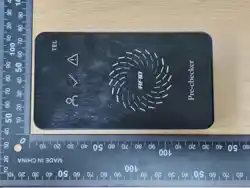
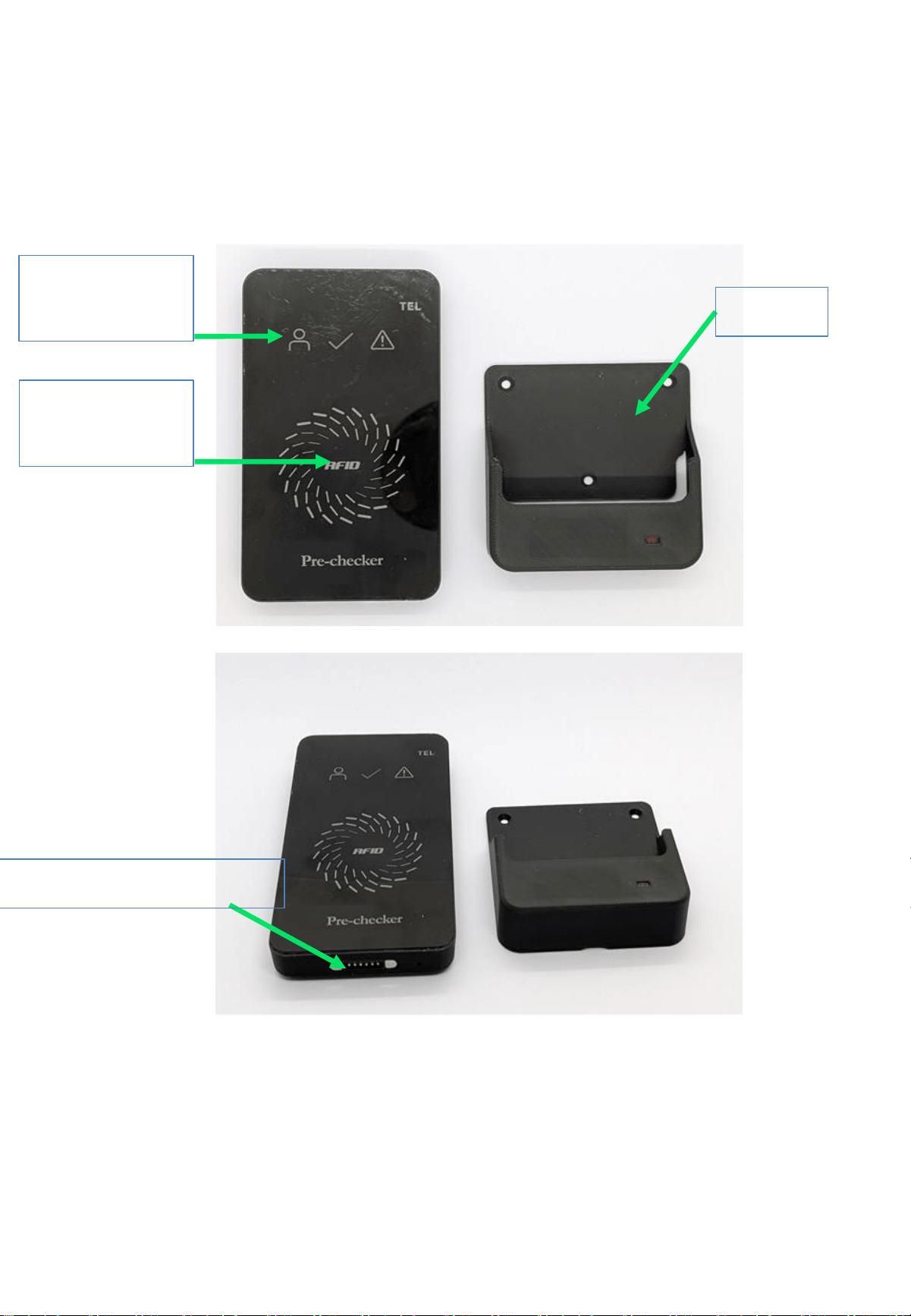
RF
Antenna
LED
Indicator
Cradle
Comunication Port
3. Specifications
- 5 -
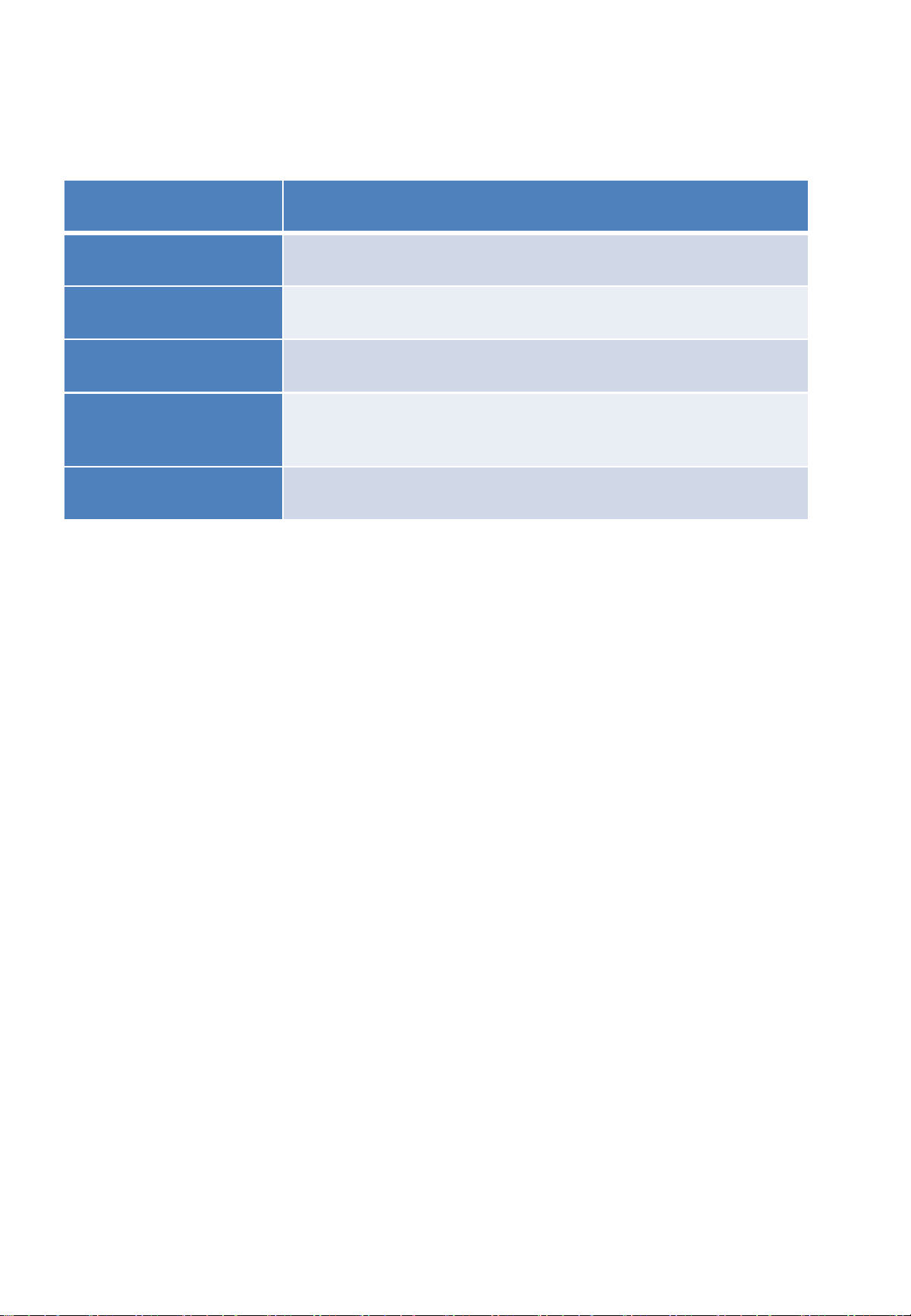
Power Supply
5V DC
Carrier Frequency
13.56 MHz
Number of Channel
1
Rated RF Output Power
53.0
dBuV/m @ 3m
Modulation Type
ASK
Antenna Type
Loop Antenna
4. User manual
- 6 -
1) Running the program
a. Protocol setup after equipment connection
- Path: Local Zone Connection – Properties – IPv4
- Enter IP Address: 192.168.0.243
Default Gateway: 192.168.0.1
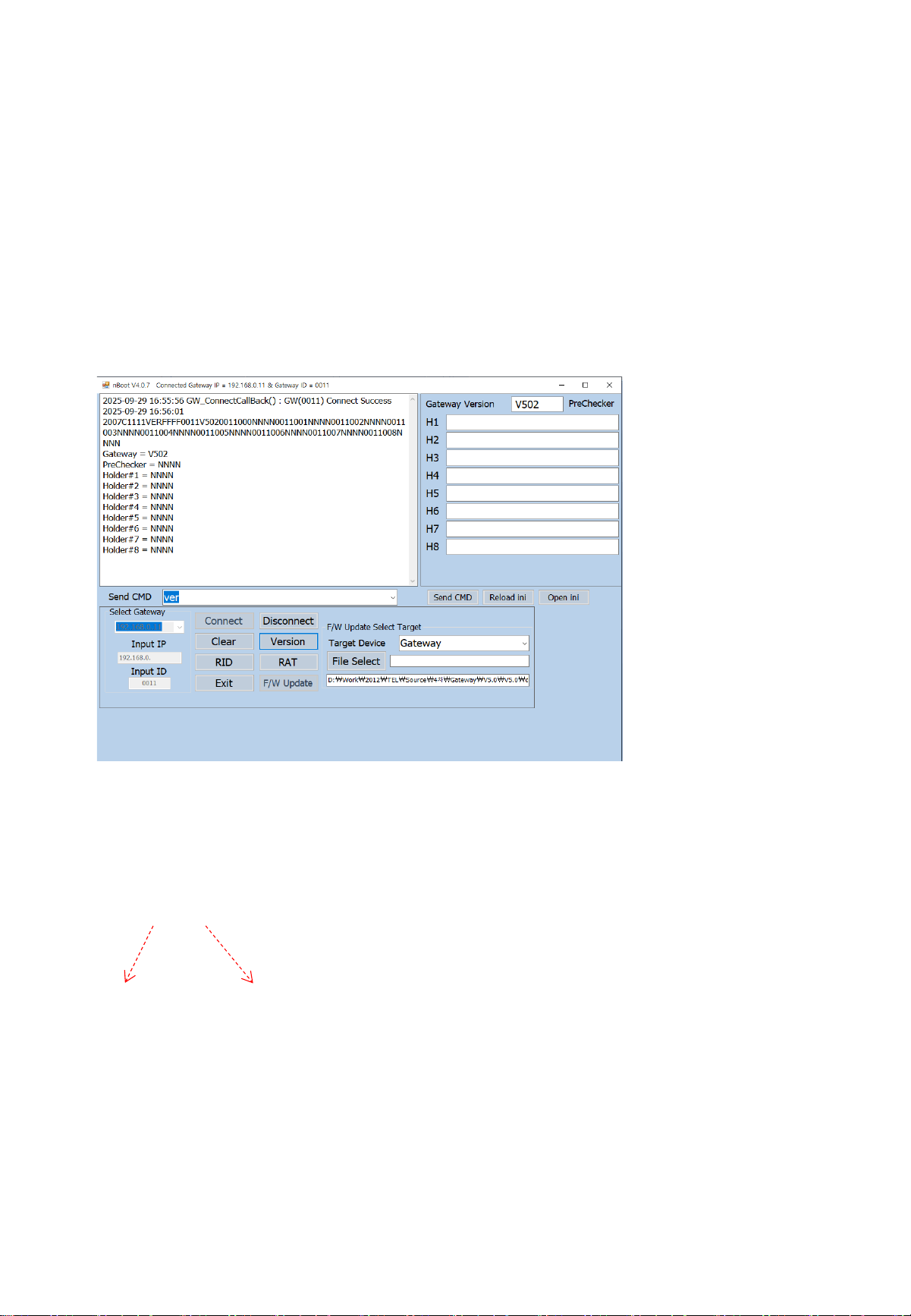
b. Run nBoot
- Match the gateway number and ID number, then click Connect
Check the connection completion phrase in the display window (connected)
- Set up Gateway 1, SUB 1
* ID No * Channel No
c. Version Check
- Gateway : V502

- 7 -
This equipment has been tested and found to comply with the limits for a Class B digital device, pursuant to part
15 of the FCC Rules. These limits are designed to provide reasonable protection against harmful interference
in a residential installation.
This equipment generates, uses and can radiate radio frequency energy and, if not installed and used in
accordance with the instructions, may cause harmful interference to radio communications. However, there is
no guarantee that interference will not occur in a particular installation. If this equipment does cause harmful
interference to radio or television reception, which can be determined by turning the equipment off and on,
the user is encouraged to try to correct the interference by one or more of the following measures:
- Reorient or relocate the receiving antenna.
- Increase the separation between the equipment and receiver.
- Connect the equipment into an outlet on a circuit different from that to which the receiver is connected.
- Consult the dealer or an experienced radio/TV technician for help.
NOTE: THE GRANTEE IS NOT RESPONSIBLE FOR ANY CHANGES OR MODIFICATIONS NOT EXPRESSLY APPROVED
BY THE PARTY RESPONSIBLE FOR COMPLIANCE. SUCH MODIFICATIONS COULD VOID THE USER’S
AUTHORITY TO OPERATE THE EQUIPMENT.
The user manual for an intentional or unintentional radiator shall caution the user that changes or modifications
not expressly approved by the party responsible for compliance could void the user's authority to operate the
equipment.
This device complies with part 15 of the FCC Rules. Operation is subject to the following two conditions:
(1) this device may not cause harmful interference, and (2) this device must accept any interference,
including interference that may cause undesired operation of the device.
RF Radiation Exposure Statement:
This equipment complies with FCC radiation exposure limits set forth for an uncontrolled environment and
meets the FCC radio frequency (RF) Exposure Guidelines as this equipment has very low levels of RF energy.
This transmitter must not be co-located or operating in conjunction with any other antenna or transmitter.