
Epsilon Plus Series
GB48108H0144 Rev.0 RRU-10MANUAL
Dataweigh Epsilon Plus
Series
RRU-10 MANUAL
No. GB48108H0144
Rev.0
YAMATO SCALE CO., LTD.

Epsilon Plus Series
GB48108H0144 Rev.0 RRU-10MANUAL
Epsilon Plus Series
RRU-10 MANUAL
Record of Issue
Date Issue No.
Rev. Software Version
Revision Part
Jun., 2026 GB48108H0144 0 First Issue
Please note that a part of this manual may be changed without notice because of component(s)
change for improvement in quality or other reasons.
YAMATO SCALE CO., LTD
Copyright
©
2026 by Yamato Scale Co., Ltd. All Right Reserved.
No part of this manual may be reproduced in any form without
permission in writing from the publisher.

Preface Epsilon Plus Series
GB48108H0144 Rev.0 RRU-10MANUAL
Preface
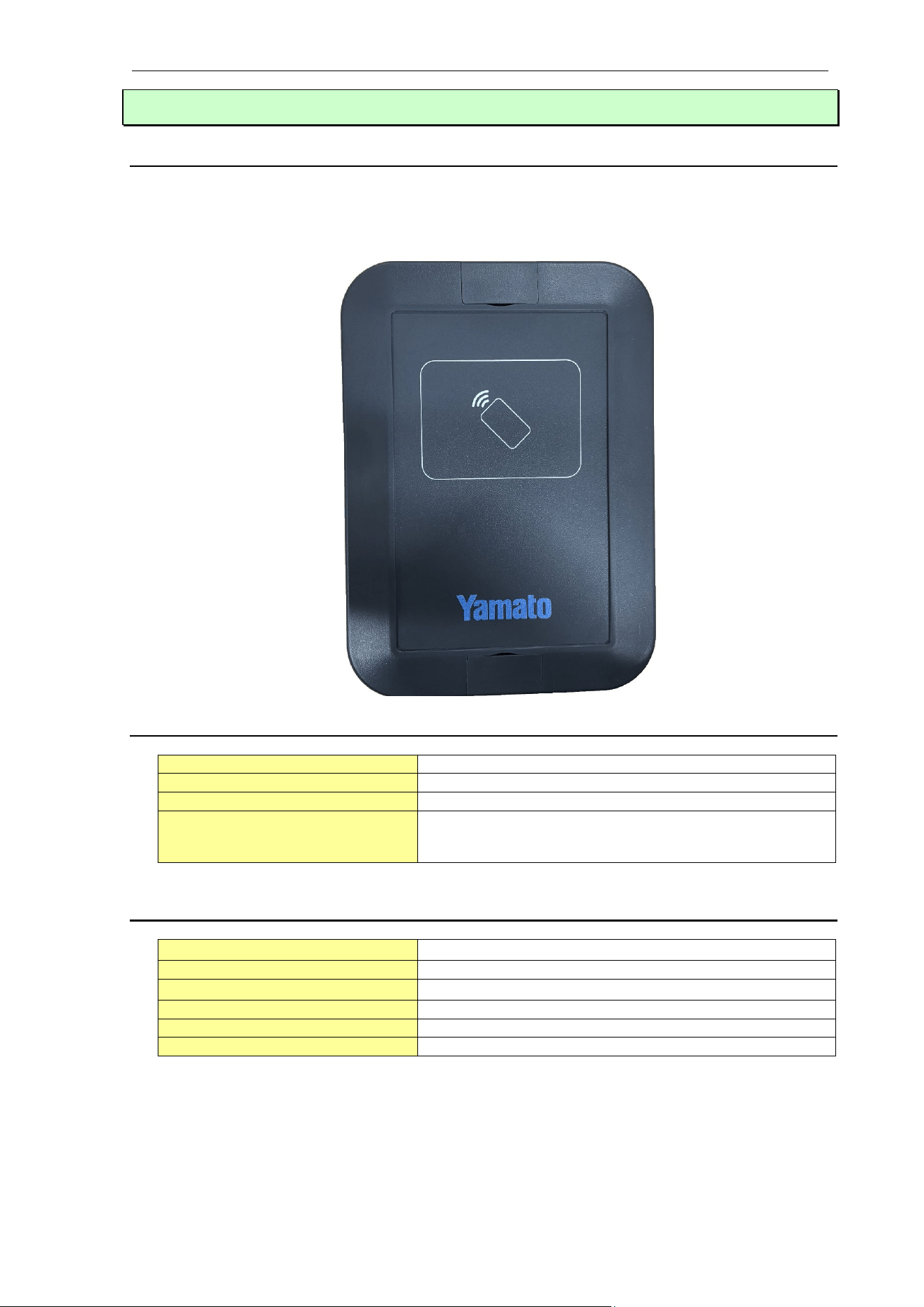
RRU-10 can be used as an option in Dataweigh Epsilon Plus series. This manual describes the
operation and configuration procedures of the items that require to use the card reader.
Improper values entered in the SYSTEM will cause; accuracy loss, erroneous weight reading and/or
computer malfunction. Improper Calibration procedure can also have the same effects. Therefore, these
procedures should be used by authorized personnel only and a password is required for Level 4.
Safety Information
・This product generates a magnetic field.
Persons using implantable medical devices (such as pacemakers) shall not bring this product close to
the chest area.
・Avoid using this product in environments with high temperatures, high humidity, or condensation.
・Do not disassemble or modify this product.
Installation and Environment
・Reading range may decrease if the device is held directly against a metal surface.
・Performance may be reduced when used near equipment that generates strong electromagnetic
interference (such as motors or welding machines).
・Use indoors only.
Regulatory Compliance
This product complies with the following standards and directives.
・Radio Equipment Directive (RED) 2014/53/EU
・EN 300 330
・EN 55032
・EN 55035
・EN 301 489-1 / EN 301 489-3
・EN 62368-1
・FCC Part15
This device complies with part 15 of the FCC Rules. Operation is subject to the following two
conditions: (1) This device may not cause harmful interference, and (2) this device must accept any
interference received, including interference that may cause undesired operation.
RFID Reader Unit / RRU-10
Yamato Corporation
1272 Dakota Dr. Grafton, WI 53024, U.S.A.
Tel:+1 262 236 0000
<FCC CAUTION>
Changes or modifications not expressly approved by the party responsible for compliance could void
the user’s authority to operate the equipment.
Note: This equipment has been tested and found to comply with the limits for a Class A digital device,
pursuant to part 15 of the FCC Rules. These limits are designed to provide reasonable protection
against harmful interference when the equipment is operated in a commercial environment. This
equipment generates, uses, and can radiate radio frequency energy and, if not installed and used in
accordance with the instruction manual, may cause harmful interference to radio communications.
Operation of this equipment in a residential area is likely to cause harmful interference in which case
the user will be required to correct the interference at his own expense.

Preface Epsilon Plus Series
GB48108H0144 Rev.0 RRU-10MANUAL
<RF Exposure Compliance>
This equipment complies with FCC radiation exposure limits set forth for an uncontrolled environment
and meets the FCC radio frequency (RF) Exposure Guidelines. This equipment must be installed and
operated keeping the radiator at least 20cm or more away from person’s body.
Country Restrictions
The 13.56 MHz band used by this product is available for license-free use in EU member states and
the United Kingdom.
There are no prohibitions or restrictions on its use in any specific country.
Disposal
This product contains electronic components.
Please do not dispose of it as general waste; follow local regulations.

Contents Epsilon Plus Series
GB48108H0144 Rev.0 RRU-10MANUAL
Contents
Chapter 1 – Introduction ..................................................................................................................... 1
1.1. The Card Reader Concept ........................................................................................................ 1
1.2. General Specification ................................................................................................................ 1
1.3. Radio Specification ................................................................................................................... 1
1.4. Connection With RCU-940 ....................................................................................................... 2
Chapter 2 – System ............................................................................................................................ 3
2.1. Enable Card Reader Function .................................................................................................. 3
Chapter 3 – Setup .............................................................................................................................. 4
3.1. Overview ................................................................................................................................... 4
3.2. Access Level Settings ............................................................................................................... 4
3.3. Specific Operation Settings ...................................................................................................... 5
Chapter 4 – Operation Procedure ...................................................................................................... 6
4.1. Operation Instructions ............................................................................................................... 6
1 – Introduction Epsilon Plus Series
GB48108H0144 Rev.0 - 1 - RRU-10MANUAL
Chapter 1 – Introduction
1.1. The Card Reader Concept
In card reader function, the access level corresponding to the registered ID can be changed and
specific operations can be executed, which are reflected on the RCU screen by holding an ID
tagged identification medium over the reader.
1.2. General Specification
Rating
DC5V
Operating temperature
-10 deg. C to 40 deg. C
Operating humidity
35 % RH to 85 % RH (No condensation)
Size
110 x 171 x 40 (Width x Depth x Height (mm))
(
Excluding cable
)
1.3. Radio Specification
Operating frequency
13.56MHz
±
50ppm
Maximum radio frequency power
24.54dBm
Wireless method
Proximity guidance method
(
HF RFID
)
Applicable Standards
EN 300 330
Maximum Magnetic Field Strength
Compliant with regulatory requirements
Operating Environment
Indoor use only

1 – Introduction Epsilon Plus Series
GB48108H0144 Rev.0 - 2 - RRU-10MANUAL
1.4. Connection With RCU-940
RCU-940
RRU-10
2 – System Epsilon Plus Series
GB48108H0144 Rev.0 - 3 - RRU-10MANUAL
Chapter 2 – System
IMPORTANT
:
To use CARD READER, a special password is required from your supplier.
This chapter is not required when the counting option is already enabled.
2.1. Enable Card Reader Function
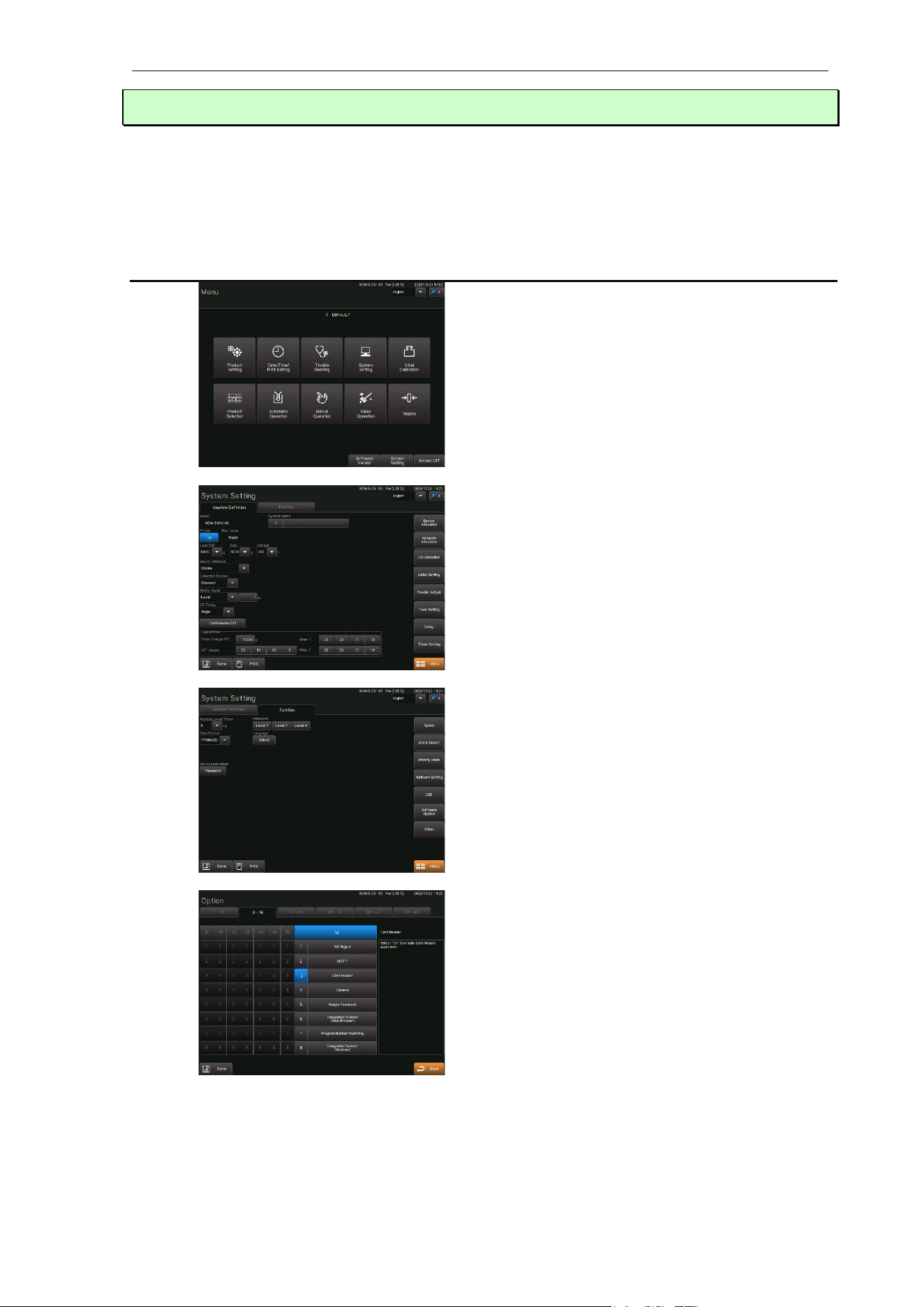
The access level needs to be Level 4.
Touch the “System Setting” pad in the Menu
screen.
Touch the “Option” pad in “Function” of the
System Setting Screen.
Touch the "Option" pad. The OPTION
SELECTION screen will be displayed.
Left side number is number of pages.
Touch the option number pad, highlighted to
"ON".
A special password is required. Input the
password to enable the Card Reader option.
OPTION 16-3 will be set with the correct
password.
Touch "Save" pad to save the parameters.
3 – Setup Epsilon Plus Series
GB48108H0144 Rev.0 - 4 - RRU-10MANUAL
Chapter 3 – Setup
3.1. Overview
In this chapter we will describe how to set the items required for card reader function. These
settings are performed in the access level 3 or more of the SETUP screen.
3.2. Access Level Settings
The access level needs Level 3 or Level 4.
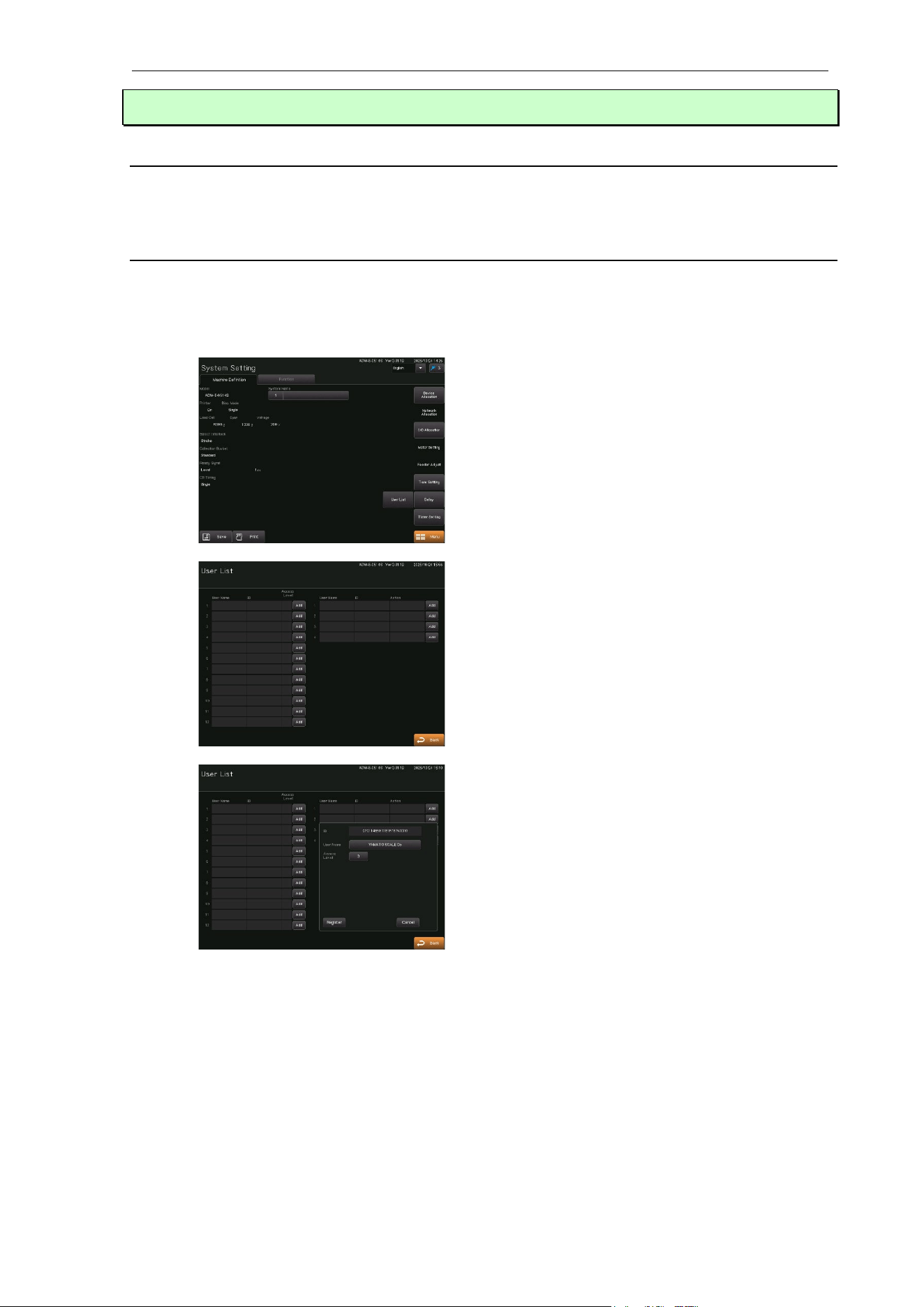
Touch the "System Setting"
pad in the MENU
screen.
Touch the “User List”pad .
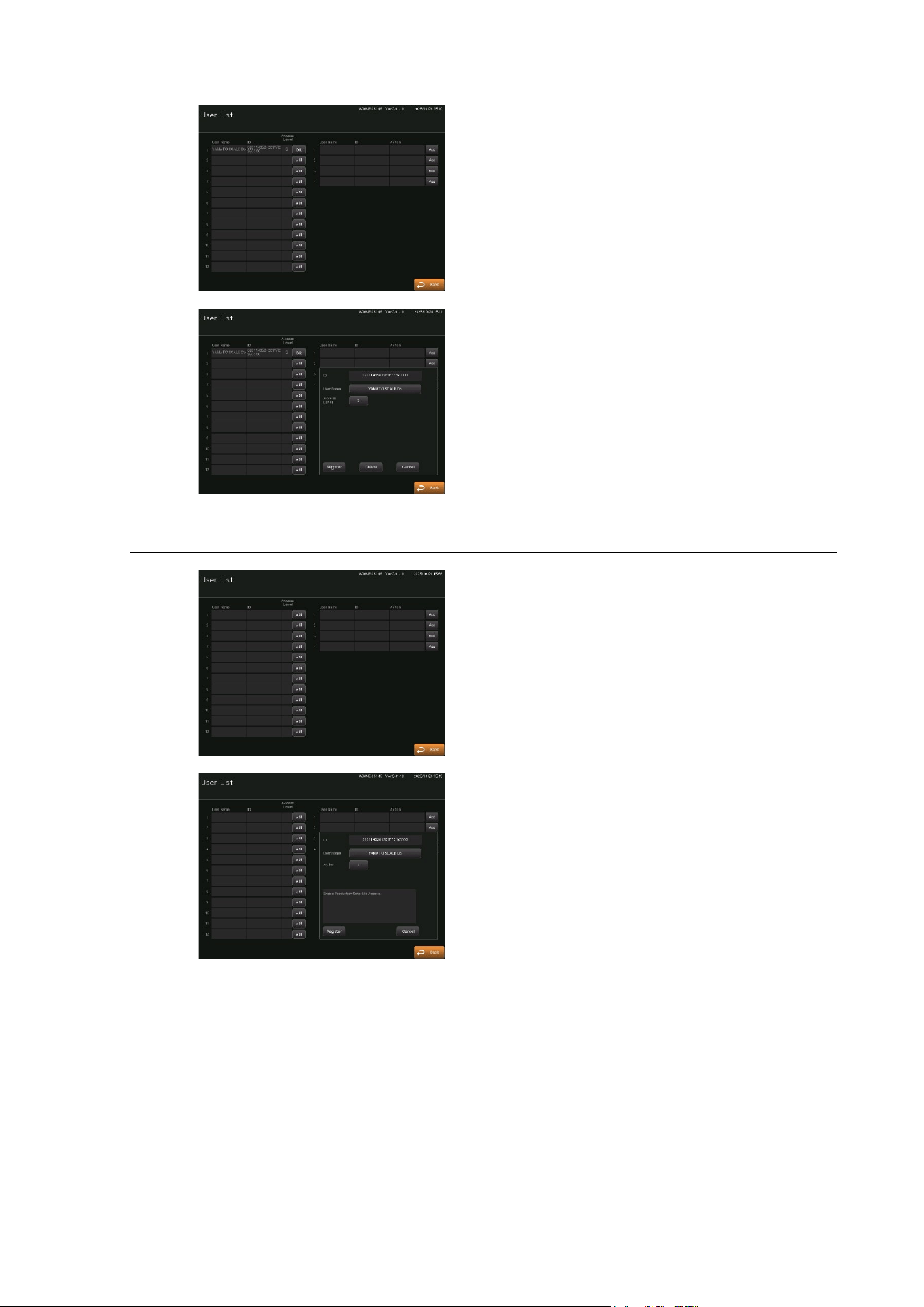
Touch one of the “Add” pads 1 to 12 on the
left left side of the screen.
Hold the ID tag over the reader. The ID is
displayed in the ID display field on the screen.
If the ID has already been registered, the
message "This ID has already been
registered" is displayed in the ID display field.
Touch the "Access Level" pad to allow setting
levels up to the current access level.
When the ID is displayed and the access level
is set, the "Register" pad appears.
Touch the “User Name” pad to set a name.
The "Register" pad appear even if no user
name is set.
3 – Setup Epsilon Plus Series
GB48108H0144 Rev.0 - 5 - RRU-10MANUAL
Touch the "Register" pad to close the window
and switch the "Add" pad to the "Edit".
Touch the “Edit” pad to change the user name
and access level. After making changes,
touch the “Register” pad again to complete
the update.
Touch the “Delete” pad to close the windows
and delete all information for the registered
user number.
3.3. Specific Operation Settings
Touch one of the "Add" pads 1 to 4 on the
right side of the screen.
Numbers that already have a user registered
will be displayed as "Edit."
As with the access level setting, the ID is
displayed, and the "Register" pad appears.
once specific operation details are set.
Touch the "Register" pad to close the window
and switch the "Add" pad to the "Edit".

4 – Operation Procedure Epsilon Plus Series
GB48108H0144 Rev.0 - 6 - RRU-10MANUAL
Chapter 4 – Operation Procedure
4.1. Operation Instructions
Set up the card reader (Option 16-3), hold the ID tag registered in the user list over the reader,
and the access level switches to the assigned level, with the registered user name displayed in
the upper-left corner of the screen.
For specific operations, touch the ID tag registered in the user list over the reader to execute the
registered operation regardless of the access level.