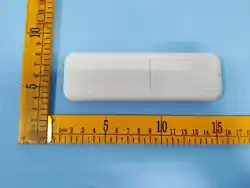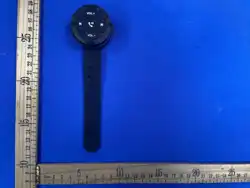
Bluetooth Remote Control for music player of Phone/Pad/PC
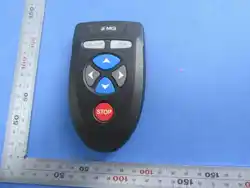
Model: Z1 DriveButton
Introduction: This Bluetooth remote control enables hands-free operation of
your phone's multimedia functions and answer calls while driving or riding.
Core Advantage: The remote works simultaneously with other Bluetooth
audio devices (headsets, speakers, car stereos, motorcycle Bluetooth
helmets). Simply connect your phone or Pad, Computer to both the Z1
DriveButton and your audio device to unlock full remote control capabilities.
Key Functions
The remote features 5 dedicated buttons for intuitive one-hand operation:
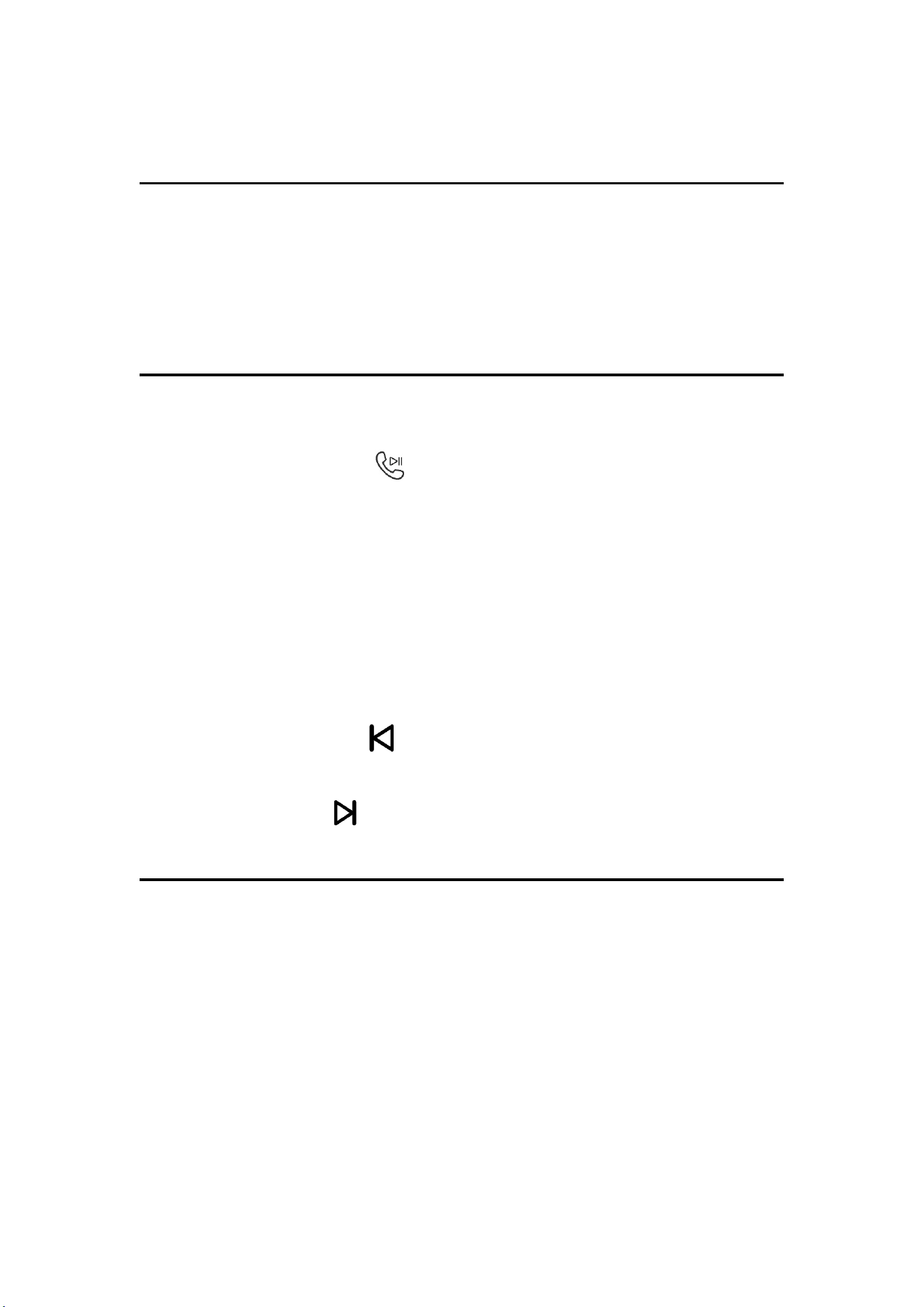
1. Play/Pause/Call Button ( )
Single Click: Answer/end a call | Play/pause music
Long Press (2s): Activate phone voice assistant (Apple Siri)
2. Volume Up Button ( VOL+ )
Single Click: Increase volume by 1 level
Long Press: Continuously increase volume
3. Volume Down Button ( VOL- )
Single Click: Decrease volume by 1 level
Long Press: Continuously decrease volume
4. Previous Song Button ( )
Single Click: Switch to the previous track
5. Next Song Button ( )
• Single Click: Switch to the next track
Step-by-Step Usage
1. Mount the Remote
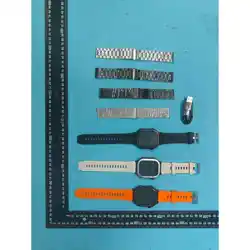
Secure the device using the included watchband strap:
o Cars: Attach to the steering wheel
o Bikes/motorcycles: Attach to the handlebars
o Other Scenarios: You can place the controller freely on a desktop or hold it in
your hand to control and operate your phone.
2. Power On & Enter Pairing Mode
Press and hold the Play/Pause button for 3 seconds until the blue indicator
light flashes rapidly.

3. Bluetooth Connection
o Open your phone's Settings > Bluetooth
o Turn on Bluetooth and select Z1 DriveButton
Technical Specifications
Package Contents
• 1 x Z1 DriveButton Bluetooth Remote Control
• 1 x User Manual
Important Safety & Usage Notes
1. Safety First: Never operate the remote in a way that distracts you from
driving or riding.
2. DO NOT disassemble or remove the built-in battery. Risk of fire/explosion.
3. DO NOT expose to heat.
4. DO NOT charge unattended overnight.
5. STOP using if casing is damaged, swollen, or deformed.
6. Keep away from children. Contains lithium battery. Risk of fire or chemical
burn if mishandled.
7. Small parts. Keep away from children under 3 years.
Thank you for choosing our product! For any questions or support, please
Contact us via the e-commerce platform message where you made your
purchase, or through the contact information provided below.
Manufacture: Shenzhen Nanqin Technology Co., Ltd.
Email: sibewora@outlook.com
Nick zheng
Parameter
Specification
Bluetooth Version
5.3
Wireless Range
<10m (open space)
Battery Capacity
Li-ion Polymer Battery 250mAh/0.925Wh
Standby Time
Up to 1 months
Compatible Systems
Windows/Android 5.0+ / iOS 9.0+
FCC Caution.
This device complies with part 15 of the FCC Rules. Operation is subject to
the following two conditions: (1) This device may not
cause harmful interference, and (2) this device must accept any
interference received, including interference that may cause
undesired operation.
Any Changes or modifications not expressly approved by the
party responsible for compliance could void the user's authority to
operate the
equipment.
Note: This equipment has been tested and found to comply with
the limits for a Class B digital device, pursuant to part 15 of the
FCC Rules. These limits are designed to provide reasonable
protection against harmful interference in a residential
installation. This equipment generates uses and can radiate radio
frequency
energy and, if not installed and used in accordance
with the instructions, may cause harmful interference to radio
communications. However, there is no guarantee that
interference will not occur in a particular installation. If this
equipment does cause harmful interference to radio or television
reception, which can be determined by turning the equipment off and on, the
user is encouraged to try to correct the interference
by one or more of the following measures:
-Reorient or relocate the receiving antenna.
-Increase the separation between the equipment and receiver.
-Connect the equipment into an outlet on a circuit different from
that to which the receiver is connected.
-Consult the dealer or an experienced radio/TV technician for
help.
The device has been evaluated to meet general RF exposure req
uirement. The device can be used in portable exposure condition
without restriction.