DATASHEET
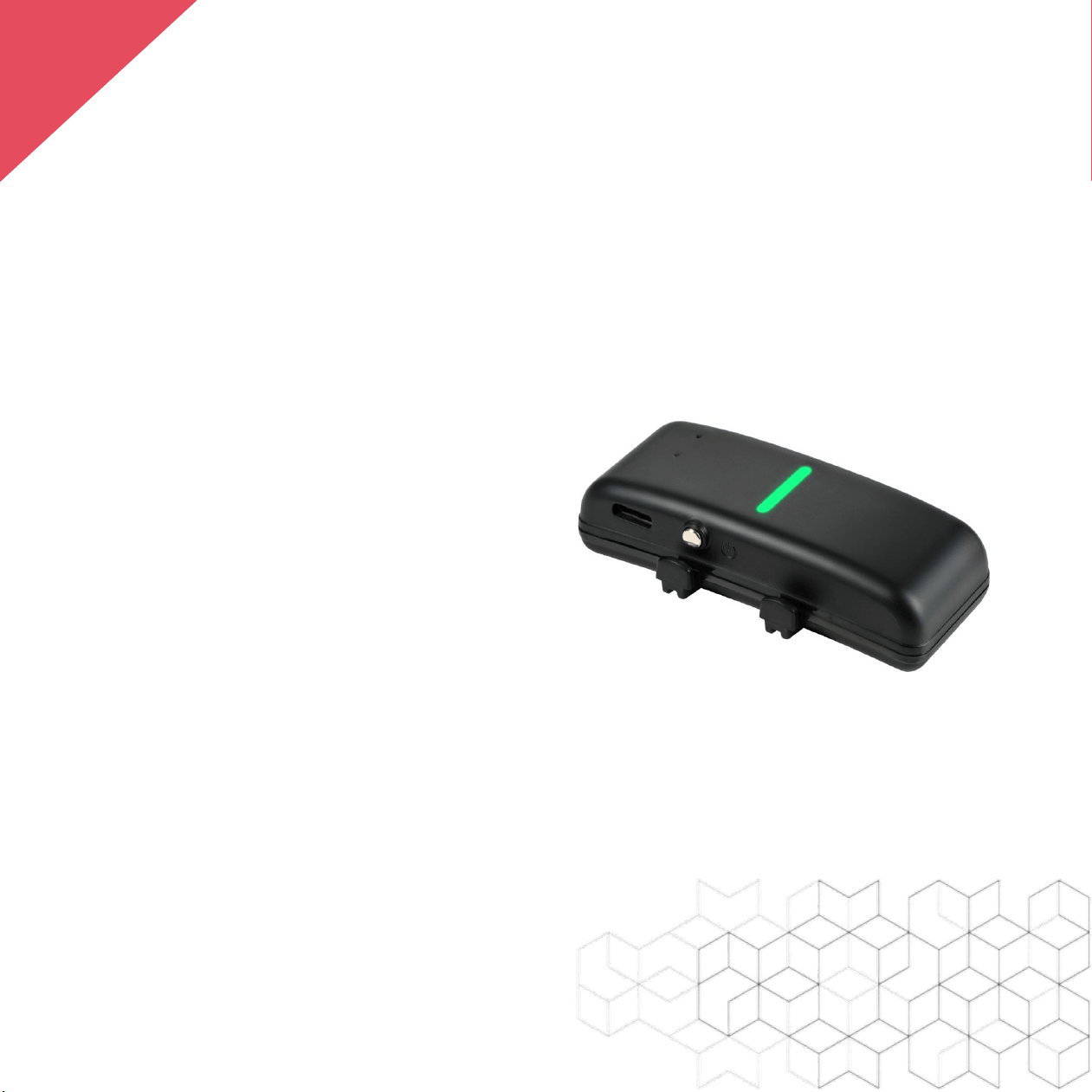
GPS Tracker
P02
Shenzhen Xexun Technology Co., Ltd
Tel:+86 0755 8312 8538
Email: xexun@xexun.com
Address: Room 406, Building 2, No. 171 Longwei Road, Futian District, Shenzhen, China
EN

T
Name
Parameter
Model
P02
Tracking Method
GPS / LBS
Tracking Accuracy
Up to 3 meters in open, unobstructed environments
Data Transmission
Support 4G network
Battery
1000mAh rechargeable lithium battery
Charging Interface
Type-C
Charging Timev
Approximately 2 hours
Standby time
About 5 days (based on 8 hours of movement per day. Poor communic
ation signals and GPS environment will shorten the battery life)
Material Science
ABS + PC eco-friendly plastic
Size
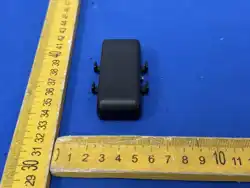
74*31*17mm (L*W*H)
Protection level
IP68
Mounting method
Silicone mounting bracket
Weight
About 45g
Operating temperature
-20℃~+60℃
Tracking frequency
The terminal tracks the movement status once per minute by default,
automatically sleeps when stationary, and supports custom settings
Tracking Trigger Mechanism
Movement trigger + scheduled positioning
SIM card
Nano SIM card.
TECHNICAL SPECIFICATIONS
1

T
Name
Parameter
Buzzer
Supported
Network Frequency
B1/B2/B3/B4/B5/B7/B8/B28/B66
Device ID
The terminal uses the communication module IMEI number as the uni
que terminal number
Location Platform
We provide a tracking management platform that supports APIs to pus
h data to third-party systems
API
Supports location data interface access
Location Information
Includes IMEI, time, serial number, latitude and longitude, speed, num
ber of satellites and signal strength, 4G signal strength, battery level, c
harging status, removal alarm, etc.
Blind Zone Data Retrieval
Supports storing location and alarm data during network interruption,
automatically sends stored data upon reconnection
Management Platform
We provide a management system and also offer APIs to push data
to third-party systems
Power on/off
After power on, it automatically starts up and cannot be manually
shut down. It can be remotely shut down through the system
TECHNICAL SPECIFICATIONS
2

P
PRODUCT FEATURES
Real time tracking: View the precise location in real time via the app
(iOS/Android) or PC.
Find It Now: Quickly tracking using real-time positioning, ringtone
playback, flashing lights.
Automatic Call: When the terminal leaves the fence, it will
automatically play a ring tone and guide it back to the virtual fence
Virtual fence: The system can customize the virtual fence area, and
the terminal will immediately trigger an alarm when entering or
leaving the fence.
Historical route: You can check the historical routes of the terminal at
any time
Remote Upgrade: Supports OTA firmware updates.
3

P
PRODUCT FEATURES
Automatic Sleep: The device automatically enters sleep mode when
it is stationary, saving power.
Alarm Management: The system supports alarms such as entering
and exiting the fence, low battery, etc., and supports custom prompt
tones.
Heat Map: The system can generate a terminal historical activity heat
map, and you can view the daily activity area of the terminal
Low power alarm: The terminal battery level is lower than 20%,
triggering a low battery alarm.
4

Quick Start
Note: You can also visit xexun.com/quick start
to read the online version of Quick Start.
Power On and Off
The device is powered off by default when shipped
from the factory.
When the device is powered off, press and hold the
button to power it on. The power indicator will flash,
indicating successful power-up.
When the device is powered on, press and hold the
button to power it off. The power indicator will turn off
after powering off.
1
EN
5
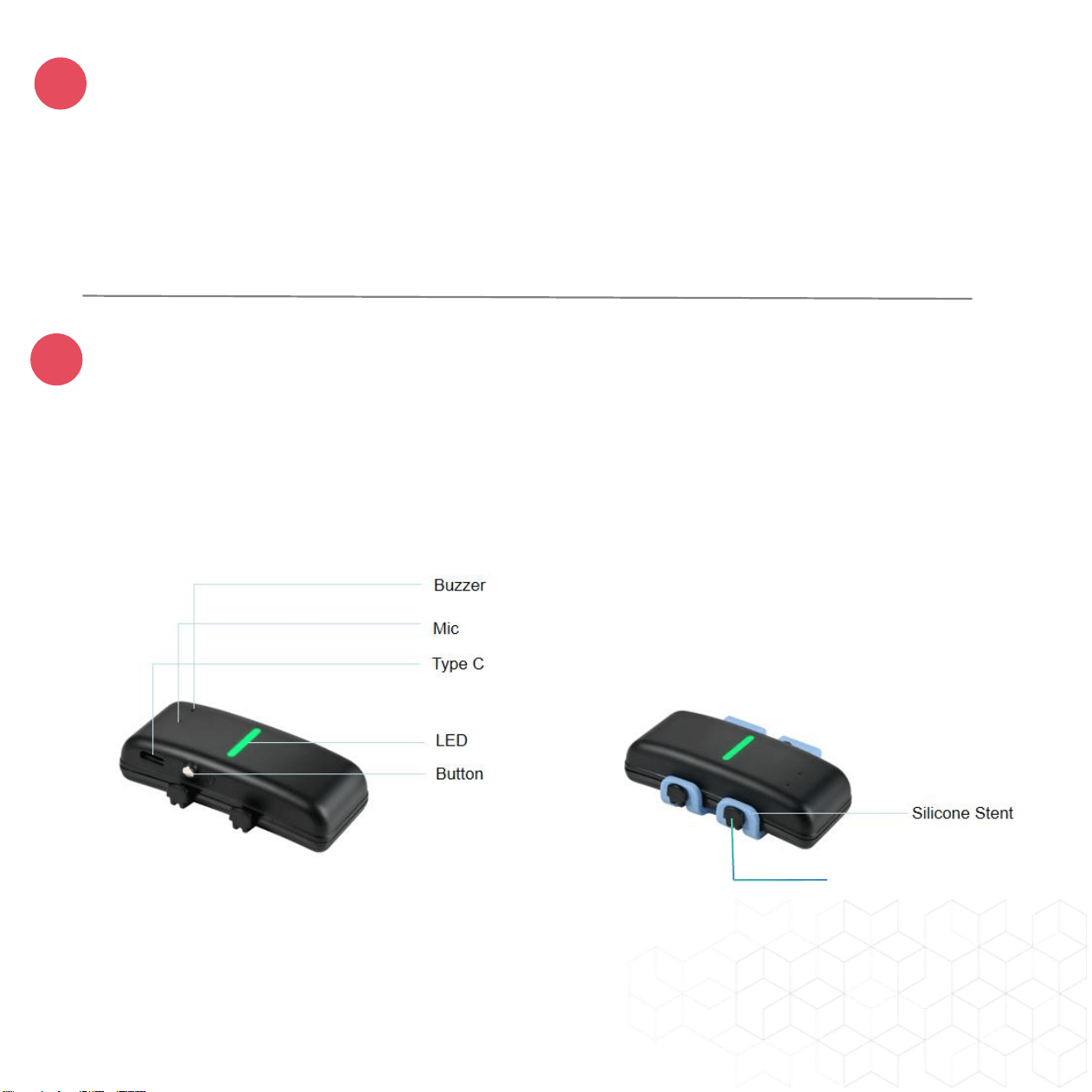
Charging the device
If the device is low on battery, the green light will flash quickly. Please use
the Type-C port to charge. The green light will remain on while the device is
charging and will turn off when fully charged.
Installation
Attach the silicone bracket to it’s collar as shown, ensuring the indicator light
faces upward.
2
3
4
6
Silicone bracket base
Need more information?
Visit www.gpstrackerchina.com
4
?
7
Location Query
If you wish to track your device via a computer, please visit the website,
username, and password included in the package. After logging in, click the
corresponding device's IMEI to view its location.
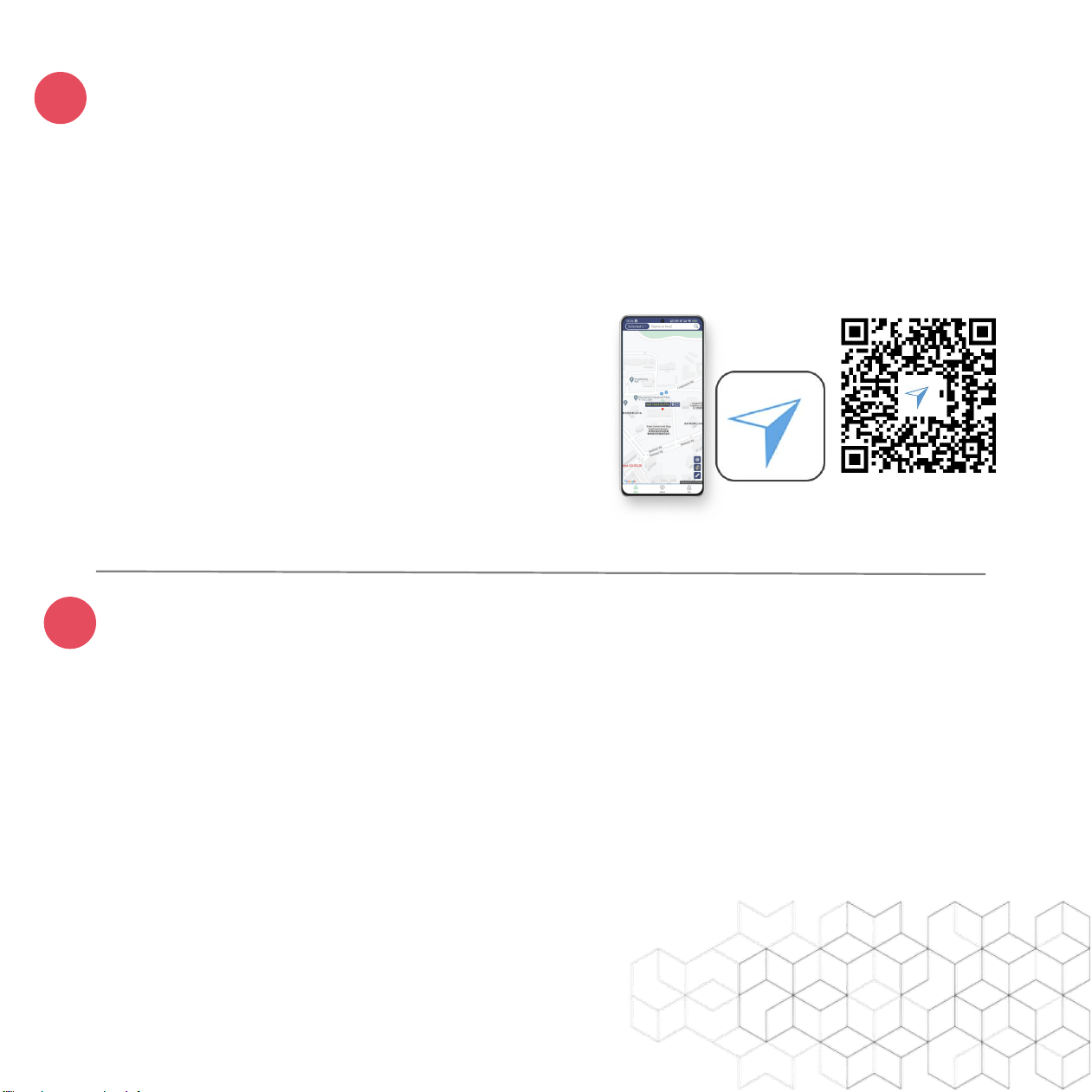
If you wish to track your device via a
mobile phone, search for "xexun" in the
app store, download and install it, follow
the instructions to register an account
and add your device. On the homepage,
click the device's IMEI to view its location.

7
FCC Warning
This device complies with part 15 of the FCC rules. Operation is subject to the
following two conditions: (1) this device may not cause harmful interference, and (2)
this device must accept any inte rference received, including interference that may
cause undesired operation.
Changes or modifications not expressly approved by the party responsible for
compliance could void the user's authority to operate the equipment.
NOTE: This equipment has been tested and found to comply with the limits for a
Class B digital device, pursuant to part 15 of the FCC Rules. These limits are designed
to provide reasonable protection against harmful interference in a residential
installation. This equipment generates uses and can radiate radio frequency energy
and, if not installed and used in accordance with the instructions, may cause harmful
interference to radio communications. However, there is no guarantee that
interference will not occur in a particular installation. If this equipment does cause
harmful interferenceto radio or television reception, which can be determined by
turning the equipment off and on, the user is encouraged to try to correct the
interference by one or more of the following measures:
-Reorient or relocate the receiving antenna.
•Increase the separation between the equipment and receiver.
•Connect the equipment into an outlet on a circuit different from that to which the
receiver is connected.
•Consult the dealer or an experienced radio/TV technician for help.
Radiation Exposure Statement
This equipment complies with FCC radiation exposure limits set forth for an
uncontrolled environment. This equipment should be installed and operated with
minimum distance 20cm between the radiator and your body.