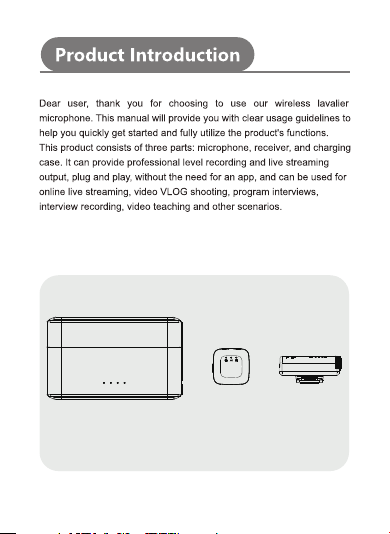
Charging Case Microphone Receiver
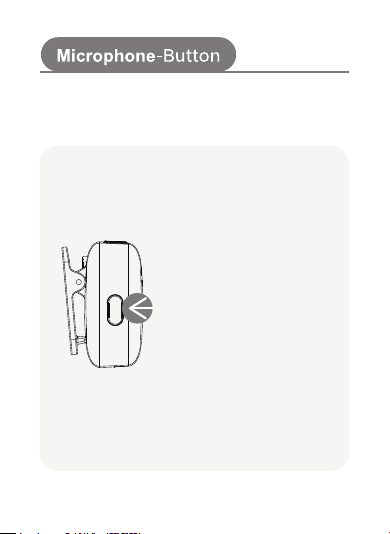
Power on/off – Long press
Noise reduction mode – Single click
Reverb mode – Double click
Silent mode – Three click
Multi-function Button
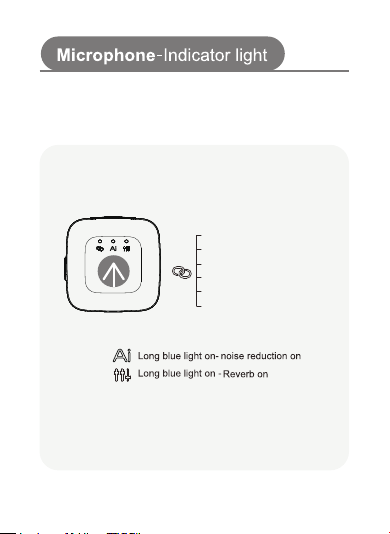
Indicator Light
Blue light slow flashing - Pairing
Blue light steady on - Paired
Green light steady on - Charging
Green light off - Fully charged
Red light flashing - Low battery
Red light steady on - muted
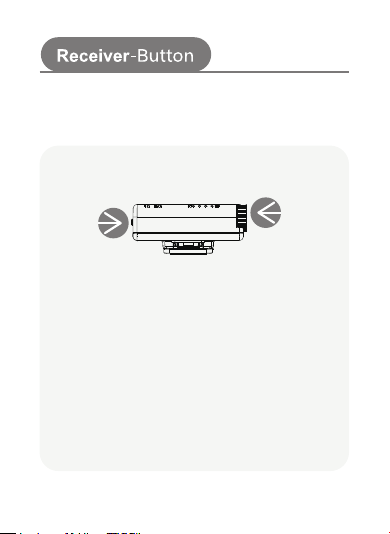
Dial Wheel
Rotate downwards to increase the volume
Rotate upwards to decrease the volume
Power Button
Long press for 2 seconds to power on
Long press for 2 seconds to power off
Double-Click to Lock Pairing
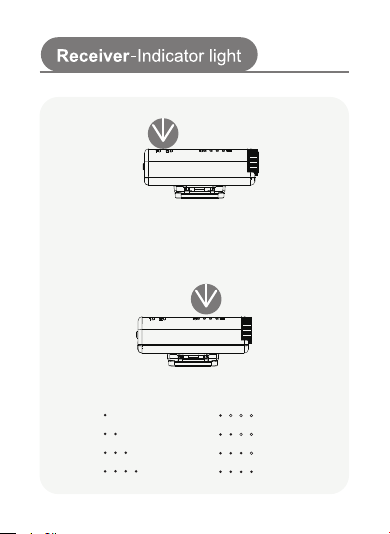
Blue light stays on: Paired
Blue light slow blinking: Pairing in progress
Microphone Volume Light
Level 1
Level 2
Level 3
Level 4
Receiver Battery Light
—25%
—50%
—75%
—100%
Connection Light
5
6
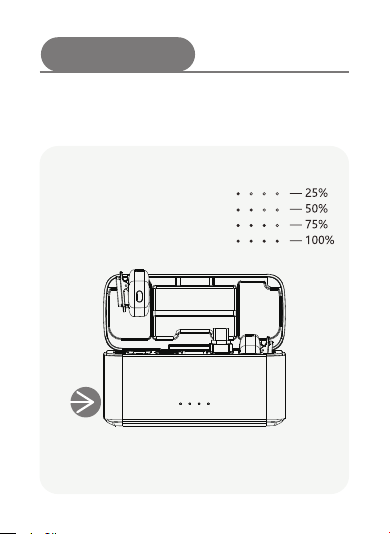
Charging Case
Charging port
Battery Light
7
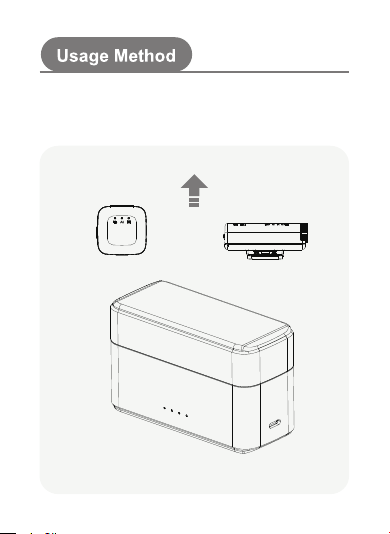
1. Take out the microphone and receiver; they will automatically
pair when powered on. (The devices are ready to use when the
indicator lights on both the microphone and receiver remain
steadily lit.)

