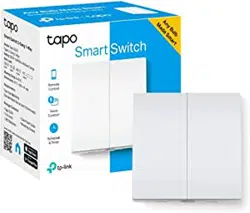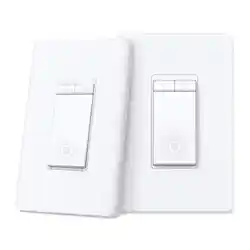
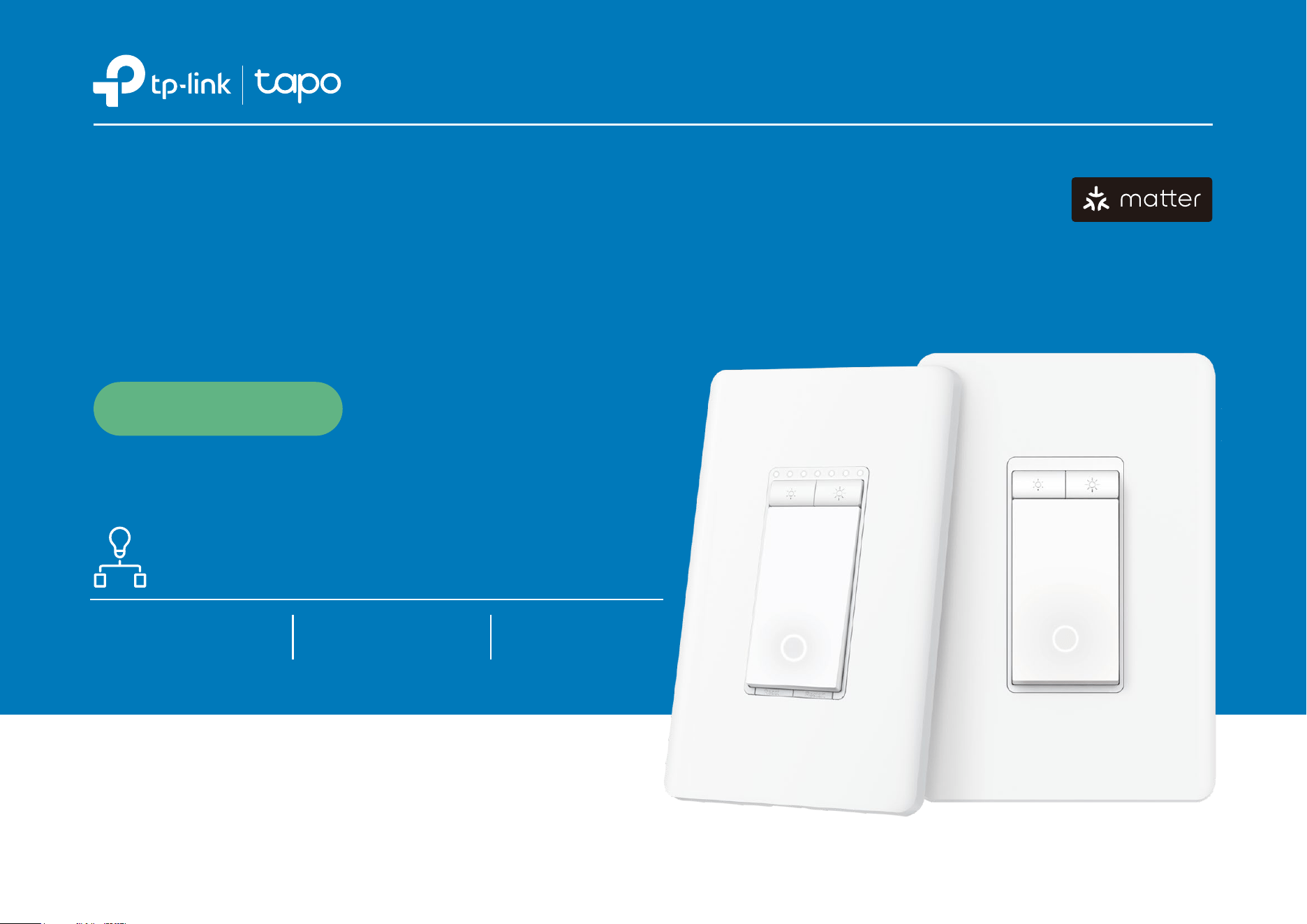
Smart Wi-Fi Dimmer Switch,
3-Way Kit
Datasheet
Tapo S515D KIT
0-100% Brightness
Control
Manual, App, and
Voice Control
Intuitive Energy
Monitoring
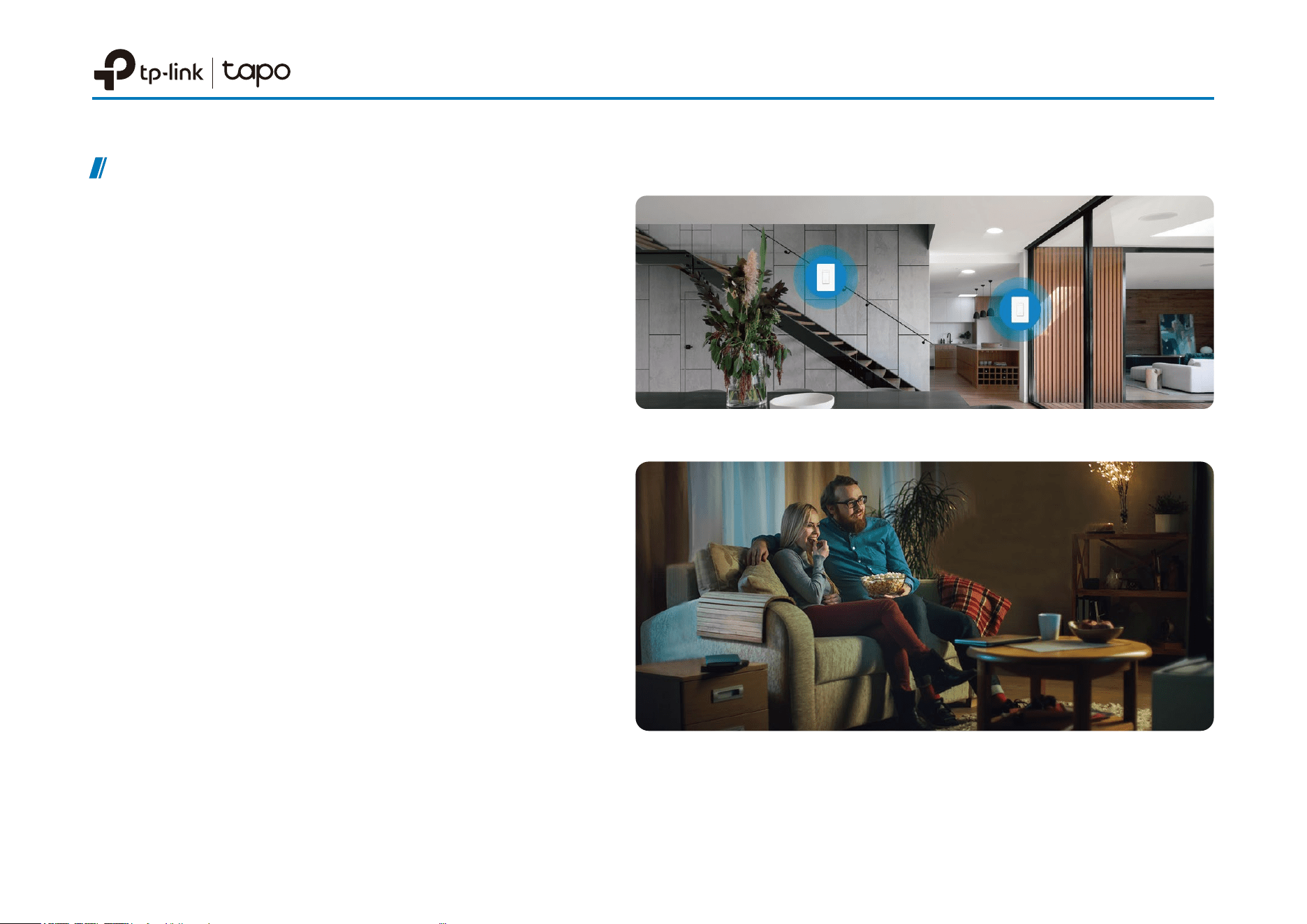
Control One Light From Two Spots
0-100% Brightness Control
Smoothly set your optimal light brightness within a
0%-100% dimming range for the perfect ambience.
Datasheet
Highlights
Smart 3-Way Lighting Control
Control a single light from multiple locations for
increased exibility and convenience, perfect for use
in living rooms, bedrooms, and staircases.
Free Up Your Hands with Voice Control
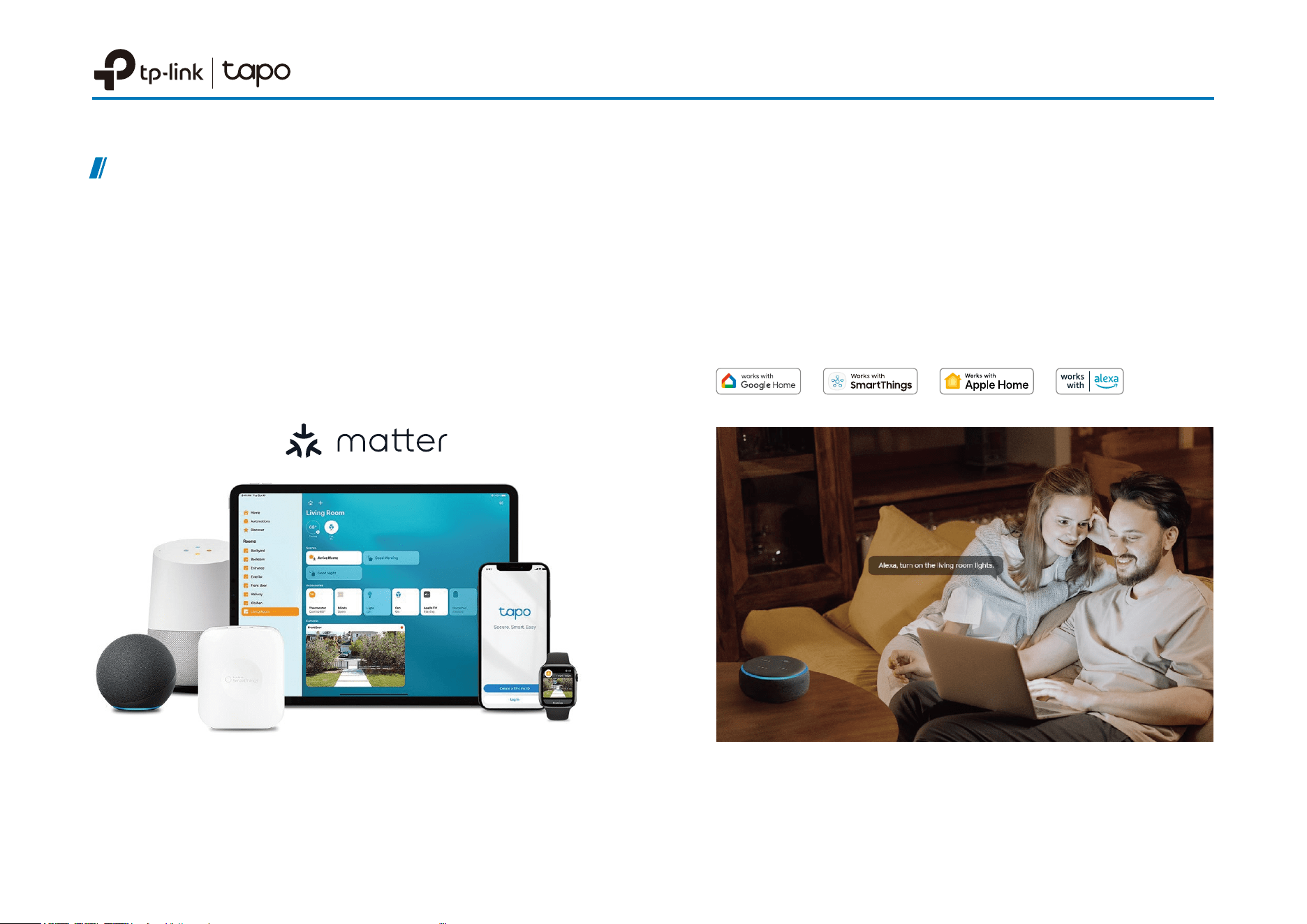
Use simple voice commands with Siri®, Alexa, or
Google Assistant to conveniently control the lights
without leaving your spot.
Datasheet
Highlights
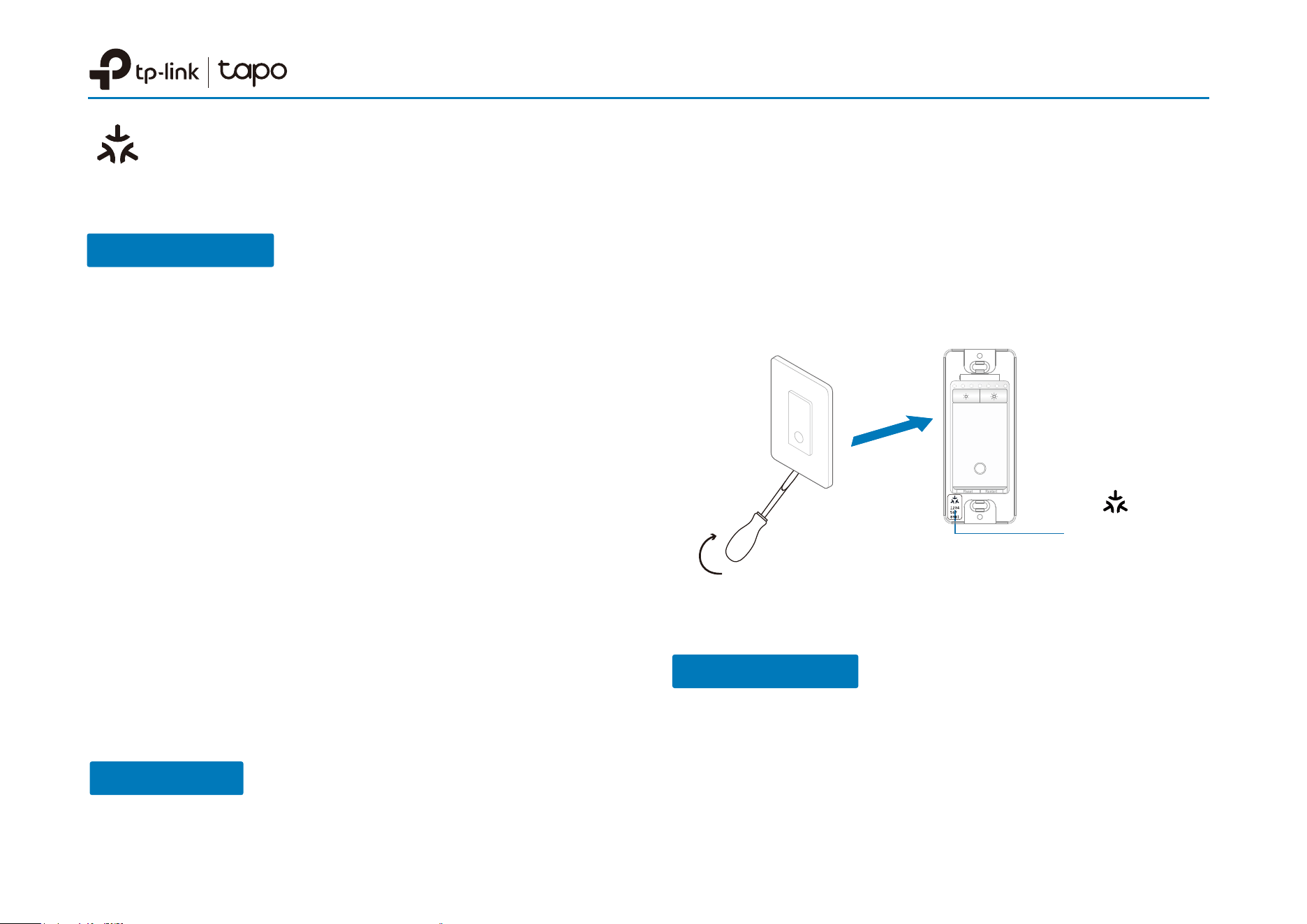
Matter-Compatible
With Matter support, using one app to control all
smart devices is no longer a fantasy. Integrate your
matter-certied device into your favorite ecosystems
to create a unied smart home*.

Fade On/O
Smoothly illuminate or dim your lights with the
Fade On/O feature, allowing your eyes to adjust
to the new lighting level.
Features
Datasheet
Remote Control
Instantly turn connected devices on/o, or set
brightness wherever you are through the Tapo
app.
Set Custom Schedules
Schedule your lights to turn on, o, or be
dimmed at custom times to sync up with your
daily routine and preferences.
Local Control
Your connected devices at home remain
accessible via the Tapo app even when the
household goes oine.
Away Mode
Away Mode will automatically turn your connected
devices, like lights, on and o randomly, to make it
appear as if you're home.
Energy Monitoring
Track detailed daily energy usage and estimated
bills with intuitive charts to help you save money.
Set Up with Matter
Datasheet
Failed to Set Up?
• Try to connect your phone to a stable 2.4 GHz Wi-Fi
network with internet access instead of a 5 GHz network.
• Restart your device, controller or phone.
• Make sure IPv6 is enabled on your router.
This is a Matter-certied device. You can integrate it into any Matter ecosystem you prefer for easy control.
• Factory reset your device before setup.
• A Matter-supported controller and smart home app of
the same ecosystem are required. For optimal
performance, please update them to the latest version.
Note: For iOS 18 and above, using a controller is optional.
However, with a controller, you can fully enjoy remote control,
automation, and other advanced features.
• The Matter setup code on the device is only applicable
for the initial ecosystem. To add it to a new ecosystem,
please generate a new setup code from a smart home
app of an already-established ecosystem in your home.
• Take a photo of the Matter setup code for backup.
• Matter setup will be turned o 15 minutes after the
device is powered up. Restart your device to re-enter
setup mode.
Before You Start
*Setup processes may vary between ecosystems.
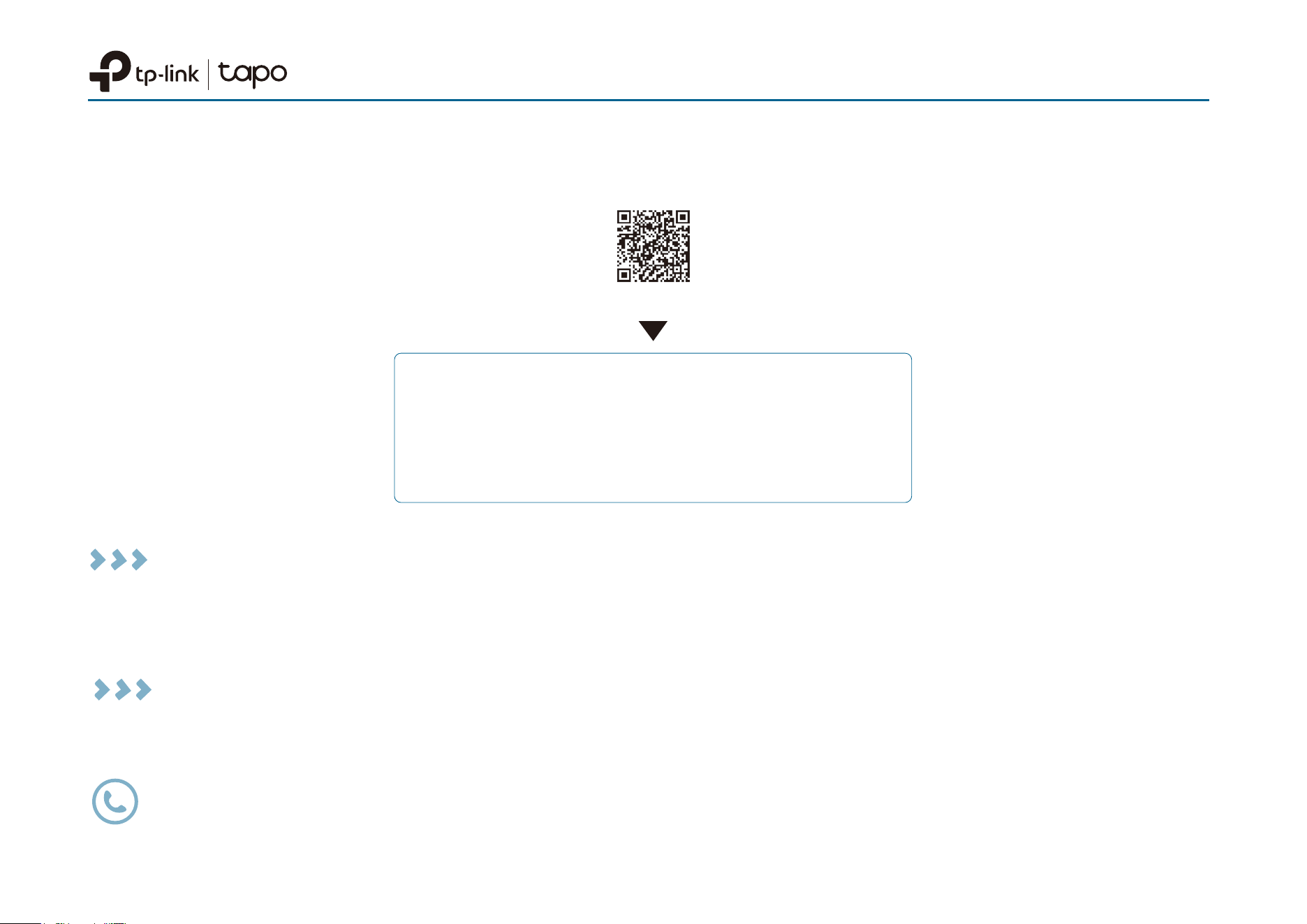
1. Turn on Bluetooth on your phone.
How to Set Up
2. Open the smart home app, then scan the Matter QR
code or enter the provided numeric setup code (usually
can be found on your device).
3. Follow the instructions in the app to complete setup.
Matter
Numeric Code
Datasheet
Matter is still developing and the progress of each platform may dier from one another. There may also be dierent
device performances and bugs that have no relation to the device itself. TP-Link is working hard to optimize user
experience with other CSA members to provide better services.
We have professional Technical Support and R&D team. If you have any questions, feel free to contact us. Your
feedback matters!
• Matter setup in dierent ecosystems
• Multi-admin setup and videos
• Features supported in dierent ecosystems
• Troubleshooting & Help
Scan QR Code
Visit
https://www.tp-link.com/support/faq/3520/
Contact us at www.tp-link.com/support for Technical Support, FAQs & more.
Specications are subject to change without notice. All brands and product names are trademarks or registered trademarks of their respective holders. Copyright © 2024
†
Bluetooth is only used for setup.
‡
We suggest contacting your bulbs' support to check the supported dimming type.
Please do not use in damp environments or outdoors.
For more information, please visit https://www.tapo.com/
Specications
Technical Specications
· Rating: 120 V~ 60 Hz
· Max Load: Max Load: 300 W INC/HAL, 150 W LED (TRIAC Dimmable)
· Dimming Type
‡
: Leading Edge Dimming/ TRIAC Phase-Cut
· Wireless: IEEE 802.11b/g/n, 2.4 GHz Wi-Fi
· Setup: Bluetooth
†
· Main Switch Dimensions: 4.13 × 1.71× 1.78 in (105 × 43.5 × 44.9 mm)
· Main Switch In-wall Depth: 1.35 in (34.2 mm)
· Satellite Switch Dimensions: 4.13 × 1.71 × 1.42 in (105 × 43.5 × 36.1 mm)
· Satellite Switch In-wall Depth: 1.00 in (25.4 mm)
General
· Package Contents:
Main Dimmer Switch × 1 Wall Plates × 2
Satellite Dimmer Switch × 1 Wire Nuts × 5
Wire Labels Quick Start Guide
Screws × 4
· Certications: FCC, UL, RoHS
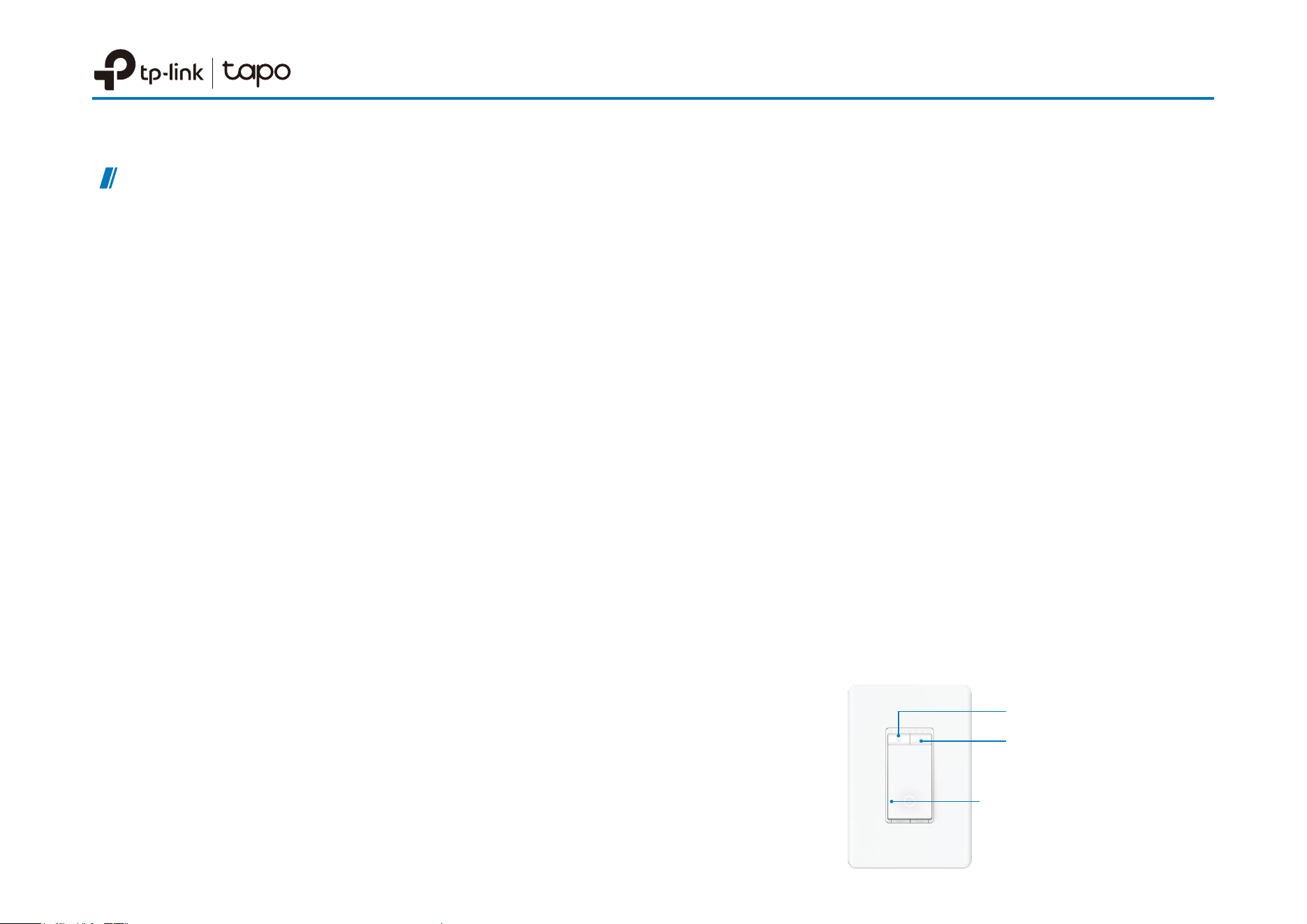
· Main Switch Buttons: Switch button, Reset, Restart,
Decrease dimmer button, Increase dimmer button
· Satellite Switch Buttons: Switch button, Decrease dimmer
button, Increase dimmer button
· Operating Temperature: 0 ºC– 40 ºC (32°F–104°F )
· Operating Humidity: 10%–90%RH, Non-condensing
Datasheet
Requirements:
· Neutral wire in wall box
· Standard lighting wall box (at least 2 inches deep)
· Indoor Use Only
Press to Dim
Press to Brighten
Press to Turn On/O
The Tapo S515D KIT requires both units to be used together to function in a
3-way installation. The main and satellite dimmers cannot work separately or with
traditional 3-way switches.