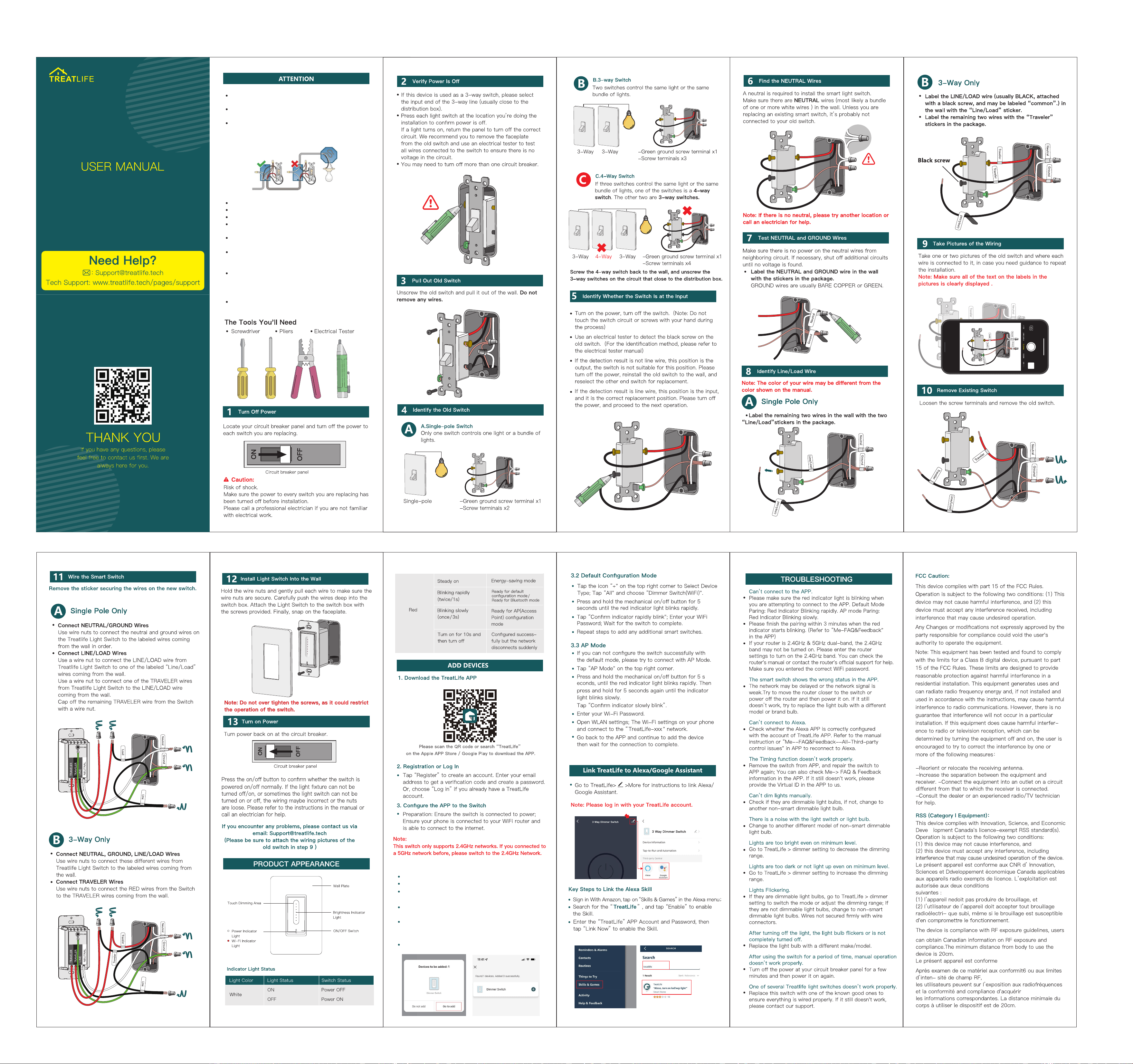
3.1 Bluetooth Mode (Automatic Mode)
First, turn on the phone'sBluetooth.
Switch in the device and ensure it is receiving power.
Press and hold the mechanical on/off button for 5
seconds until the red indicator light blinks rapidly.
Open the “TreatLife” APP and it will find the Treatlife
switch automatically.
If the switch is not automatically discovered, click the
“+" at the top right list and select Auto Scan to
automatically search for the switch.
Follow the steps in the APP to complete the pairing.
DS01C3
The wire length can be trimmed to fit the junction box.
After wiring, ensure the wire cap is securely tightened.
Compatible only with 2.4GHz, not 5GHz.
Network pairing must be completed within 3 minutes;
re-pairing is required beyond this time.
Not compatible with smart lights or lights controlled by
a remote.
Supported Light types: Dimmable LED/CFL-up to 150W;
Incandescent -up to 300W. Please Note: Can only adjust
the brightness of the dimmable Lights.
Install the device where your Wi-Fi router covers for
uninterrupted performance. Unstable signals may cause
issues like frequent disconnections and functionality
problems.
Ensure your home wiring includes a neutral wire (homes
built before 1978 may lack this).
Faceplate dimensions: 5.07 (L) x 3.34 (W) inches;
Switch box: 2.75 (L) x 1.69 (W) x 1.61 (D) inches.
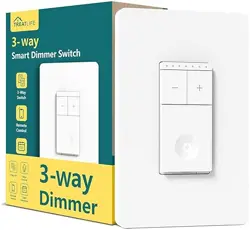
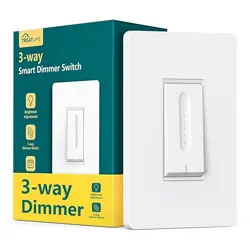
this 3 way dimmer switch can replace 3 way or single-pole
light switch.
When this device is used as a 3 way switch, it needs to be
installed at the input end of the 3-way line (usually close
to the distribution box).