OWNER’S MANUAL
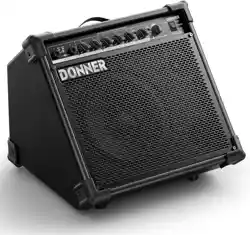
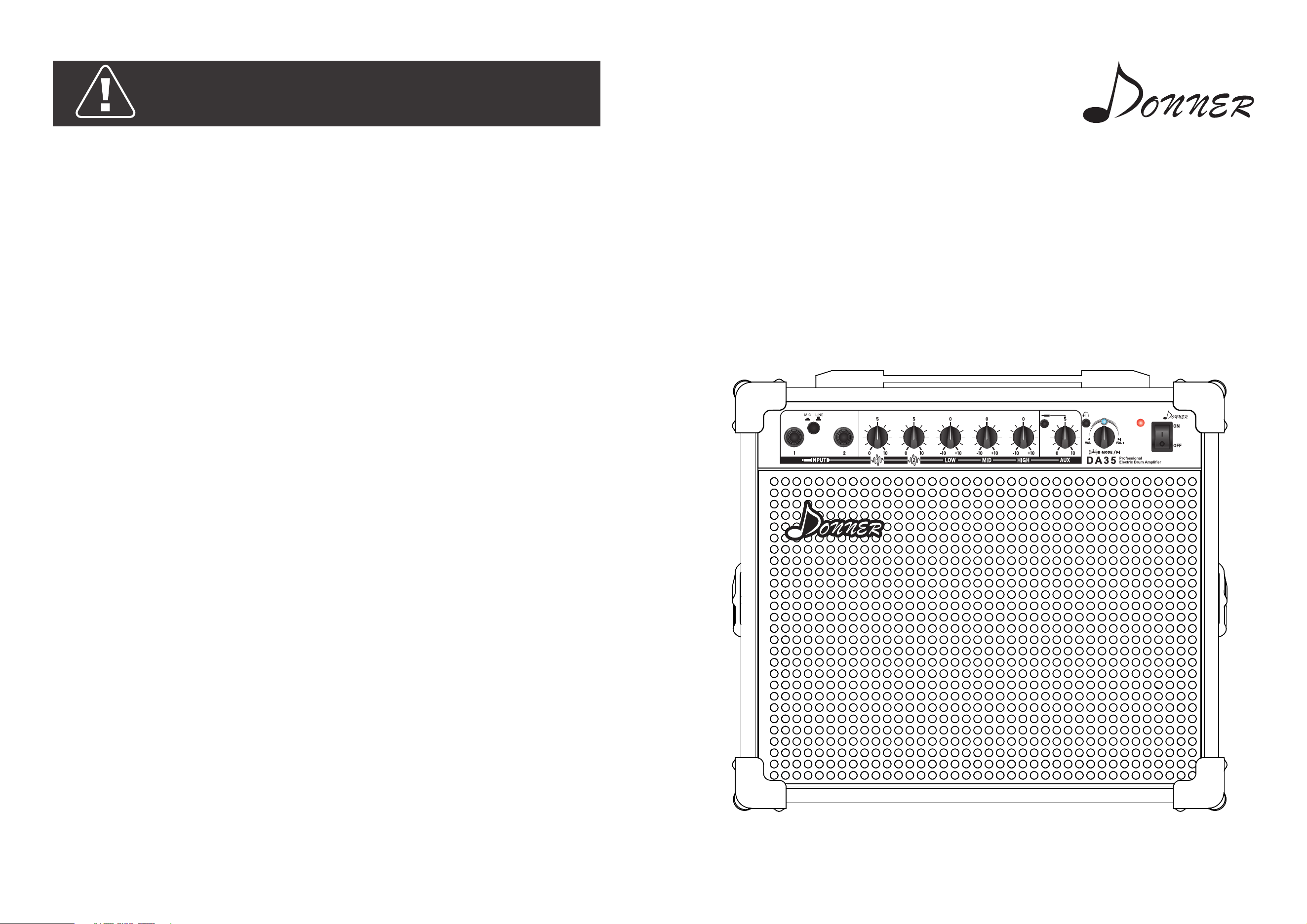
35W Multi-function
Electric Drum Amplifier
Caveat!
Important safety issues Please read the following items
before use.
1. Please use the supplied adapter. If you want to replace the adapter, please replace it
under the guidance of a professional.
2. Do not attempt to short-circuit the fuse inside the power outlet or use a fuse with an
incorrect value.
3. Do not repair the machine yourself! Opening the case may expose your body to
dangerous voltages. For repairs, please contact qualified maintenance personnel for
service; or send the machine back to the company for repair by our maintenance
personnel.
4. If you are a service qualified service person please note:
The equipment needs to be repaired in case of any damage, including: breakage of the
adapter cable, damage to the socket head, liquid inflow or solids falling into the machine
and the equipment being placed in a humid or rainy environment. The situation of normal
work. 5. Do not store or use the speakers in a damp environment.
6. Liquid-filled items such as vases should not be placed on the equipment.
7. Unplug the adapter from the power outlet when the device is not in use for an extended
period of time.
8. When you need to insert the adapter into the socket, be sure to keep away from the
walkway and keep the adapter in time after use. 9. Make sure that the power outlet to
which the speaker's adapter is connected is properly grounded.
3
Function Description
Acknowledgements & Tips
1 2 3 4 5 6 7 8 9
10
11
12
13
1514
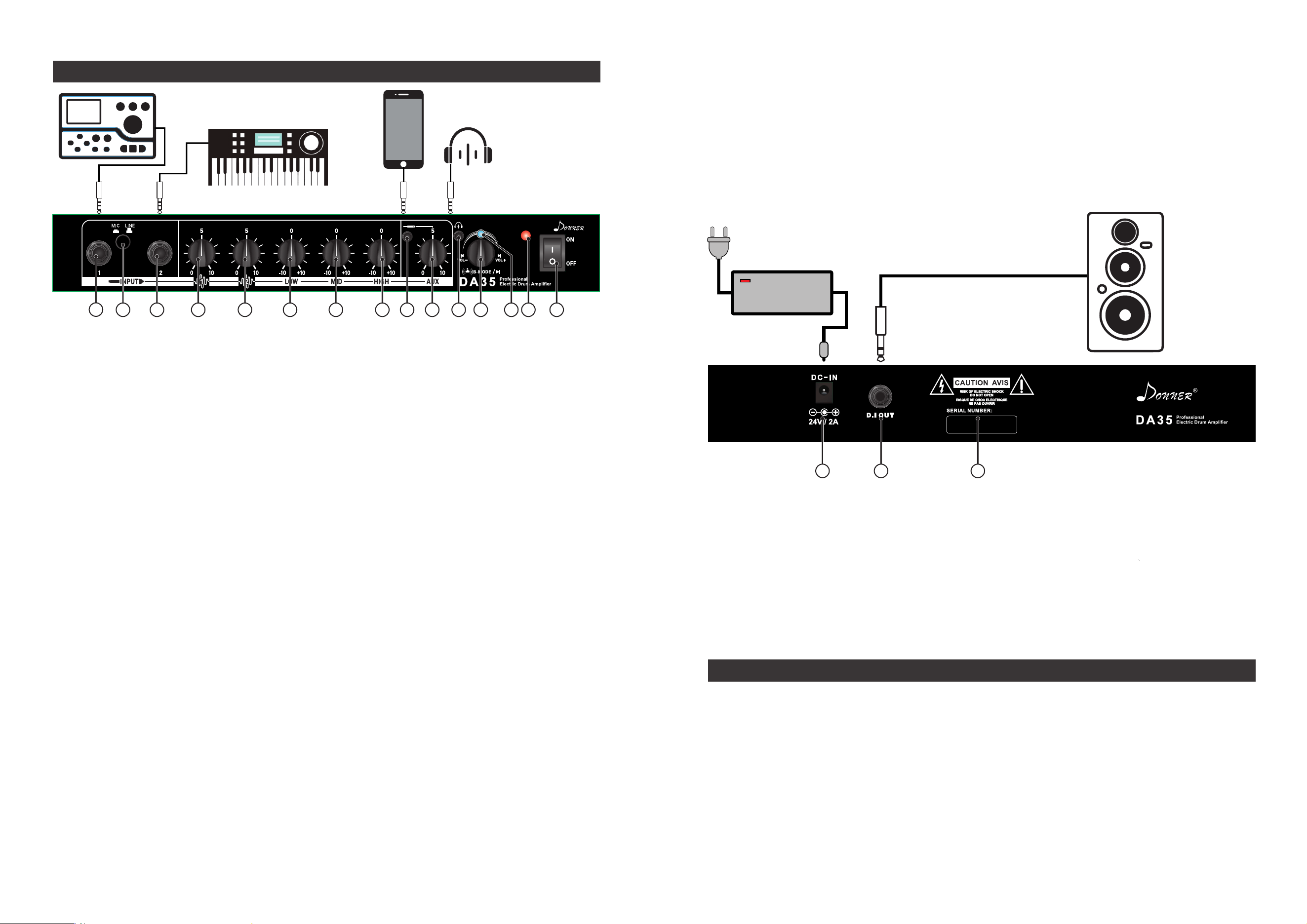
1. INPUT 1:
First input port: musical instrument input which can be connected to 'electronic drum',
'keyboard', etc.
2. MIC/Line in:
Dynamic Mic Mode/Line in Mode.
3. INPUT 2:
Second input port: musical instrument input which can be connected to 'electronic
drum', 'keyboard', etc.
4. INPUT 1 ( Knob ):
This knob is used to control the gain of the 'INPUT 1' input signal;
5. INPUT 2 ( Knob ):
This knob is used to control the gain of the 'INPUT 2' input signal;
6. LOW:
This knob is used to adjust the low frequency signal of the input source of 'INPUT 1/2';
7. MID:
This knob is used to adjust the mid frequency signal of the input source of 'INPUT 1/2';
8. HIGH:
This knob is used to adjust the high frequency signal of the input source of 'INPUT 1/2';
9. INPUT (AUX):
The input port of an external device such as a mobile phone can connect the mobile
phone to the speaker through the '3.5' audio cable;
10. AUX (Knob):
Controls the gain of the input audio signal from an external device such as a mobile
phone;
11. Headphone monitor interface:
The effect of the monitor can be achieved by inserting headphones (Plug in the head
phones, the speaker will be muted regardless of audio signal input).
12. MODE: (Multi-function Bluetooth control button)
Long press: 'on/off' Bluetooth(Blue light flashes with a beep); Click: Start/pause;
Twist to the right: Switch to the next song;
Turn to the right and stay there: Volume increase;
Twist to the left: Switch to the previous song;
Turn to the left and stay there: Volume discrease;
16. DC IN:
Power input port, insert the adapter's output port into the port when using, open
‘switch’ to use;
17. D.I OUT:
Audio output port, which can be connected to other speakers through audio cable to
provide audio input to other speakers;
18. The speaker is pasted with the corresponding flow sticker when it is packaged, and
some product information about the speaker will be displayed on the flow sticker;
Thank you for choosing to use our DA-35 portable multi-function electric drum amplifier.
After years of testing and exploring the sound of electronic drums, our engineers and
musicians finally can integrate many features and advantages into the DA-35, so we can
guarantee that our latest DA-35 can be used for various electronic drums.The same source
device emits the most beautiful sound.
Whether it's bass or treble, the DA-35 is able to perfectly process and display them and
restore them to the most beautiful sound. While ensuring the sound quality, we have also
improved the versatility of the amplifier. On the basis of the input of the drum sound
source, new functions such as 'Bluetooth' and 'AUX Input' have been added.
Electric drum
sound source
Electronic piano
and other instruments
Mobile phones or
other audio devices
Headphone
16 17 18
13. Bluetooth indicator:
When the Bluetooth is turned on, the indicator will flash; then the indicator will be on
when the phone is connected to Bluetooth.
14. Power Indicator:
When the speaker is turned on, the indicator will be on constantly;
15. POWER:
Power switch, toggle up to 'on' power, toggle down to 'off' power;
Connect to another speaker
1 2
