
01
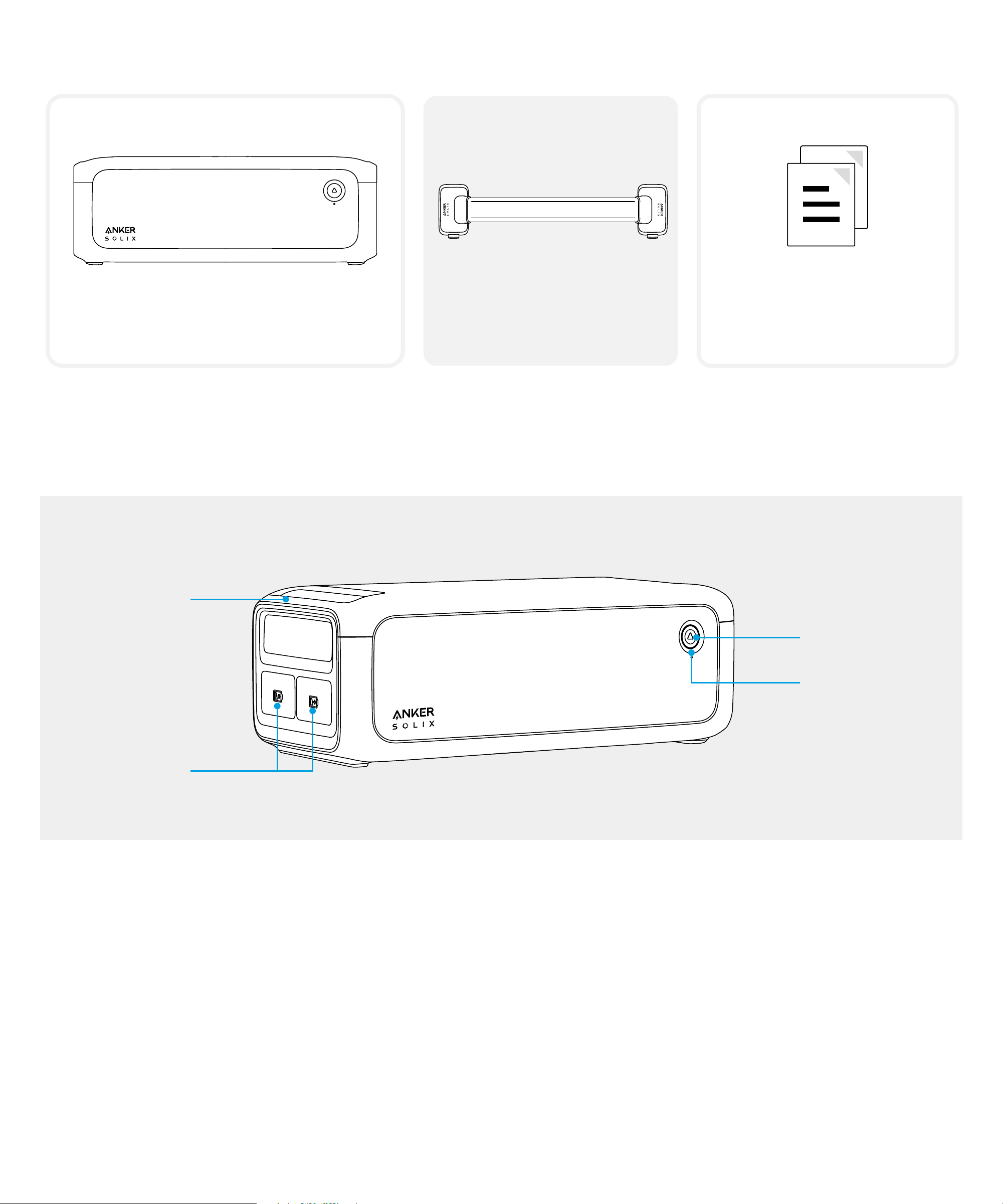
What's in the Box
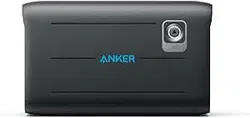
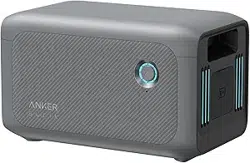
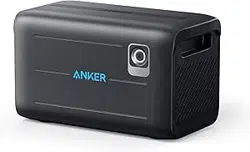
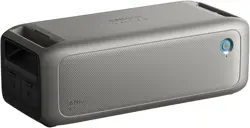
Anker SOLIX BP3000
Expansion Battery
Battery-to-Host
Cable
Documents
* The expansion battery must be connected to the power station for charging and discharging and
cannot be used separately.
Product Overview
Handle
On/O Button
LED Wheel
Expansion
Battery Ports
On/O Button: Press the button for 3 seconds to turn the expansion battery on or o.
Expansion Battery Ports: The two ports have the same function and can be used to connect to the
power station and other expansion batteries.
LED Wheel: Flashes blue continuously while charging. When not charging, short press the on/o button,
and to illuminate the light wheel and display the current battery level.
02
Using the Expansion Battery
*When using the expansion battery for the first time, connect it to the power station with the charging
cable to activate.
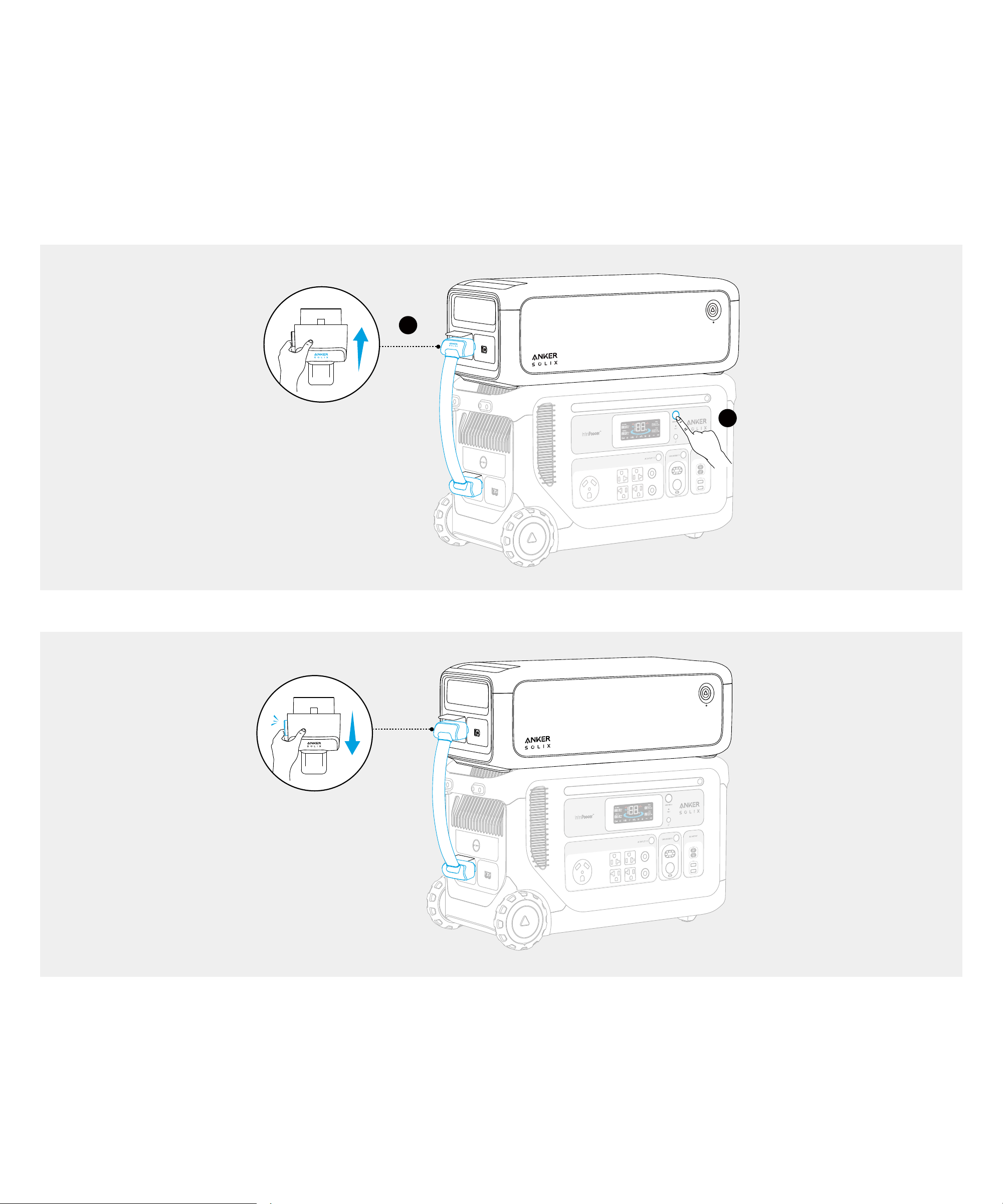
1. Turn o the power station and connect it to the expansion battery with the charging cable.
• Ensure the Anker SOLIX logo on the charging cable faces outward.
• AC ports of the power station vary by region.
1
2
*To unplug the charging cable, hold the unlock button to pull it out.
03
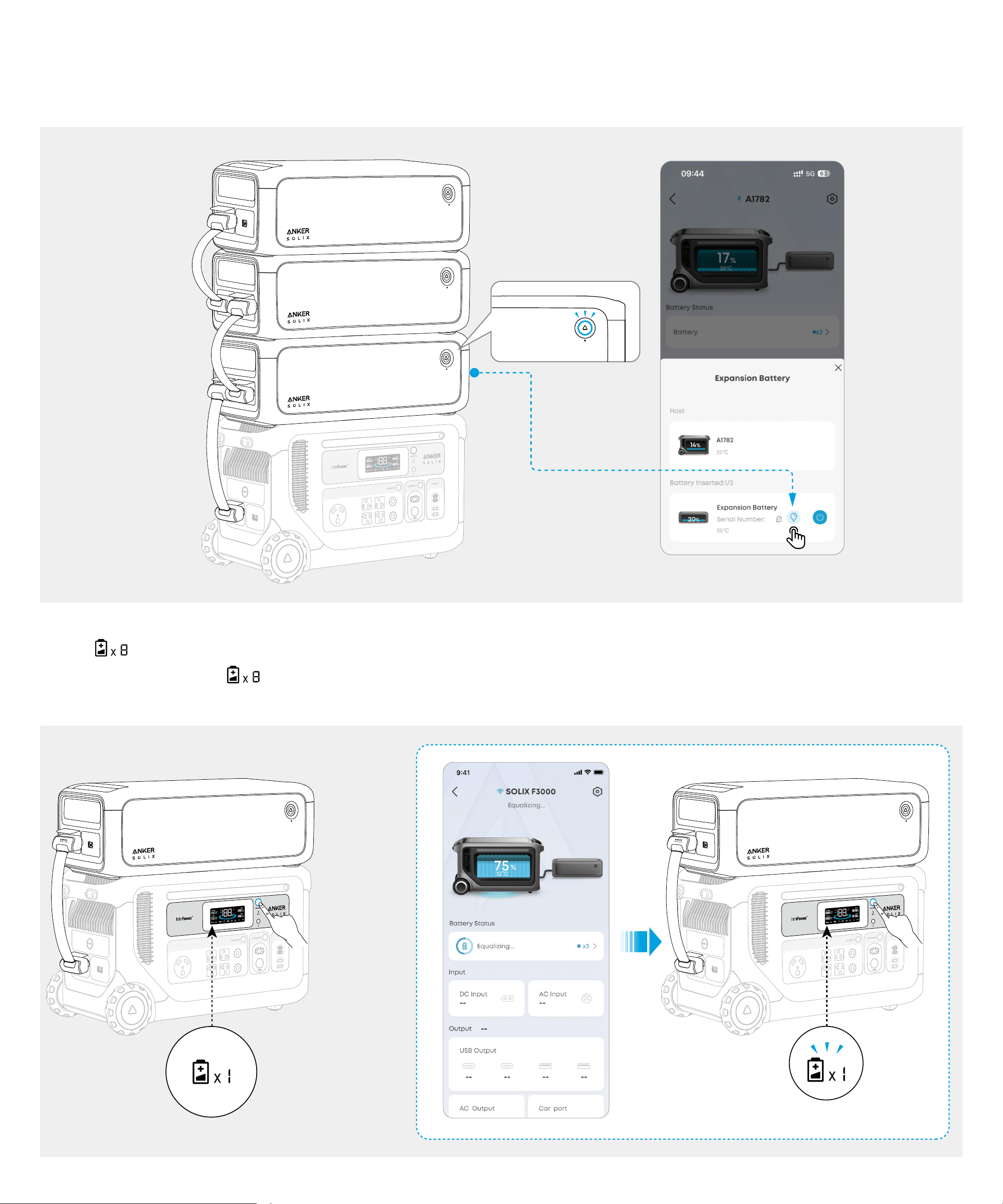
2. Up to 3 expansion batteries can be connected to one power station. If you have connected multiple
expansion batteries, you can tap the light bulb button in the app, and the LED on the corresponding
expansion battery will blink three times.
3. Turn on the power station. If the expansion battery is successfully connected, you will hear a beep
and <
> will appear on the power station's screen. If the icon does not appear, reconnect the
expansion battery. < > flashes when the power station is equalizing, and it does not aect the
normal use of your power station at this time.
04
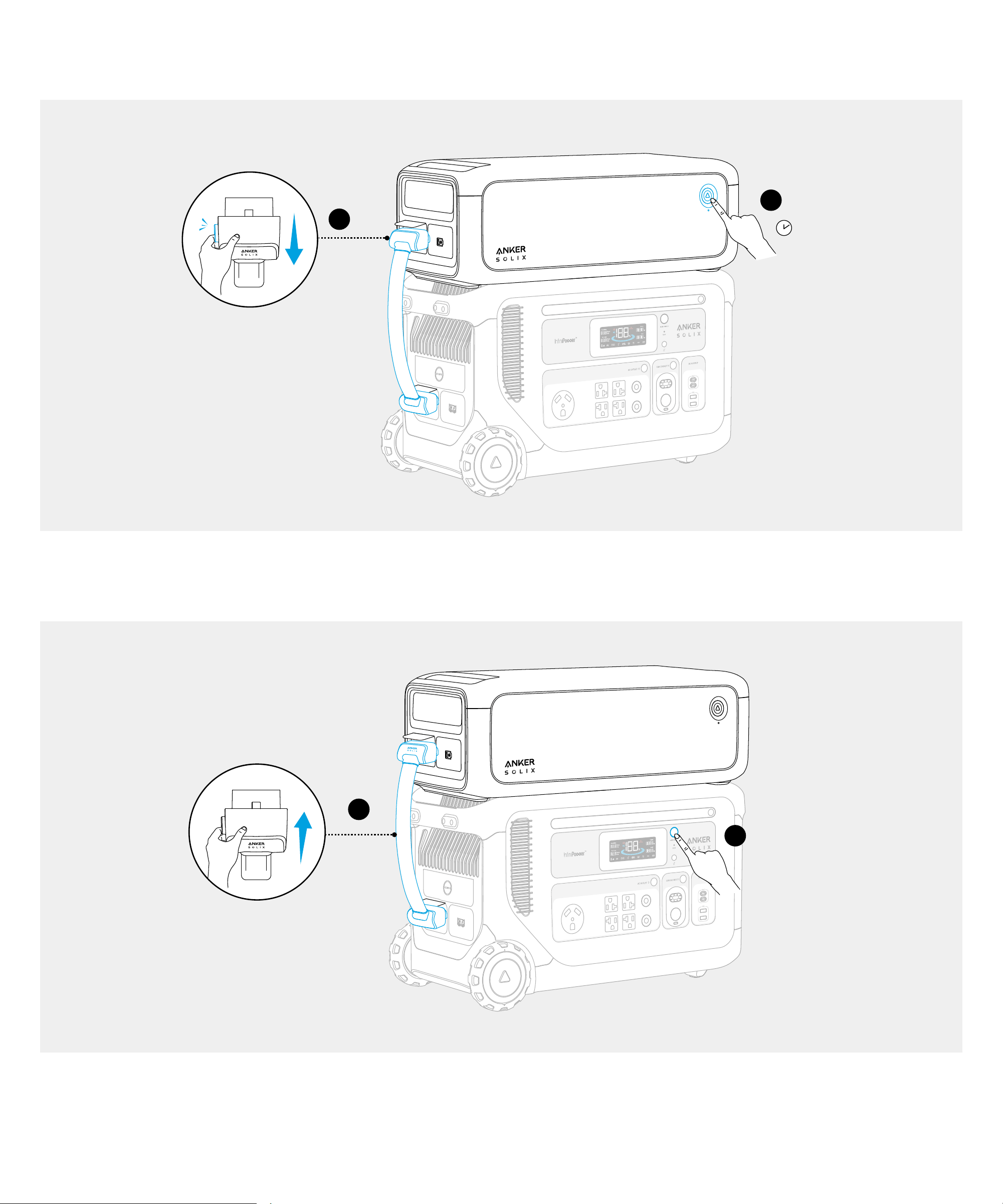
4. If you need to disconnect the power station from the expansion battery during use, press the On/O
button of expansion battery for 3 seconds to turn it o. Then unplug the charging cable.
2
1
3 s
Recharging the Expansion Battery
1. Turn o the power station and connect the expansion battery with the charging cable.
1
2
2. Recharge the power station via AC or DC ports. The expansion battery will be recharged at the same
time.

05
Specifications
Capacity 51.2VDC, 60,000mAh / 3,072Wh
Voltage Range 40V to 57.6V
Expansion Battery Port Charging 60A Max (with Anker SOLIX F3000 Portable Power Station)
Expansion Battery Port Discharging 123A Max (with Anker SOLIX F3000 Portable Power Station)
Battery Type LiFePO4
Discharging Temperature -20°C to 40°C / -4°F to 104°F
Charging Temperature 0°C to 40°C / 32°F to 104°F
Net Weight 25 kg / 55.12 lb
Dimensions
584*204*260 mm / 23*8*10.2 in