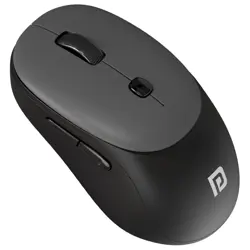
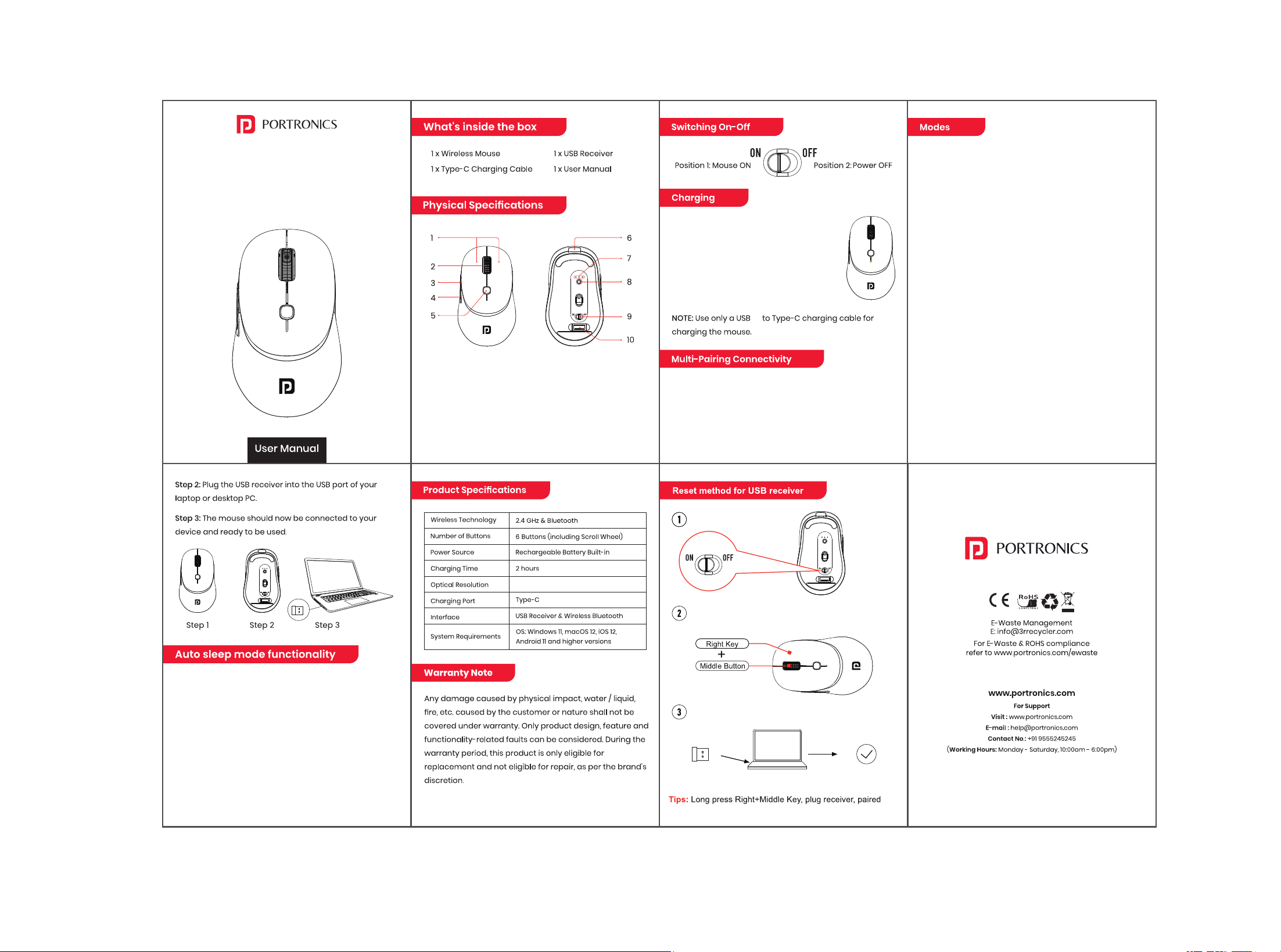
1- Left and Right Buttons
2- Scroll Wheel
3- Forward Button
4- Backward
5- DPI Adjust Button
6- Type-C Charging Port
7- Connectivity Mode Light
8- Mode switch button
9- Power On-Off
10- 2.4G Receiver
• Plug the Type-C charging cable provided
into the charging port of the mouse.
• When charging, the mouse's LED lights up
green, and turns off when fully charged.
• Allow up to 2 hours to completely charge
the mouse.
The mouse can be paired with up to three devices
simultaneously—one using the USB receiver (2.4GHz
mode) and two via Bluetooth. You can easily switch
between 2.4GHz mode, “Toad Neo” Bluetooth mode, and
“Toad Neo 2” Bluetooth mode by pressing the
connectivity mode button.
Tosavepower,themousegoesintoSleepModeafter10mi
nutesofinactivity.Simplypresstheleftorrightmousebutto
ntoawakenthemouse.
Please Note :
• Pleaseswitchoffthemousebeforecleaningit.
• Donotuseanychemicals,solventsorcleaningsolutions
containingalcohol, ammoniaandabrasives.
• Ensurethatnoliquidorexcessivemoistureentersthe
openingsofthemouse.
Plug Receiver,Paired
Long press Right + Middle Key
Turn on switch
1200(Default)-1600-2400-3200
-A
Wireless Connectivity : The mouse supports two wireless
connection modes:
• USB Receiver (2.4GHz)
• Bluetooth
i. Connecting via Bluetooth :
Follow the steps below to pair the mouse with laptops,
tablets, or smartphones using Bluetooth:
Step 1 : Power on the mouse. The blue light inside the optical
sensor will turn on for 2 seconds and then switch off to save
power. Please note that the mouse remains powered on.
Step 2 : Press and hold the Connectivity Mode Button for 2
seconds. The mouse will enter Bluetooth pairing mode.
Step 3 : Open the Bluetooth settings on your device (laptop,
tablet, or smartphone), enable Bluetooth, search for
available devices, and select the mouse to connect.
Step 4 : Once the connection is successful, the indicator on
the back side will turn on, and the mouse is ready to use.
ii. Connecting via 2.4GHz USB Receiver
Step 1 : Power on the mouse and remove the USB receiver
from the receiver compartment located at the bottom of
the mouse.
TOAD NEO
Dual Mode Rechargeable
Wireless Mouse