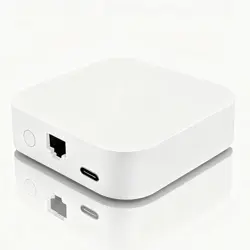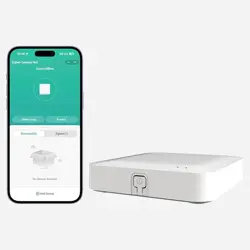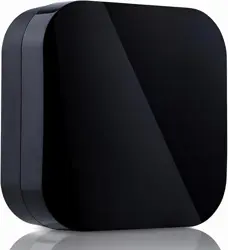
Universal infrared remote control
R11 R4Z use introduction
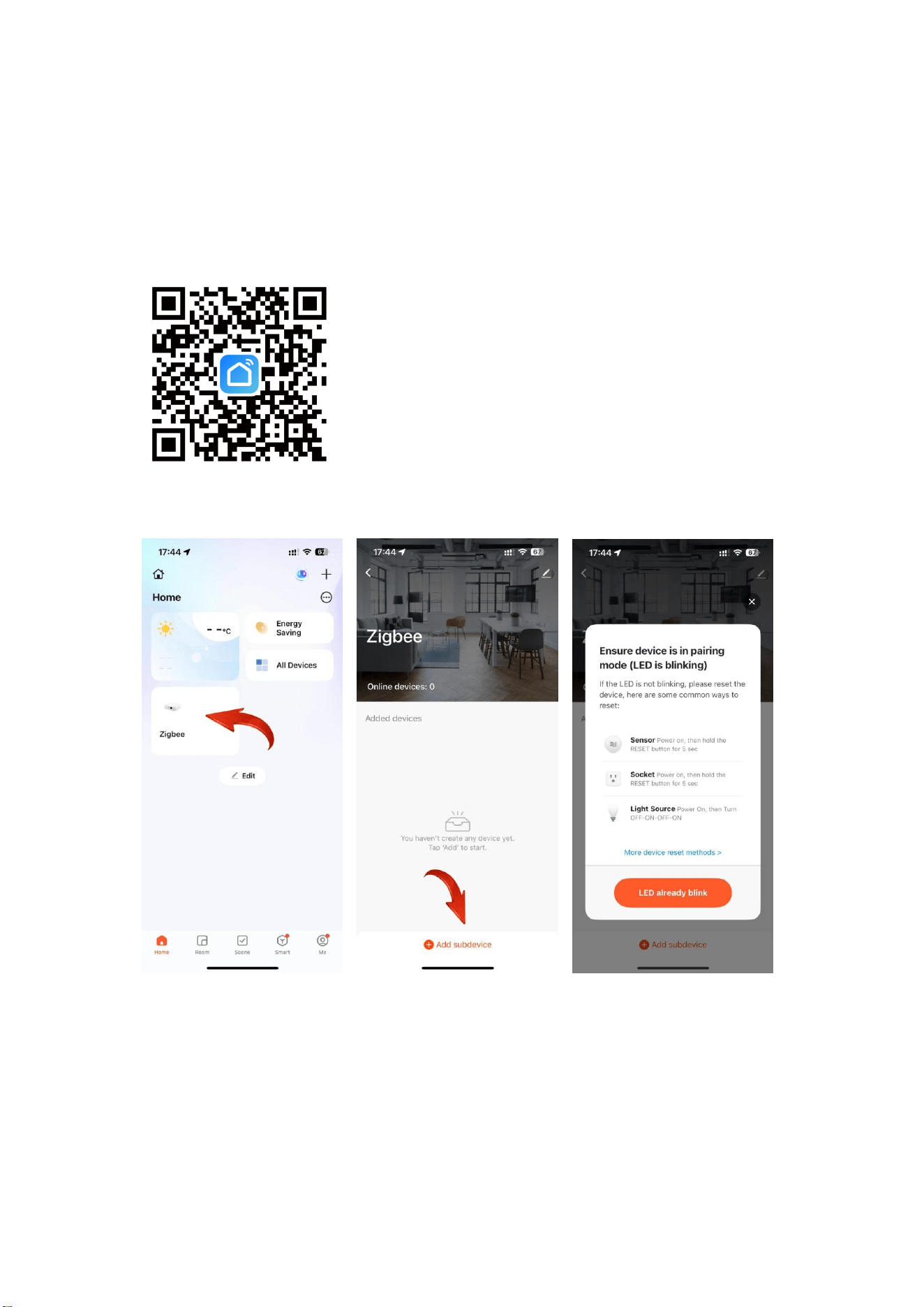
Download the Smart Life APP
● Open the Smart Life APP, Click on Wired Gateway to start
searching for devices, Confirm that the blue light of
the universal infrared remote control is blinking
rapidly.
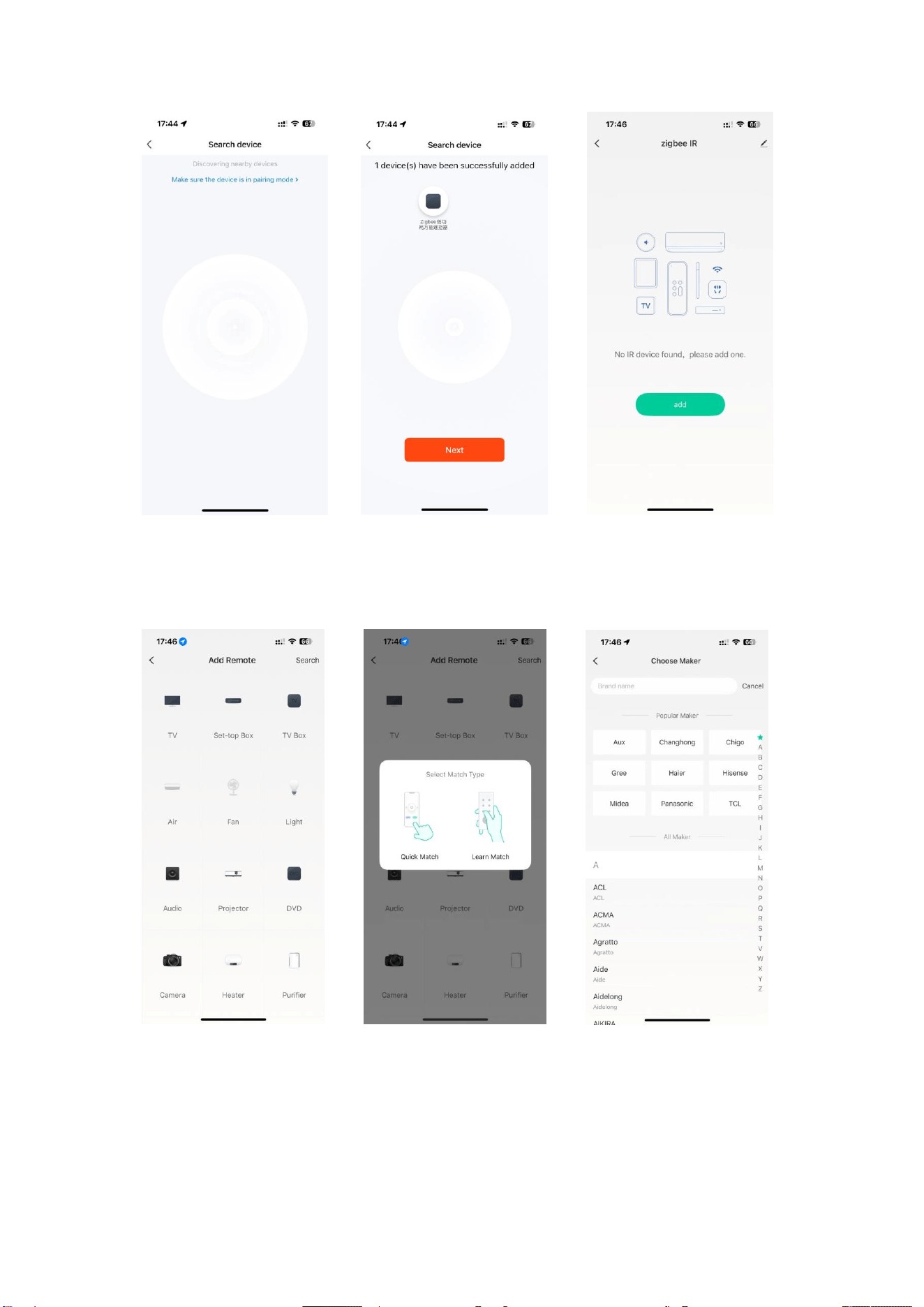
● Wired Gateway Do not leave this page while searching for
devices, Until the universal infrared remote control
appears inside the wired gateway.
● Select the type of household appliance,Selective fast
matching, Choose the brand of household appliance.
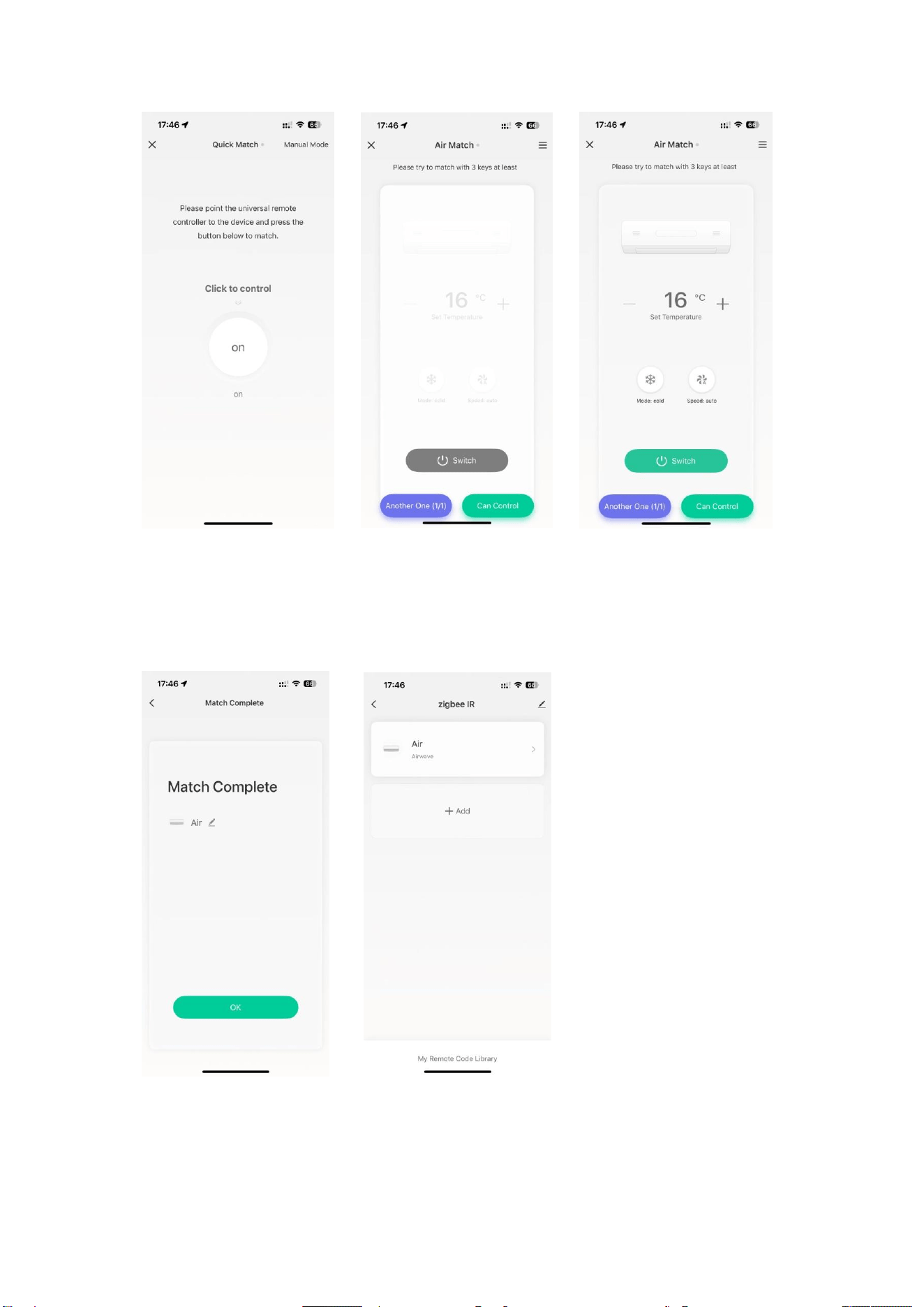
● Press the switch button to see if you can control the
appliance, Press the 3 control buttons again to check
whether all of them can be controlled, If the device can
be controlled, the device is successfully added.
● Appliances will be displayed in the control page, and
you can change the name of the appliance.