备注:
1. 印刷色:4C
2. 尺寸:35 *54mm
3. 规格:6P (双面印刷, P 数对应:1- 4, 2- 5, 3 - 6)
4. 装订方式:风琴折
5. 符合云丁科技《有害物质管理标准》
变更日期
版本 标注 ECO编号 变更描述 设计者
2019.12.20V0 NA 初版发行 Tamia
2020.01.04V1 NA 更新排版 Tamia
2020.03.18V2 NA 更新文案 Tamia
切线
折压线
封面 封底
54mm
35mm
物料名称:说明书
产品名称 料号 设计
材质:金东太空梭105G无光铜纸
1:1
SCALE
SHEET
UNIT
1/1
mm
表面处理:无
0~6
6~30
30~120
120~300
300~450
450~600
DRAFT TOLERANCE
0.05
B
0.15
0.20
0.30
0.40
0.50
0.10
C
0.20
0.30
0.40
0.50
0.60
+
_
0.20
0.20
0.25
0.30
0.50
0.80
0.50
EPS EPE EPP BAG CTN LABEL
0.50
1.00
2.00
3.00
0.50
0.50
1.00
2.00
3.00
CRITICAL DIM. MARK *
0.50
0.50
1.00
2.00
3.00
3.00
5.00
10.00
15.00
20.00
2.00
3.00
5.00
5.00
0.05
A
0.10
0.15
0.20
0.25
0.30
SELECT
V
TOL.
Dim
核准
雷艳芬 周树温0524054002FORD
NEED MORE HELP?
Resources & Support
support.wyze.com
Community
forums.wyze.com
Wyze Labs, Inc
www.wyze.com
Built in partnership with Lockin
QUICK START GUIDE
QUICK START GUIDE
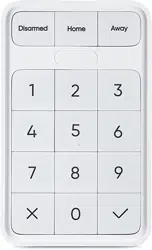
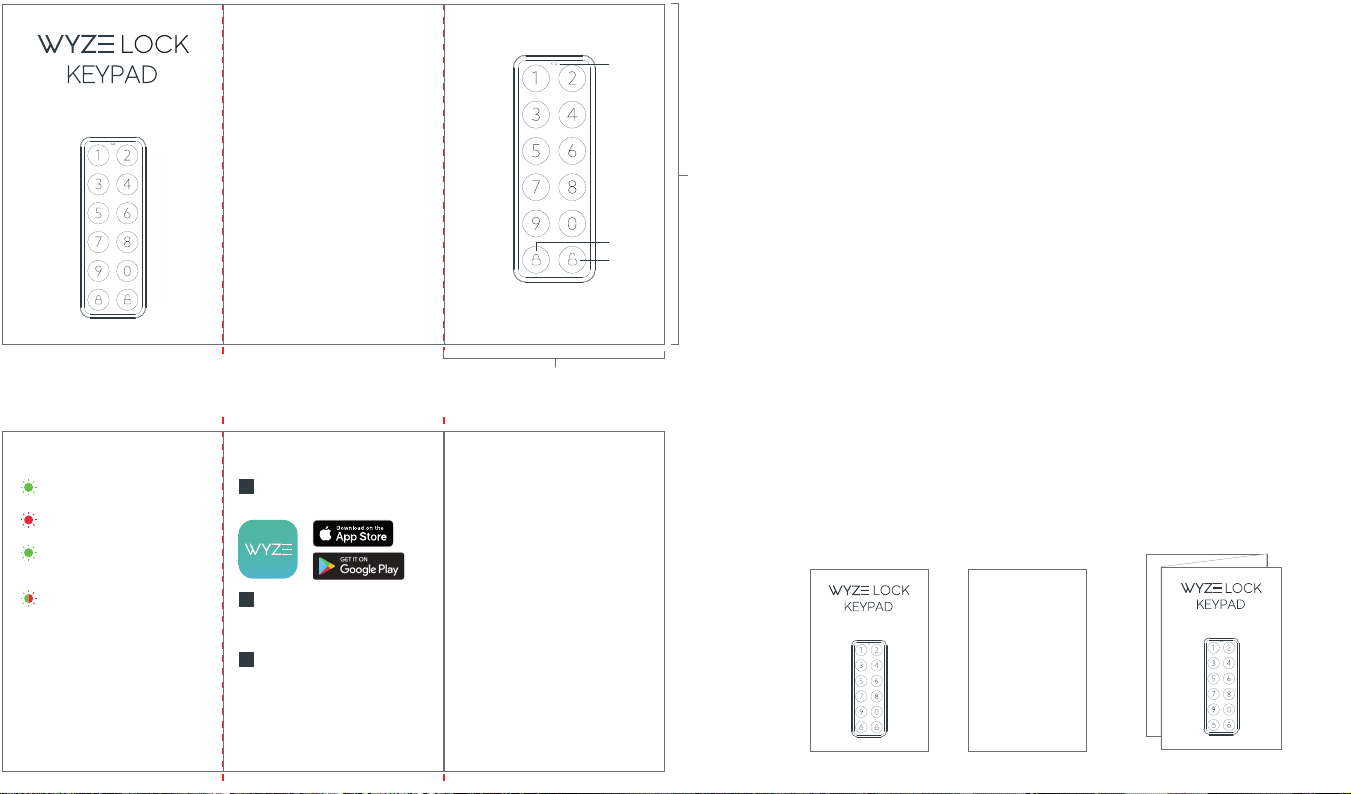
KEYPAD - FRONT
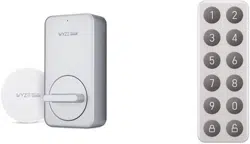
IN THE BOX
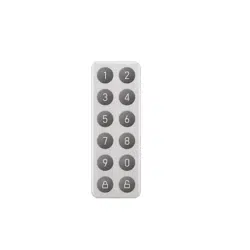
Wyze Lock Keypad
AA Batteries
Screws
Wall Anchors
Mounting Plate
x 1
x 2
x 2
x 2
x 1
QUICK START GUIDE
3
2
1
Indicator Light
Lock button
Unlock button1.
2.
3.
Solid Red Light
The Keypad failed to lock or unlock
I can’t get my Keypad and Lock to pair.
Make sure the Keypad’s indicator light is
flashing green showing it is in pairing mode.
If problems persist, move the Wyze Lock
Keypad closer to the Lock.
Flashing Green Light
The Keypad is ready to connect
Solid Green Light
The Keypad successfully locked
or unlocked
Flashing Green/Red Light
The Keypad is updating its firmware
LIGHT INDICATIONS
TROUBLESHOOTING
NEED MORE HELP?
Resources & Support
support.wyze.com
Community
forums.wyze.com
Wyze Labs, Inc
www.wyze.com
Built in partnership with Lockin
SETUP
1
Download the Wyze app
2
Set up Wyze Lock
In order to use Wyze Lock Keypad, you must
first set up a Wyze Lock (sold separately).
Log in or create a Wyze account
3
Install and set up Wyze Lock Keypad
Go to the settings page of the Wyze Lock you
wish to pair the Keypad with. Select “Keypad
Settings” and then “Add a Keypad”. Follow
instructions in the app to complete installation
and setup.
1 2 3
4
正面
背面
5 6