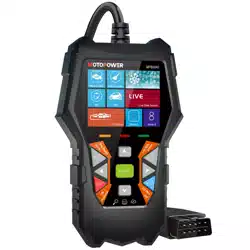
MOTOPOWER MP69040 Car OBD2 Scanner Check Engine Fault Code Reader Diagnostic Scan Tool

Product's Documents

Below are documents related to this product, you can read online or download:
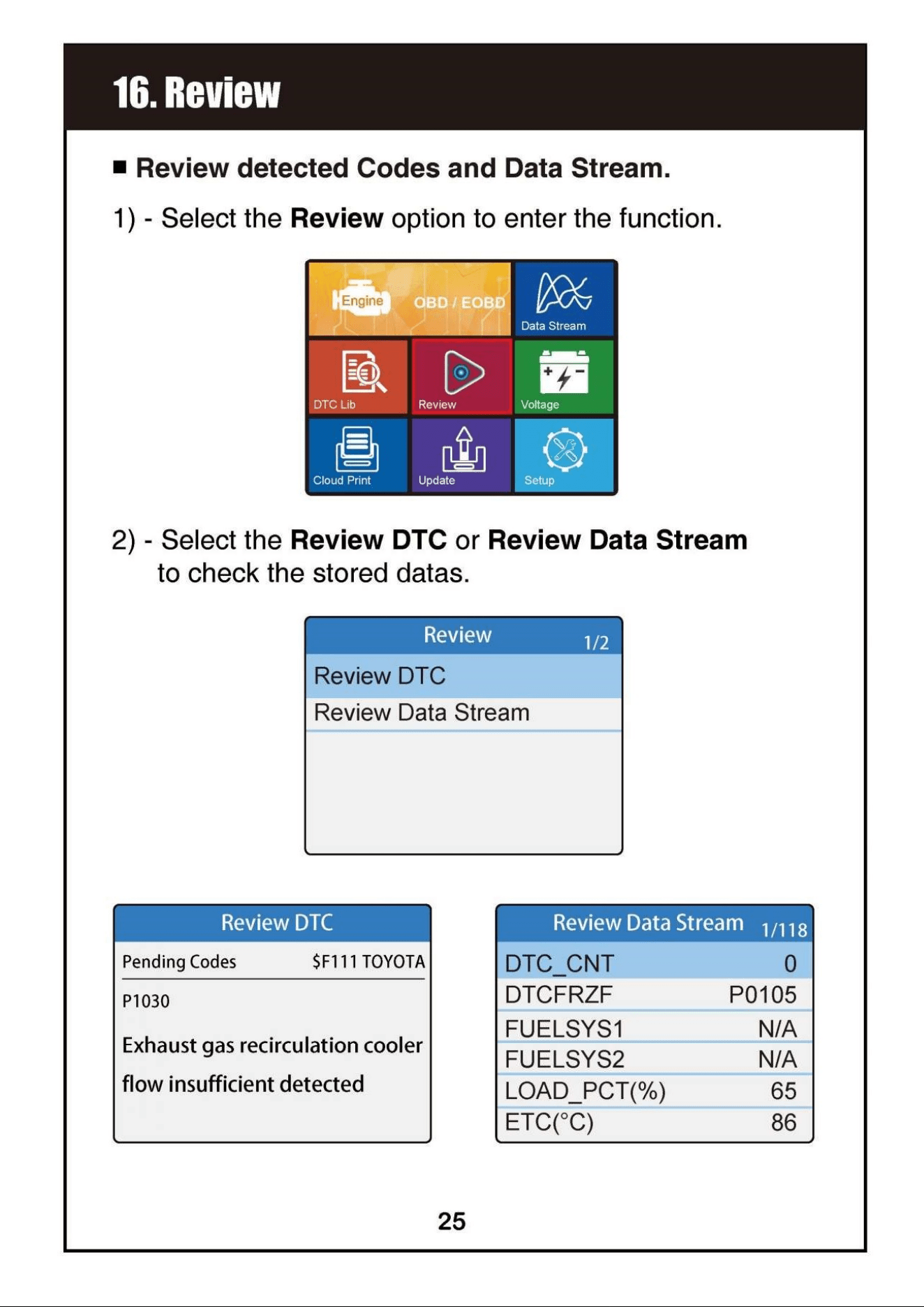
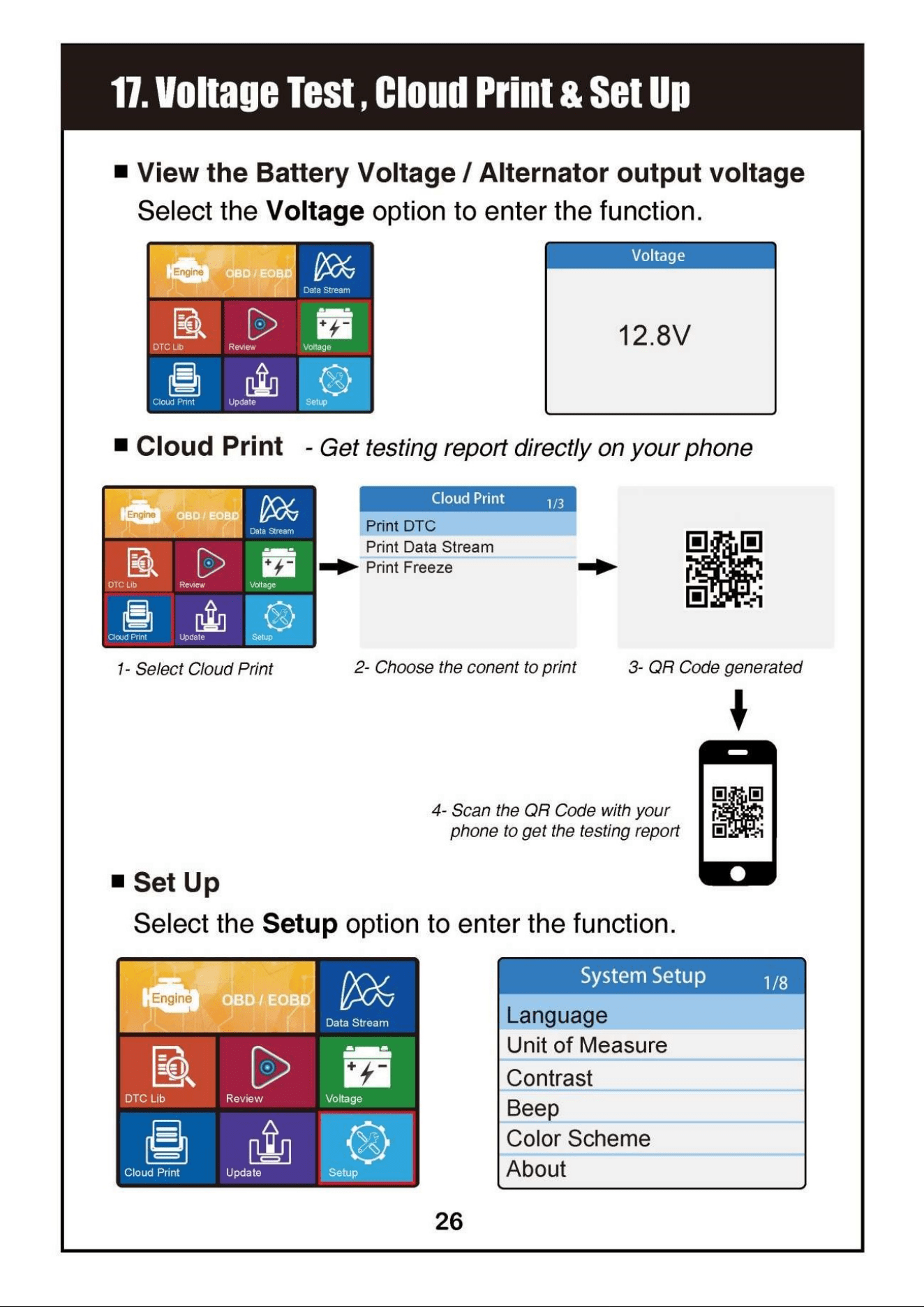
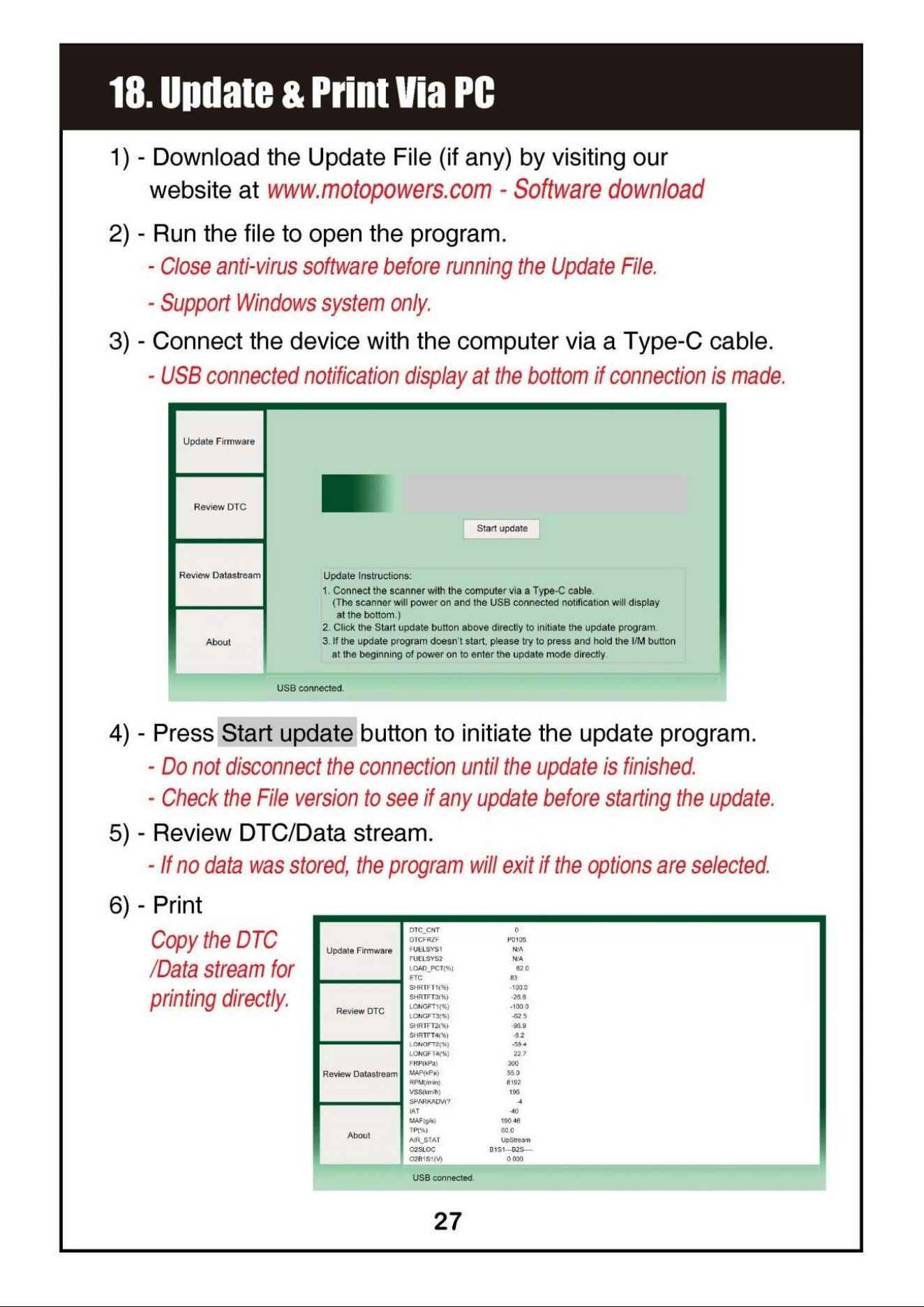
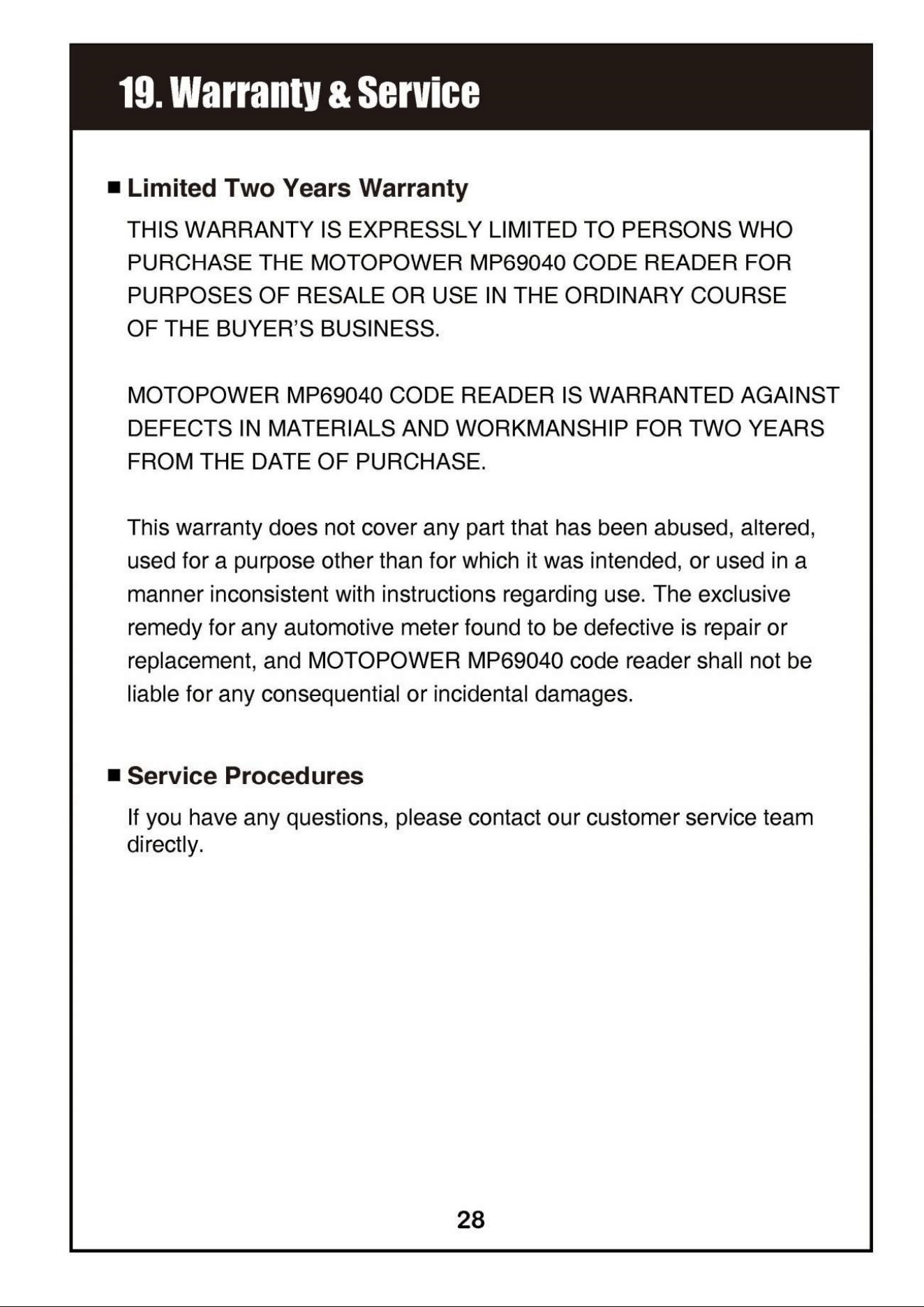
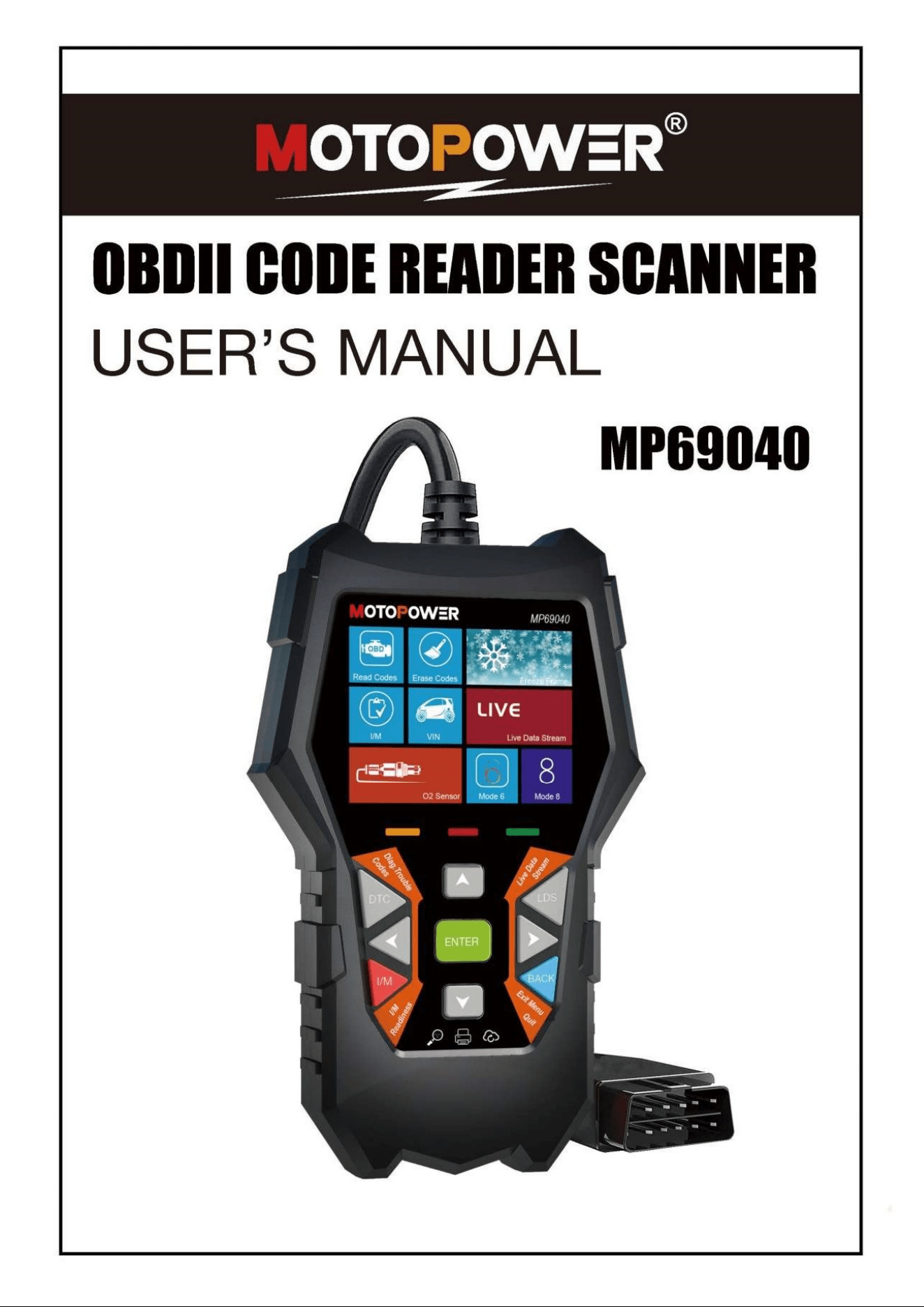
MP69040 photo

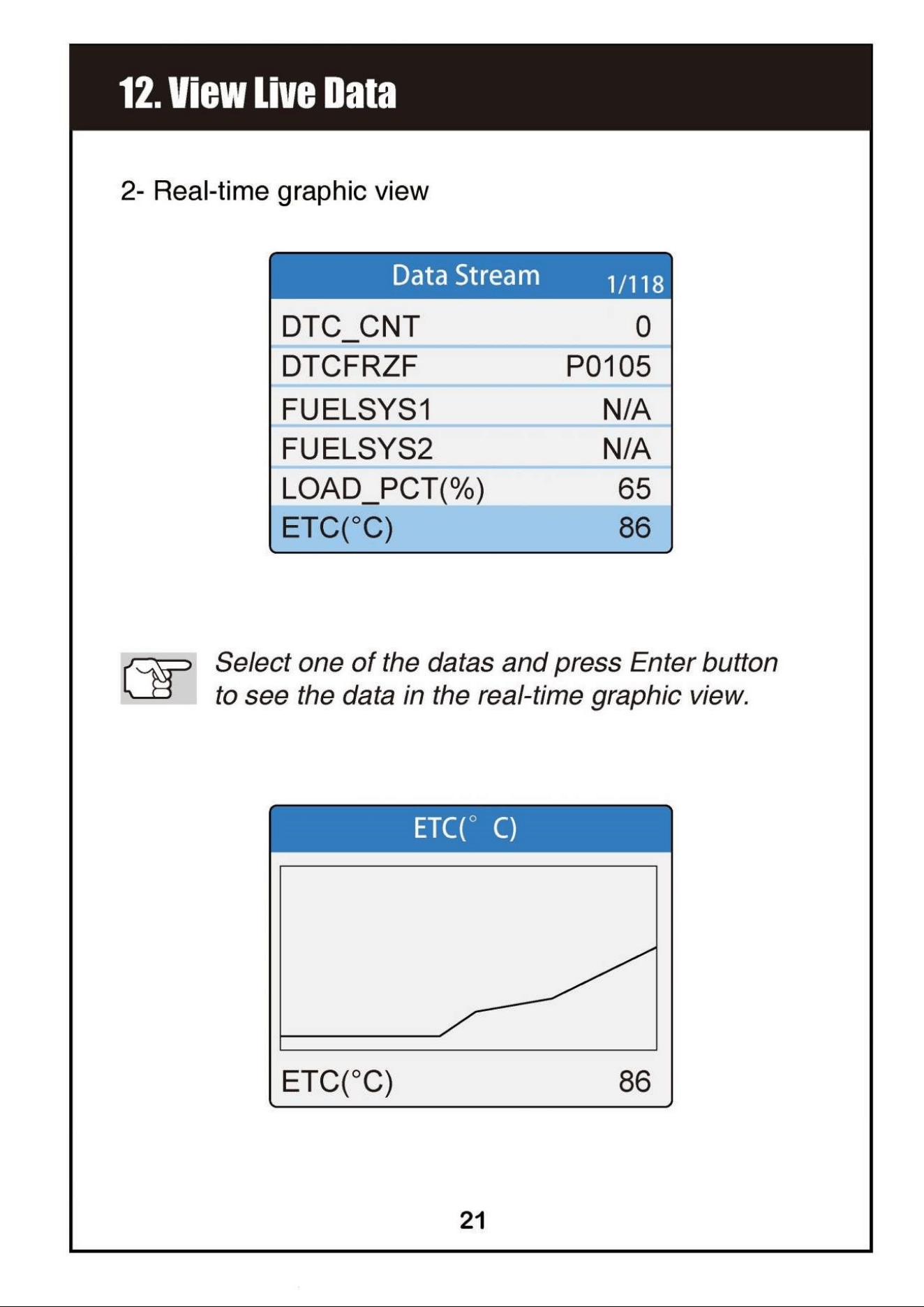
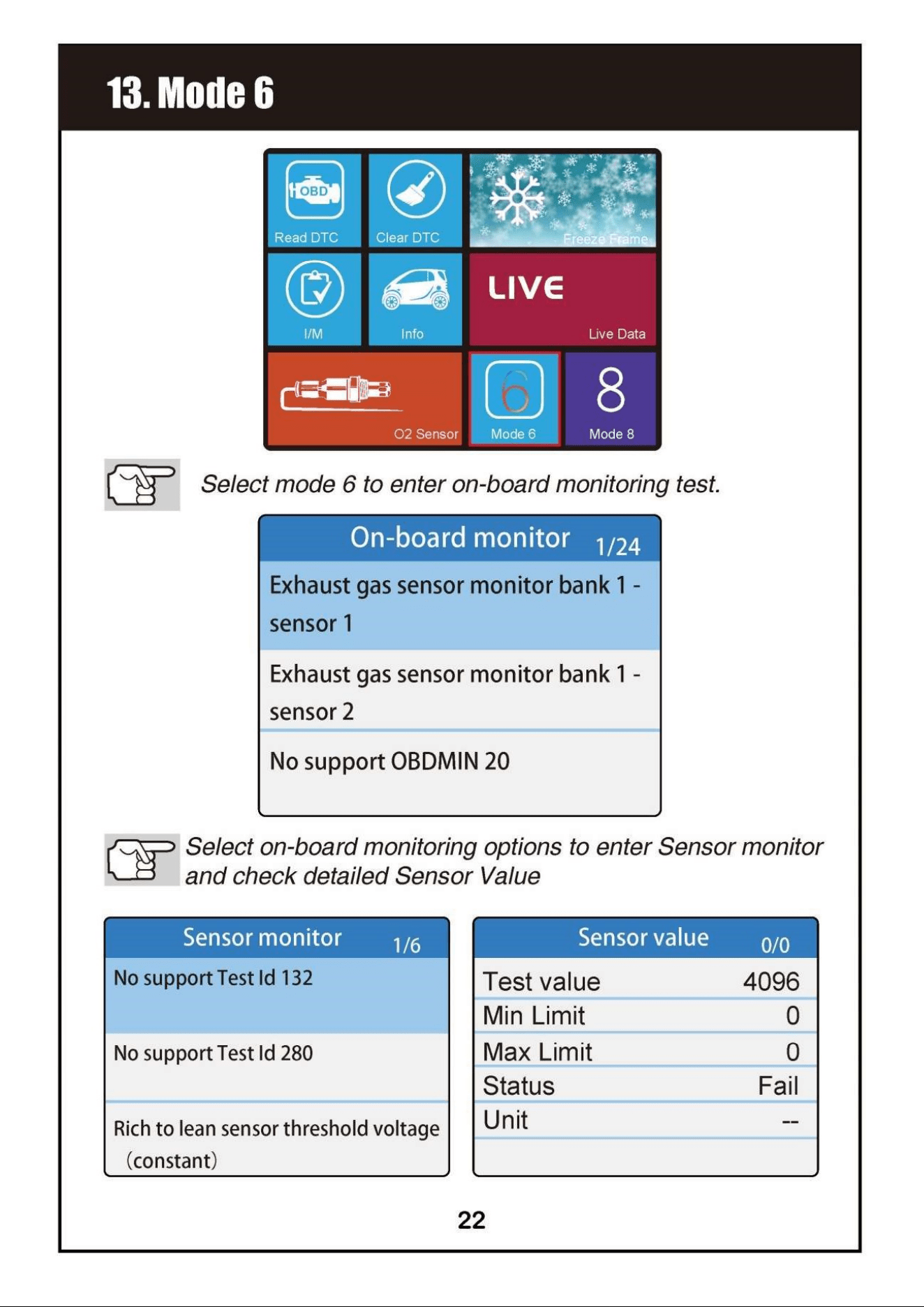
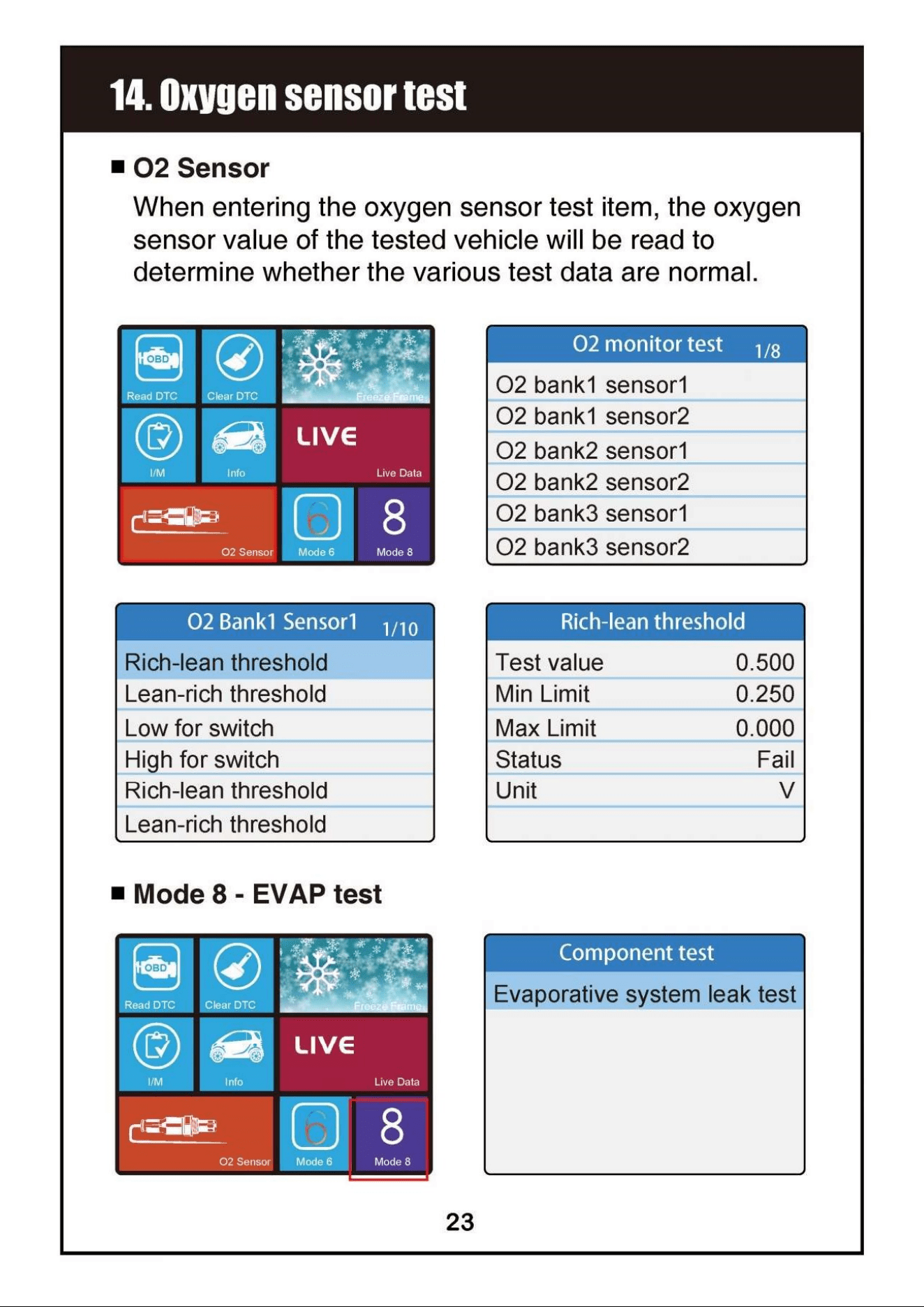
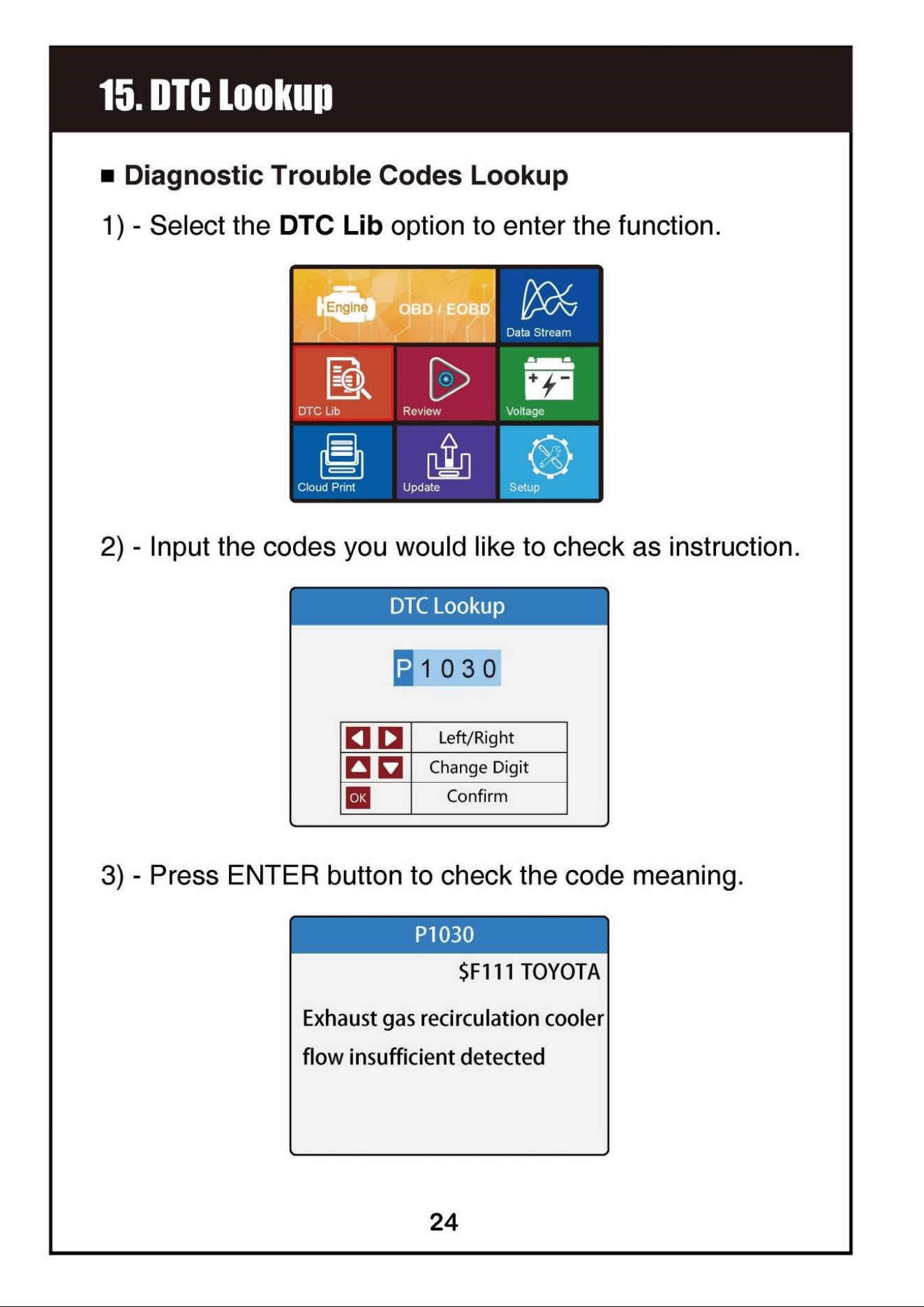
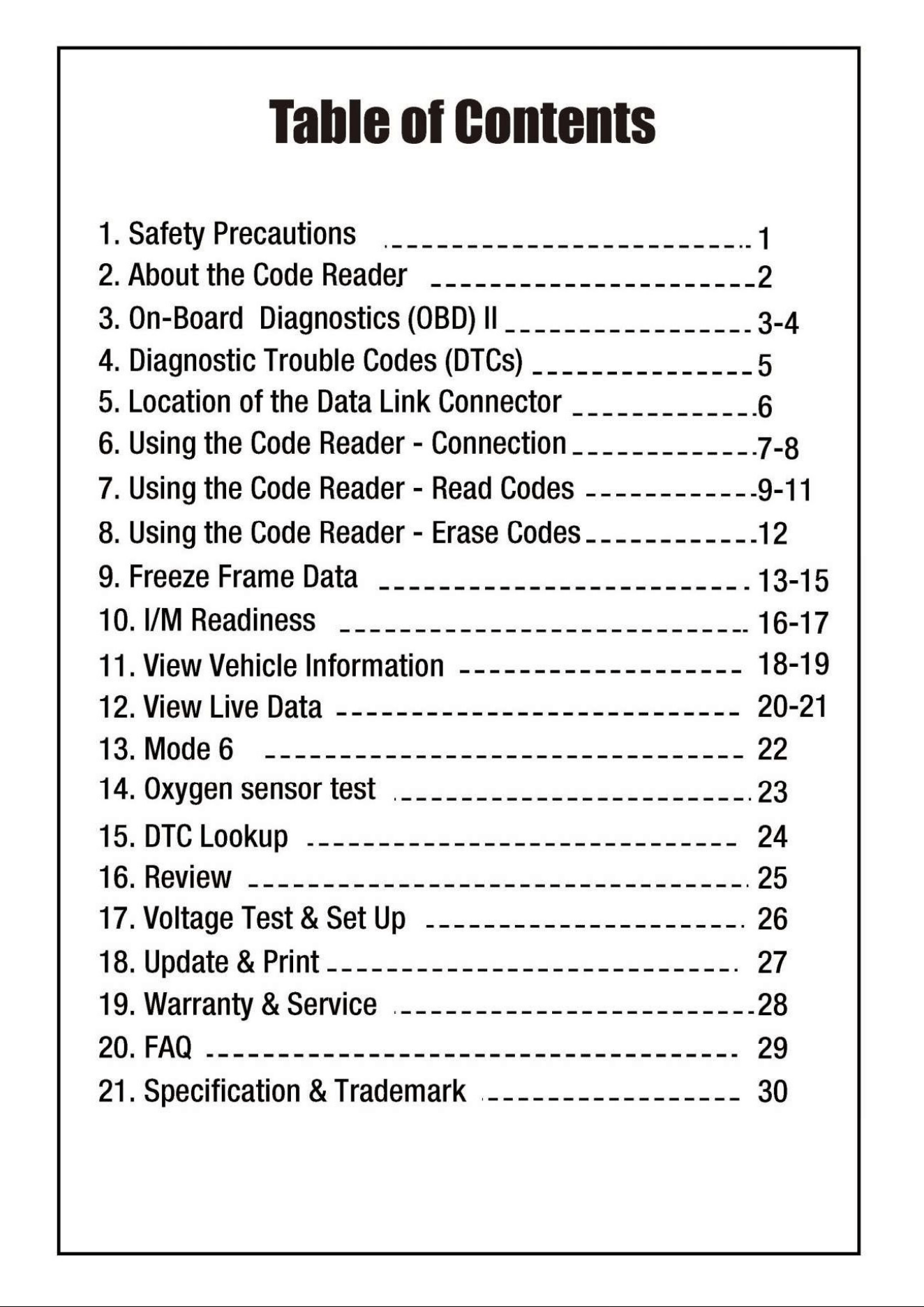
USER’S MANUAL

This is the main product document for model MP69040.

The file format is pdf, 34 pages, you can download this manual here .

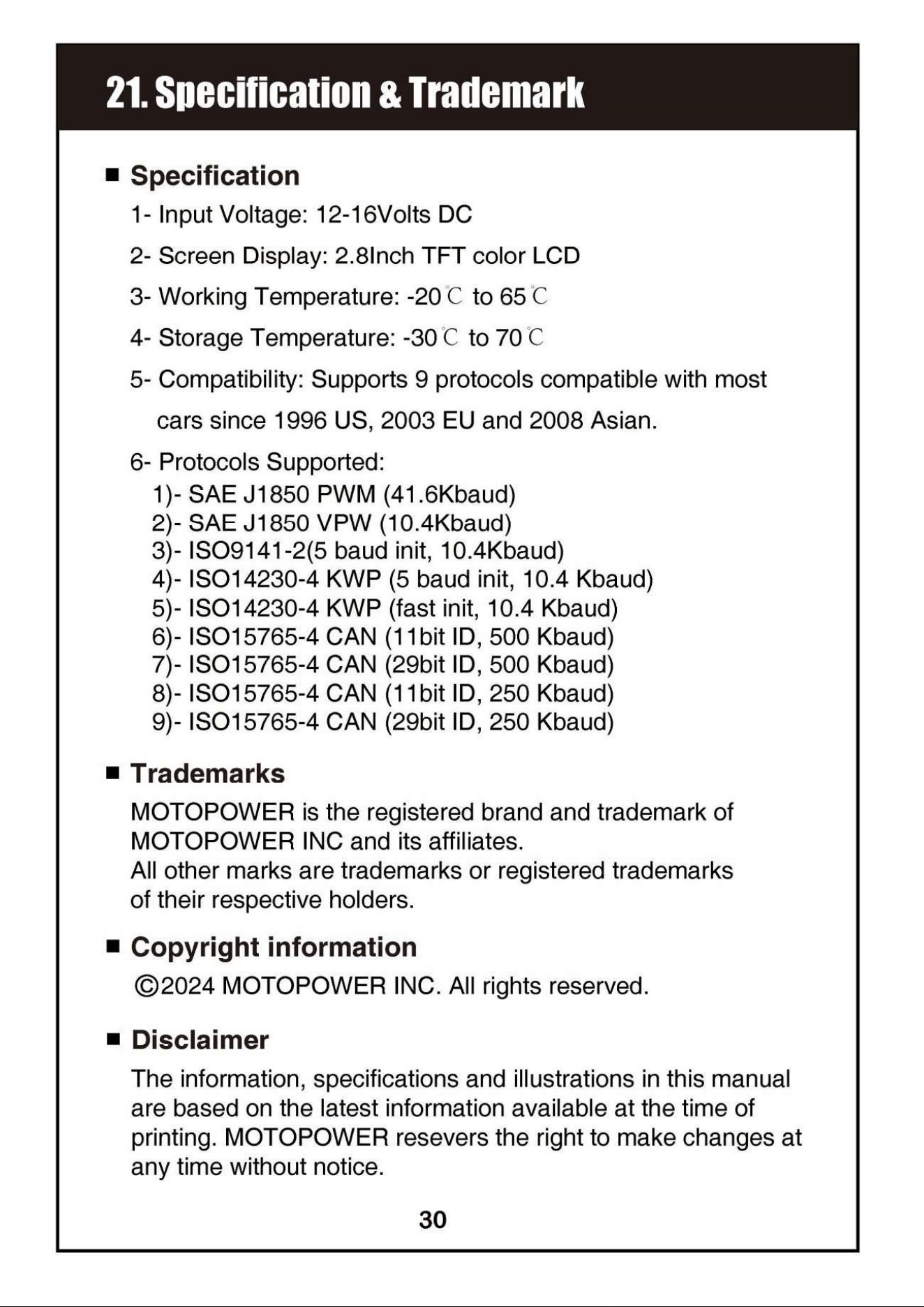
Specifications

MOTOPOWER MP69040 Questions and Answers

  • Total questions: 1
  • Questions unAnswered : 1

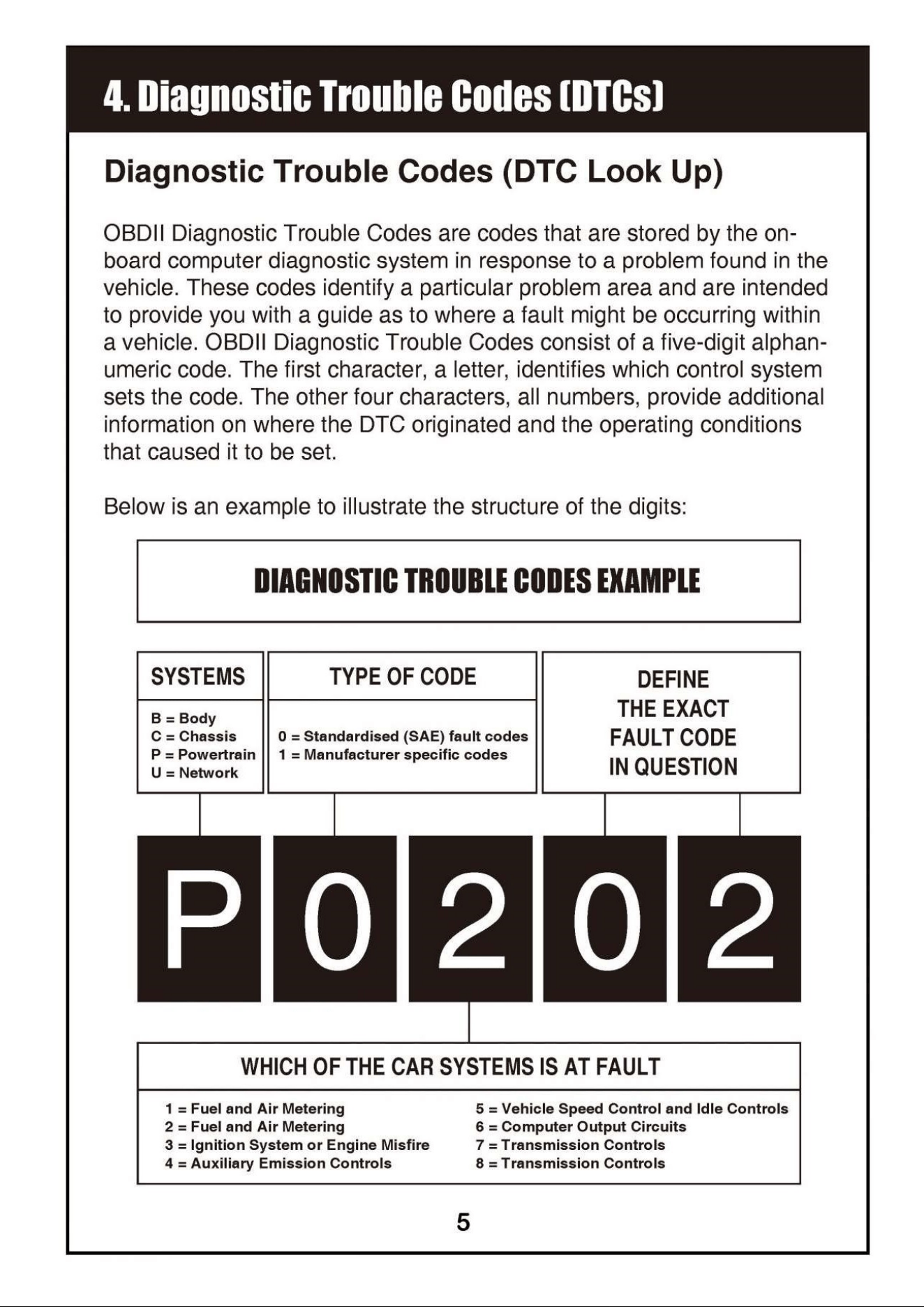
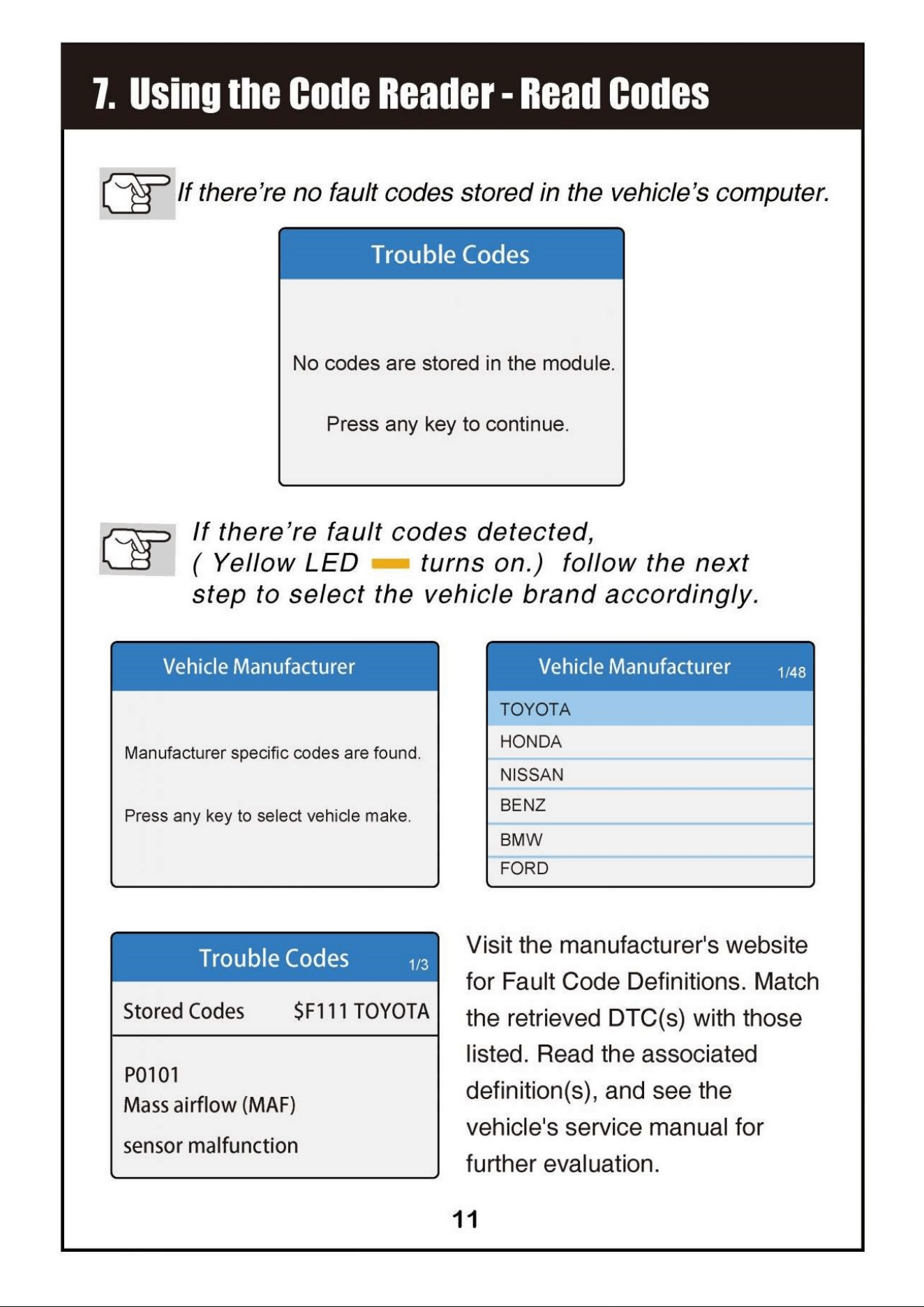
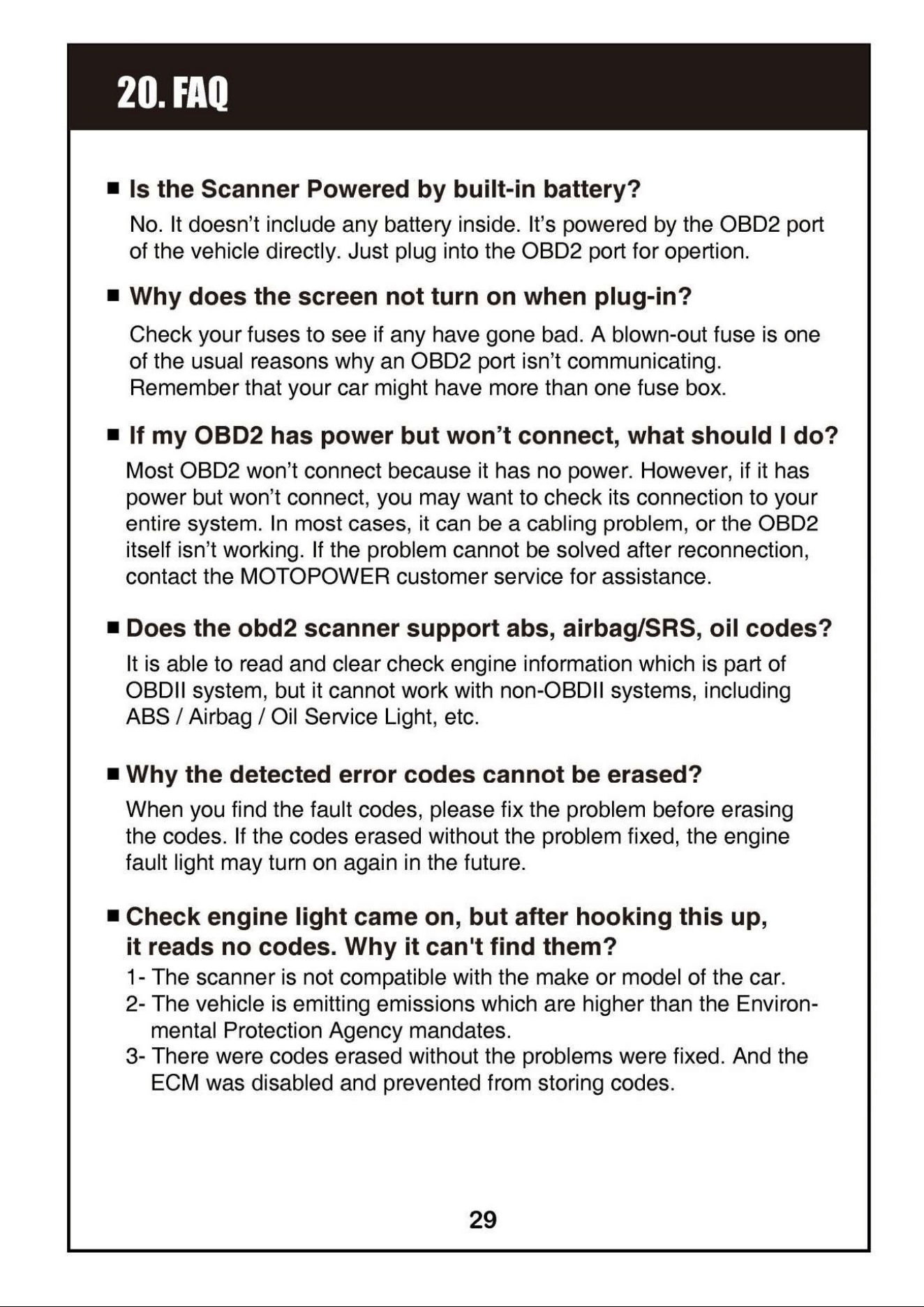
#1 What should I do if the check engine light comes on but the OBD2 scanner reads no codes?

The scanner may not be compatible with the make or model of the car, the vehicle might be emitting emissions higher than EPA mandates, or codes may have been erased without fixing the underlying problems, preventing the ECM from storing codes. (Page 31)
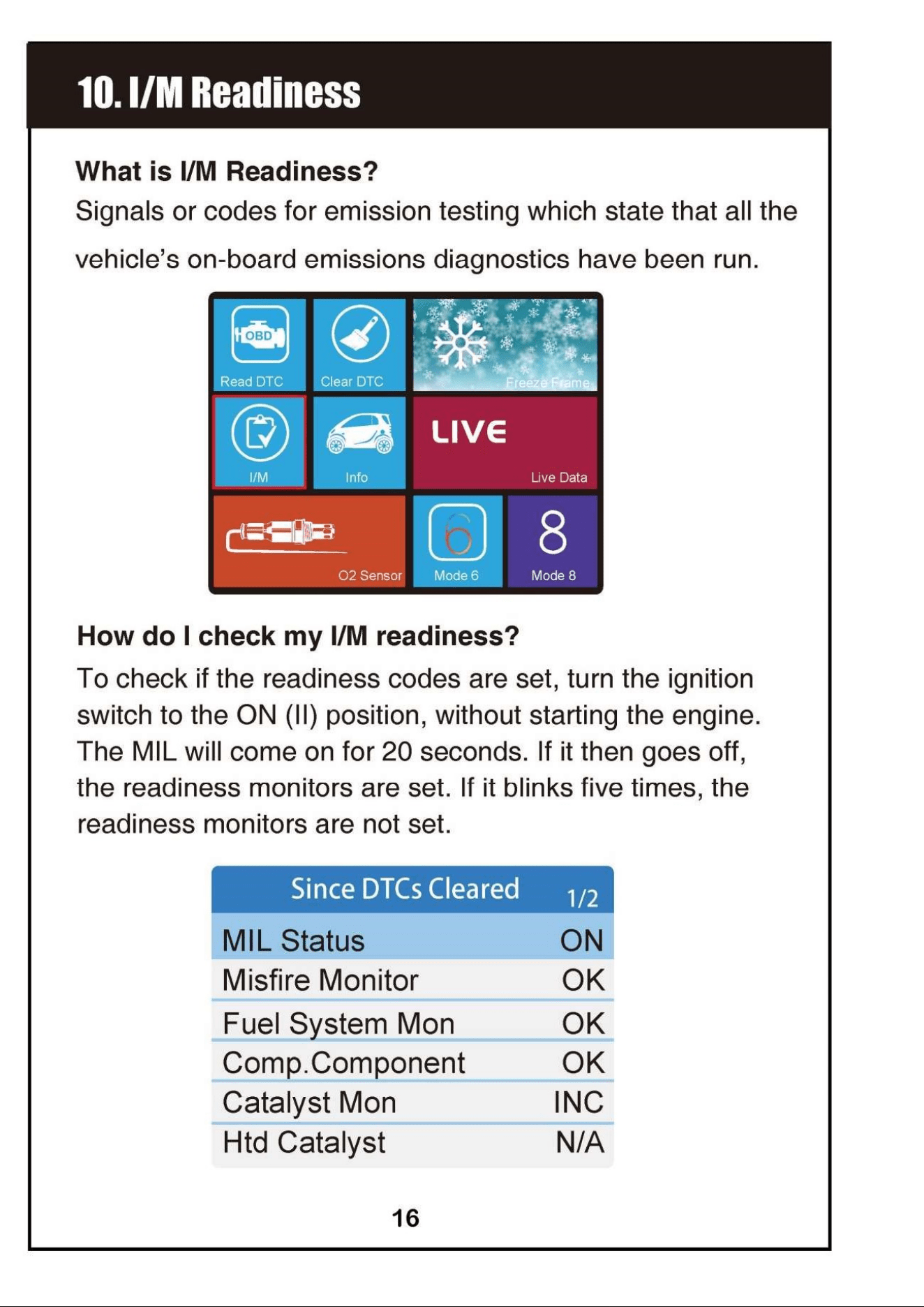
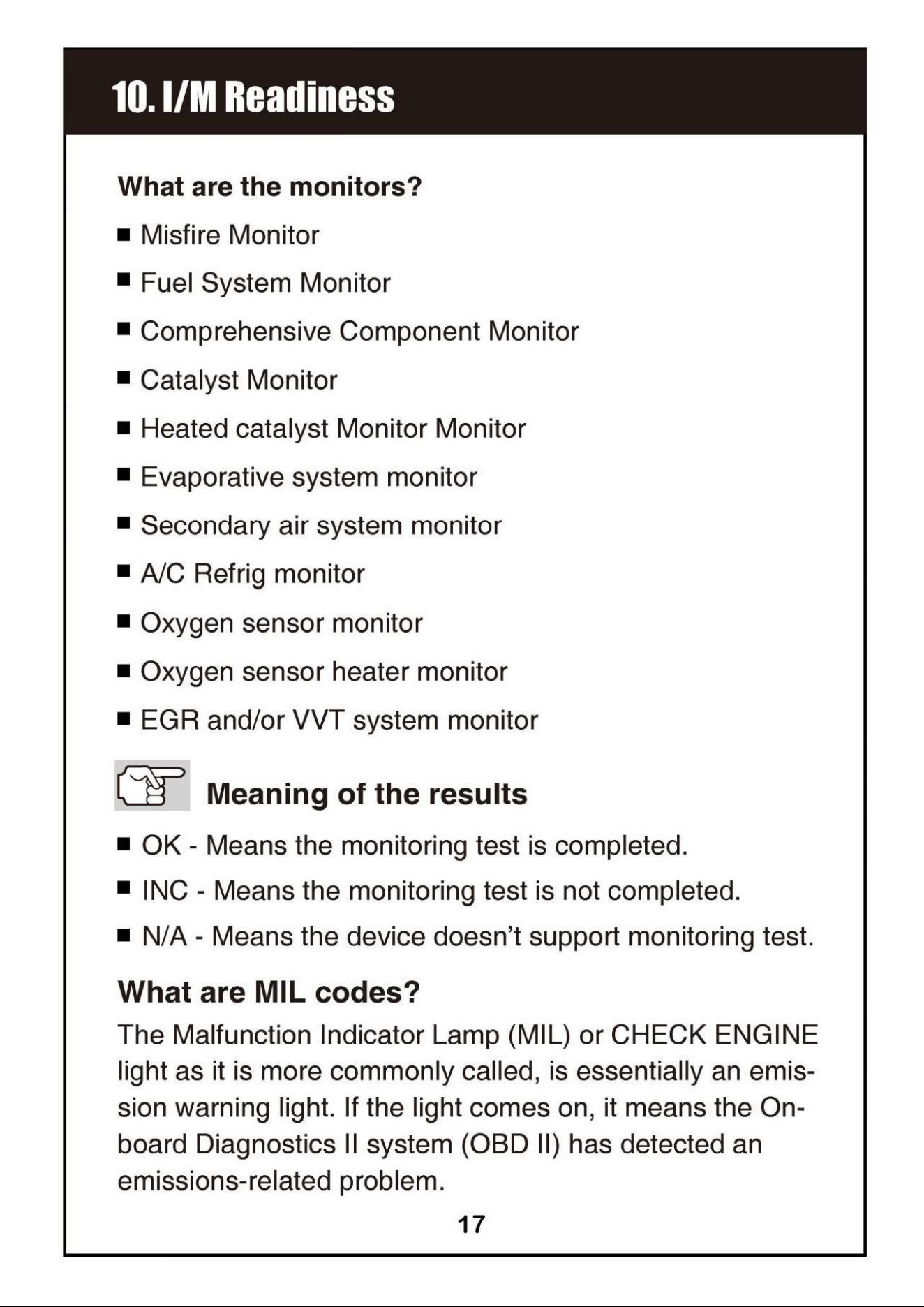
#2 How can I check if my vehicle's readiness monitors are set?

Turn the ignition switch to the ON position without starting the engine; the MIL will come on for 20 seconds. If it goes off, the readiness monitors are set; if it blinks five times, they are not set. (Page 18)

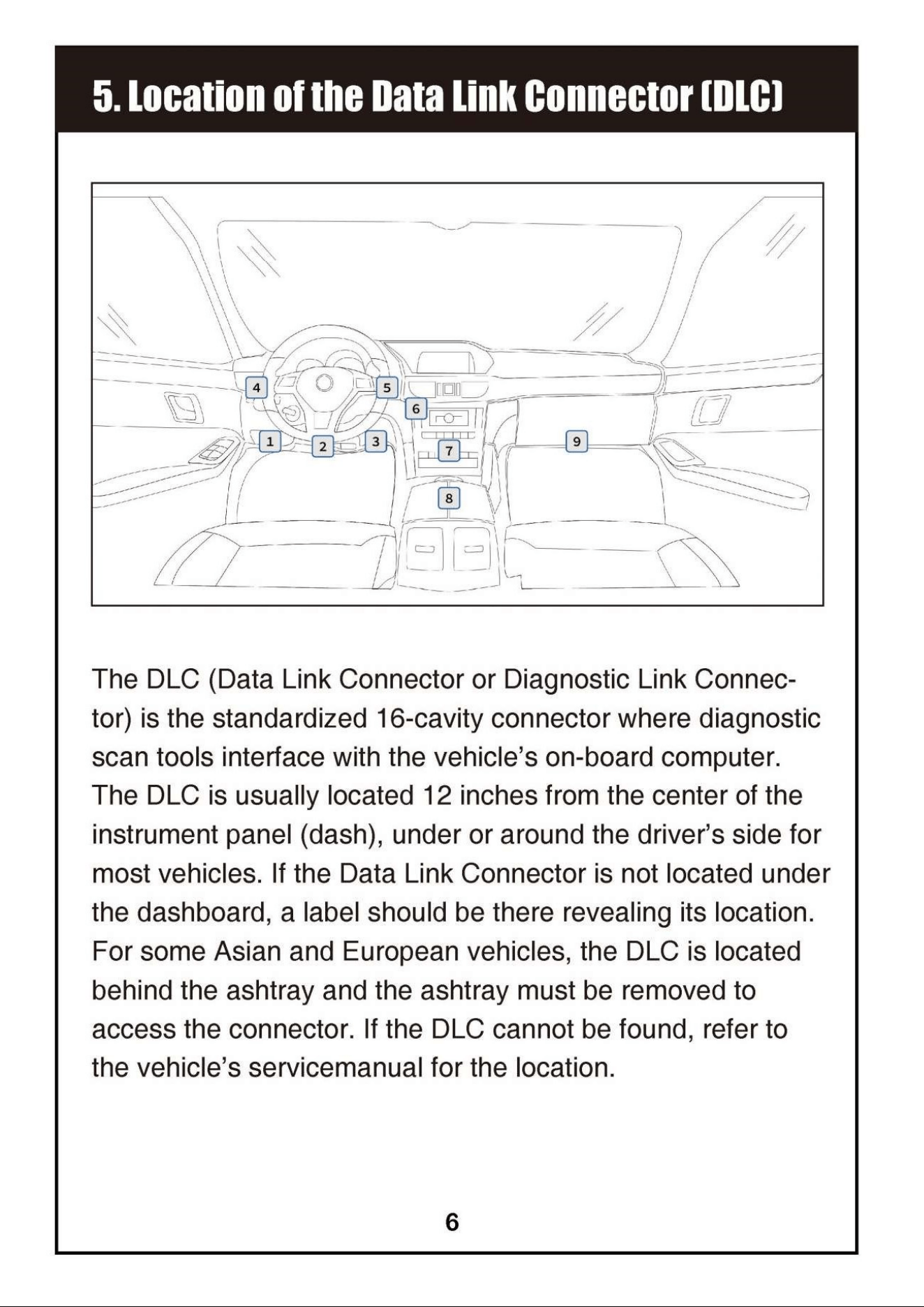
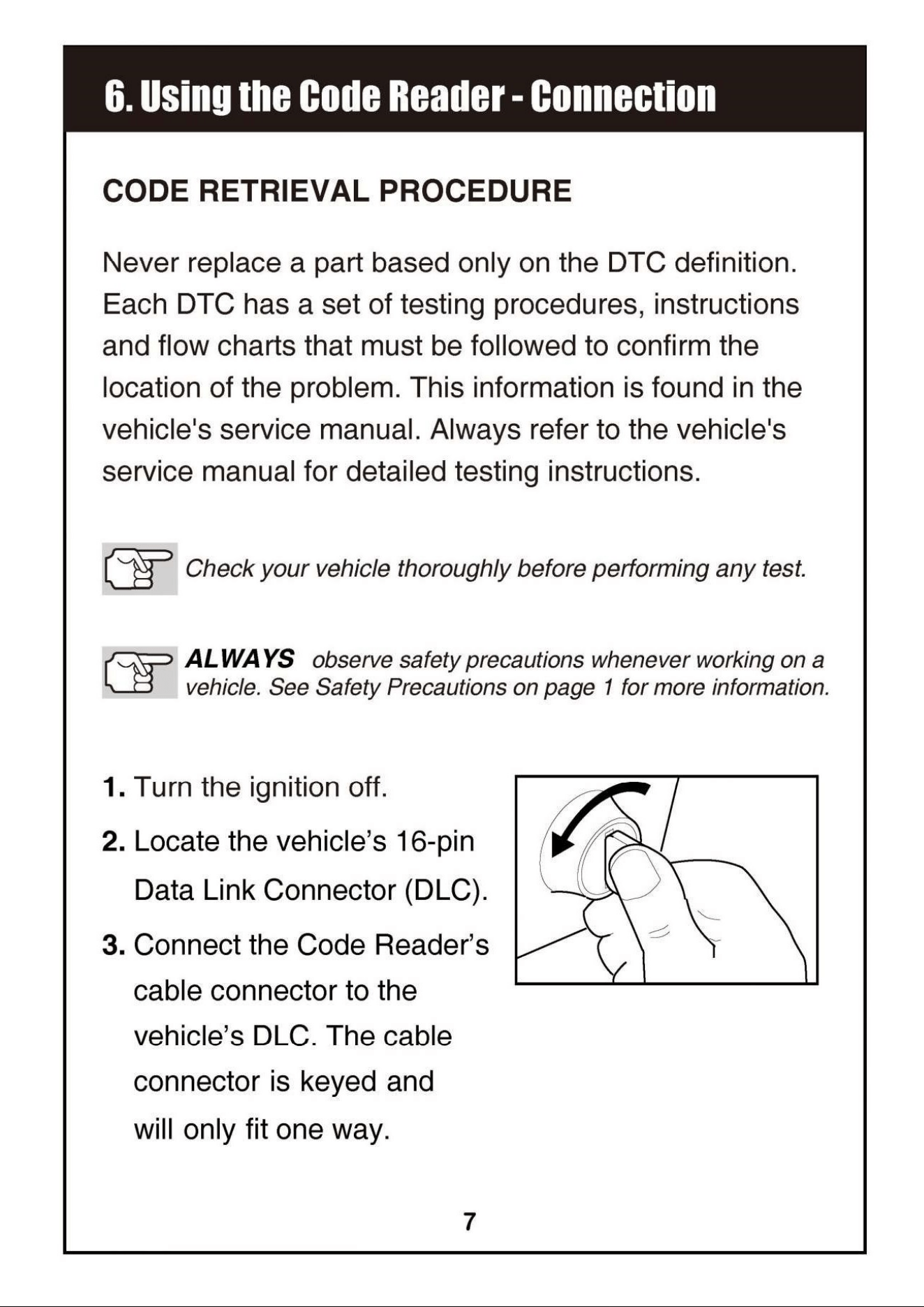
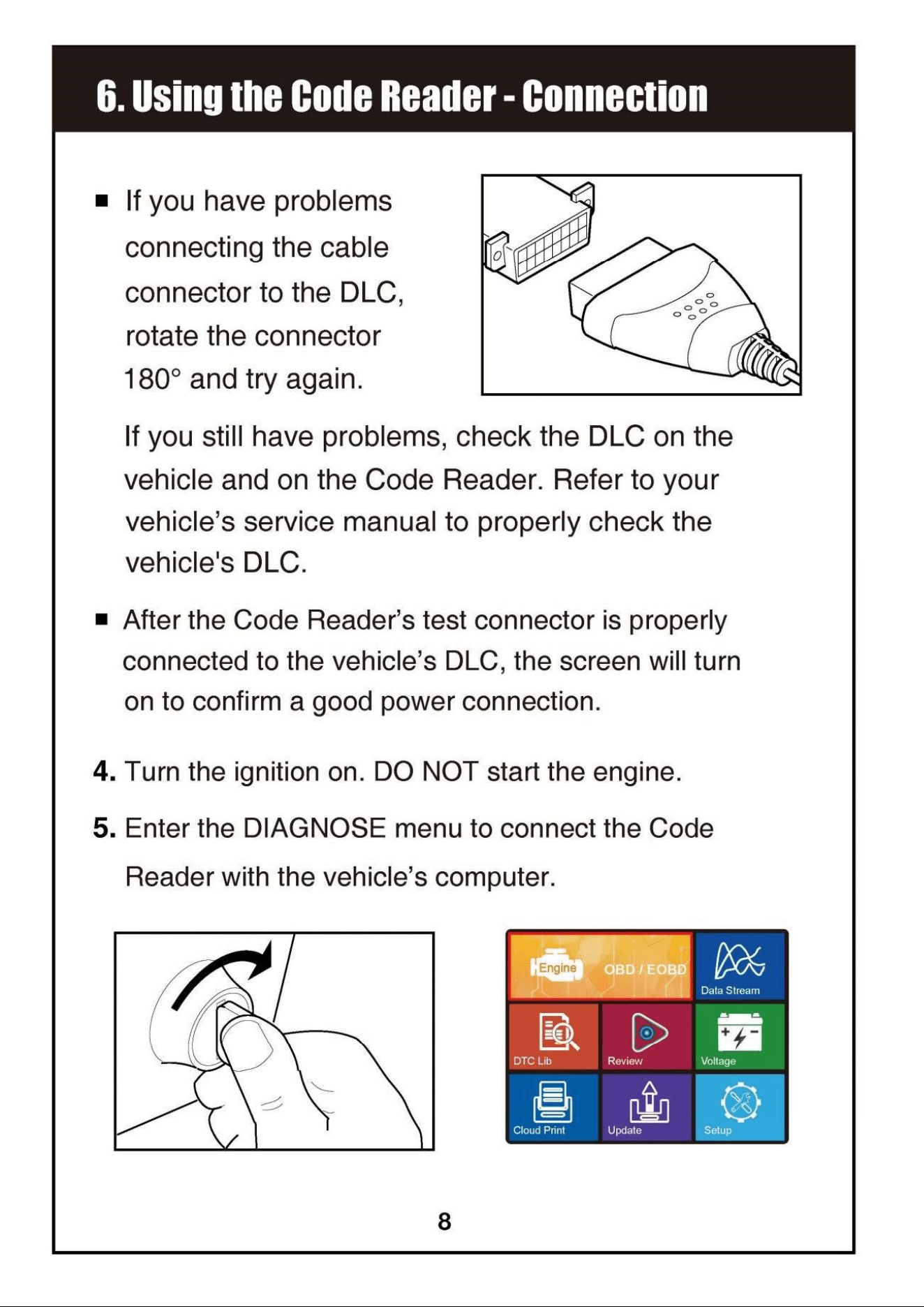
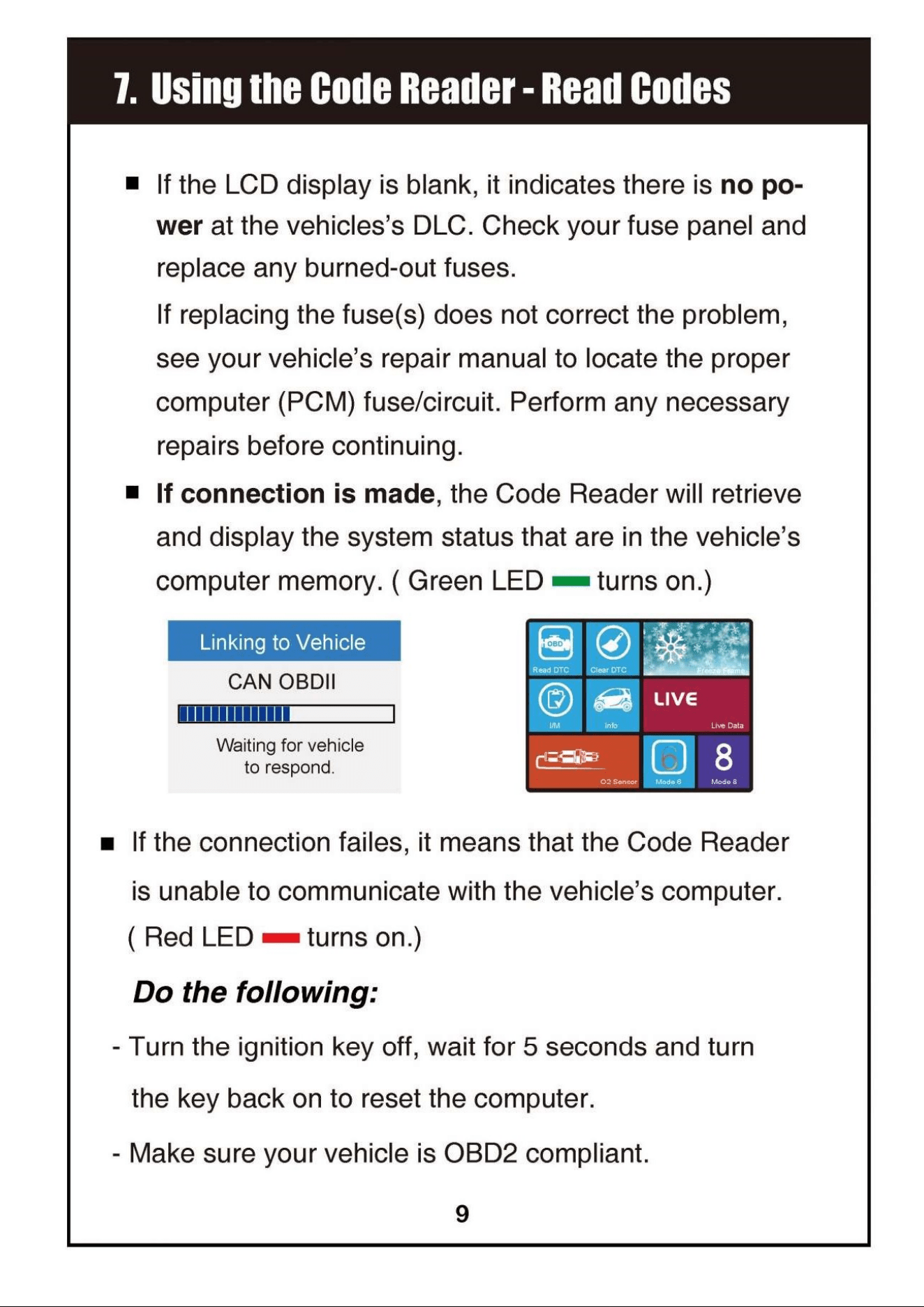
#3 What should I do if my OBD2 scanner has power but won't connect to the vehicle?

Check the connection to your entire system, as it may be a cabling problem or the OBD2 itself may not be working. If the problem persists after reconnection, contact MOTOPOWER customer service for assistance. (Page 31)