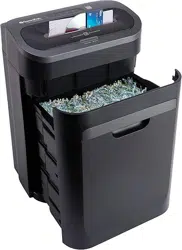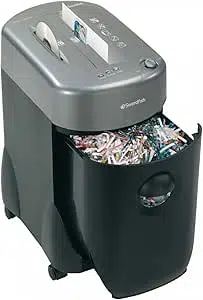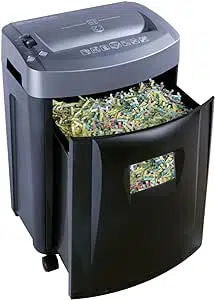
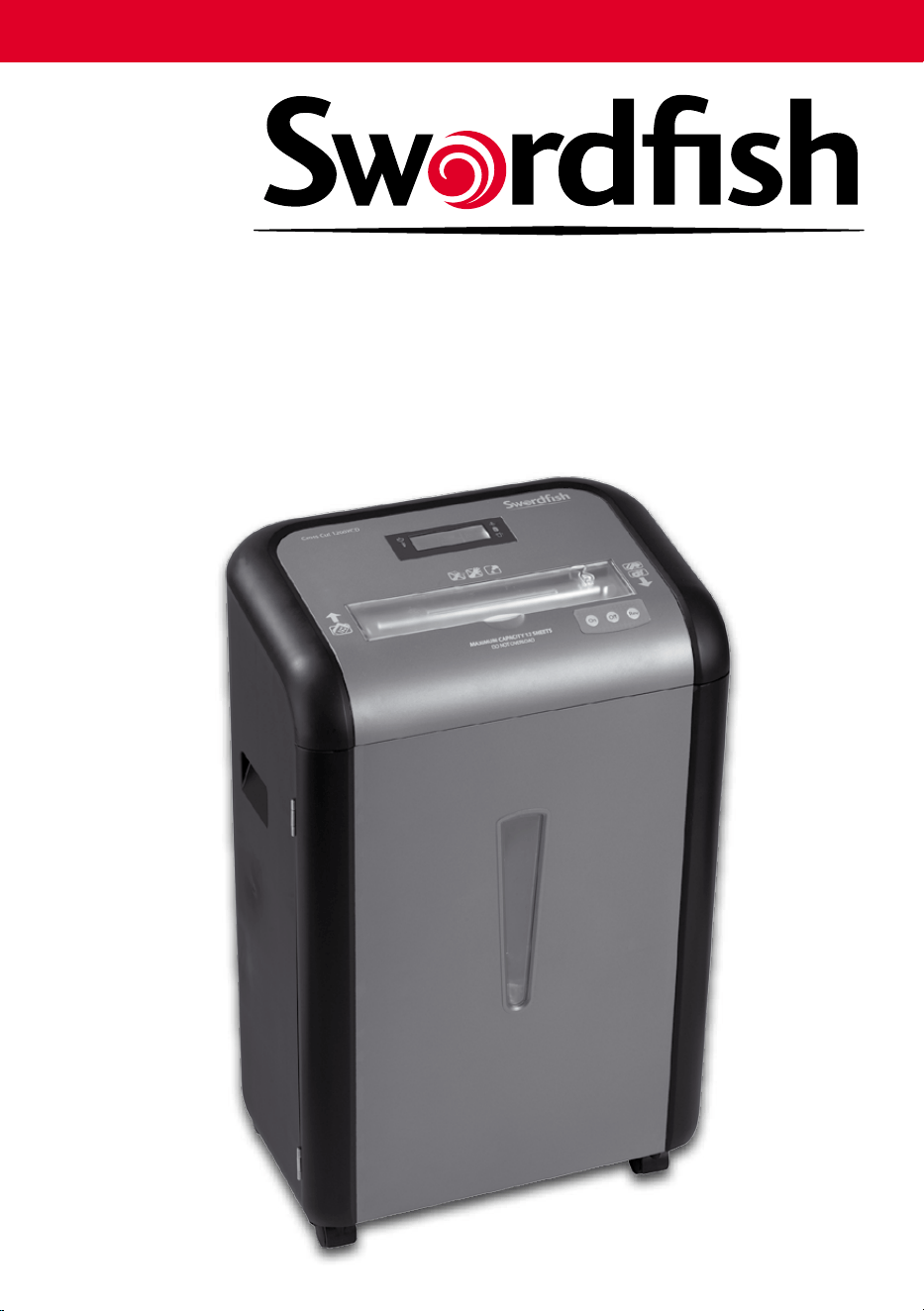
Cross Cut 1200XCD
Operating Instructions
Bedienungsanleitung
Mode d’emploi
Istruzioni per l’uso
Instrucciones de funcionamiento
Instructies
12-Sheet Cross Cut Shredder 1200XCD
CD/DVD/credit card feed slot
max.1 unit per go
CD/DVD/credit card
safety cover
Indicator Panel
Power Cord Inlet Power On/O
Operation Buttons:
Auto-On O Reverse
Warning Panel:
Keep all loose objects
away from opening
Do not place ngers
too close to the feed slot
Shredder must be
oiled regularly
Beneath this is the feed slot
max. 12 sheets up to A4
RevOOn
Swordsh (UK) Ltd.
London, England
www.swordshuk.com
For further technical advice:
Email: service@swordshuk.com
Fax : +44 870 121 60 56
Web: www.swordshuk.com
Cross Cut 1200XCD
Operating Instructions
Bedienungsanleitung
Mode d’emploi
Istruzioni per l’uso
Instrucciones de funcionamiento
Instructies
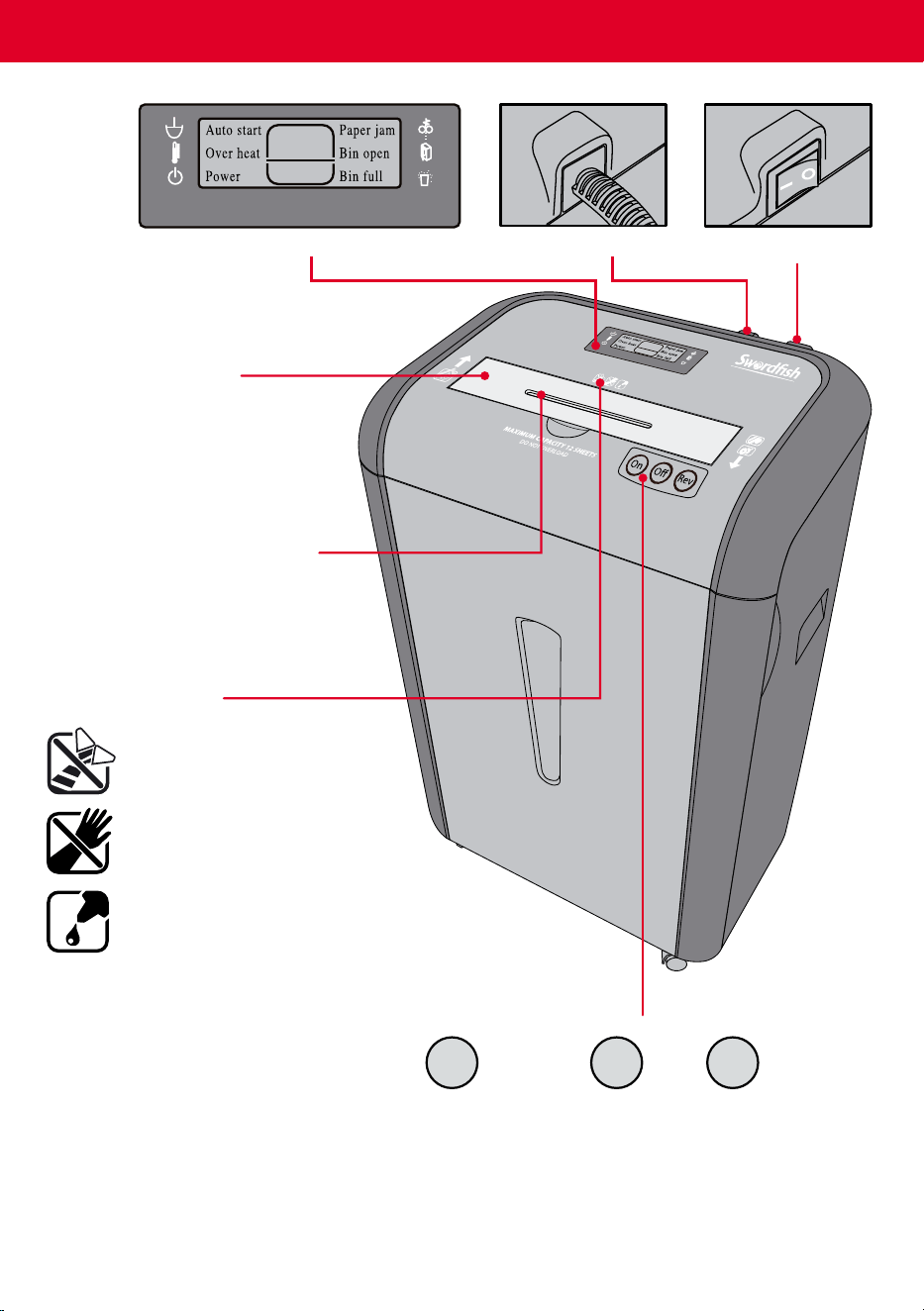
12-Sheet Cross Cut Shredder 1200XCD
CD/DVD/credit card feed slot
max.1 unit per go
CD/DVD/credit card
safety cover
Indicator Panel
Power Cord Inlet Power On/O
Operation Buttons:
Auto-On O Reverse
Warning Panel:
Keep all loose objects
away from opening
Do not place ngers
too close to the feed slot
Shredder must be
oiled regularly
Beneath this is the feed slot
max. 12 sheets up to A4
RevOOn
Swordsh (UK) Ltd.
London, England
www.swordshuk.com
For further technical advice:
Email: service@swordshuk.com
Fax : +44 870 121 60 56
Web: www.swordshuk.com
On
Off
Rev
On
Off
Rev
MAXIMUM CAPACITY 12 SHEETS
DO NOT OVERLOAD
On
Off
Rev
12
Cross Cut 1200XCD
MAXIMUM CAPACITY 12 SHEETS
DO NOT OVERLOAD
On
Off
Rev
12
Cross Cut 1200XCD
MAXIMUM CAPACITY 12 SHEETS
DO NOT OVERLOAD
On
Off
Rev
12
Cross Cut 1200XCD
MAXIMUM CAPACITY 12 SHEETS
DO NOT OVERLOAD
On
Off
Rev
12
Cross Cut 1200XCD
MAXIMUM CAPACITY 12 SHEETS
DO NOT OVERLOAD
On
Off
Rev
12
Cross Cut 1200XCD
Capacity
This Swordsh shredder will shred:
• upto12sheetsof80gsmpaperper
pass, with a max width of 220mm
• staples
• singlecreditcards
• singleCDsandDVDs
This Swordsh shredder will not shred:
• paperclips
• adhesivelabels
• cardboard
• newspaper
• plasticorlaminates
Installation
• Ensurethewastebinissecurelyinplaceandthedoorisclosed.
• Connecttheelectricityplugtoanystandardpowersocket.
Operation
1
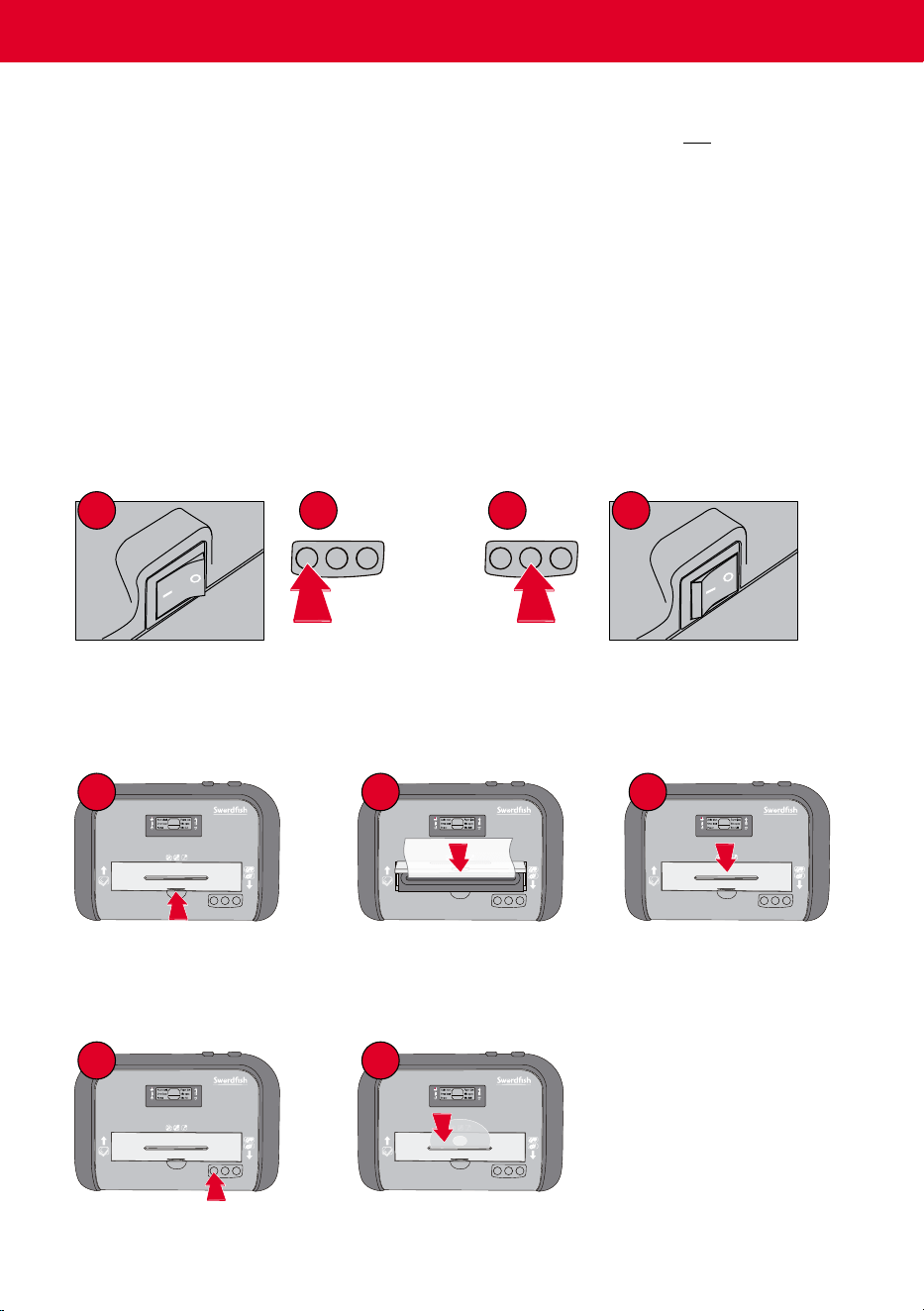
Switch the Power On.
1
1
2
2
3
Push the safety cover to
reveal the paper feed slot.
Insert paper into the feed
slot.
When nished, push to
release and close the safety
cover.
Ensure the safety cover is
closed.
Insert the CDs/DVDs/Credit
Cards one at a time.
• When switched on, the shredder is automatically started by inserting paper into the feed slot.
For CDs, DVDs and Credit Cards:
Troubleshooting
1
Bin Open
• Check the bin is in place and the door is closed.
2
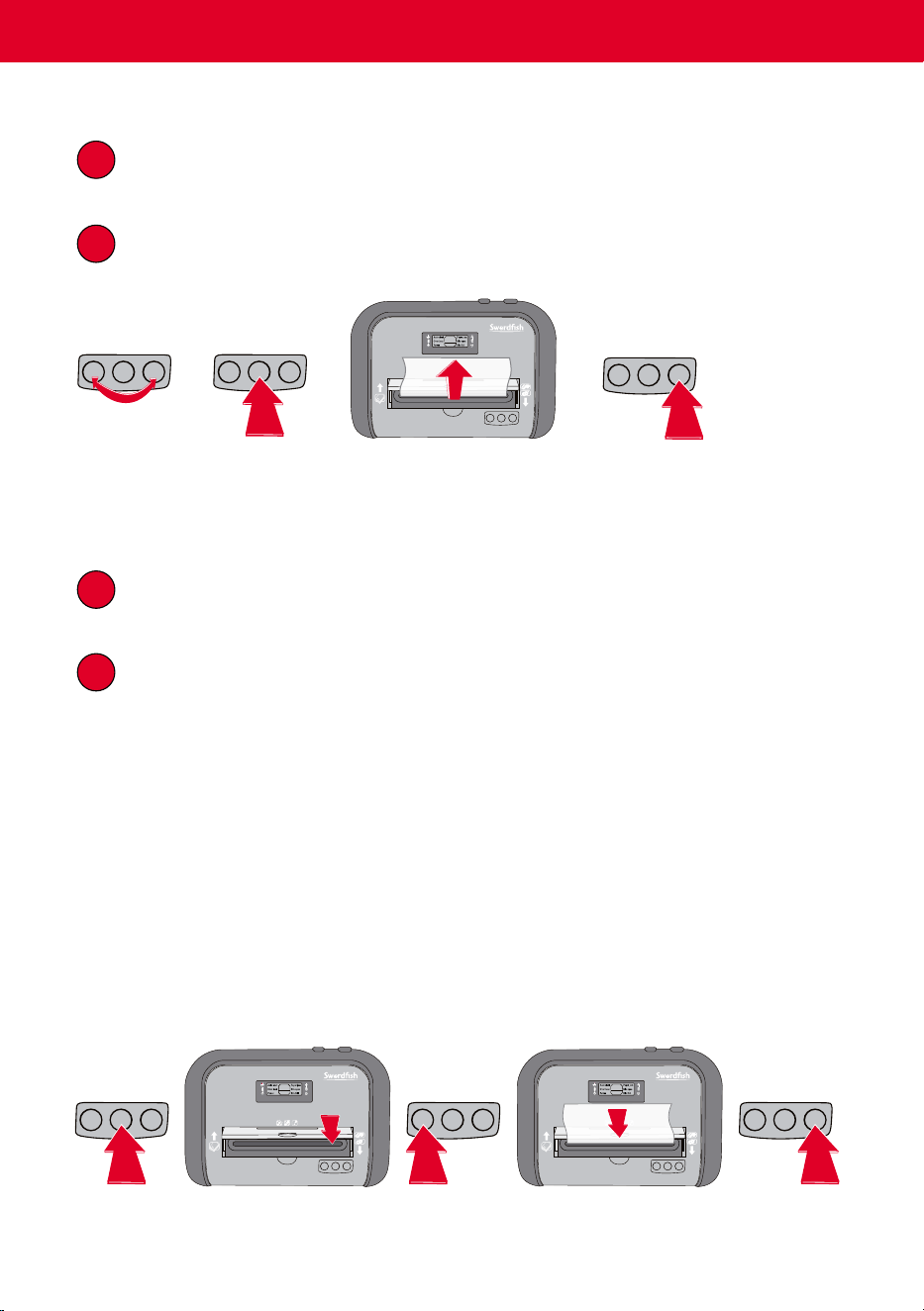
Paper Jam
• Important! Empty the waste bin if necessary.
Set to ‘Rev’
and ‘On’
alternately.
Set to ‘O’. Gently pull any excess paper
from the feed slot.
Set to ‘Rev’ for
2-3 seconds.
3
Overheating
• Switch the Power O, unplug and leave to cool for 30 minutes.
4
Bin Full
• Open the door.
• Pull out the waste bin and empty
• Replace the bin and close the door.
For Paper:
Maintenance
Oiling is an essential part of shredder maintenance and is therefore necessary in order to
maintain warranty coverage.
Important!
• Only use a non-aerosol, oil that is specically designed for paper shredders.
• Switch the Power O, unplug and leave to cool for 30 minutes.
Set to ‘O’.
Apply oil through the
feed entry.
Set to ‘On’.
Shred one sheet of paper. Set to ‘Rev’
for 2-3
seconds.
2
Set to ‘On’.
1
Set to ‘O’.
2
Switch the Power O.
Before Shredding: After Shredding:
On
Off
Rev
On
Off
Rev
On
Off
Rev
MAXIMUM CAPACITY 12 SHEETS
DO NOT OVERLOAD
On
Off
Rev
12
Cross Cut 1200XCD
On
Off
Rev
MAXIMUM CAPACITY 12 SHEETS
DO NOT OVERLOAD
On
Off
Rev
12
Cross Cut 1200XCD
On
Off
Rev
MAXIMUM CAPACITY 12 SHEETS
DO NOT OVERLOAD
On
Off
Rev
12
Cross Cut 1200XCD
On
Off
Rev
On
Off
Rev
On
Off
Rev
MAXIMUM CAPACITY 12 SHEETS
DO NOT OVERLOAD
On
Off
Rev
12
Cross Cut 1200XCD
MAXIMUM CAPACITY 12 SHEETS
DO NOT OVERLOAD
On
Off
Rev
12
Cross Cut 1200XCD
MAXIMUM CAPACITY 12 SHEETS
DO NOT OVERLOAD
On
Off
Rev
12
Cross Cut 1200XCD
MAXIMUM CAPACITY 12 SHEETS
DO NOT OVERLOAD
On
Off
Rev
12
Cross Cut 1200XCD
MAXIMUM CAPACITY 12 SHEETS
DO NOT OVERLOAD
On
Off
Rev
12
Cross Cut 1200XCD
Capacity
This Swordsh shredder will shred:
• upto12sheetsof80gsmpaperper
pass, with a max width of 220mm
• staples
• singlecreditcards
• singleCDsandDVDs
This Swordsh shredder will not shred:
• paperclips
• adhesivelabels
• cardboard
• newspaper
• plasticorlaminates
Installation
• Ensurethewastebinissecurelyinplaceandthedoorisclosed.
• Connecttheelectricityplugtoanystandardpowersocket.
Operation
1
Switch the Power On.
1
1
2
2
3
Push the safety cover to
reveal the paper feed slot.
Insert paper into the feed
slot.
When nished, push to
release and close the safety
cover.
Ensure the safety cover is
closed.
Insert the CDs/DVDs/Credit
Cards one at a time.
• When switched on, the shredder is automatically started by inserting paper into the feed slot.
For CDs, DVDs and Credit Cards:
Troubleshooting
1
Bin Open
• Check the bin is in place and the door is closed.
2
Paper Jam
• Important! Empty the waste bin if necessary.
Set to ‘Rev’
and ‘On’
alternately.
Set to ‘O’. Gently pull any excess paper
from the feed slot.
Set to ‘Rev’ for
2-3 seconds.
3
Overheating
• Switch the Power O, unplug and leave to cool for 30 minutes.
4
Bin Full
• Open the door.
• Pull out the waste bin and empty
• Replace the bin and close the door.
For Paper:
Maintenance
Oiling is an essential part of shredder maintenance and is therefore necessary in order to
maintain warranty coverage.
Important!
• Only use a non-aerosol, oil that is specically designed for paper shredders.
• Switch the Power O, unplug and leave to cool for 30 minutes.
Set to ‘O’.
Apply oil through the
feed entry.
Set to ‘On’.
Shred one sheet of paper. Set to ‘Rev’
for 2-3
seconds.
2
Set to ‘On’.
1
Set to ‘O’.
2
Switch the Power O.
Before Shredding: After Shredding:
On
Off
Rev
On
Off
Rev
On
Off
Rev
MAXIMUM CAPACITY 12 SHEETS
DO NOT OVERLOAD
On
Off
Rev
12
Cross Cut 1200XCD
On
Off
Rev
MAXIMUM CAPACITY 12 SHEETS
DO NOT OVERLOAD
On
Off
Rev
12
Cross Cut 1200XCD
On
Off
Rev
MAXIMUM CAPACITY 12 SHEETS
DO NOT OVERLOAD
On
Off
Rev
12
Cross Cut 1200XCD
On
Off
Rev