We love that you are rocking JLab!
We take pride in our products and fully stand behind them.
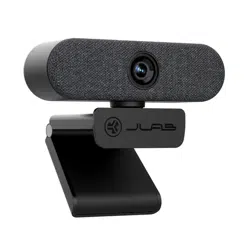
EPIC
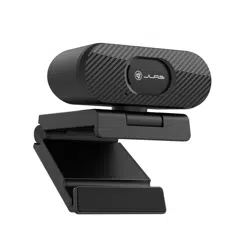
WEBCAM
YOUR WARRANTY
All warranty claims are subject to JLab authorization
and at our sole discretion. Retain your proof of
purchase to ensure warranty coverage.
CONTACT US
Reach out to us at [email protected]
or visit jlab.com/contact
1
REGISTER TODAY
jlab.com/register
Product updates | How-to tips
FAQs & more
L
I
M
I
T
E
D
T
W
O
Y
E
A
R
W
A
R
R
A
N
T
Y
S
U
P
P
O
R
T
T
E
A
M
#
T
E
A
M
J
L
A
B
SETUP
2
INTERFACE
Shop products | Product alerts | Burn-in your headphones
JLab Store + Burn-in Tool
JLAB.COM
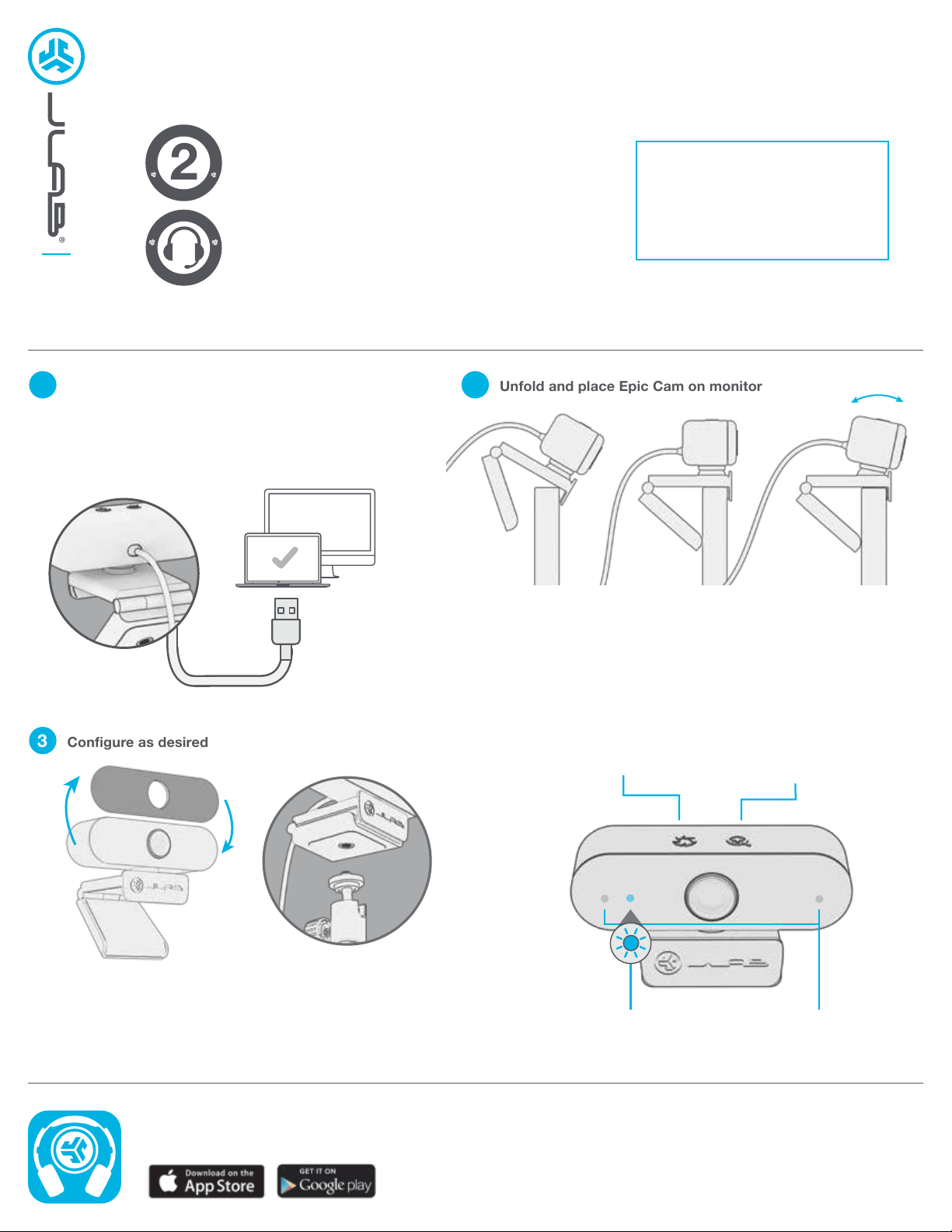
Swappable face plates
Threaded attachment for
tripod-type mounts
Unfold and place Epic Cam on monitor
3
Configure as desired
Connect to your PC or Mac USB INPUT
Enter your PC or Mac settings to make sure
connection is established.
Manual Exposure Button
Tap for 4 brightness levels
Press hold for more
precise control
Zoom Button
Tap for 4 zoom levels
Press hold for more
precise control
LED Indicator Light
Webcam active only when light is on
Dual Microphones