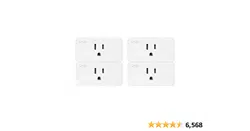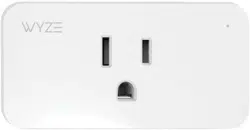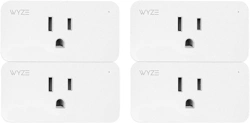
Wyze WLPP1 Labs Smart Home WiFi Plug

Product's Documents

Below are documents related to this product, you can read online or download:
WLPP1 photo

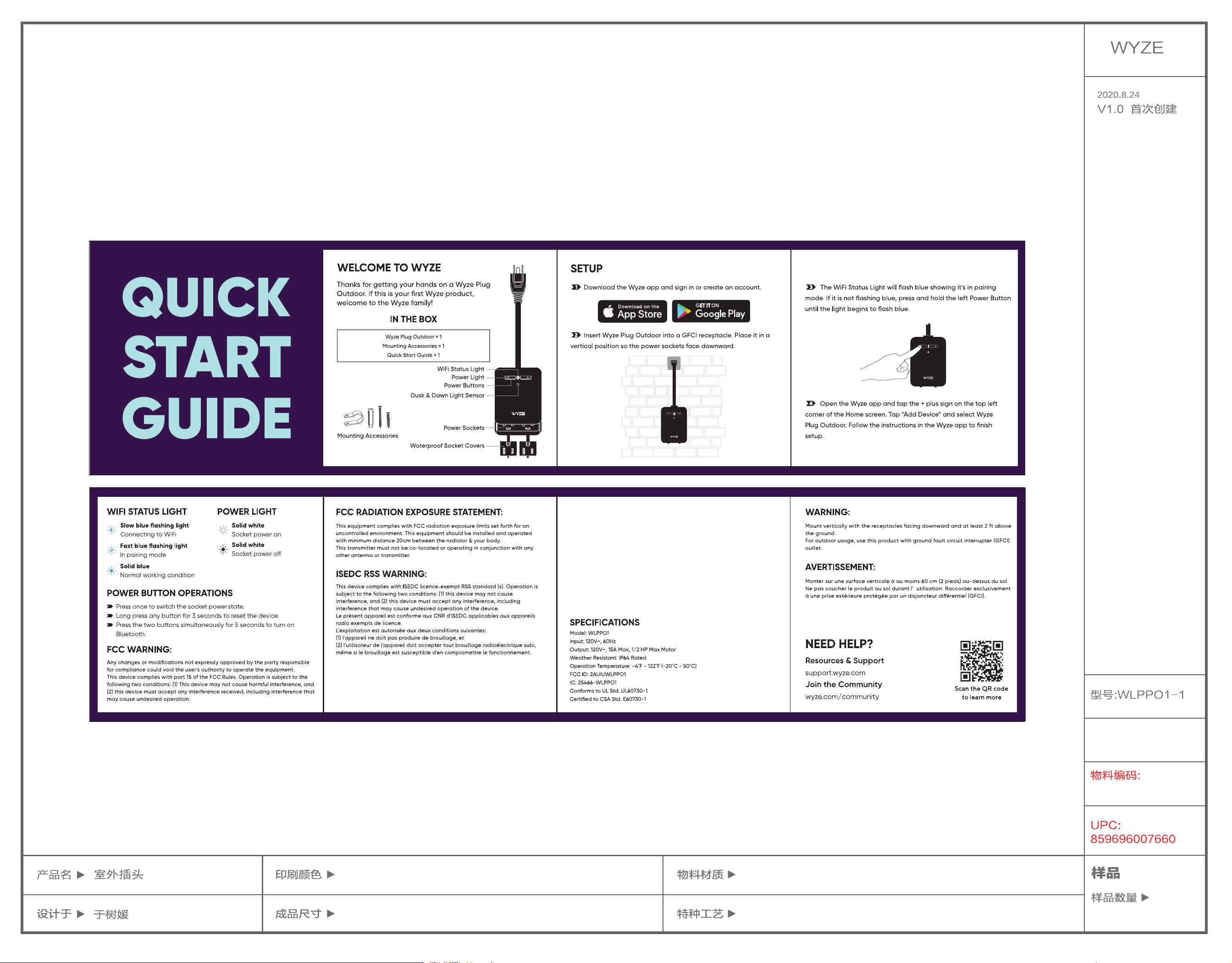
User Manual

This is the main product document for model WLPP1.

The file format is pdf, 1 pages, you can download this manual here .

background
90*90mm
105g 无光铜
风琴折
CM
Y
K+PANTONE 2627 C+PANTONE 317 C
ISEDC RADIATION EXPOSURE STATEMENT:
This equipment complies with ISEDC RF radiation exposure limits set forth for an
uncontrolled environment.
This transmitter must not be co-located or operating in conjunction with any
other antenna or transmitter.
This equipment should be installed and operated with minimum distance 20cm
between the radiator & your body.
Cet appareil est conforme aux limites d'exposition de rayonnement RF ISEDC
établies pour un environnement non contrôlé.
Cet émetteur ne doit pas être co-implanté ou fonctionner en conjonction avec
toute autre antenne ou transmetteur.
Cet équipement doit être installé et utilisé avec une distance minimale de 20cm
entre le radiateur et votre corps.
WLPPO1-1-KSZP01 V2.0
2021.2.3
V2.0 “POWER
BUTTON OPERA-
TIONS”第一条内容
变更

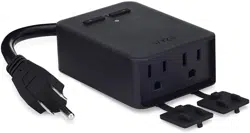
Specifications

Wyze WLPP1 Questions and Answers


#1 Can I control these on my smart phone? I don’t have google home or Alexa.

Yes you can. You need to download the Wyze app either through Google Play Store or the Apple App Store. The controls for operating them are through the App. No Google Home or Alexa required.

#2 Can the plug know I've arrived home (locations services) and turn on when I'm at home and off when I leave?

It’s a WiFi plug and has no location services. Is there even such a thing? You can program it to turn on and off if you come home the same time or just do it from the Wyze app on your phone.

#3 Why are all of these reviews for the camera but I’m looking at the listing for a plug?

Because there is all option to bundle those plug pack with a wyze camera and these products share reviews and questions.

#4 Will this operate on an unsecured (non-password protected) network?

Yes but you should still add a password to your network.

#5 Does this work with smartthings?

There is NO support for SmartThings. Wyze devices work on their own ecosystem. Implementation in IFTTT is very limited compared to others.

#6 Does this plug have dimming capabilities?

No just on/off the switches are not dimmable, but each outlet is switchable independently. It does have a sensor to determine a schedule of on/off based on when it gets dark.

Questions and Answers

Related Products

Product Wyze WLPPO1 1 image
Wyze WLPPO1-1 Smart Plug
2021-11-09 1 docs
No image
Onvis T20-S4AM Smart Plug
2026-05-22 1 docs