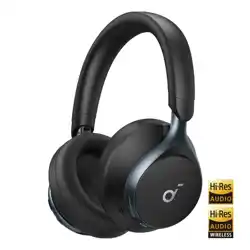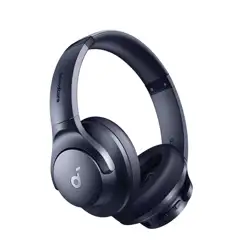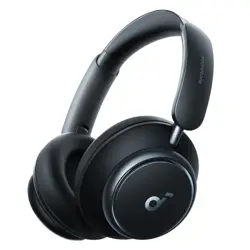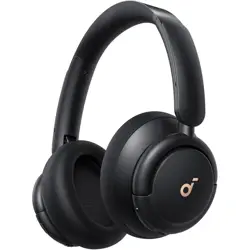
Soundcore Life Q30
USER MANUAL
01 EN
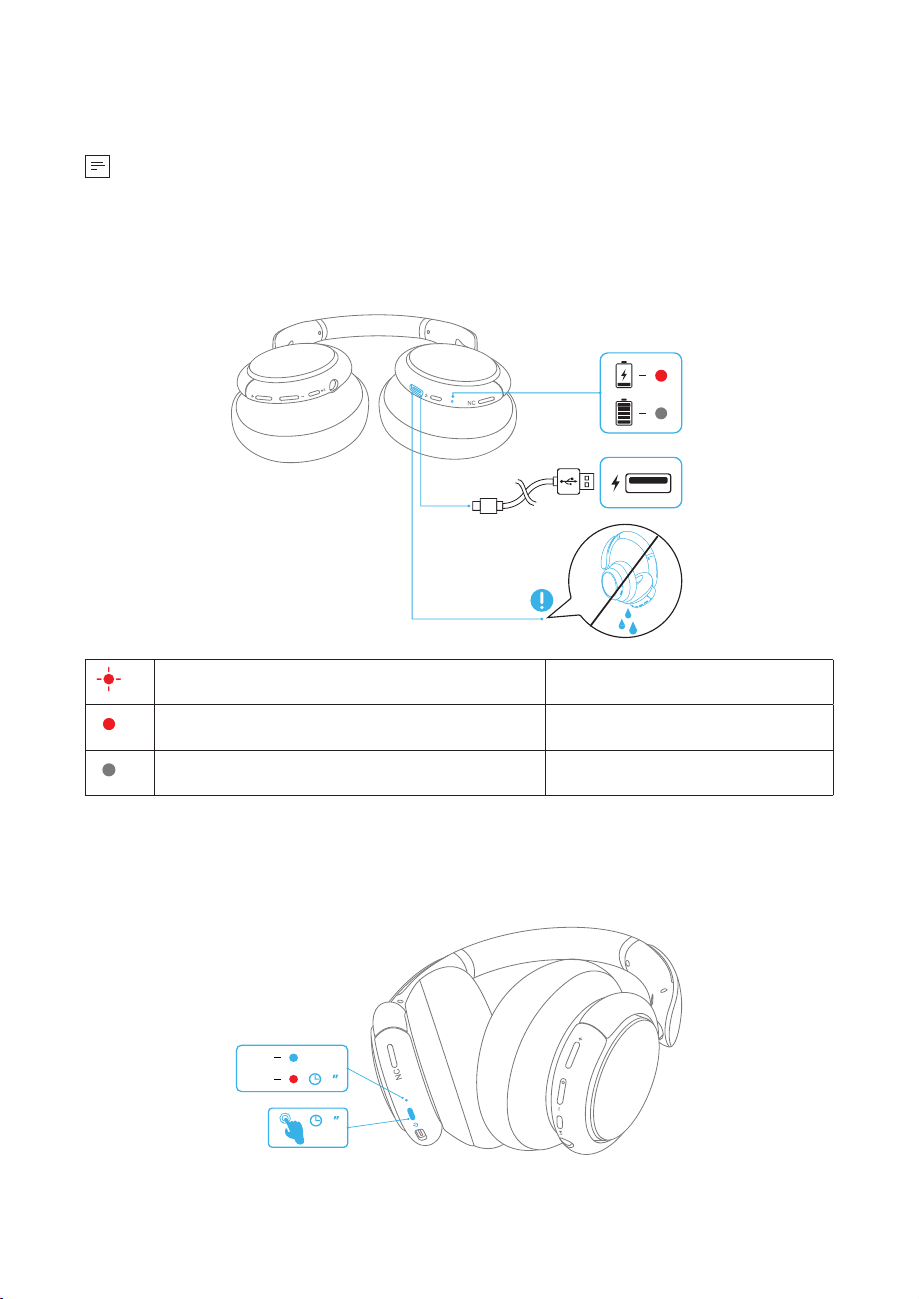
Charging
• Fully dry off the USB port before charging.
• 7UGVJGRTQXKFGFQTEGTVKƂGF75$%EJCTIKPIECDNGCPFEJCTIGTVQRTGXGPVCP[
damage.
• Do not power on your headphone while charging.
RL
Flashing red once every 60 seconds Low battery
Steady red Being charged
Light off Fully charged
Powering On/Off
Press and hold the power button for 3 seconds to power on/off.
ON
OFF
1
3
RL
EN 02
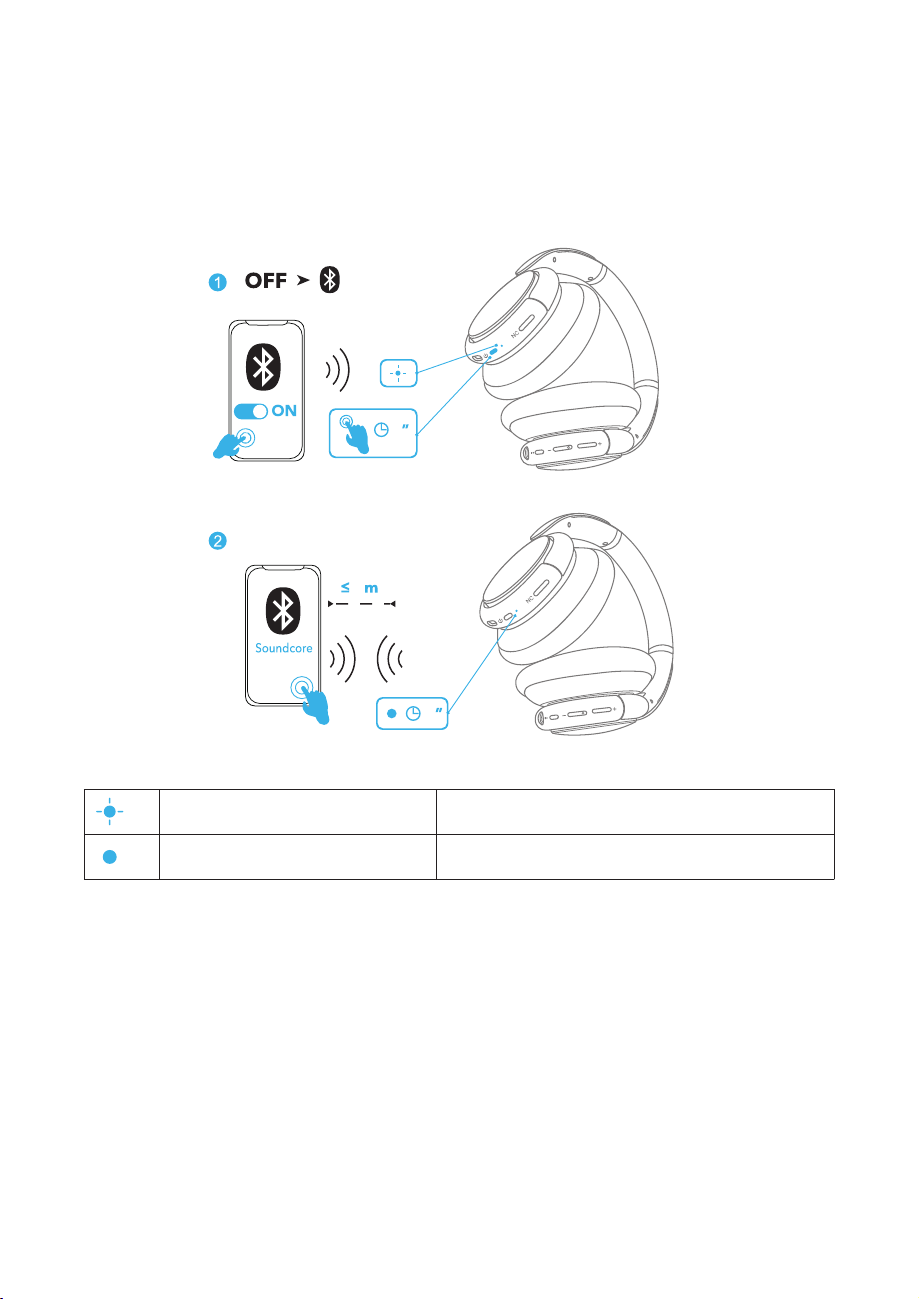
Bluetooth Pairing
1. When powered off, press and hold the power button for 5 seconds until the LED
ƃCUJGUDNWGVQGPVGTVJG$NWGVQQVJRCKTKPIOQFG
2. Select “Soundcore Life Q30” on your device’s Bluetooth list to connect.
5
1
1
L
L
R
R
Life Q30
Flashing blue Bluetooth pairing
Steady blue Bluetooth connected
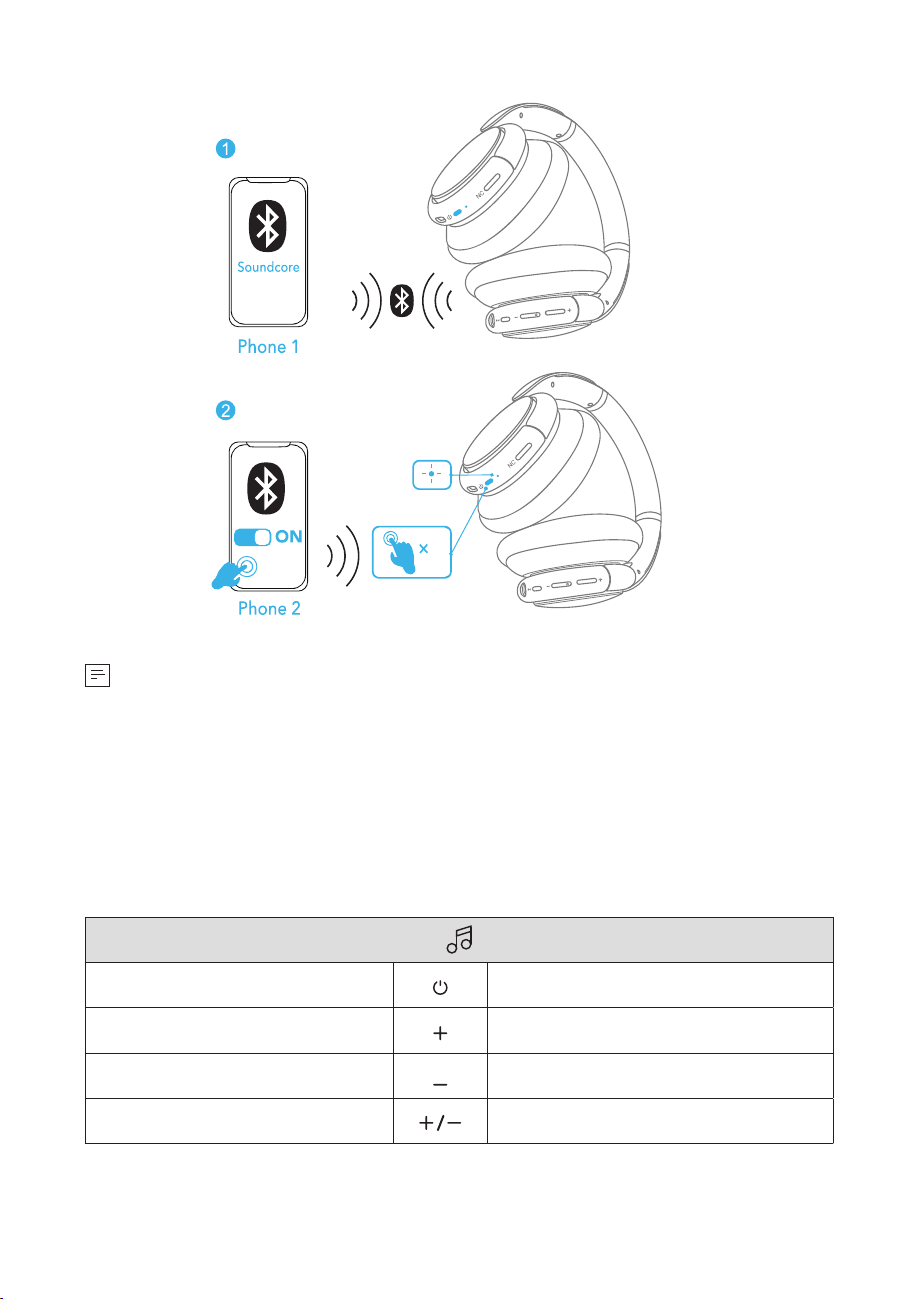
Pairing with another device
9JGPUWEEGUUHWNN[EQPPGEVGFYKVJVJGƂTUVFGXKEGRTGUUVYKEGVJGRQYGTDWVVQPVQ
pair up with another device.
03 EN
2
L
L
Life Q30
R
R
• Your Soundcore headphone can only play music on one mobile device at a time.
6QRNC[HTQOCPQVJGTEQPPGEVGFFGXKEGRCWUGVJGEWTTGPVN[CEVKXGFGXKEGƂTUV
• Each time you power on your Soundcore headphone, it will automatically
connect to your last successfully connected device if available within the
Bluetooth range.
Button Controls
Play/Pause Press
Next track
Press and hold for 1 second
Previous track
Press and hold for 1 second
Volume up/down
Press
EN 04
Answer/End a call
Press
Put the current call on hold and answer a new
incoming call
Reject a call
Press and hold for 1 second
Switch between held call and active call
Activate Siri or other voice assistant software Press and hold for 1 second
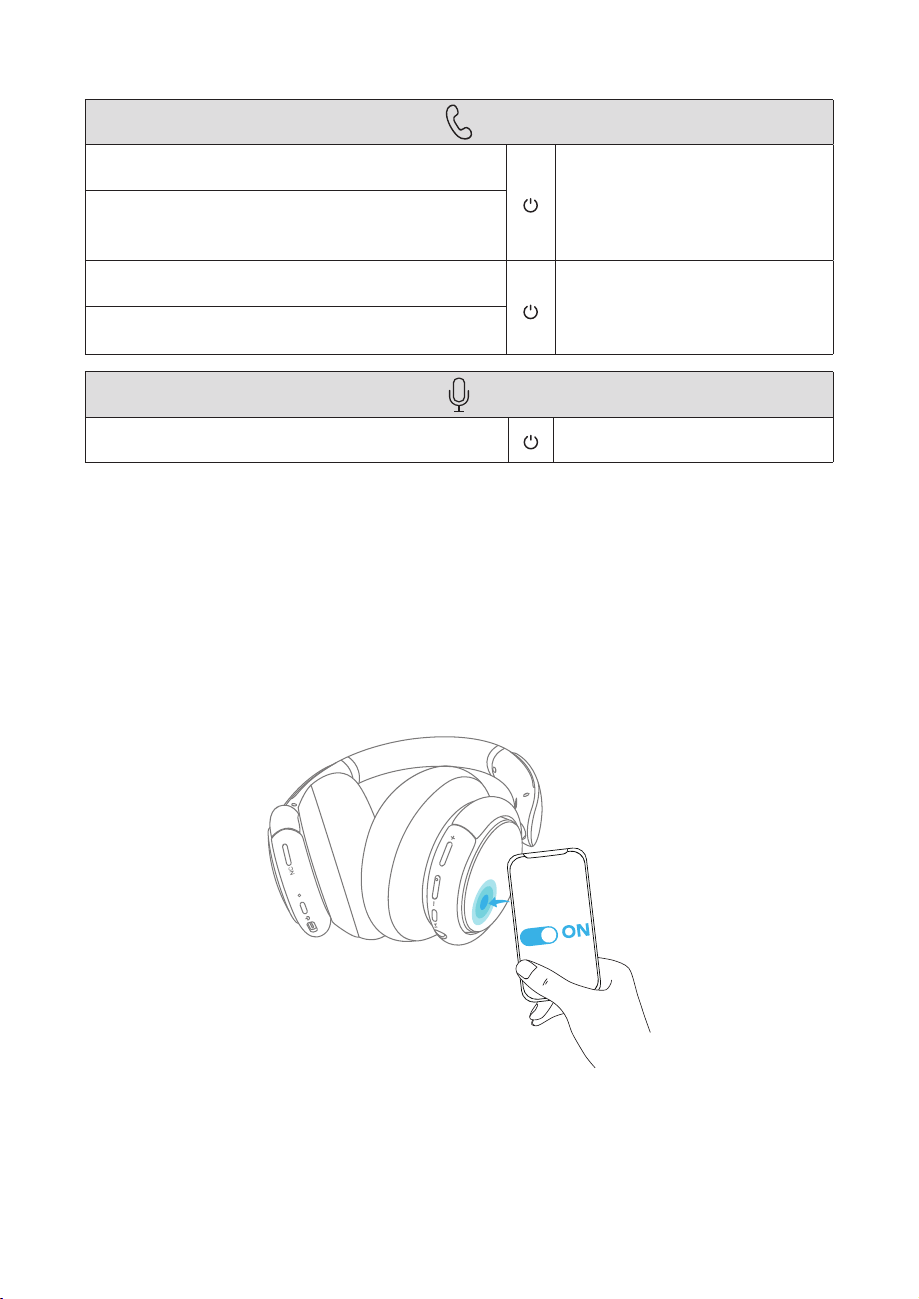
NFC Mode
0GCT(KGNF%QOOWPKECVKQP0(%KUCVGEJPQNQI[VJCVGPCDNGUUJQTVTCPIGYKTGNGUU
EQOOWPKECVKQPDGVYGGPXCTKQWU0(%EQORCVKDNGFGXKEGUUWEJCUOQDKNGRJQPGU
CPF+%VCIU+H[QWT$NWGVQQVJFGXKEGUWRRQTVU0(%[QWECPEQPPGEVKVYKVJ[QWT
headphone easily.
'PCDNGVJG0(%HGCVWTGQP[QWT$NWGVQQVJFGXKEGK15FGXKEGUGZENWFGF
2. Tap the right panel of your headphones with the back of your Bluetooth device.
RL
NFC
05 EN
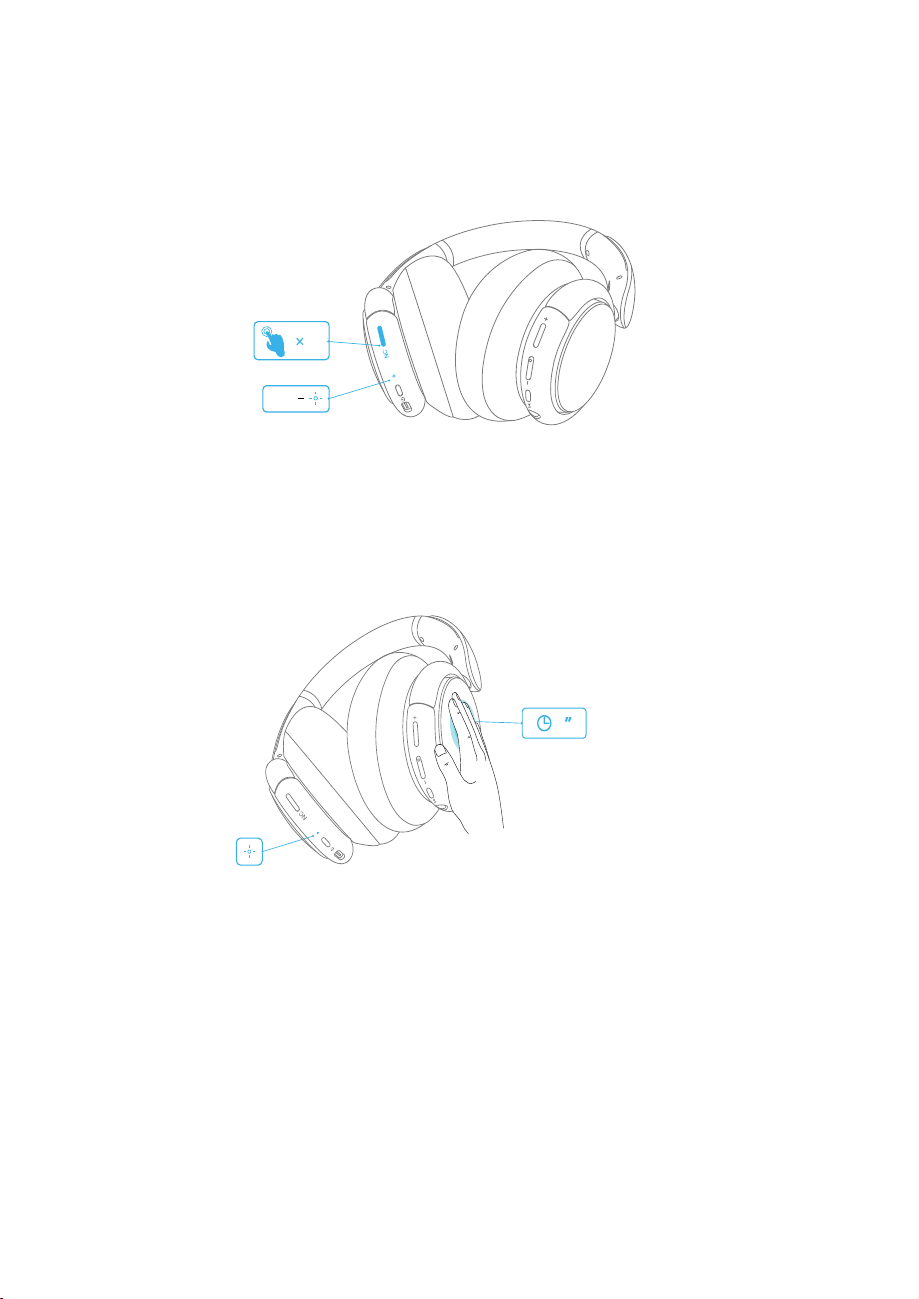
Noise Cancellation Mode
To reduce ambient noise, turn on the active noise cancellation mode by pressing the
0%DWVVQP2TGUUVJG0%DWVVQPCICKPVQVWTPQHH
NC ON
1
RL
Transparency Mode
To stay aware of your surroundings by allowing ambient sounds in, touch the right
panel for 1 second to activate the transparency mode.
R
L
1
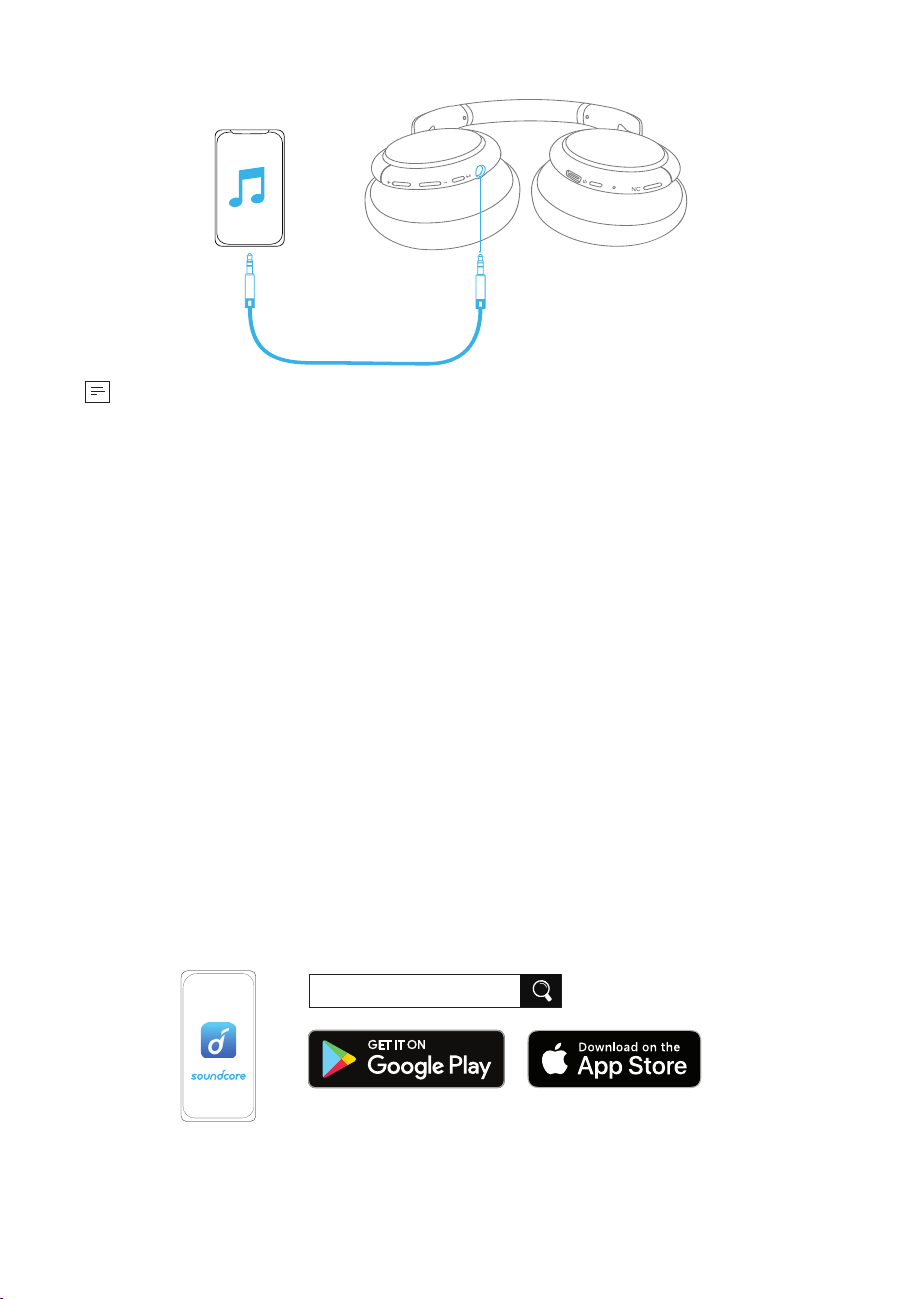
AUX Mode
Play audio on an external device by plugging in a 3.5mm AUX cable.
EN 06
3.5mm
RL
• 9JGPVJGJGCFRJQPGKUQWVQHDCVVGT[[QWECPUVKNNNKUVGPVQOWUKEDWV#0%
mode is unavailable.
Soundcore App
Download the Soundcore App for an enhanced experience with your headphones.
EQ settings: There are more than 20 EQ settings you can choose from in the App to
optimize your experience while enjoying different music genres.
Noise cancellation: %JQQUGCPCEVKXGPQKUGECPEGNNCVKQPOQFGVQTGFWEGCODKGPV
noise according to your surroundings.
• 6TCPURQTV6CTIGVUNQYGPFHTGSWGPEKGUNKMGGPIKPGCPFTQCFPQKUGHQTRGCEGHWN
journeys and commutes.
• 1WVFQQT4GFWEGUCODKGPVUQWPFUKPEKVKGUHQTNGUUFKUVTCEVKQPU
• +PFQQT4GFWEGUXQKEGUCPFOKFHTGSWGPE[PQKUGHTQOEQHHGGUJQRUCPFQVJGTKPUKFG
spaces.
Transparency: Stay aware of your surroundings by allowing ambient sounds in.
White noise soundscape: Tailor your own white noise soundscape when you need to
rest.
Firmware update:;QWYKNNDGKPHQTOGFQPEGVJGPGYXGTUKQPQHƂTOYCTGKUFGVGEVGF
when you connect the headphones with the App.
Soundcore
Apple and the Apple logo are trademarks
of Apple Inc.
Google Play and the Google Play logo are
trademarks of Google Inc.
07 EN
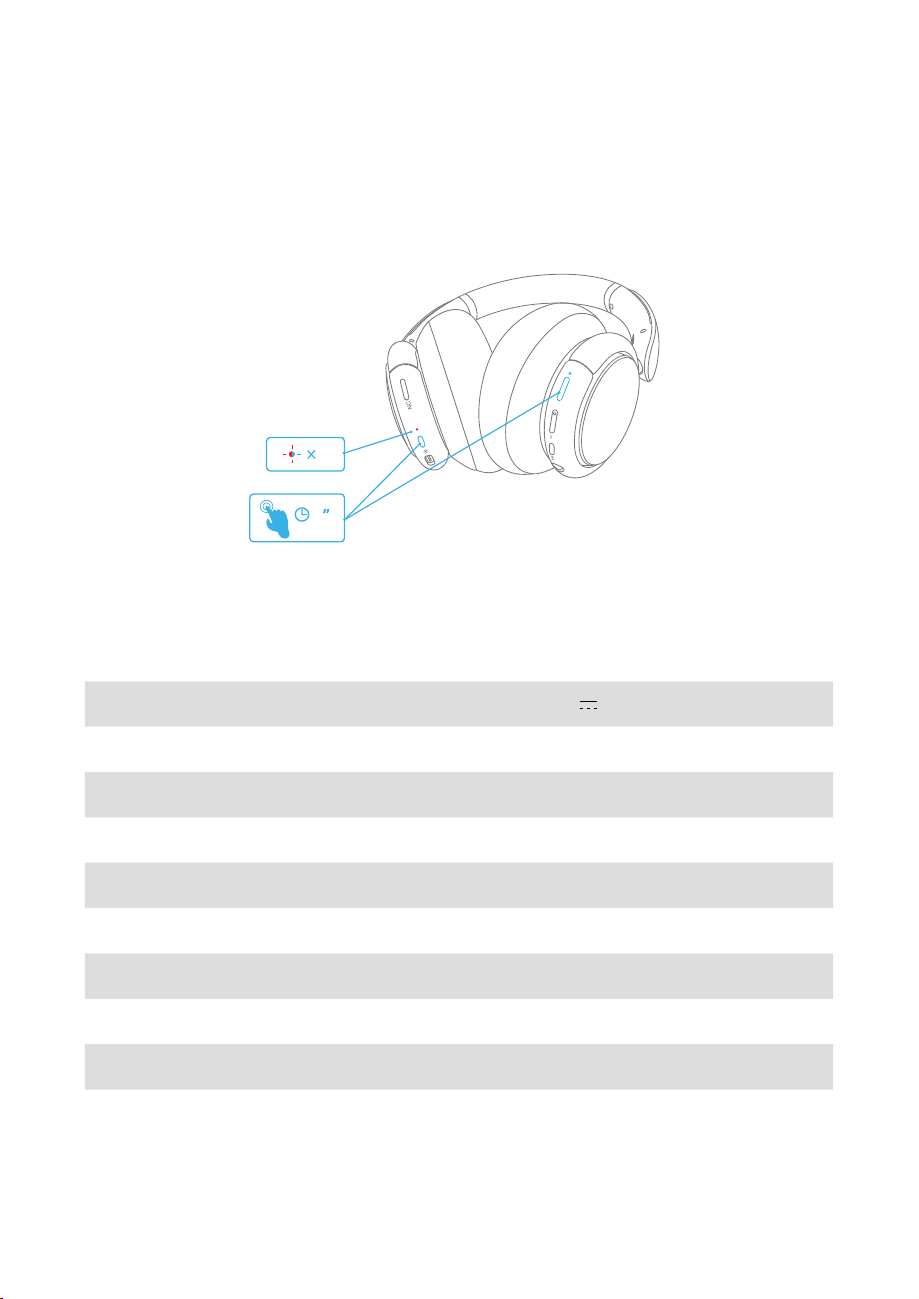
Reset
You might need to reset your headphone if you experience any connectivity
problems or function issues.
Press and hold the power button and volume up button simultaneously for 5
UGEQPFUWPVKNVJG.'&KPFKECVQTƃCUJGUDNWGCPFTGFCNVGTPCVGN[VYKEG
5
2
RL
Specifications
5RGEKƂECVKQPUCTGUWDLGEVVQEJCPIGYKVJQWVPQVKEG
Input 5 V 0.65 A
%JCTIKPIVKOG 2 hours
2NC[VKOGYKVJ#0%OQFGVWTPGFQP 40 hours
2NC[VKOGYKVJ#0%OQFGVWTPGFQHH 60 hours
Driver size 40 mm × 2
(TGSWGPE[TGURQPUG *\M*\
Impedance ŝ
Bluetooth version V5.0
Bluetooth range 15 m / 49.5 ft