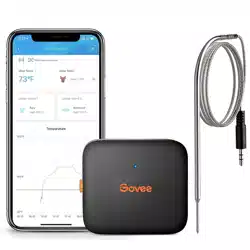
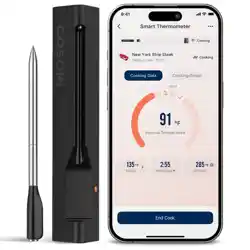
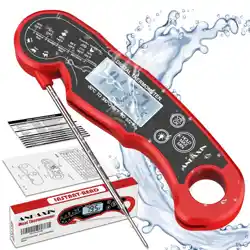
User manual Bluetooth
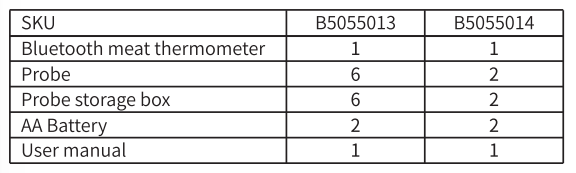
Pacling list
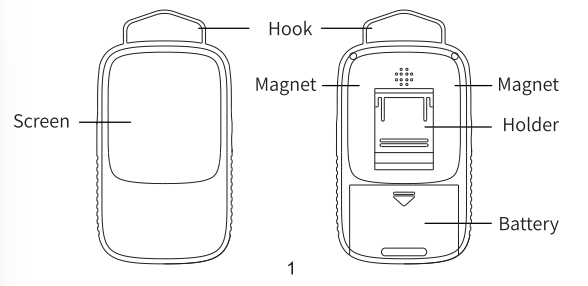
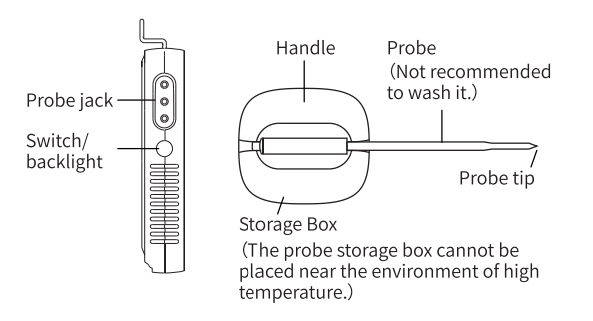
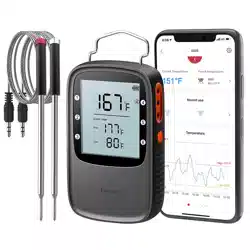
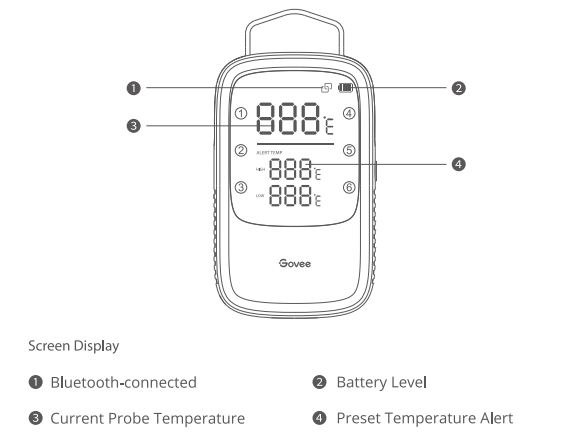
At a Glance
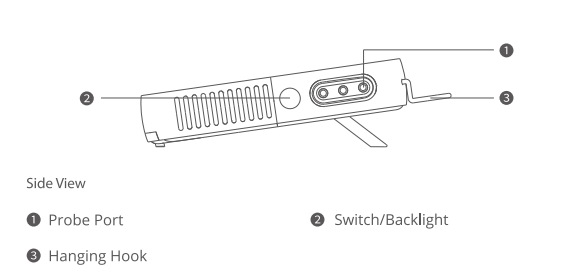
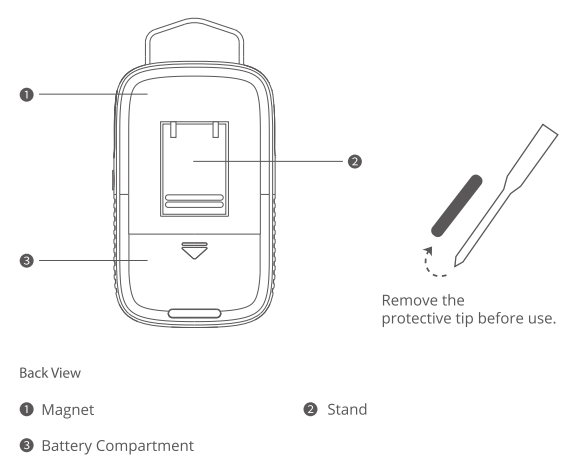
Buttons
Backlight/Power On/Off
1. Long press the orange button for 5s to power On/Off/
2. Press to switch between different probes
Pairing Your Device with the Govee Home App
What you need
A smartphone or table running IOS 8.0 ( or bove) ỏ Android 4.3 ( or bove).

- Download the Govee Home app from the App Store (iOS devices) or Google Play (Android devices).
- Enable Bluetooth on your smartphone.
- Open the app. tap the “+” icon in the top right corner and search "5055".
- Tap the device icon and follow the onscreen instructions to complete pairing.
Controlling Your Device with the Govee Home App
Temperature Monitoring
- Prepare a smart phone or tablet running iOS 9.3 (or above) or Android 4.3 (or above);
- Download the Govee Home app from the App Store (iOS devices) or Google Play (Android devices).
Alert Preset
- Recommended preset temperatures for 6 types of food.
- Adjust the preset temperature yourself. When the temperature reaches the preset temperature level. the meat thermometer will sound an alarm. and you will receive an alert notification via the Govee Home app
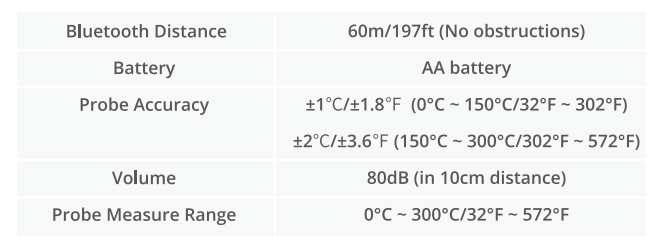
Specifications
Instructions
1. Installation
a. Take out the insulation sheet in the battery box;
b. Long press the switch to turn on devices
2.Download APP
Search and download the APP "Govee Home" in APP store (10S) or Google Play (Android).
3.Add the device
Open the APP. when enter home page. click the icon "+" in the top right comer to enter Govee device list.
Select H5055. follow the APP prompt to add the device.
Troubleshooting
1. The screen displays LLL/HHH
Please check whether the probes are firmly inserted into the device. In addition, the screen would display
LLL/HHH when the probes detect a temperature exceeding. Please remove the probe in time.
2. Can’ treceive the alert
Please confirm whether the Bluetooth is turned on in your phone. When using the device. you need to open the
APP and ensure that the device is within the range of Bluetooth.
3. Can’ tset the device
Ensure that the device is within Bluetooth range. Please turn on the device and the Bluetooth of your phone;
then open the APP to set up.