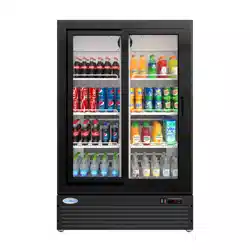
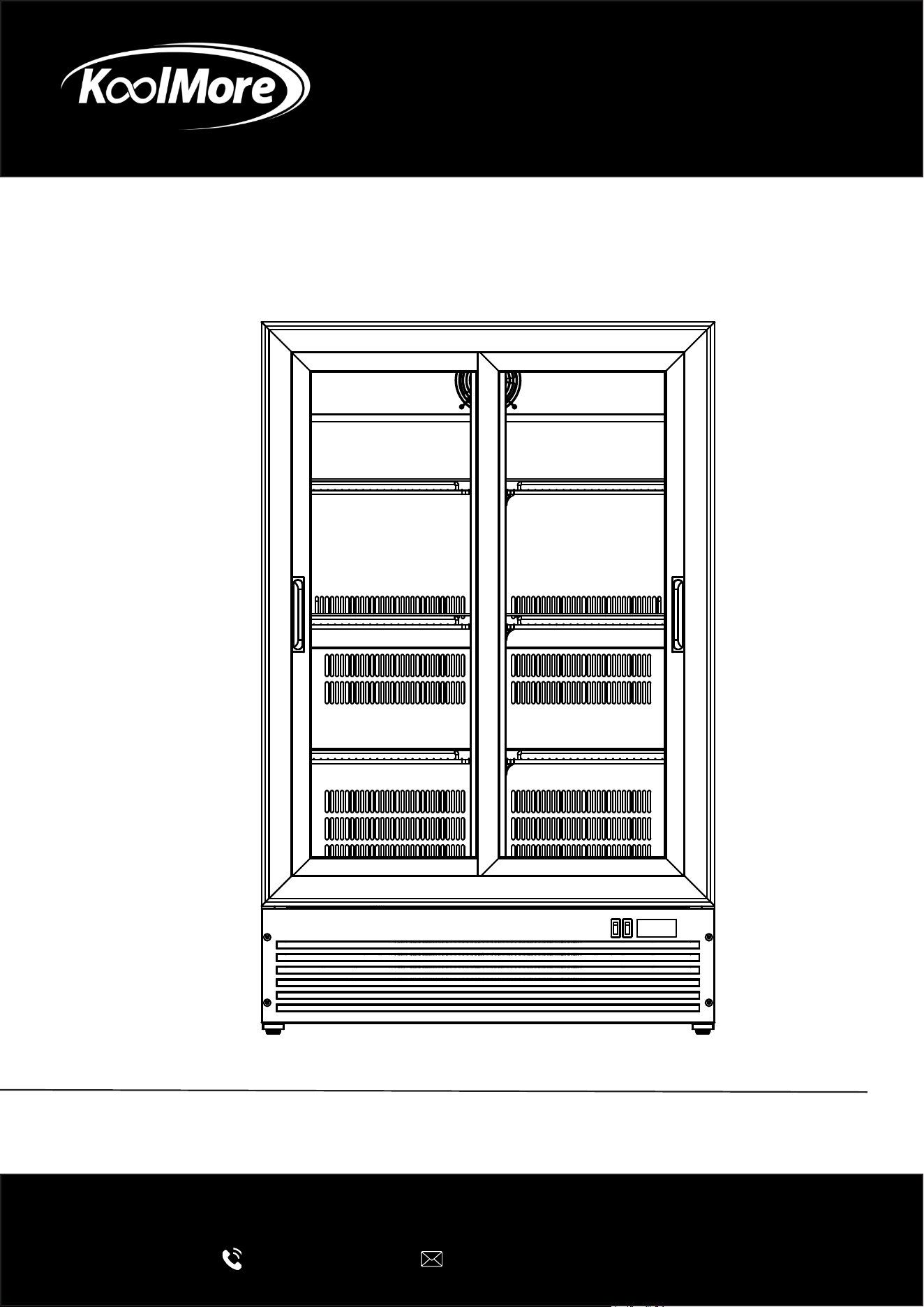
Display Merchandiser
Aisle End Retail Display Merchandiser
USER MANUAL
Before using, please read the operating instructions carefully to
ensure proper application and achieve satisfactory results.
For any service related issues, please contact us:
718-576-6342
suppor[email protected]
Model: KM-AEM2-10CSL
Stay informed with the latest information for your
KoolMore Reserve Appliance.
Scan the QR code above to access the most recent user manual
on our website, which is constantly being updated and improved.
If you need any assistance or have questions, our customer support
team is here to help.
P- 718-576-6342 E- Suppor[email protected]
Please write down the model number and serial number below for future reference. Both numbers are located on the
rating label on the back of your unit or inside of the unit and are needed to obtain warranty service. You may also
want to staple your receipt to this manual as it is the proof of your purchase and may also be needed for service
under warranty.
Model Number:
Serial Number:
Date of Purchase:
To better serve you, please do the following before contacting customer service:
If you received a damaged product, immediately contact the retailer or dealer that sold you the product.
Read and follow this instruction manual carefully to help you install, use, and maintain your unit.
Refer to the Troubleshooting section of this manual as it will help you diagnose and solve many common issues.

3
Contents
Safety ............................................................................................ 4
Operation .................................................................................... 10
Maintanence ................................................................................ 13
Troubleshooting ........................................................................... 15
Warranty ....................................................................................... 17
4
Safety
To ensure proper use, please thoroughly study these SAFETY
PRECAUTIONS before operating the unit.
• The purpose of the safety precautions in this manual is to ensure safe and correct use of the
unit to minimize risks that could cause serious damage and injury to you or other persons. The
safety precautions are divided into WARNINGS and CAUTIONS. Cases where improper handing
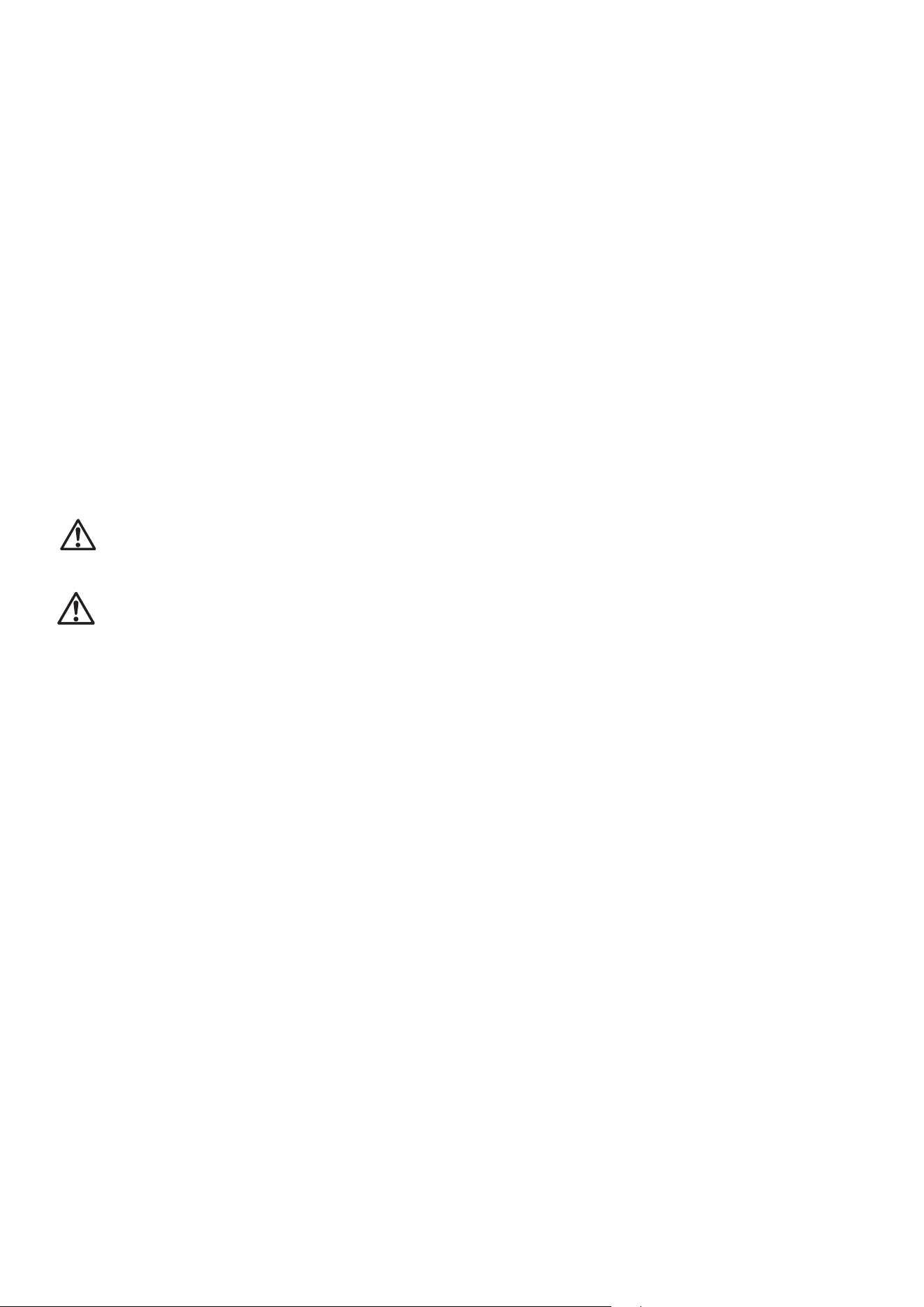
of the unit could lead to death or serious injury are listed under the
“
WARNING” heading. However, the cases listed under the
“
CAUTION” heading could also lead to serious results. To ensure the safety, adhere strictly
to both types of safety precautions.
• Keep ventilation openings, in the appliance enclosure or in the built-in structure, clear of ob-
struction.
• This appliance is not intended for use by persons (including children) with reduced physical,
sensory or mental capabilities, or lack of experience and knowledge, unless they have been
given supervision or instruction concerning use of the appliance by a person responsible for
their safety.
• Children should be supervised to ensure that they do not play with the appliance.
• This appliance can be used by children aged from 8 years and above and persons with reduced
physical, sensory or mental capabilities or lack of experience and knowledge if they have been
given supervision or instruction concerning use of the appliance in a safe way and understand
the hazards involved. Children shall not play with the appliance. Cleaning and user mainte-
nance shall not be made by children without supervision.
• The A-weighted emission sound pressure level is below 70 dB(A).
• If the supply cord is damaged, it must be replaced by the manufacturer, its service agent or
similarly qualied persons in order to avoid a
hazard.
• The appliance shall be disconnected from its power source during cleaning or maintenance
and when replacing parts.
• Storage: During periods of inactivity or before storing, remove all beverages from the appliance,
disconnect it from the supply and clean the appliance and its accessories thoroughly. Keep
the door(s) of the appliance open, to allow all humidity to escape. Prop the door open with a
piece of wood or the like to the prevent the door from closing completely. Like this, mold or bad
smell can be prevented. Store the appliance in a dry, protected environment, preferably at room
temperature. To protect the appliance from dust, cover it with a cloth that allows air circulation
inside the appliance. You can also store the appliance in its original packaging. Keep the appli-
ance out of reach of children.
• Regularly check the power plug and power cord for damage. If the supply cord is damaged, it
must be replaced by the manufacturer, its service agent or similarly qualied persons in order
to avoid a hazard.
5
• Refrigerants must be evacuated and disposed of by a qualied specialist in accordance with
federal and local regulations before the appliance is scrapped. Caution: Please keep the appli-
ance away from re or similar glowing substances before you dispose of it. Please remove the
door before you dispose of the appliance.
• WARNING: Keep clear of obstruction all ventilation openings in the appliance enclosure or in
the structure for building-in.
• WARNING: Do not use mechanical devices or other means to accelerate the defrosting pro-
cess, other than those recommended by the
manufacturer.
• WARNING: Do not damage the refrigerant circuit.
• WARNING: Do not use electrical appliances inside the food storage compartments of the appli-
ance, unless they are of the type recommended by the manufacturer.
• WARNING: The lamp must not be replaced by the user! If the lamp is damaged, contact the
customer helpline for assistance.
• WARNING: To avoid a hazard due to instability of the appliance, it must be xed in accordance
with the instructions.
• WARNING: In order to reduce ammability hazards the installation of this appliance must only
be carried out by a suitably qualied person.
WARNING: Improper handing of the unit could lead to death or
serious injury.
CAUTION: Improper handing of the unit could lead to serious results depending on the cir-
cumstances.
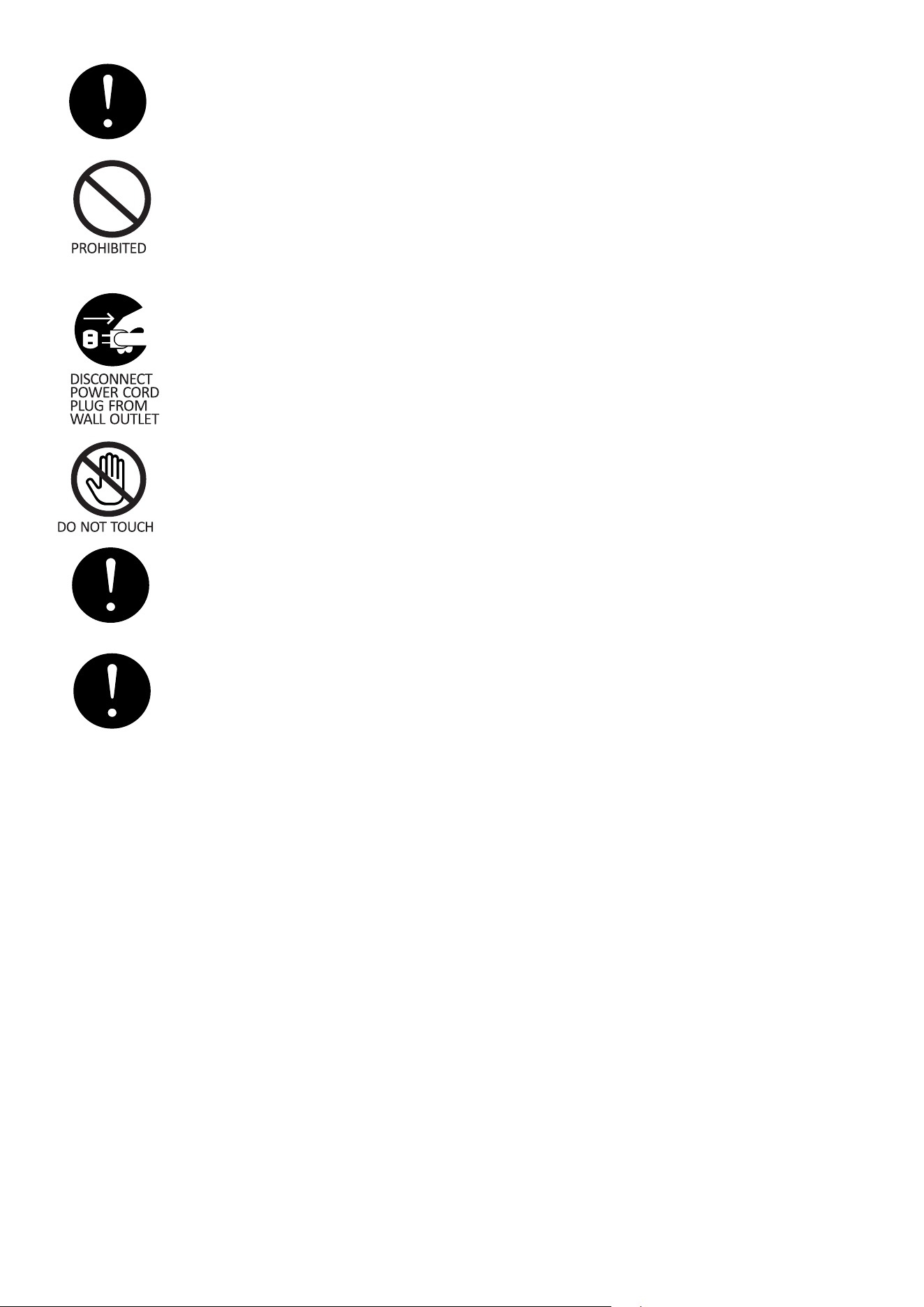
• Text set off by the exclamation mark contains information that should be strictly adhered to.
• After reading the instruction manual, store it an easily accessible place where the user(s) of
this product can easily nd it.
6
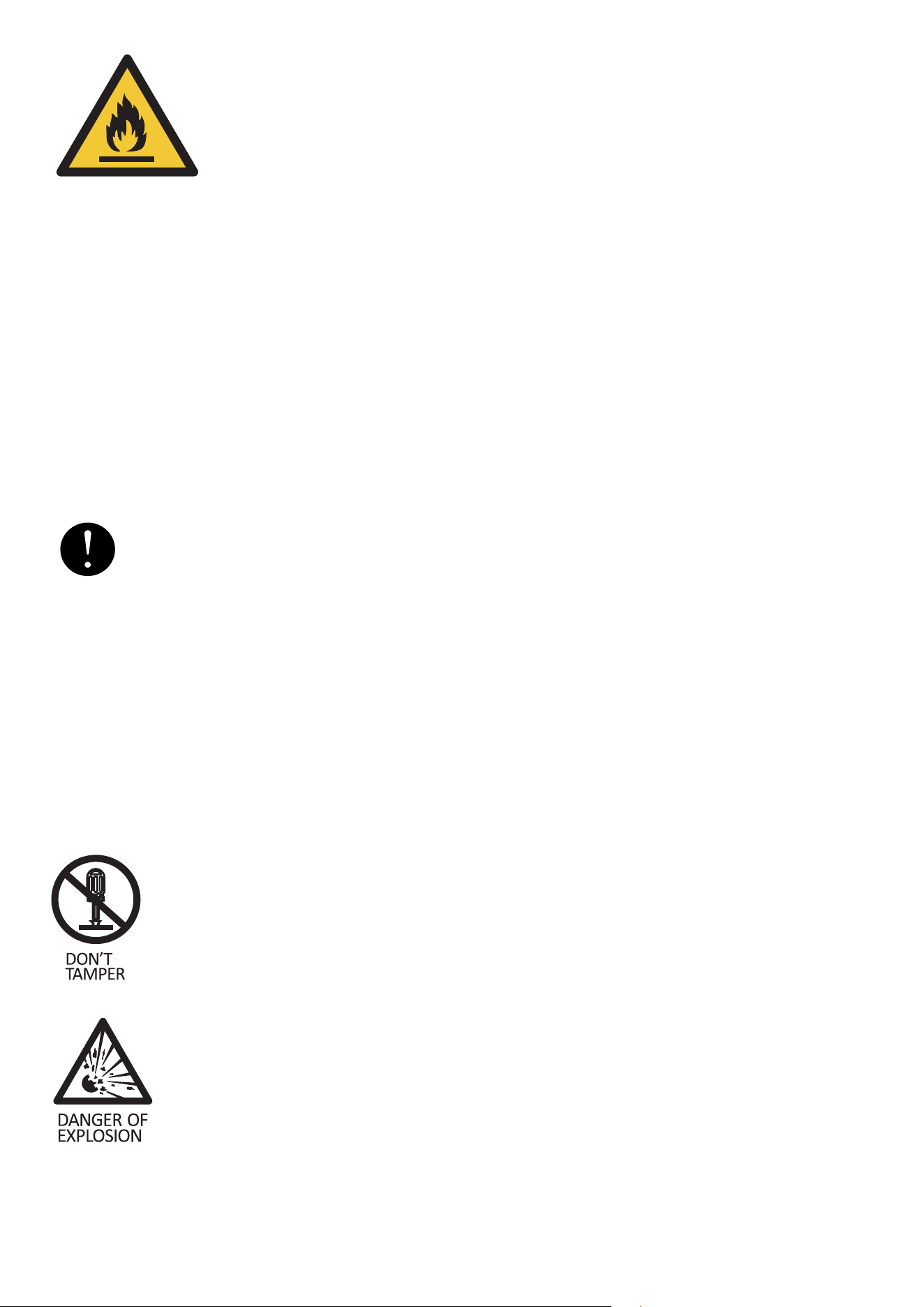
The symbol is a warning and indicates the refrigerant and insulation blowing gas
are ammable.
Warning: Risk of re / ammable materials.
Warning - Do not store explosive substances such as aerosol cans with a ammable propellant in
this appliance.
Warning - When positioning the appliance, ensure the supply cord is not trapped or damaged.
Warning - Do not locate multiple portable socket-outlets or portable power supplies at the rear of
the appliance.
Warning - The refrigerant and insulation blowing gas are ammable. When disposing of the appli-
ance do so only at an authorized waste disposal centre. Do not expose to ame.
PRECAUTIONS FOR INSTALLATION
WARNING
Installation should be performed only by the dealer or a qualied
expert. Attempting to install the unit yourself could result in water leakage, refrigerant leakage,
electrical shock, or re.
PRECAUTIONS FOR USE
WARNING
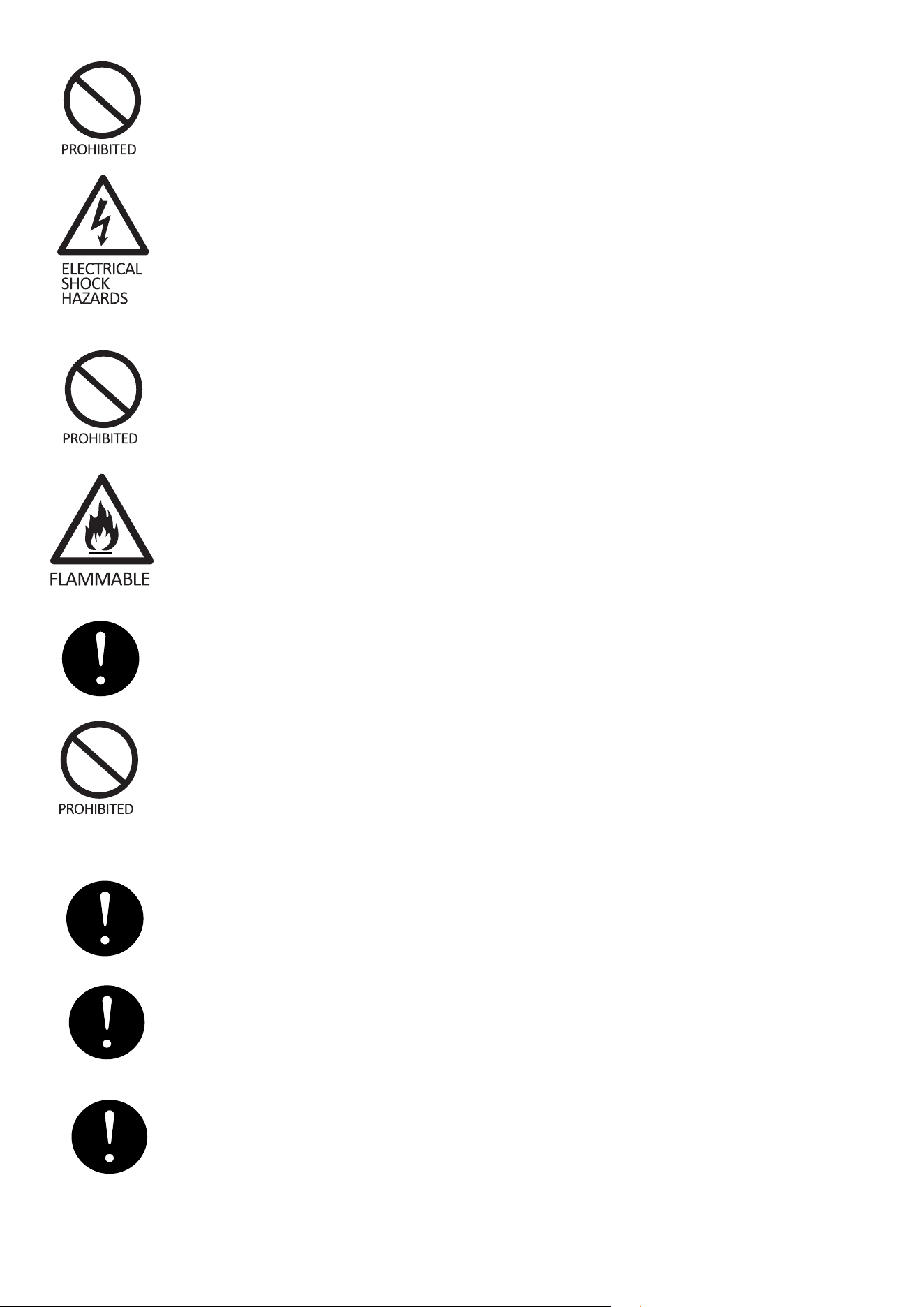
All repairs, disassembly and modications should be performed only by qualied
technicians. Attempting to perform these yourself could result in a re, malfunc-
tion, and injury.
Never put ammable or volatile substances into the unit as explosion and re
could result.
7
Use a dedicated wall outlet. Do not use extension cords or convenience recepta-
cles as this could result in electrical shock, overheating and a re.
Never splash water directly onto the product or wash with water as short-circuit
and electrical leakage could result.
Do not damage, modify, excessively bend, strain, twist or bundle up the power
cord. Also, placing heavy objects the power cord or squeezing it in a tight place
could damage it, possible resulting in electrical shock
or re.
Never use ammable spray cans or leave ammable substances near the unit.
Sparks from electrical switches could result in explosion and re.
The cooler is intended for storage and display of beverages for sale. Do not use
for other purpose than intended as this could adversely affect items placed in
the unit.
For indoor use only. Using the unit in a location exposed to rain could result in
electrical leakage and electrical shock.
Install the unit in a location where the oor is sturdy !enough to support the load of
the unit. If the oor is not sturdy enough or installation is incorrectly performed, the
unit could tip over and falling shelves and products could cause personal injury.
Store the unit in a location where it is not exposed to !rain. Using a unit that has been
exposed to rain could result in electrical leakage and electrical shock.
Leave disassembly and disposal of the unit to qualied experts.
8
WELL VENTILATED PLACE
Please make sure there is more than 10cm space between UPRIGHT COOLER and the wall. If there
is no space, cooling capacity can drop down.
Never attempt to insert ngers, sticks, etc. Into the cold air suction outlet as a cir-
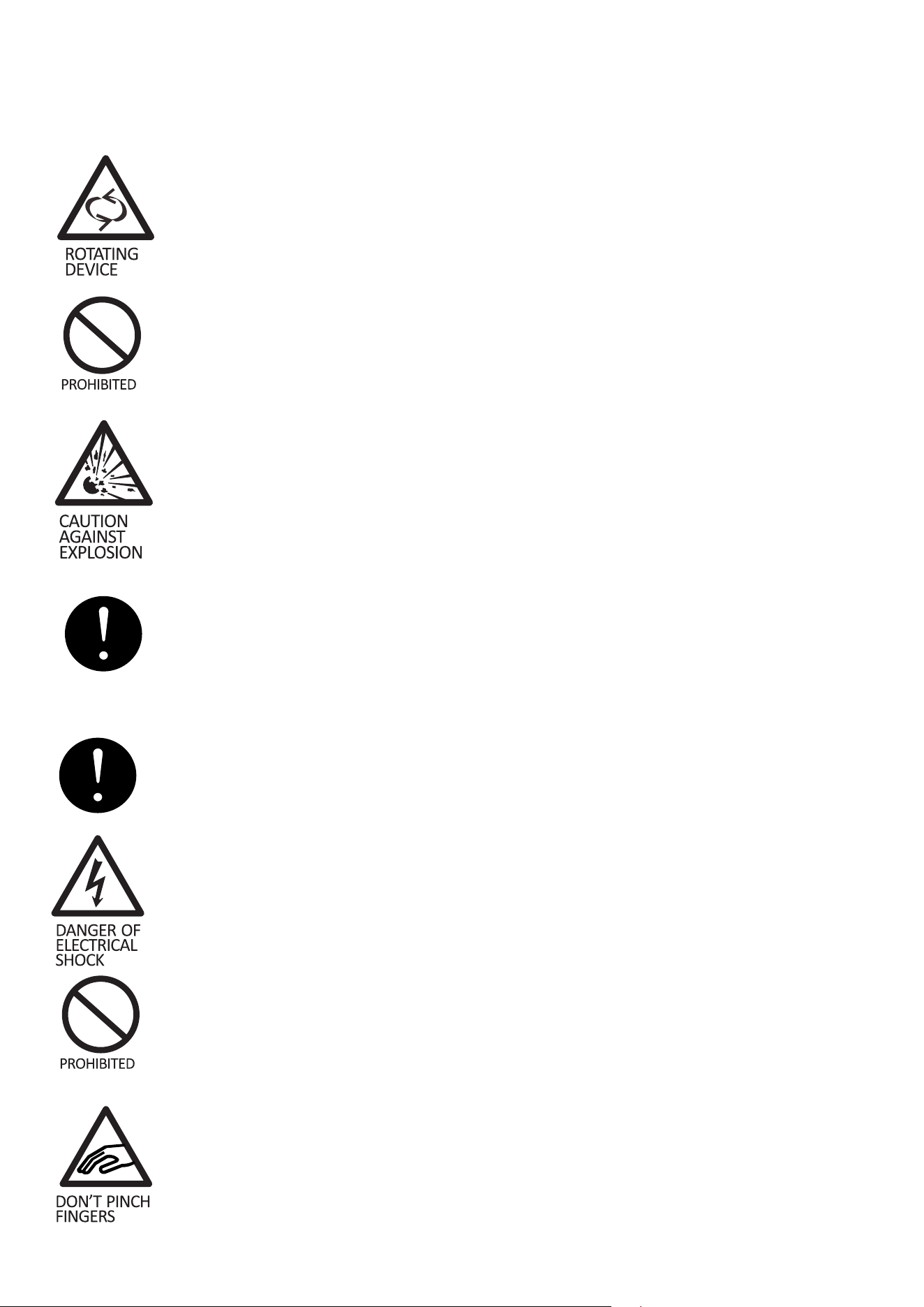
culation fan is rotating at high speed inside the outlet. Injury, electrical shock and
improper operation could result.
Never place heavy objects or items containing water on top of the unit. Objects
could fall down and cause injury and spilled water could deteriorate the insulation
of electrical components and result in electrical leakage.
If you nd gas leakage, please don’t touch the appliance. Turn it off and open
the doors and windows for ventilation. Gas leakage could cause explosion, re,
and re injury.
Keep away from hot air sources cooling performance is reduced if the unit is placed
near heat sources such as hot plates and stoves and if it is exposed to direct sun-
light.
Should the unit need temporary storage make sure not to store the unit in a location
where children play and take precautions so that the door cannot be completely
closed. This will minimize the risk that a child becomes trapped inside the
compartment.
If installation in a damp location is unavoidable, also install an electrical leakage cir-
cuit breaker. If no electrical leakage circuit breaker is installed, electrical shock could
result.
Never hang from the door or climb onto the unit. The unit could tip over or fall and
cause material damage or injury.
Grasp the handle when closing the door. Holding at other positions could result in
pinched ngers and injury.
9
When disconnecting the power cord plug from the wall outlet, hold at the plug main
body close to the outlet. Pulling the cord could cause wire breakage, possibly result-
ing in overheating and re.
Do not throw items onto the shelves and do not place items totaling more than 25
kg on each shelf. The shelf could fall down, possibly causing injury.
Disconnect the power cord plug from the wall outlet before moving the unit and
make sure that the power cord is not damaged during transport. A damaged
power cord could result in electrical shock and/or re.
Do not push hand against or apply excessive force to glass surfaces as the
glass could break and cause injury.
Make sure that the unit does not tip over or fall when it is moved. A falling unit
could cause serious injury.
Be sure to attach and secure shelves
correctly. An improperly attached shelf could fall down and cause injury.
10
Operation
BEFORE USE
• Important! Allow the appliance to stand upright for at least 24 hours before connecting it to a
mains outlet for the rst time, so that the refrigerant can settle.
• Remove shipping package, tape, etc, and leave doors open. Ventilate for a while.
• The unit is cleaned before shipment. However, clean the compartment interior after delivery.
• Please insert power supply, plug into the wall outlet, single-phase to correct voltage.
• Allow the unit to operate for about 1 hour to cool the compartment before placing items in the
cooler.
WAIT 5 MINUTES OR MORE BEFORE RE-STARTING
• Restarting the unit immediately after it has been turned off may cause fuses to blow and acti-
vate the circuit-breaker, the compressor may be overloaded, and/or other damage may occur.
TEMPERATURE ADJUSTMENT
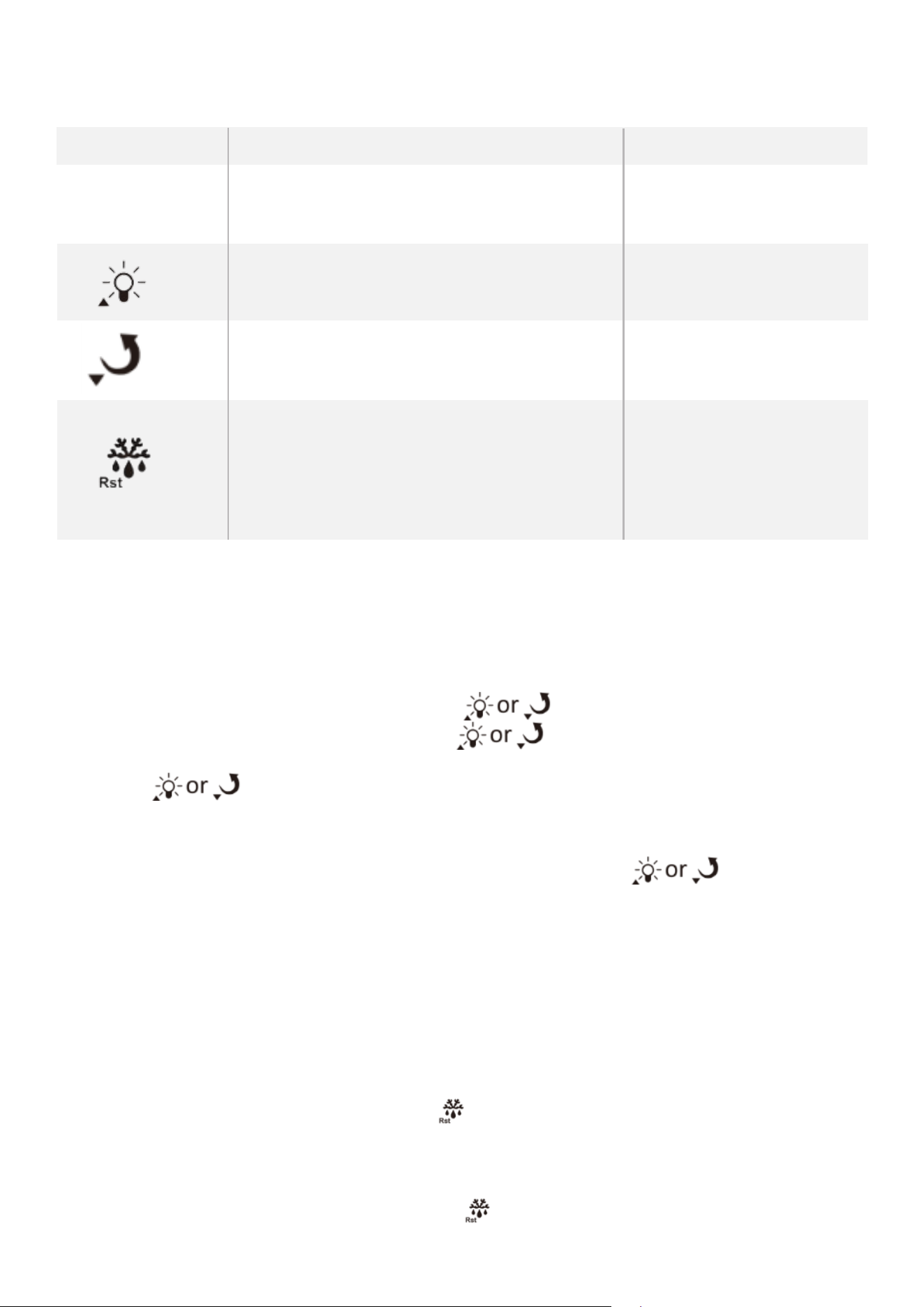
Operation and display panel
11
Keys description
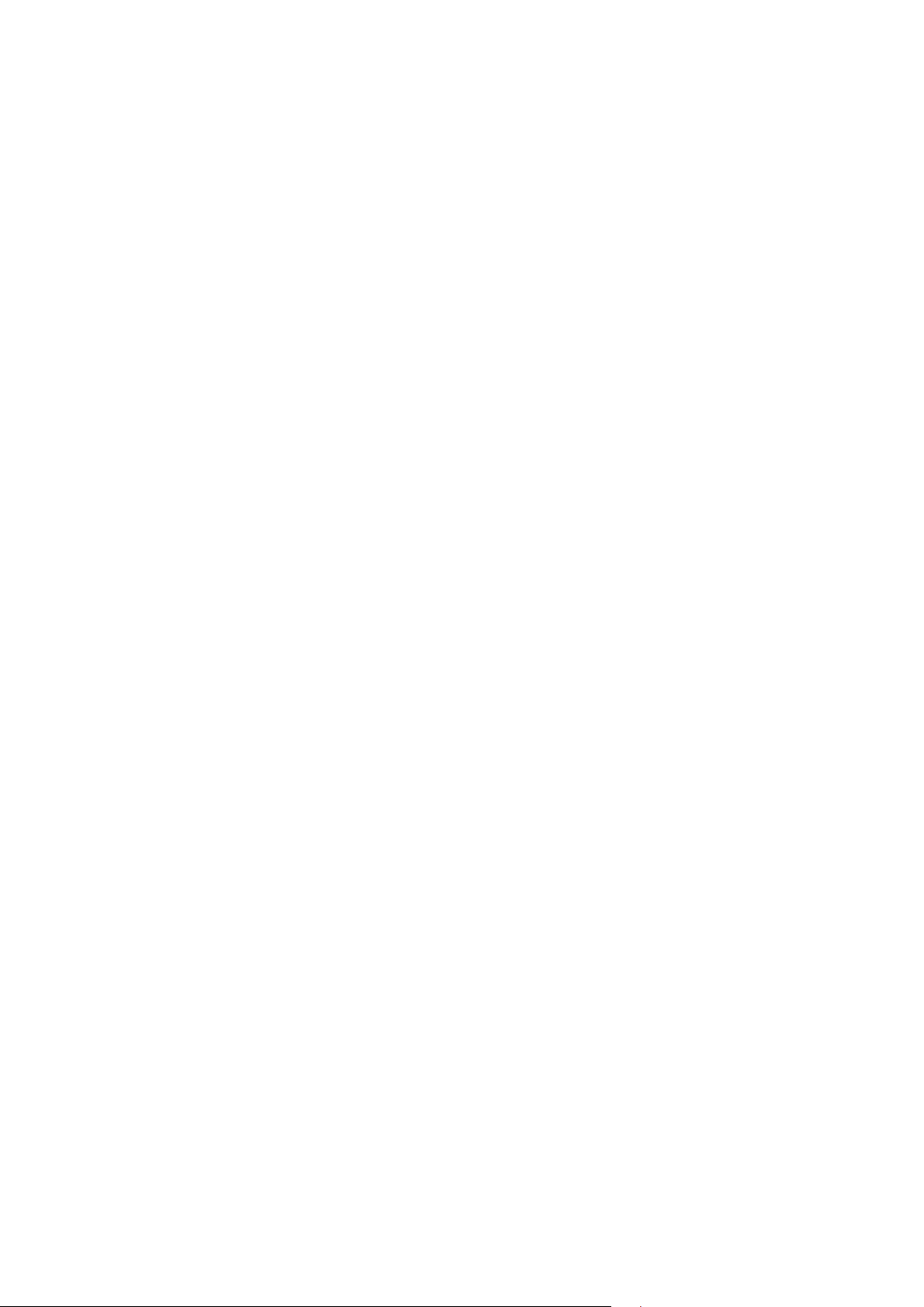
Keys Function Button action
Set Enter the status of parameter setting pressing the keys for 3s
Switch between menu and parameter press the key
Adjust menu and parameters press the key
Upload the data to copy card pressing the keys for 3s
Adjust menu and parameters press the key
Download the copy card pressing the keys for 3s
View evaporator sensor temperature press the key
Exit from parameter setting press the key
Press 3s to forced switch between refrigeration,
defrost/defrost delay, defrost dripping pressing the keys for 3s
Keys operation
1) Accessing the User and Administrator Menus :
• While the device is in temperature measuring and controlling mode, press and hold the Set key
for 3 seconds to enter the user menu. The screen will display the code “St”. Press the Set key
again to view or modify the St value using the keys.
• To access the administrator menu, press the key when “St” is displayed to switch to
“Po”, then press the Set key. The screen will show “00”.
• Use the . keys to enter the administrator password. Press Set again to conrm.
- If the password is correct, you can access all parameters: St, Po, C1, C2… U1, etc.
- If the password is incorrect or not entered, only St and Po will be available.
• After selecting a parameter, press Set to modify its value using the keys. Press Set
again to save and return to the menu.
• If no key is pressed for 30 seconds, the controller will automatically exit the settings mode and
save the current value.
Note: The administrator password is valid for one session only. To adjust parameters again, you
must re-enter the password.
2) Temperature viewing
While in temperature control mode, press the key to view the current evaporator sensor tem-
perature, provided the sensor is enabled and functioning correctly.
3) Manually forced operation
In temperature control mode, press and hold the key for 3 seconds to manually cycle through:
Refrigeration, Defrost / Defrost Delay, Drip Time After Defrost
12
DRAIN TRAY
• Defrosting is performed automatically and drain water is collected in the drain tray.
• Water in the drain tray is evaporated automatically. In humid environments, there will be a large
amount of water in the drain tray, so please throw away drain water once a day.
EFFICIENT USE
• To prevent cold air from escaping, open and close the door quickly and keep the door opened
for as short a time as possible.
• Please install the unit in a place which is well-ventilated.
SHELF HEIGHT ADJUSTMENT
• The shelf height can be adjusted.
• Arrange the shelves in accordance with the dimensions of the items to be placed in the cooler.
PLACING ITEMS IN THE SHOWCASE
This showcase employs a forced circulation of cold air system. If circulation of cold air is obstruct-
ed, the items will not be adequately refrigerated. Pay attention to the following points:
• Do not let items obstruct the cold air inlet and suction outlet.
• Place items so that they do not protrude from the shelves. The gap between the shelves and
the door is used for circulation of cold air.
• Place items evenly on all shelves.
• Commercial refrigeration display cooler.
• This equipment is intended for the storage and display of non-potentially-hazardous bottled or
canned products only.
CLIMATE CLASS
• 89.6°F ±3.6°F on appliances of climatic class 0,1,2,3,4,6 or 8;
• 109.4°F ±3.6°F on appliances of climatic class 5 or 7.
13
Maintanence
To prevent any electrical shock hazards or injury by rotating circulation fan,
always disconnect the power cord plug from the wall outlet before cleaning.
1. EXTERIOR AND COOLER COMPARTMENT
Wipe with a soft, dry cloth. If very soiled, wipe with a cloth that has been moistened with a deter-
gent. Then wipe with a cloth that has been dipped in water.
Do not splash water directly onto the cooler and do not wash with water.
Short-circuit and electrical shock could result.
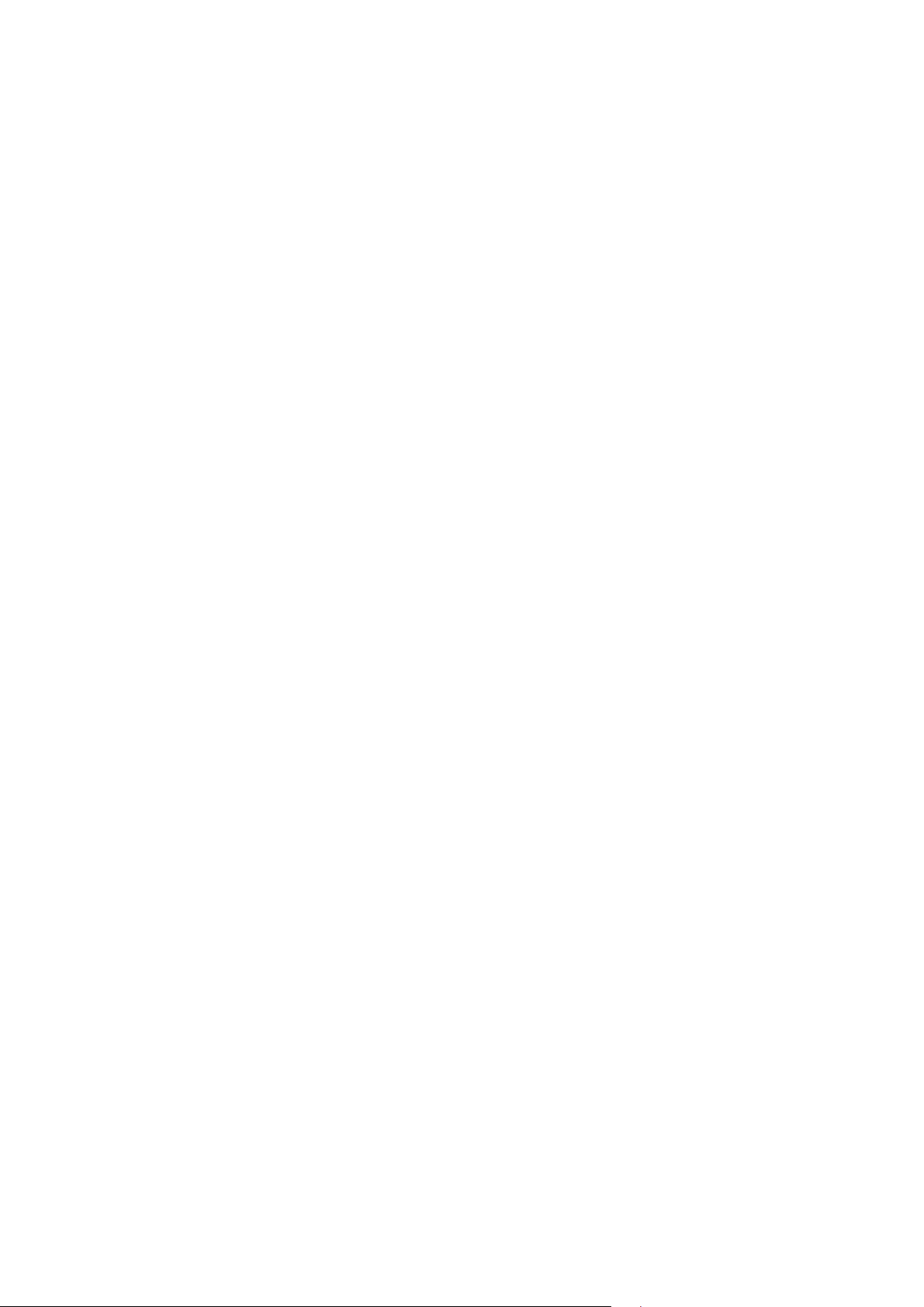
• Clean the cooler regularly to keep it clean at
all times.
• Never use polishing powder, soap powder,
benzine, oil or hot water as there will dam-
age the painting and plastic components.
2. CHECKS
To ensure the safety, perform the following checks after cleaning.
• Is the power cord plug rmly inserted into a dedicated wall outlet? Conrm that the plug is not
abnormally hot.
• Check the power cord for cracks and damage. Should the slightest irregularity be observed,
contact the dealer from whom you purchased this unit or our customer’s service.
14
IN CASE OF THE FOLLOWING
1 POWER FAILURE
Keep opening and closing of the door to a minimum.
Avoid placing new items in the cooler as this will raise the temperature inside the compartment.
2 WHEN NOT USED FOR A LONG PERIOD
Remove all items from the compartment and disconnect the power cord plug from the wall outlet.
Clean the compartment interior and wipe away all water.
To prevent mold formation and bad smell, leave the door open to dry the compartment completely.
3 TRANSPORTATION
Disconnect the power cord plug from the wall outlet.
When moving the cooler, make sure that the feet do not damage the power cord.
Do not let the feet hit against oor steps, thresholds, etc.
4 TEMPORARY STORAGE
Ax a piece of wood, etc. Between the door and main unit to prevent complete closing of the door.
Make sure not to store the unused cooler at a location where children play.
Should a child enter the compartment and the door is closed, the child may not be able to open the
door from the inside.

15
Troubleshooting
Problem
Possible Cause
• Is the power supply interrupted?
• Is the power cord plug disconnected from the wall outlet?
• Are the shop’s power fuses blown and/or the circuit breaker activated?
• Is the temperature setting appropriate?
• Are items obstructing the cold air inlet and suction outlet?
• Are stored items packed too tight?
• Is the door open or is it opened and closed frequently?
• Is the condenser clogged?
No refrigeration at all
Inadequate refrigeration
Please check the following items if you encounter problems with the unit. If the problem continues
after taking the proper remedial actions, disconnect the power cord plug from the wall outlet.
Transfer the items stored in the cooler to a box or other container. Then contact the dealer from
whom you purchased this unit and be ready to provide information as listed in “REQUIRED INFOR-
MATION” below.
CAUTION
To prevent any electrical shock hazards, do not disconnect the power cord plug from the wall out-
let with wet hands.
• Are all feet in rm contact with the oor?
• Is the rear panel of the cooler contacting the wall or other objects?
• Are other objects in contact with the cooler?
Excessive noise
• Condensation may condense on the exterior and door during hot and
humid days or depending on the place of installation. This occurs when
the humidity is high and water particles in the air contact cold surfaces.
This is normal. Wipe away condensation with a dry cloth.
Condensation on cooler exterior
Showcase sometimes stop running when thermostat turns off.
16
REQUIRED INFORMATION
Nature of malfunction
(as accurately as possible)
Product number
Serial number
On rating label
On carton
Customer’s name, address,
phone number
year and date of purchase
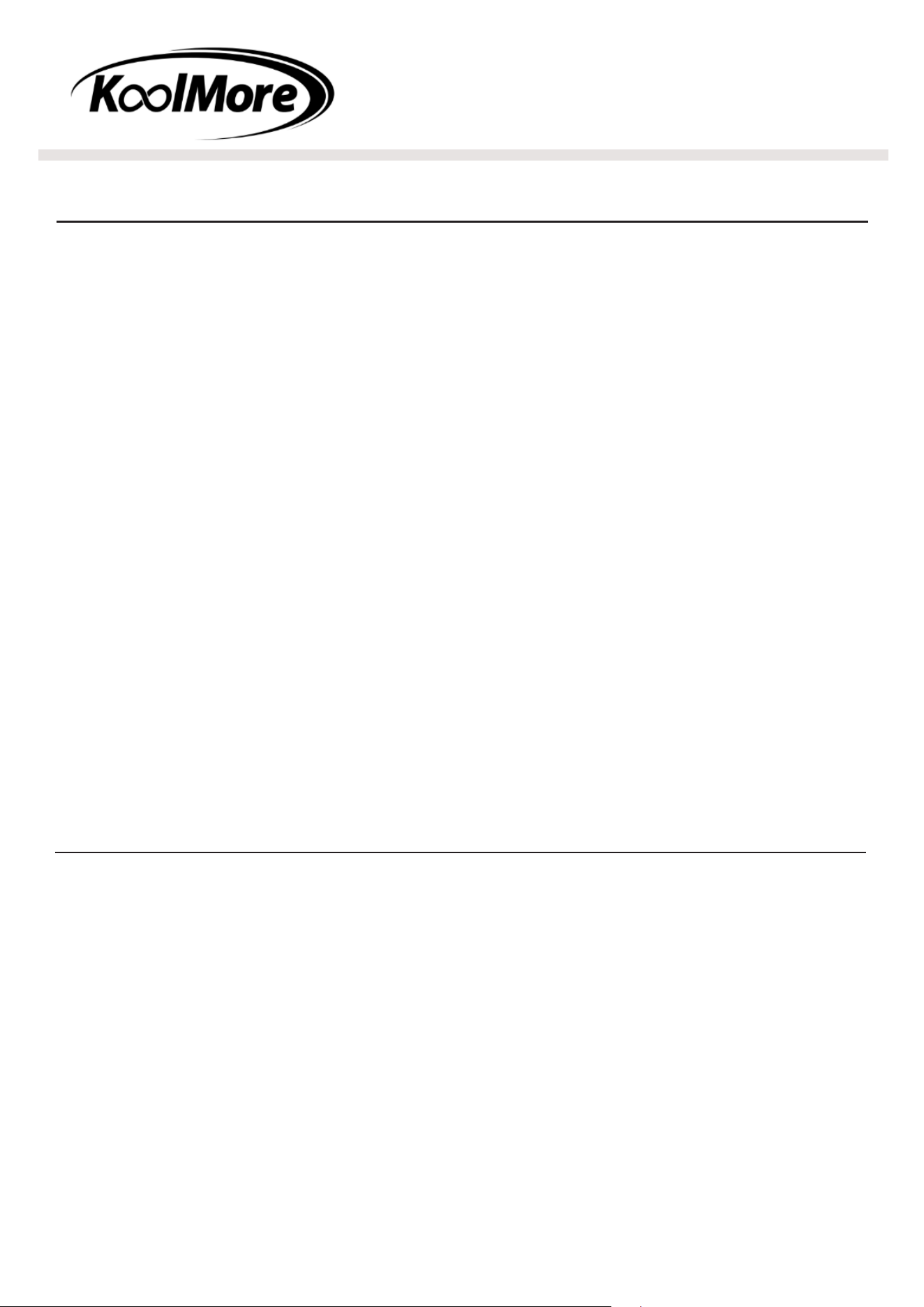
Environmental Protection
Discarded electric appliances are recyclable and should not be discarded in
the domestic waste! Please actively support us in conserving resources and
protecting the environment by returning this appliance to the collection centres.
Refrigerants must be evacuated and disposed of by a qualied specialist in ac-
cordance with federal and local regulations before the appliance is scrapped.
Caution: Please keep the appliance away from re or similar glowing substanc-
es before you dispose of it. Please remove the door before you dispose of the
appliance.
Tip over hazard!
Appliance may pose a tipping hazard when uncrating, installing or moving the
appliance. Take appropriate safety precautions. Use of tip over restraints may
only reduce (not eliminate) the tipping hazard. Never allow children to climb or
hang on drawers, doors or shelves.
Crush or cut hazard!:
Keep clear when uncrating, installing, moving, or servicing the
appliance.
17
LIMITED WARRANTY
Koolmore Supply, Inc. extends a limited warranty to the original purchaser, guaranteeing that this Koolmore product is
free from manufacturing defects in material or workmanship for three years from the date of purchase.
Should you discover any such defect within the warranty period, Koolmore Supply, Inc., reserves the right to repair or
replace the product without charge, or to cover the cost of replacement parts and repair labor needed to correct de-
fects present at the time of purchase or resulting from regular usage, when the appliance has been installed, operated,
and maintained as per the instructions provided.
At its sole discretion, Koolmore Supply Inc. may decide to replace the product. In such an event, your replace- ment
appliance will carry the warranty for the remaining term of the original unit’s warranty period.
This warranty is valid exclusively to the original purchaser of the product and only applicable within the United States.
The warranty commences from the date of original consumer purchase. Proof of the original purchase date will be
required to obtain service under this warranty.
Under this limited warranty, your sole and exclusive remedy will be product repair, as outlined above. All services must
be provided by a Koolmore-designated service company.
To claim warranty or request repair service:
Email [email protected]. Please include your name, address, phone number, warranty repair request, and a copy
of your proof of purchase receipt. Alternatively, visit koolmore.com and use the contact us page. A Koolmore custom-
er service representative will promptly arrange service for your appliance.
We thank you for choosing Koolmore.
WARRANTY EXCLUSIONS
This limited warranty will not cover:
1. Failure of the product to perform during power failures or interruptions,
or due to inadequate electrical service.
2. Damage incurred during transportation or handling.
3. Damage caused by accidents, vermin, lightning, winds, re, oods, or acts of God.
4. Damage resulting from accidents, alterations, misuse, abuse, improper installation, repair, or mainte- nance. This
includes using any external device that alters or converts the voltage or frequency of electricity.
5. Unauthorized product modications, repairs by unauthorized centers, or use of non-approved replacement parts.
6. Abnormal cleaning and maintenance not aligned with the user’s manual.
7. Use of incompatible accessories or components.
8. Any costs associated with repairs or replacements under these excluded circumstances shall be the responsibility
of the consumer.
WARRANTY