bObsweep
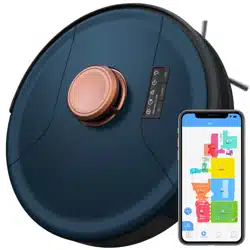
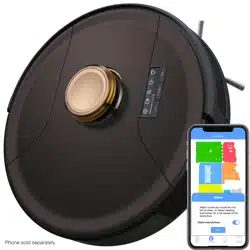
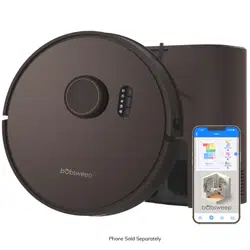
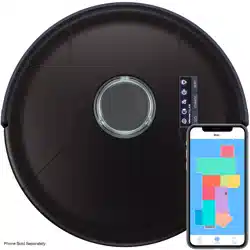
Bob PetHair SLAM
™

2
1
Bob PetHair SLAM
™
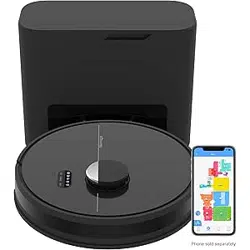
Charging Station
Cleaning Tool Side Brushes (4) Filters (2)
Charging Adapter
Wet Mop Attachment Microber Mopping Cloths (2)
4
3
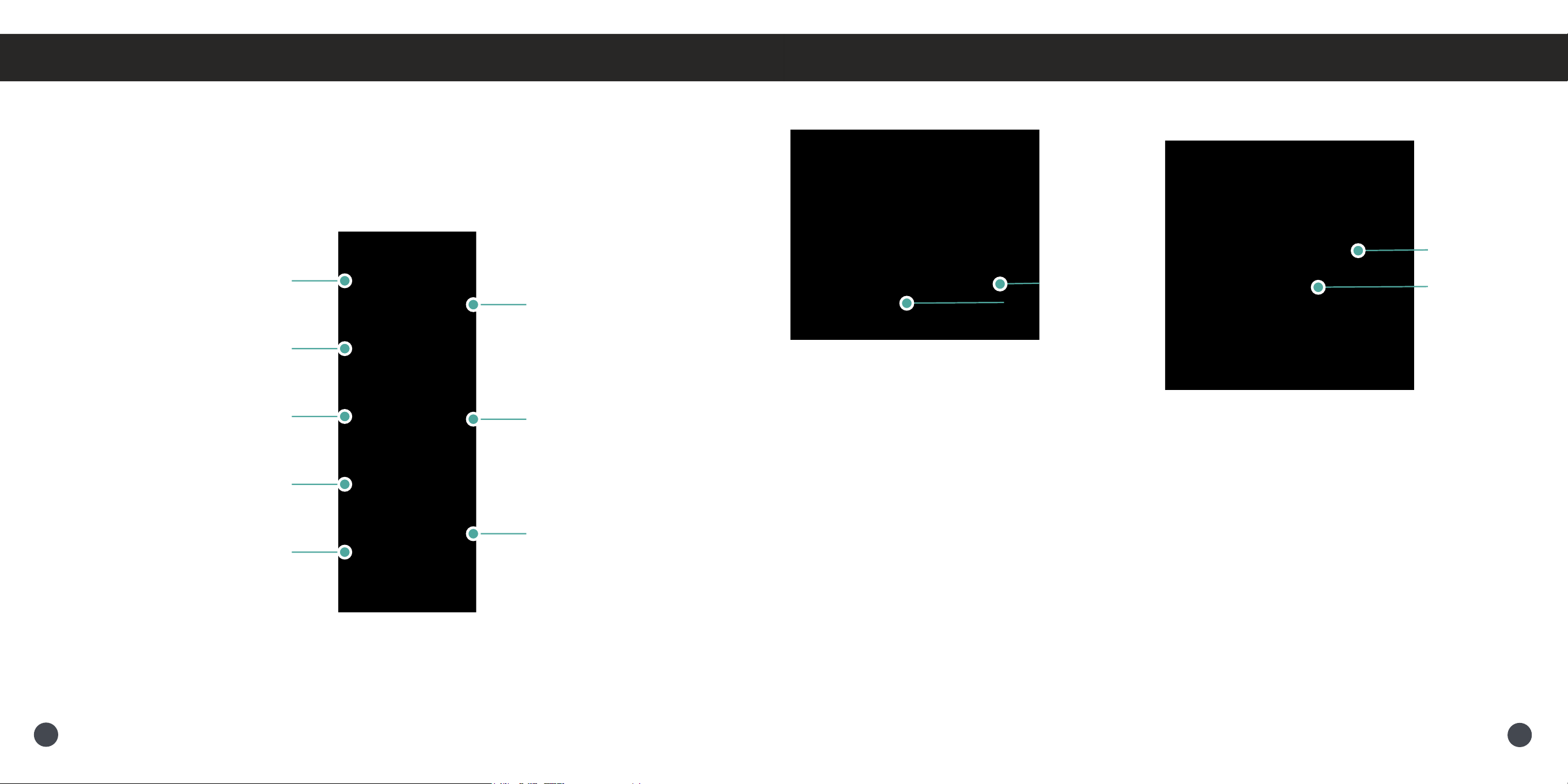
Anatomy
Wet Mop Attachment
Reservoir
Opening
Charging Nodes
Charging Station
Inlet
Anatomy
ButtonsDisplay Screen
CHARGE
Charge/Stop
GO
Short Press - Start/Stop
Long Press - Power On/Off
WiFi
Initiate Wi-Fi search
SOUND
Solid Shine - Muted
GO
Solid Shine - Cleaning
Blinking - Stopped
CHARGE
Rapid Blinking - Low battery
Blinking - Finding station
Pulsing - Charging
Solid Shine - Fully charged
WiFi
Solid Shine - Connected to WiFi
Blinking - Searching for WiFi
Trouble Indicator
Blinking - Trouble detected
Check the bObsweep App
6
5
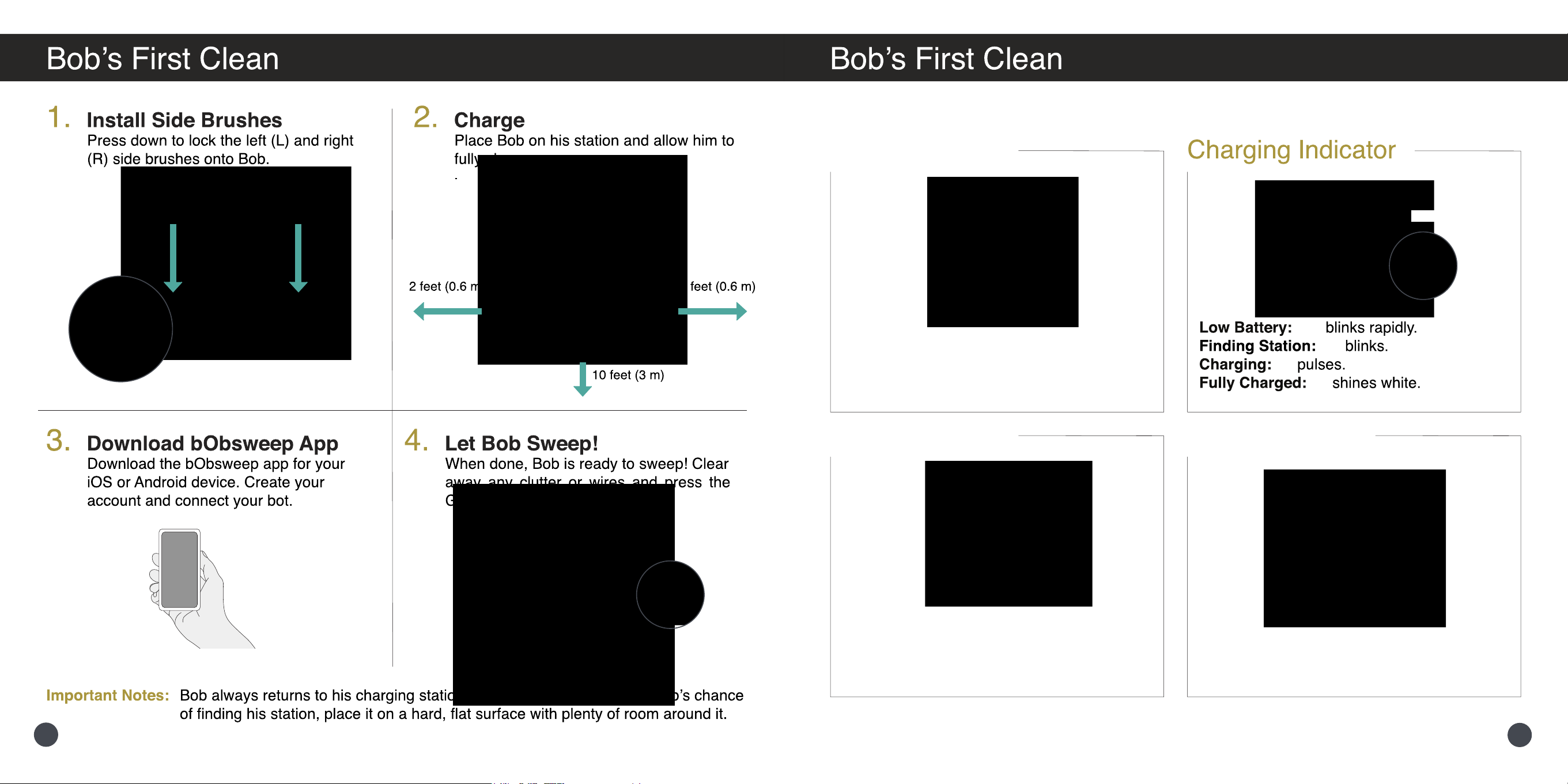
Before Starting
Remove the protective pieces from
Bob’s bumper.
NoSweep Zones
Shiny surfaces, cluttered areas, and
some uniquely shaped furniture can be
hard to navigate. Dene cleaning zones
on the bObsweep App.
Lifting & Moving
Do not pick up Bob while moving to
avoid distorting his map.
8
7
10
9
Trouble Solution
Left/Right Wheel Left/Right wheel is jammed. Check for obstruction and clean.
Off Ground Wheels are off the ground. Place Bob back on the ground.
Main Brush Main brush is jammed. Remove and clean.
Side Brushes Side brushes are jammed. Remove and clean.
Bumper Bumper’s touch sensor is jammed. Check the bumper for obstruction and clean.
SLAM LiDAR SLAM LiDAR is not clean/lost visibility. Check for obstruction and clean.
Edge Sensor Bob is near a cliff/Edge sensors are dirty. Move Bob to safety/Clean sensors.
Low Battery Low battery. Charge Bob.
Power Error Power error. Check the battery and power connection. Let battery cool down.
Vacuum Motor Vacuum motor is jammed. Open the lter container and remove any congestion.
Dustbin Dustbin is disconnected. Remove, wipe the connectors, and reinsert.
Mop
Mop attachment is disconnected. Remove, wipe the connectors and reinsert.
Electronic
Electronic component error. Reset Bob (switch Off and back On).
USB
USB port error. Remove item attached to USB port and reset Bob.
Navigation
Bob is stuck or has environmental trouble. Clear cleaning path and reset Bob.
Other
Bob needs a Checkup Test. Contact customer support.
Part Maintenance Frequency Replacement Frequency
Dustbin Daily
Filter Weekly Every 6 months
Brushes Weekly Every 12 months
Sensors Weekly
Front Wheel Weekly
Battery Every 12 – 24 months
12
11
14
13
Push down the wheel to lock it into place.
16
15
18
17
22