Bluetooth
Ÿ Range: >10 m (line of sight)
Ÿ Version: Bluetooth V6.0
Ÿ Supported Profiles: HFP, HSP, A2DP, AVRCP
HOW TO USE
Charging
Ÿ Connect the Type-C cable to charge.
Ÿ Red light stays ON while charging.
Ÿ Takes about 2 hours to fully charge.
Ÿ Ice-blue light stays ON when fully charged.
Power & Pairing
Power ON + Enter Pairing
Ÿ Long-press the Function Key for 2 seconds.
Ÿ LEDs flash red and ice-blue alternately.
Ÿ Voice prompt plays.
SPECIFICATIONS
Charging
Ÿ Charging Port: Type-C
Ÿ Input: 5V ⎓ 0.2A
Ÿ Full Charge Time: approx. 2 hours
Earphone Audio
Ÿ Sensitivity: 98 ± 3 dB
Ÿ Rated Power: 3 mW
Ÿ Max Power: 5 mW
Ÿ Impedance: 16 Ω
Ÿ Frequency Response: 20 Hz – 20 kHz
Microphone
Ÿ Sensitivity: -42 ± 2 dB
Ÿ Frequency Response: 20 Hz – 20 kHz
www.portronics.com
For Support
Visit : www.portronics.com
Email : [email protected]
Contact No. : +91 9555245245
(Working Hrs. : Monday - Saturday 10:00am - 6:00pm)
E-Waste Management
For E-Waste & ROHS compliance
refer to www.portronics.com/ewaste
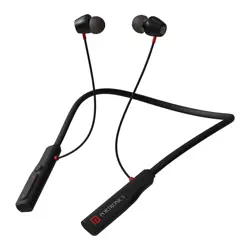
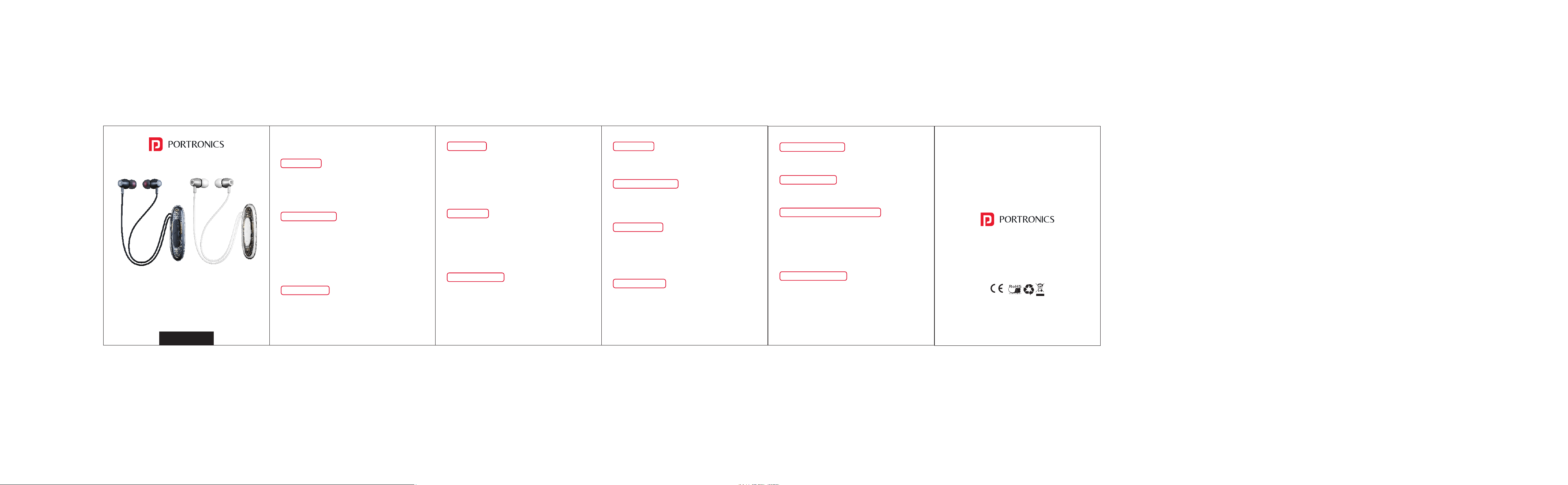
HARMONICS Y5
Wireless Stereo Headset
User Manual
Power OFF
Ÿ Long-press the Function Key for 4 seconds.
Ÿ Red LED blinks with a voice prompt
Connection Status
Ÿ Connected: Voice prompt plays.
Ÿ Disconnected: LEDs flash red/ice-blue, voice prompt
plays.
Call Controls
Ÿ Answer Call: Short-press Function Key
Ÿ Hang Up: Short-press Function Key
Ÿ Reject Call: Long-press Function Key for 2s
Ÿ Redial Last Number: Double-press Function Key
Music Controls
Ÿ Play/Pause: Short-press Function Key
Ÿ Next Track: Long-press Volume +
Ÿ Previous Track: Long-press Volume –
Ÿ Volume Up: Short-press Volume + (Beep at max)
Ÿ Volume Down: Short-press Volume –
Game/Music Mode
Ÿ Triple-Press Function Key.
Voice Assistant
Ÿ Press and hold Function Key for 2s, then release.
Multipoint Pairing (Two Phones)
1. Connect to Phone 1.
2. Turn off Bluetooth on Phone 1.
3. Connect to Phone 2.
4. Turn Bluetooth back on for Phone 1 and reconnect.
Clear Pairing / Reset
Ÿ In pairing mode, press Function Key 4 times.
Ÿ Earphone will power off and reset.
Notes
Ÿ If not paired within 5 minutes, earphone turns off.
Ÿ “Low Battery” voice prompt indicates charging needed.
Ÿ Battery level shown on Apple & most Android phones.