Double Sided 125g
5V
power button
increase
decrease
hold
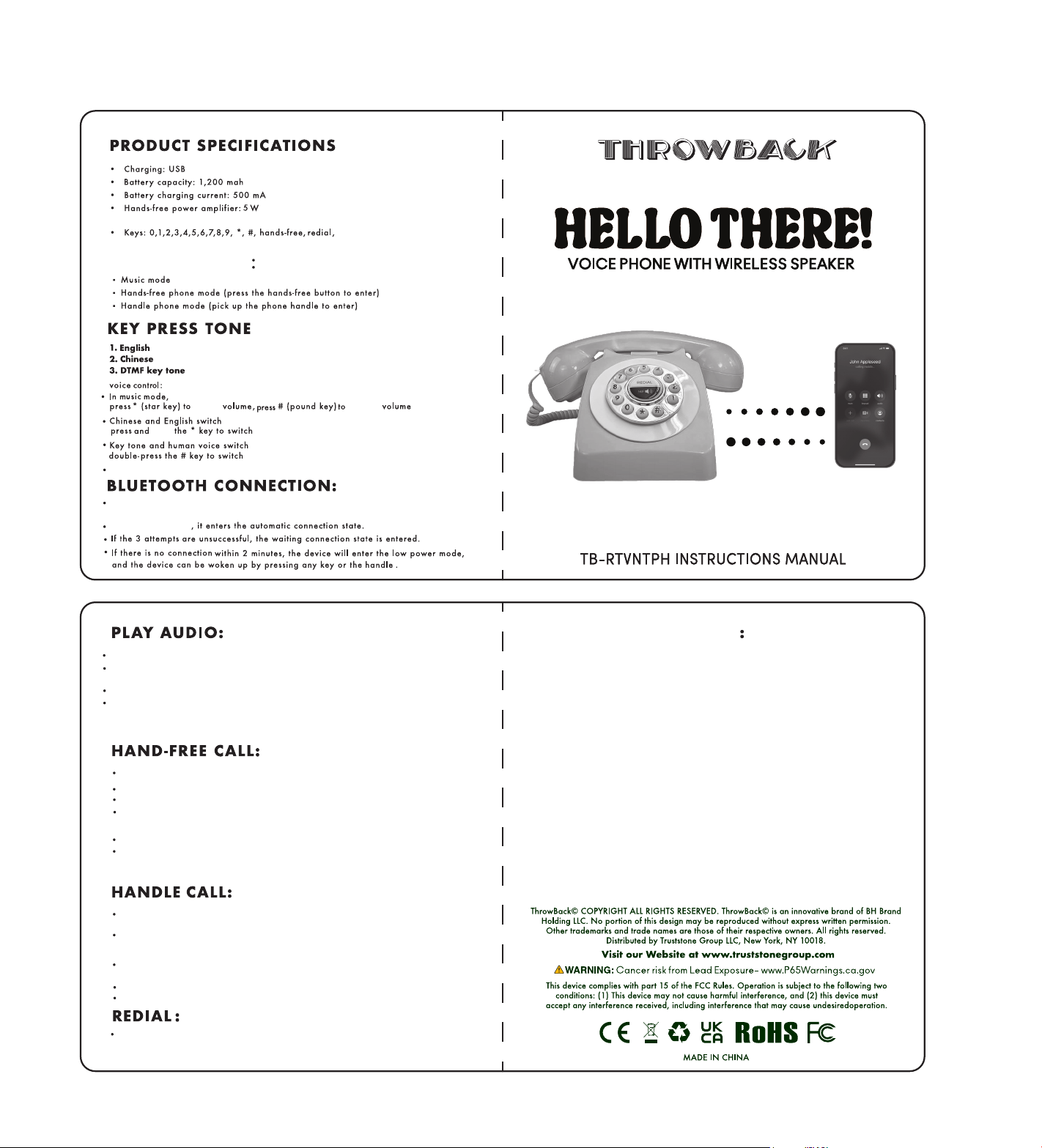
In the music mode, the hands-free speaker of the device can be used to play audio.
When there is an incoming call, or when the hands-free mode is entered or the handle is
picked up, the audio playback will pause.
To continue playing the audio, manual operation on the connected external device is required.
The volume can be adjusted through the connected external device, or via the * key or # key.
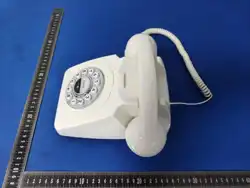
Press the hands-free button to enter the hands-free call mode.
Press the corresponding buttons to dial;
Once the call is connected, hands-free communication can be carried out.
During the call, pressing the hands-free button again can end the current call.
If the handset is picked up during the call, it will enter the handset call mode;
Pick up the handset to enter the handset call mode. Dial correctly, and once the call is
connected, you can enter the call state.
During the call, placing the handset on-hook will end the call.
If the hands-free button is pressed during the call, it will switch to the hands-free call
mode;
Even if the handset is put back on the phone base, the call can still continue.
Pressing the hands-free button again will end the call.
After pressing the hands-free button or picking up the handset, press the redial key to access
the last record in the redial call log.
Turn on the speaker
Press and hold the # key to switch the ringtone
Bluetooth Pairing:After tuming on the device, tum on the Bluetooth search of the mobilephone, click the
Bluetooth pairing name: "Throwback Phone" to connect;
If the handset is put down at this time (handset on-hook), the call will end.
This device complies with Part 15 of the FCC Rules. Operation is subject to the following
two conditions:
(1) This device may not cause harmful interference, and (2) this device must accept any
interference received, including interference that may cause undesired operation.
NOTE 1: This equipment has been tested and found to comply with the limits for a Class B digital
device, pursuant to part 15 of the FCC Rules. These limits are designed to provide reasonable
protection against harmful interference in a residential installation. This equipment generates,
uses and can radiate radio frequency energy and, if not installed and used in accordance with
the instructions, may cause harmful interference to radio communications. However, there is no
guarantee that interference will not occur in a particular installation. If this equipment does cause
harmful interference to radio or television reception, which can be determined by turning the
equipment off and on, the user is encouraged to try to correct the interference by one or more
of the following measures:
- Reorient or relocate the receiving antenna.
- Increase the separation between the equipment and receiver.
-Connect the equipment into an outlet on a circuit different from that to which the receiver is
connected.
-Consult the dealer or an experienced radio/TV technician for help.
NOTE 2: Any changes or modifications to this unit not expressly approved by the party
responsible for compliance could void the user's authority to operate the equipment.
The device has been evaluated to meet general RF exposure requirement. The device can be
used in portable exposure condition without restriction.
FCC WARNING STATEMENT