Smart Eco
SEI 100A
DEVICE USER MANUAL
Indoor Air Quality Monitor
https://smarteco.ai/
ist.smartecoai@ispatialtec.com
SMART ECO/INDOOR AIR QUALITY
Contents
Product Overview
· · · · · · · · · · · · · · · · · · · · · ·
2
Package Contents
· · · · · · · · · · · · · · · · · · · · · ·
1
Safety Instructions
· · · · · · · · · · · · · · · · · · · · · ·
1
Monitored Parameters
· · · · · · · · · · · · · · · · · · · · · ·
2
Indicators & Interfaces
· · · · · · · · · · · · · · · · · · · · · ·
2
Installation
· · · · · · · · · · · · · · · · · · · · · ·
3
Device Onboarding & Mobile App
· · · · · · · · · · · · · · · · · · · · · ·
3
Troubleshooting
· · · · · · · · · · · · · · · · · · · · · ·
4
Warranty Information
· · · · · · · · · · · · · · · · · · · · · ·
4
Technical Specifications
· · · · · · · · · · · · · · · · · · · · · ·
5
FCC RF Radiation Exposure Statement
· · · · · · · · · · · · · · · · · · · · · ·
5
Regulatory Information
· · · · · · · · · · · · · · · · · · · · · ·
6
Product Label
· · · · · · · · · · · · · · · · · · · · · ·
6
SMART ECO
Smart Eco User Manual
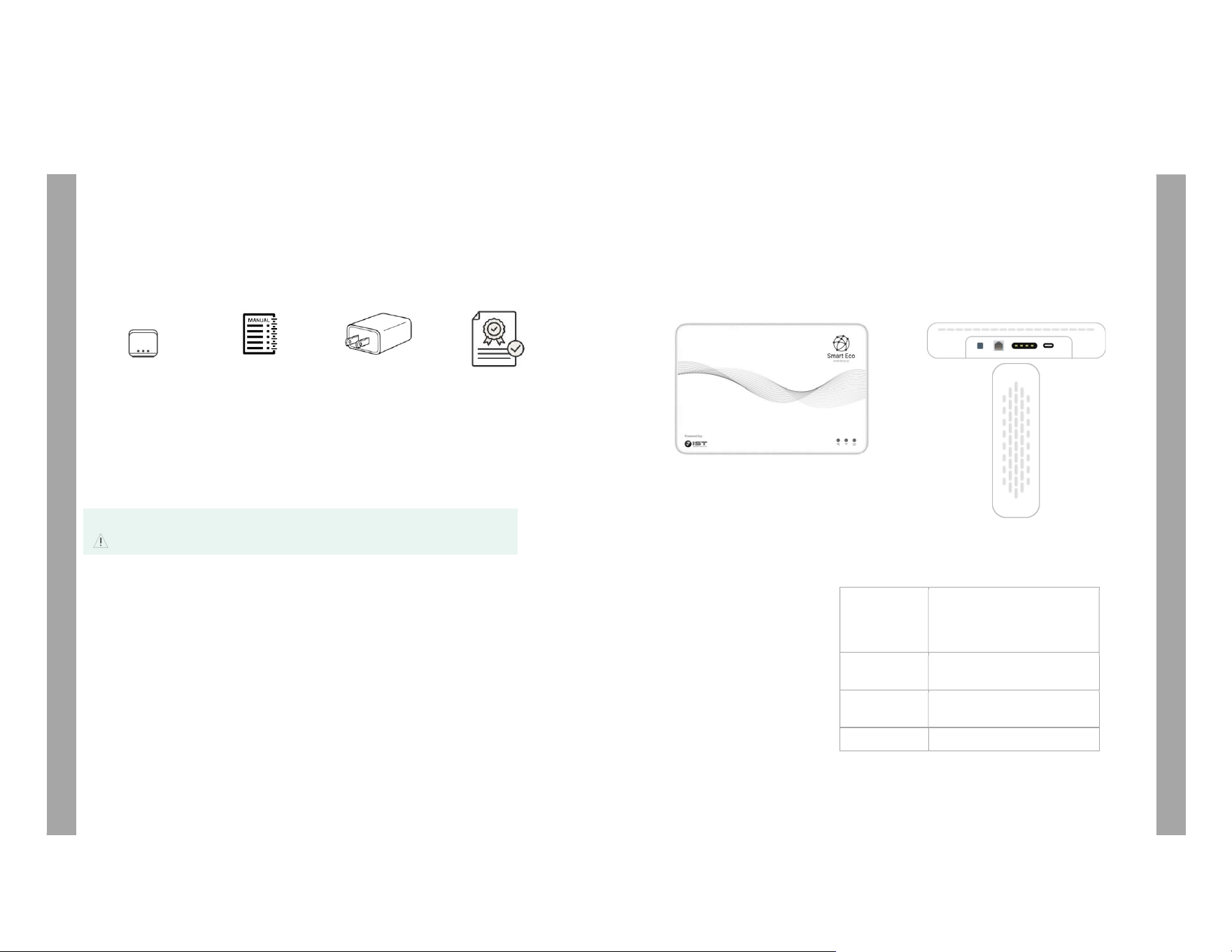
Package Contents
Smart Eco
Device
User Manual
Power Adapter
Calibration
Certificate
Safety Instructions
Please read all safety instructions before installation and use. Follow the recommended precautions
to ensure safe operation, reliable performance, and accurate environmental monitoring.
WARNING
• All installation work must be carried out only by qualified or authorized personnel.
• Always switch the power OFF before performing wiring, installation, or maintenance.
• Use only the supplied or approved power adapter and approved connection methods.
• Do not expose the device to water, moisture, or excessive humidity.
• Ensure all ventilation openings remain clear and unobstructed during operation.
• Do not open, disassemble, or tamper with the device enclosure.
• Do not apply reverse polarity or reverse voltage to the device.
• Do not install or operate the device in outdoor environments.
• Keep the device away from radiators, heaters, ovens, furnaces, stoves, or other heat sources.
1
Product Overview
Smart Eco is an indoor air quality monitoring device designed to continuously measure key
environmental parameters.
It provides real-time air quality insights for schools, hospitals, offices, and other indoor
environments, helping support better health, comfort, and productivity.
Monitored Parameters
• PM2.5
• PM10
• CO
• TVOC
• CH₂O
• NO₂
• SO₂
• CO₂
• Ambient Temperature
• Humidity
• Noise
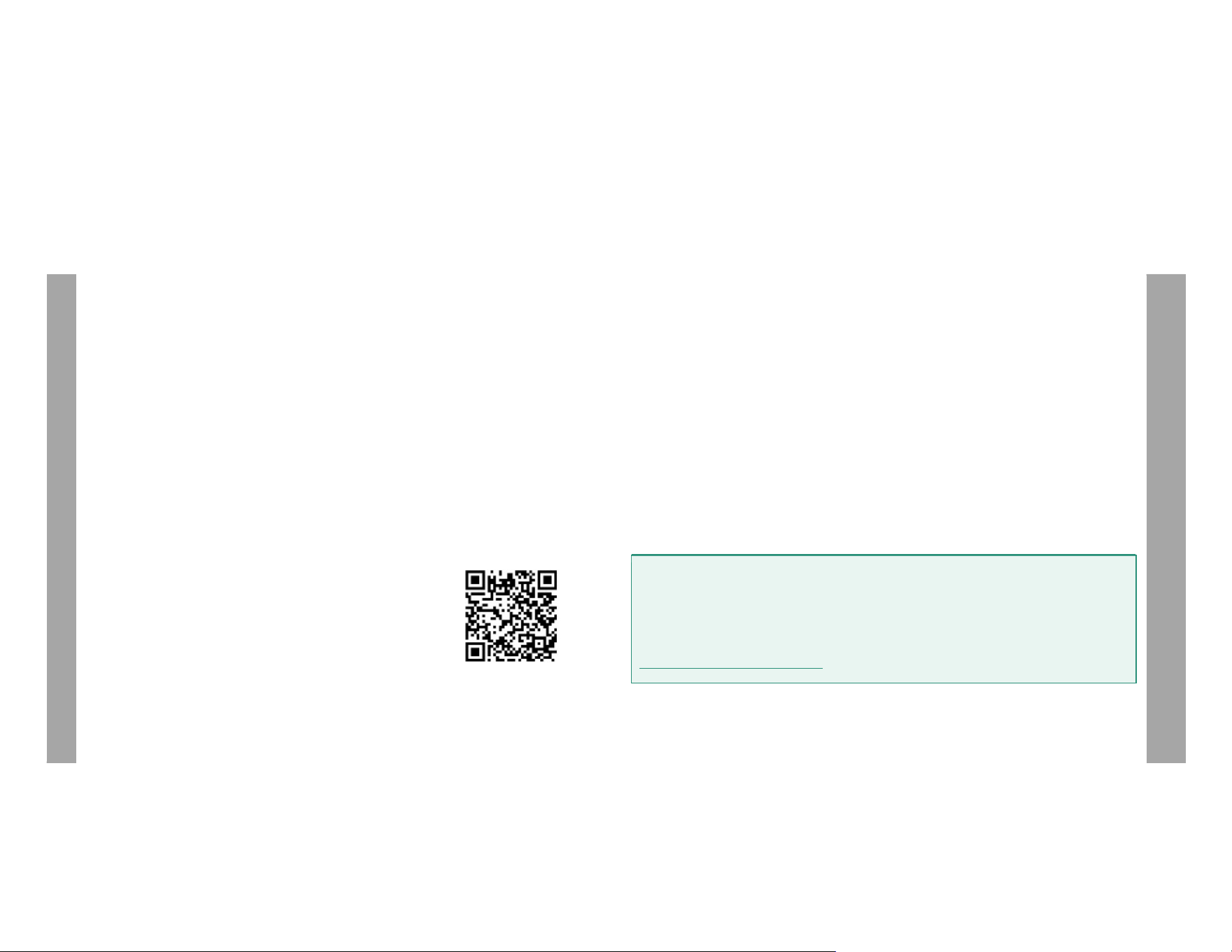
Indicators & Interfaces
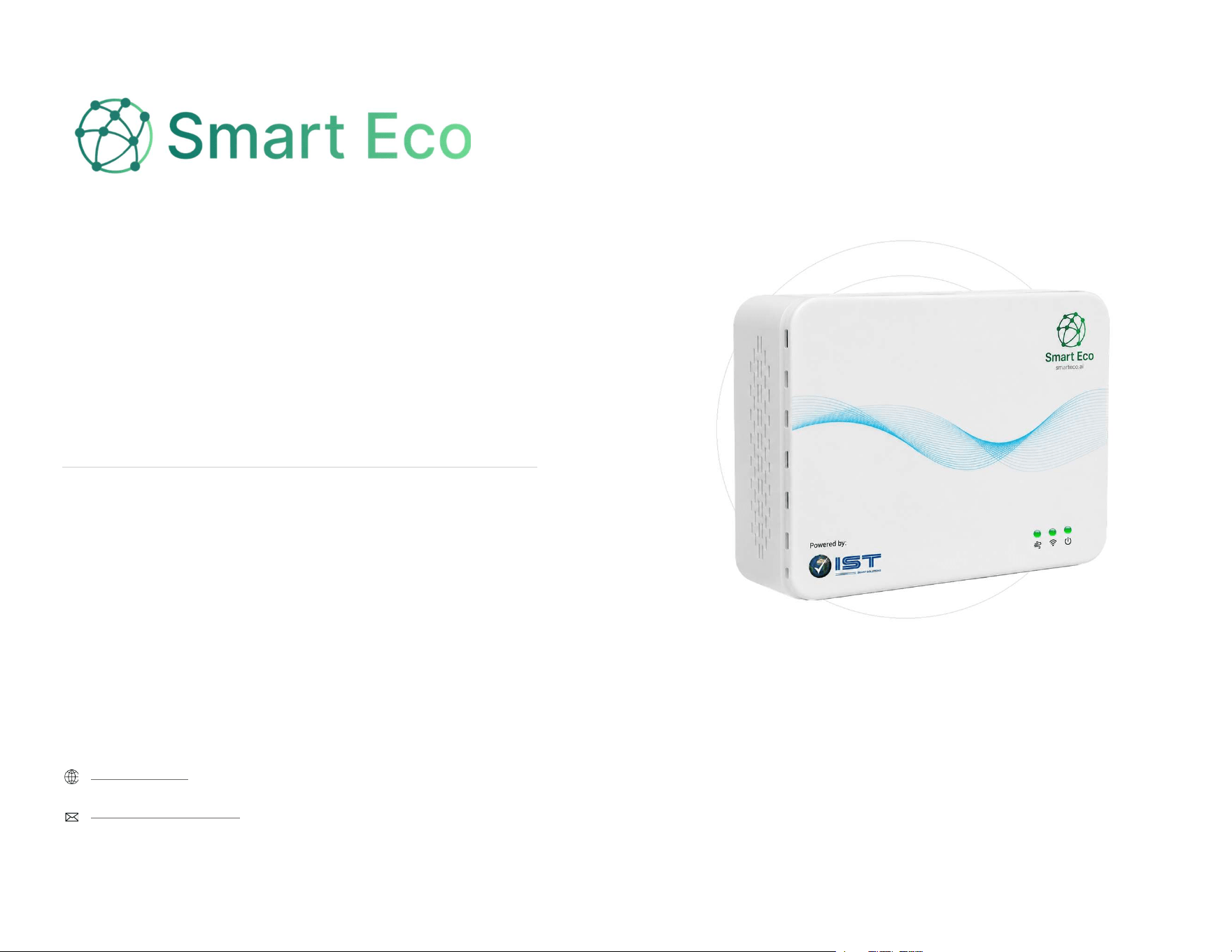
Front Panel
Power LED (Green = ON), Wi-Fi LED
(Green = Connected), Air Quality LED
(Green = Good, Amber = Moderate,
Red = Poor)
Bottom
Power Switch, USB-C Power Input,
Ethernet (LAN), RS-485 (Modbus)
Top / Left / Right
Sides
Ventilation Openings
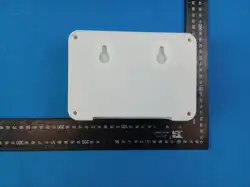
Back Panel
Wall-Mount Keyhole Slots
2
USER MANUAL
SETUP
Installation
1. Select an indoor location with adequate airflow.
2. Securely mount the device using the two rear keyhole mounting slots.
3. Ensure ventilation openings remain unobstructed.
4. Connect power using the approved power adapter.
5. Connect Ethernet or RS-485 if required for deployment.
6. Verify normal LED status before starting app onboarding.
Device Onboarding & Mobile App
To configure and onboard the Smart Eco device, use the Smart Eco mobile app.
Onboarding
1. Scan the QR code below to download the Smart Eco app from the
Google Play Store.
2. Complete app registration and sign in to the app.
3. Select Add Device.
4. Scan the QR code located on the back of the device.
5. Enter the device location and Wi-Fi details, then save.
6. Then the device will connect using the configured Wi-Fi network.
7. Once connected, device data will sync to the cloud and become
available in the web application.
Google Play
Store
3
Troubleshooting
If the device is not operating as expected:
• Confirm the power connection is secure.
• Check that the Ethernet connection is properly connected, if applicable.
• Ensure ventilation openings are not blocked.
• Verify status LED behaviour during startup and normal operation.
For additional assistance, please contact the Smart Eco support team.
Warranty Information
Smart Eco is covered under the applicable product warranty. Coverage and service availability may
vary by device model and deployment configuration. For warranty support or technical assistance,
please contact the Smart Eco support team or your authorised representative.
Note
For custom cloud configuration, app-related issues, troubleshooting, or warranty
information, please contact:
ist.smartecoai@ispatialtec.com
4
SUPPORT

COMPLIANCE
Technical Specifications
Model: SEI 100A
Power input: 5 V, 2 A (USB-C); consumption less than 15 W
Connectivity: Wi-Fi 2.4 GHz (802.11 b/g/n); Bluetooth 5 (LE)
Wired interfaces: Ethernet (LAN); RS-485 (Modbus RTU)
Operating temperature: 0 °C to 50 °C
Operating humidity: 10 % to 90 % RH, non-condensing
Dimensions: 180 × 123 × 48 mm; weight less than 1 kg
Wireless (RF) Specification
Wi-Fi (802.11 b/g/n): 2400 – 2483.5 MHz; max. RF output power 20 dBm EIRP
Bluetooth Low Energy: 2400 – 2483.5 MHz; max. RF output power 20 dBm EIRP
Antenna: Integrated PCB antenna, maximum gain 2.33 dBi
FCC RF Radiation Exposure Statement
1. This transmitter must not be co-located or operating in conjunction with any other antenna or
transmitter.
2. This equipment complies with RF radiation exposure limits set forth for an uncontrolled
environment.
3. This equipment should be installed and operated with minimum distance 20 cm between the
radiator and your body.
5
Regulatory Information
EU Declaration of Conformity: iSpatial Techno Solutions Inc. hereby declares that the Smart Eco
SEI 100A radio equipment is in compliance with Directive 2014/53/EU. The full text of the EU
Declaration of Conformity is available from the manufacturer on request.
EU use restrictions: This device may be operated in all EU member states without restriction.
Disposal (WEEE): At end of life, do not dispose of this device with household waste. Dispose of it in
accordance with local regulations for electrical and electronic equipment.
FCC Caution
FCC ID: 2BXDY-SEI100A
Part 15.21
Any changes or modifications not expressly approved by the party responsible for compliance could
void the user’s authority to operate the equipment.
Part 15.19
This device complies with part 15 of the FCC Rules. Operation is subject to the following two
conditions: (1) This device may not cause harmful interference, and (2) this device must accept any
interference received, including interference that may cause undesired operation.
NOTE
This equipment has been tested and found to comply with the limits for a Class A digital
device, pursuant to part 15 of the FCC Rules. These limits are designed to provide reasonable
protection against harmful interference when the equipment is operated in a commercial
environment. This equipment generates, uses, and can radiate radio frequency energy and, if
not installed and used in accordance with the instruction manual, may cause harmful
interference to radio communications. Operation of this equipment in a residential area is
likely to cause harmful interference in which case the user will be required to correct the
interference at his own expense.
Product Label
The product rating label carries the CE marking, the trademark (Smart Eco), the product name, the
model number (SEI 100A), the FCC ID, and the manufacturer name and address: iSpatial Techno
Solutions Inc., 16225 Park Ten Place, Suite 500, Houston, Texas 77084, USA.
6
REGULATORY