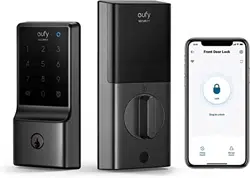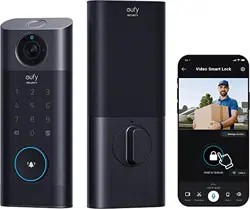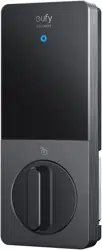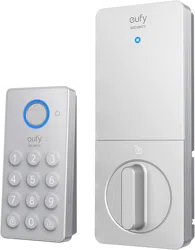
AT A GLANCE (Model: T85F0)
③
⑤
①
④
②
⑥
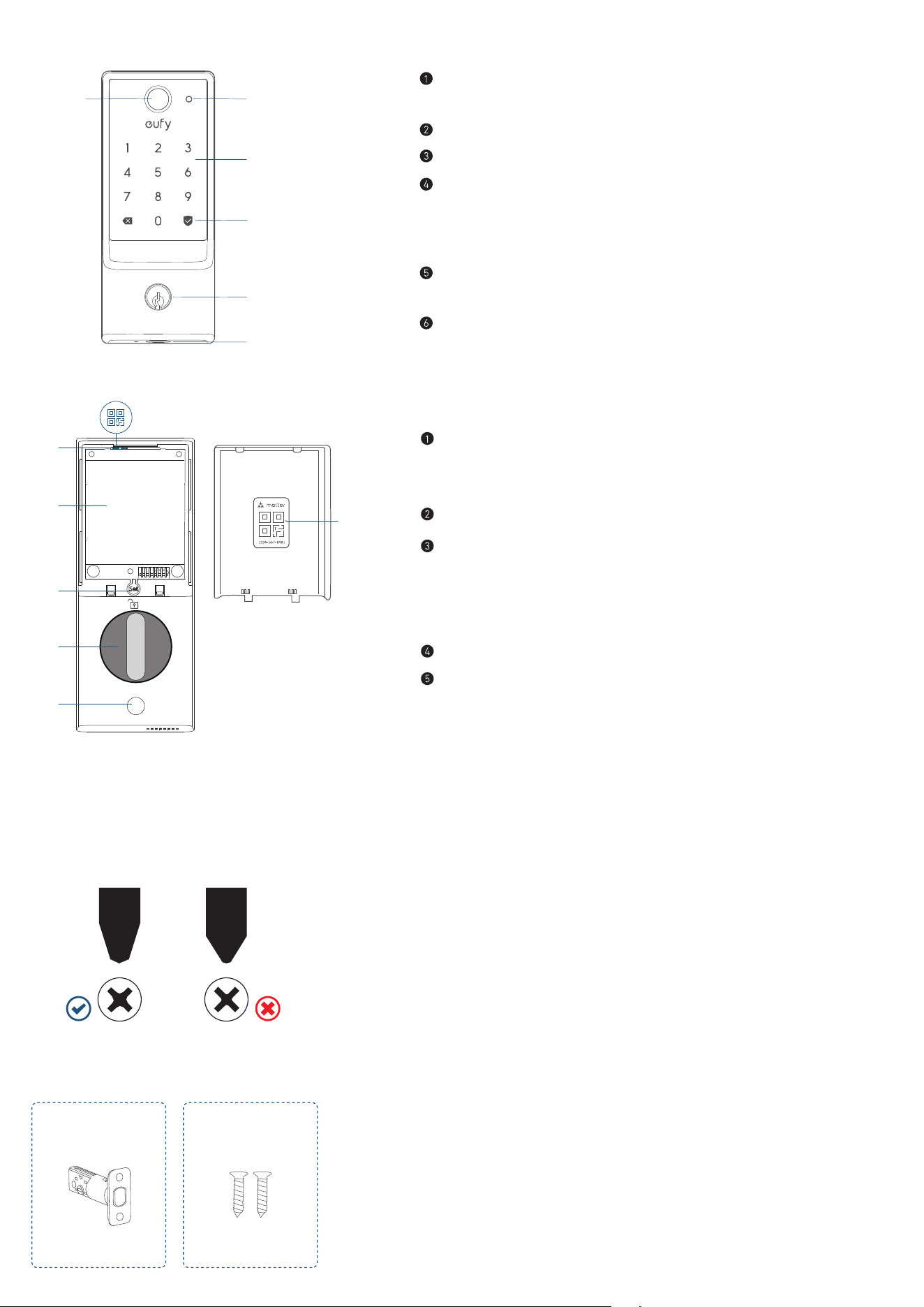
Fingerprint Button
• Use to lock and unlock the door.
Battery Indicator
Keypad
Status Light and Lock / Unlock Button
• Blue: Door unlocked
• Orange: Door locked
• Red: Abnormal state
Keyway
• Can be copied, can't be rekeyed.
USB-C Port
• Charges the lock in emergency situations.
⑤
②
③
④
①
①
Matter QR Code*
• Scan to add the Smart Lock E31 in the corresponding app (See
"SETTING UP THE SYSTEM").
Battery Compartment
Set Button
• Pair: Press and hold for 2 seconds.
• Reset: Press and hold for 10 seconds.
• Recalibrate: Press 5 times in a row.
Thumbturn
Screw Hole
INSTALLATION
What You Need
Prepare a standard Phillips screwdriver before installation. The included screws are Phillips screws.
What's in the Box
Step 2. Deadbolt Installation Set
A B
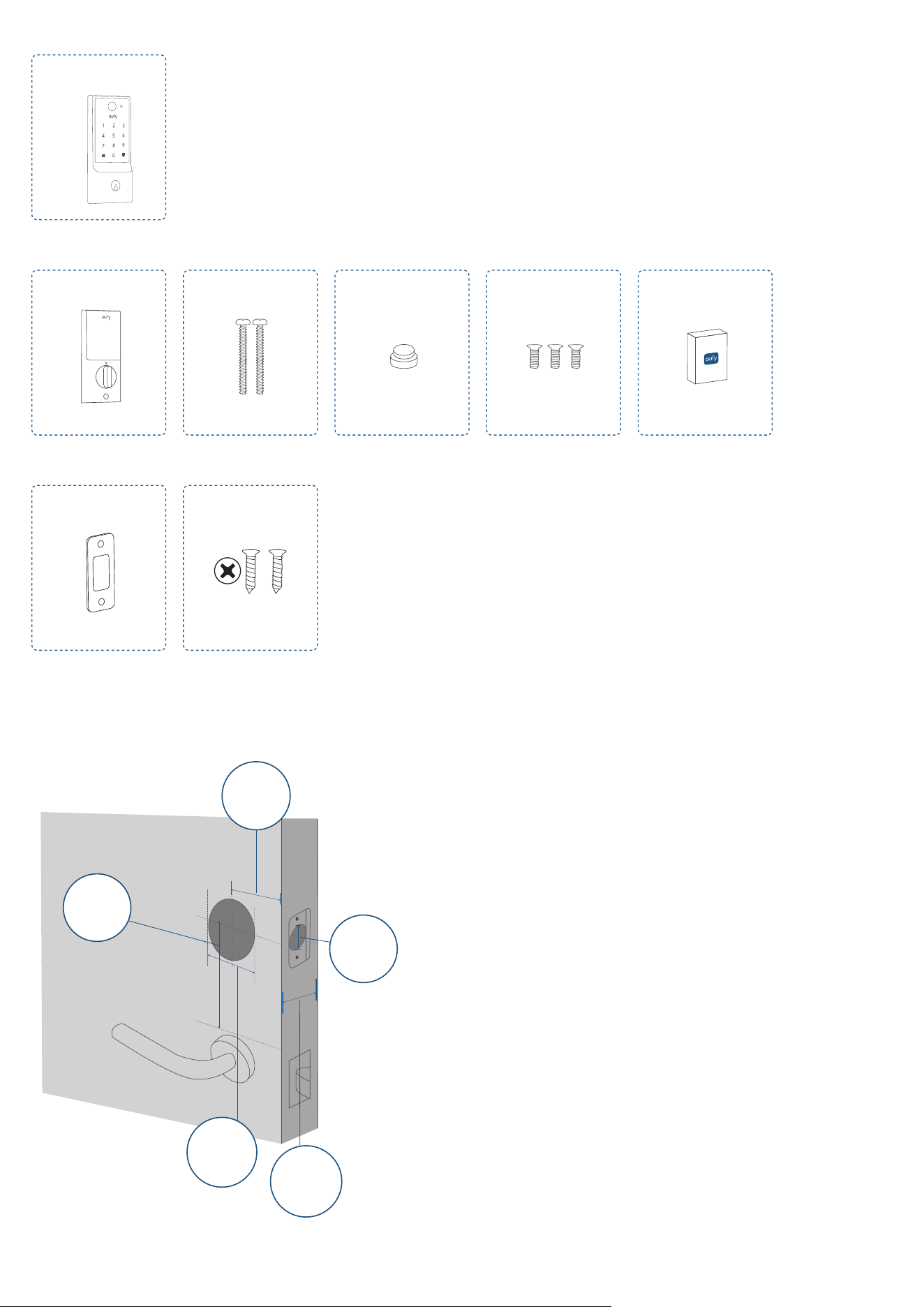
Step 3. Exterior Assembly
C
Step 4. Interior Assembly Installation Set
D E F G H
Step 5. Strike Plate Installation Set
I J
Step 1 Prepare the Door
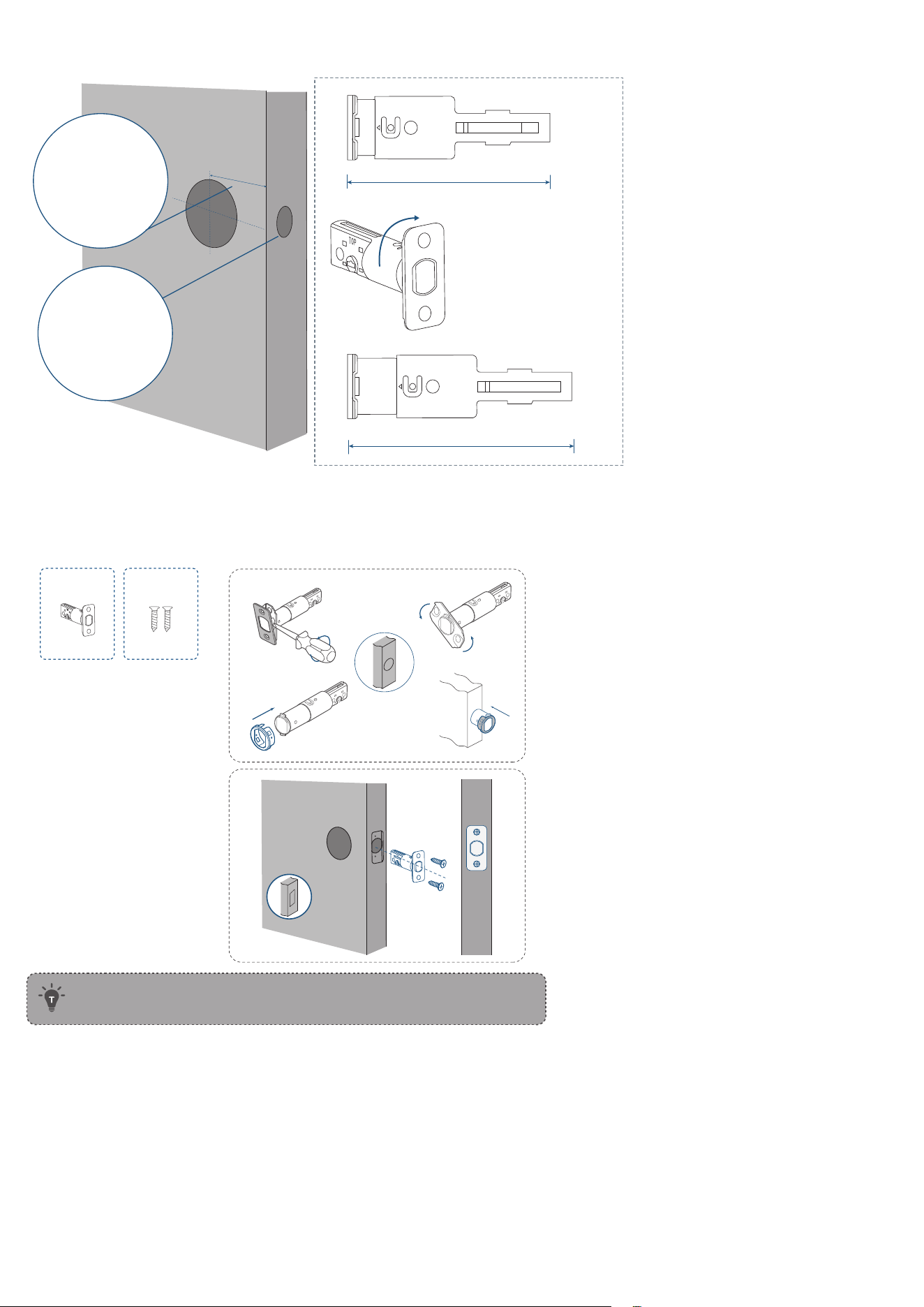
1. Remove the existing lock and check your door.
2. Check if your door has holes like the one below. Standard US doors are already compatible.
Backset
2⅜ in (60 mm) or
2¾ in (70 mm)
Minimum Distance
1
4
/
5
in (45 mm)
Door Hole
Diameter
1 in (25mm)
Cross Bore
Diameter
1 ½ in (38 mm)
2 ⅛ in (54 mm)
Door Thickness
1⅜ in - 2
¹
/
₆
in
(35 mm - 55 mm)
If not, follow the template to drill holes on your door.
Step 2 Install Deadbolt
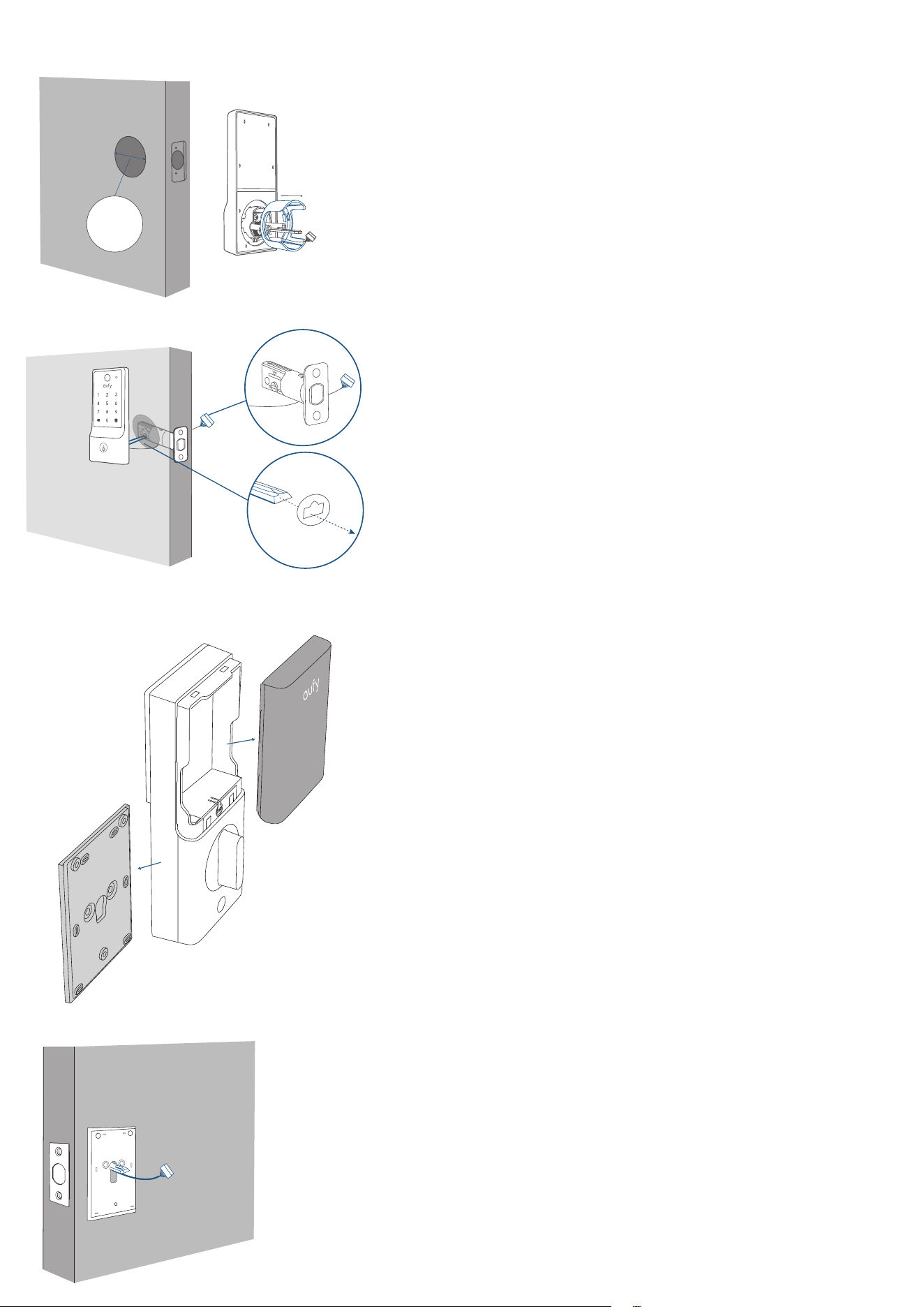
1. Check your door to see if the deadbolt requires adjustment.
2-3/8
2-3/4
180°
2⅜ in / 60 mm
2¾ in / 70 mm
If the backset is 70 mm,
turn the faceplate 180° to
extend the length.
Backset
Latch Hole
2. Insert and screw the deadbolt into the doorframe.
*Check the latch recess before inserting the deadbolt.
If the latch recess is round, refer to diagram A.
If the latch recess is rectangular, refer to diagram B.
❷❶
❸ ❹
Diagram A
Diagram B
A B
If the latch hole is round, contact
customer service to receive a
round drive-in faceplate, then
replace the existing one.
Make sure the
word "TOP" on
the deadbolt
faces up.
• If your faceplate recess is round-shaped, contact eufy Customer Service for
a rounded faceplate.
Step 3 Install Exterior Assembly
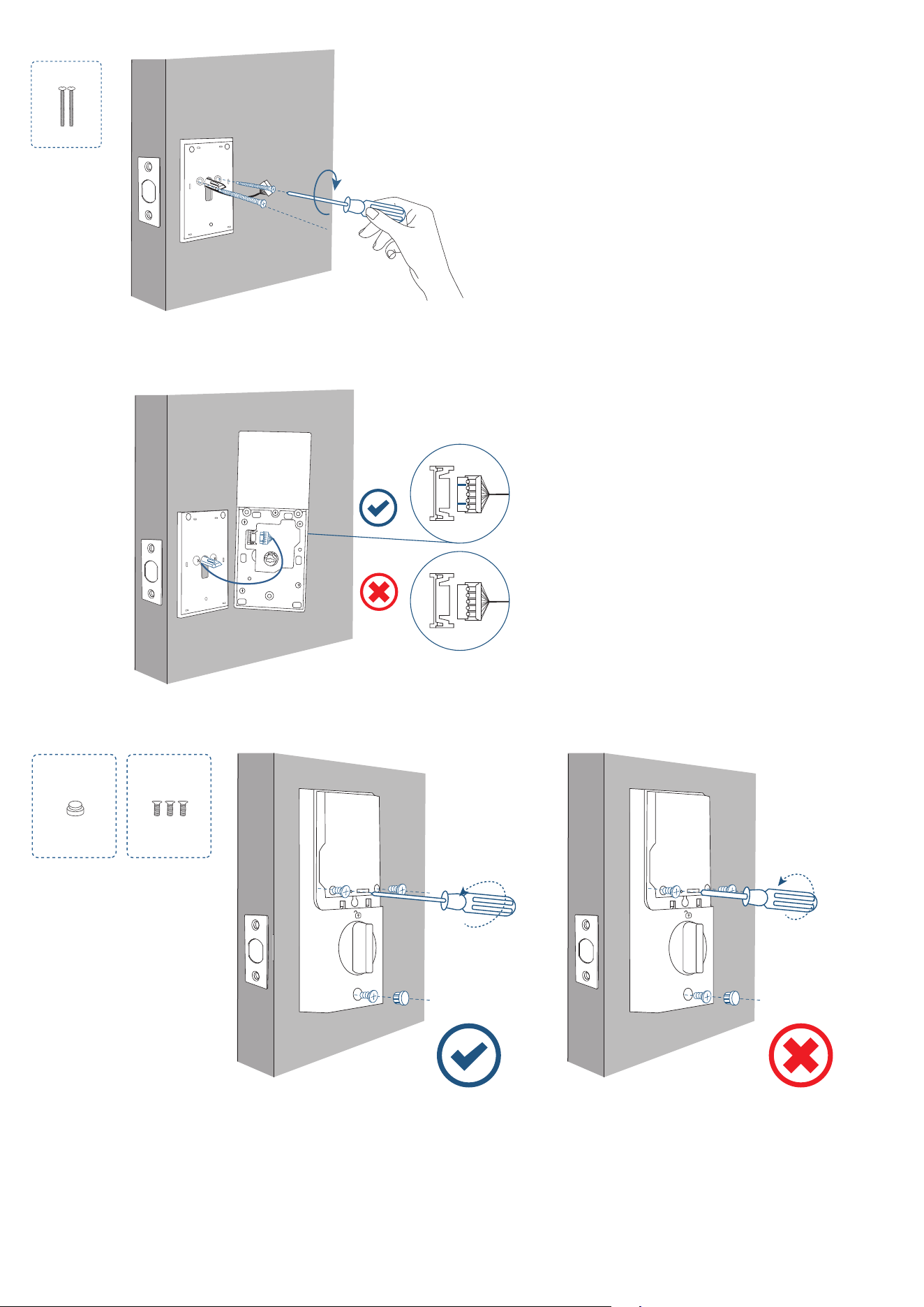
1. If the cross bore diameter of your door is 38 mm, remove the spacer before installation.
Cross Bore
Diameter
1 ½ in / 38 mm
2. Make sure the cable goes underneath the deadbolt.
Step 4 Install Interior Assembly
1. Detach the mounting plate and battery cover from the interior assembly.
2. Run the cables through the slot on the mounting plate. Make sure the silicone pad is against the door.
3. Attach the side with the silicone pad to the door, and secure the mounting plate with screws.
E
Tightly fasten the screws in
place. Set the screws with
your hands, then use a
screwdriver to secure them.
4. Plug the power cable into the sockets on the back of the interior assembly.
Route the cables around the tailpiece receiver to avoid pinching during installation.
5. Insert the T-shaped tailpiece of the exterior keypad into the T-shaped tailpiece receiver of the interior assembly.
Make sure the wire is tucked into the cavity on the back of the interior assembly.
Set
Set
F G
Make sure the deadbolt is
retracted and the thumbturn
knob is on the 'unlock' position,
check if the deadbolt moves
properly by turning the
thumbturn.
Use a long screwdriver
to fasten the interior
assembly screws. Insert the
silicone plug into the hole
below the thumbturn.
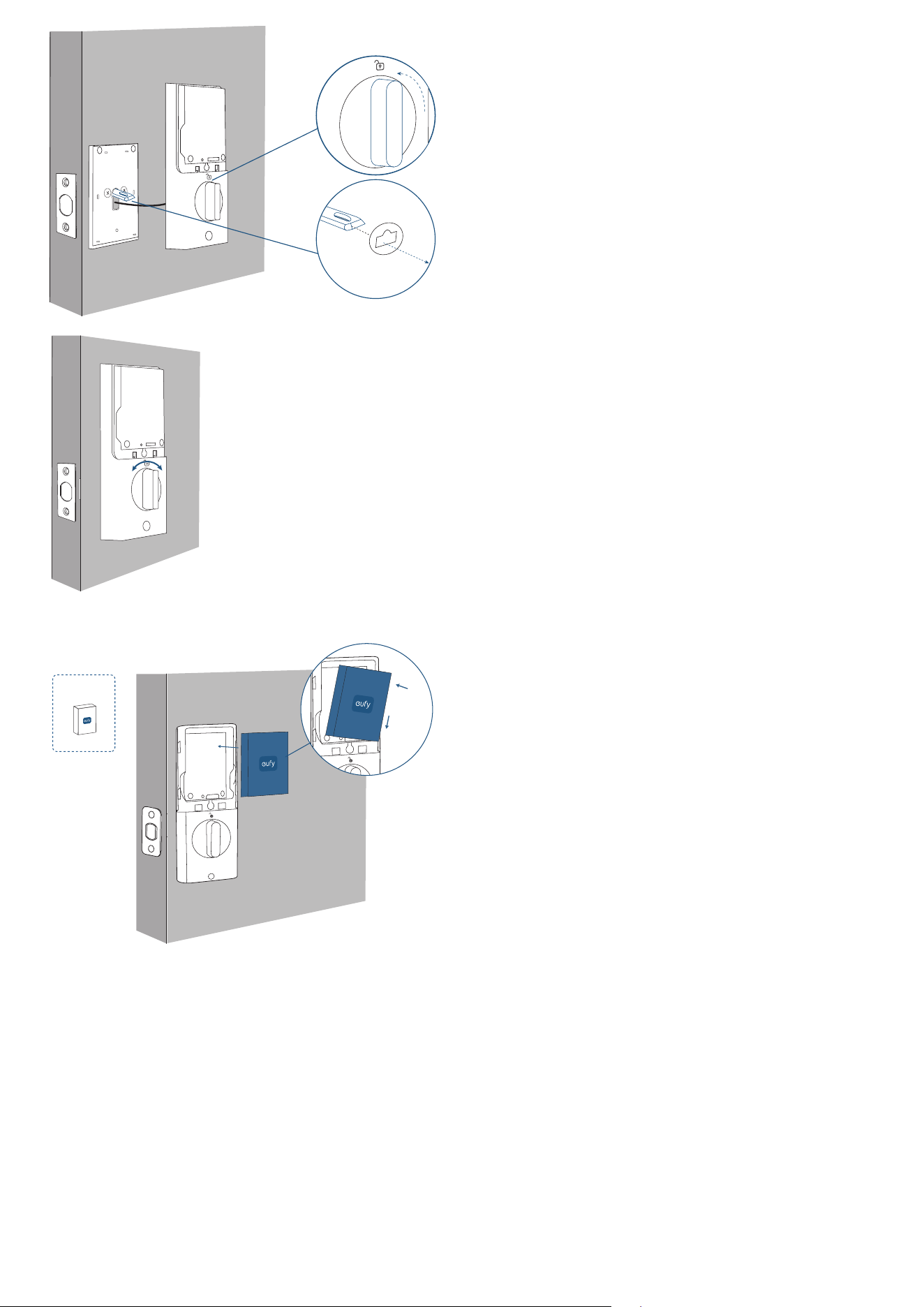
Set
Make sure the deadbolt is retracted and
the thumb turn knob is on the 'unlock'
position, check if the deadbolt moves
properly by turning the thumbturn.
Set
6. Install the battery pack with the correct polarity. Don't put on the cover until the system setup is done in the app.
Set
Set
❷
❶
H
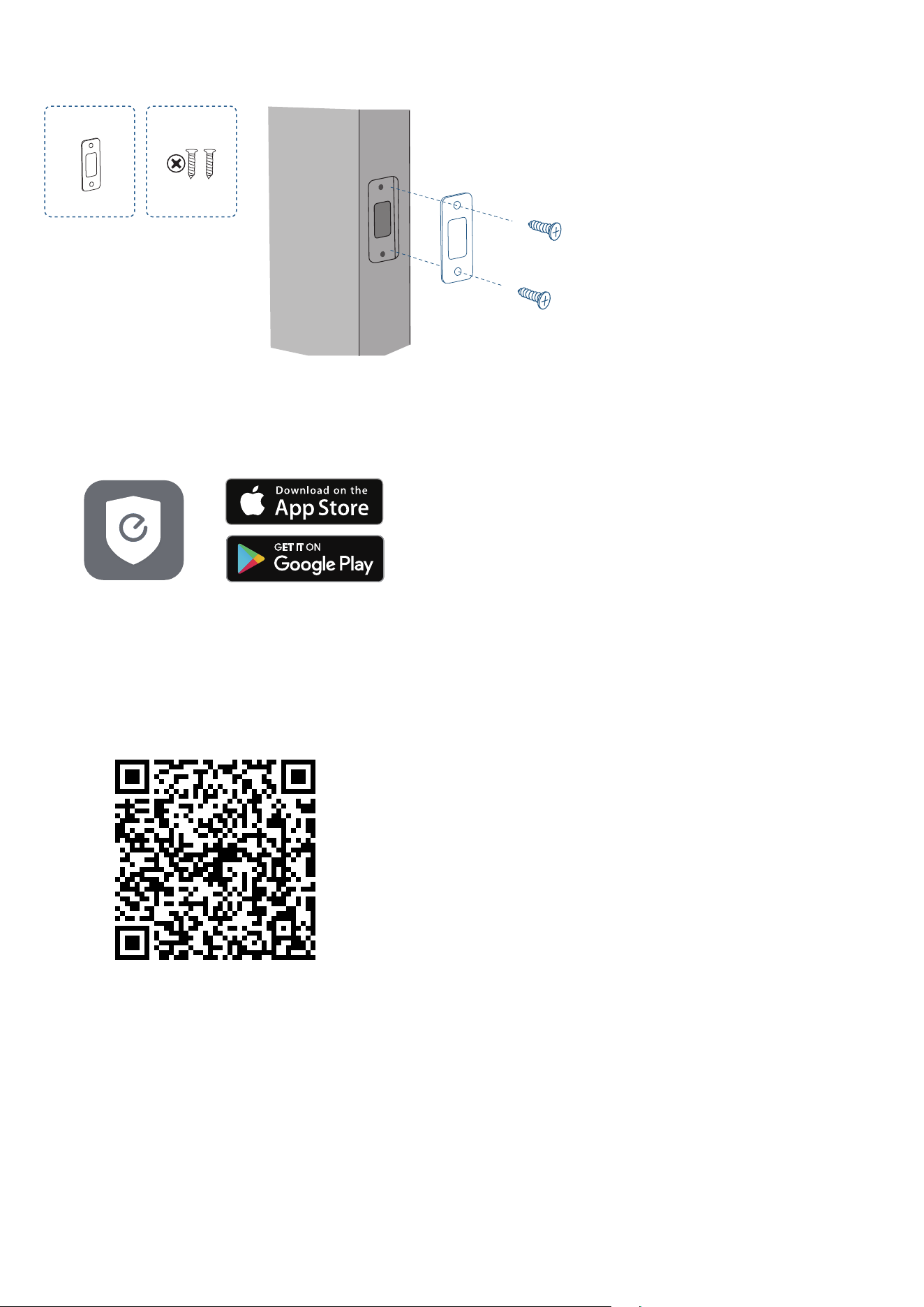
Step 5 Install Strike Plate
Make sure the depth of the latch hole on the door frame is deep enough (1" / 25.4 mm), otherwise the calibration might fail
during the setup.
I J
Make sure the depth of the latch hole on door frame
is deep enough (25.4mm/1"), otherwise the calibration
might be failed during the setup.
SETTING UP THE SYSTEM
1. Download and install the eufy Security app, then sign up for an account.
2. Follow the in-app instructions to add the Smart Lock E31 to your device list.
• Please visit https://support.eufylife.com/s/ for more information.
3. This smart lock is Matter-compatible, enabling seamless integration with Apple Home, SmartThings, Alexa, and Google-
enabled devices in your home. To set it up, use the eufy app and navigate to Device >> Settings >> Work with Matter to pair
with the third-party ecosystems.
• Scan this QR code to read the Matter device setup guide and set up the device in the corresponding app.