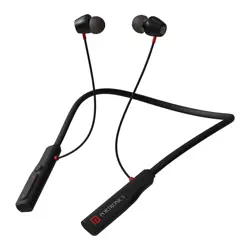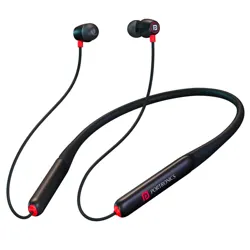
Wireless Stereo Headset
HARMONICS Z11 Pro
· First Time Pairing: Automatically enters pairing
mode after power on.
LED: Red & Blue lights flash alternately.
· Connect Bluetooth: Turn on Bluetooth on your
phone → Select device name → Click connect.
Voice Prompt: “You are now connected”.
LED: Blue light flashes once every 5s.
· Disconnect Bluetooth: Manually disconnect from
phone.
Voice Prompt: “Device Disconnected”.
LED: Red & Blue lights flash alternately.
· Auto Reconnection: When powered on, device
reconnects automatically to the last paired
phone.
Voice Prompt: “Power On, Your Device is Ready to
Pair. You are now connected”.
LED: Blue light flashes once every 5s.
· Over-Distance Reconnection: If disconnected
due to distance, reconnects automatically when
back in range.
Voice Prompt: “You are now connected”.
LED: Blue light flashes once.
BT Version : 5.4
Driver Size : 10mm
Wireless Frequency : 2402-2480MHz
Working Distance : 10m
Charging Port : Type-C (5V/1A)
Playtime : Upto 35 hrs.
Working Temperature Range : -20°C -50°C
1. Harmonics Z11 Pro
2. Charging Cable
3. Earbuds
4. User Manual
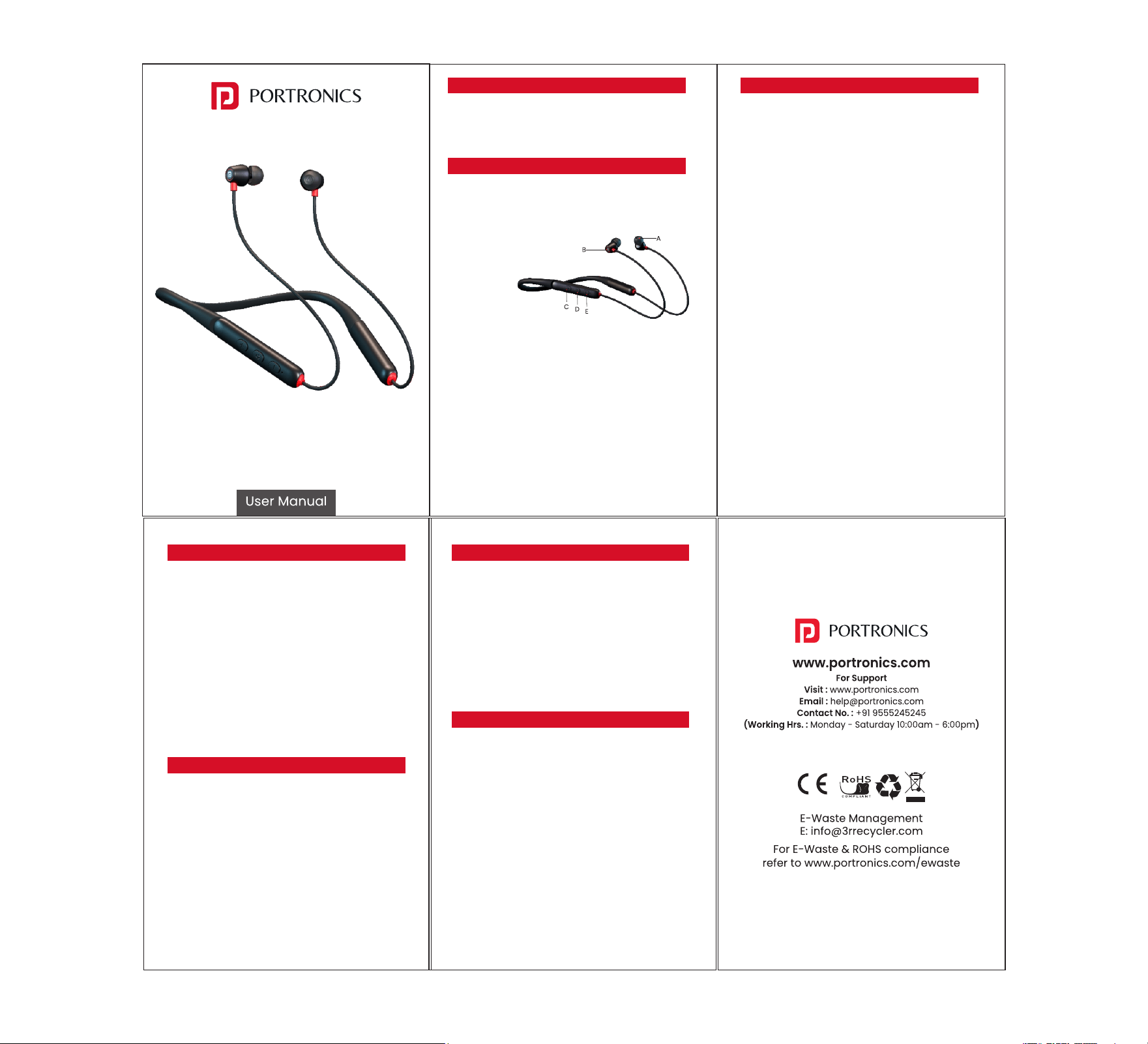
Product Functions
A. Earbuds
B. Magnetic Hall Switch
C. Volume Up/Next Track
D. MFB (Multifunctional) Button
E. Volume Down/Previous Track
Package Contains
· Power On: Separate the earphones from each
other.
Voice Prompt: “Power On, Your Device is Ready to
Pair” (vibration for 1s).
LED: Red & Blue lights flicker.
· Power Off (Auto): If no Bluetooth connection is
made within 5 minutes, the earphones turn off.
Voice Prompt: “Power Off”.
LED: Lights off.
· Low Battery Auto Off: Shuts down if battery is
below 3.1V.
Pairing & Bluetooth
Products Specification :
· Answer Call: Press Function Button once.
LED: Blue light flashes 5 times.
· Reject Call: Long press Function Button (3s).
· Incoming Call: Device rings + vibration (1s
interval × 5 times).
· Last Redial: Double-click Function Button.
Voice Prompt: “DO”.
· Voice Assistant: Press & hold Function Button
for 1.5s.
Calling Functions
Music Control
· Play Music: Press Function Button once.
· Pause Music: Press Function Button once.
· Next Song: Long press “Volume +” button.
· Previous Song: Long press “Volume –” button.
· Volume +: Click “Volume +” button.
Prompt: Beep beep (max volume).
· Volume –: Click “Volume –” button.
Prompt: Beep beep (min volume).
Charging & Battery
· Charging: Red light stays ON while charging.
· Fully Charged: Blue light stays ON.
· Low Battery: Voice Prompt – “Low Battery, Please
Charge” (repeats every 30s).
LED: Red light flashes.