4. Use as Mirror :
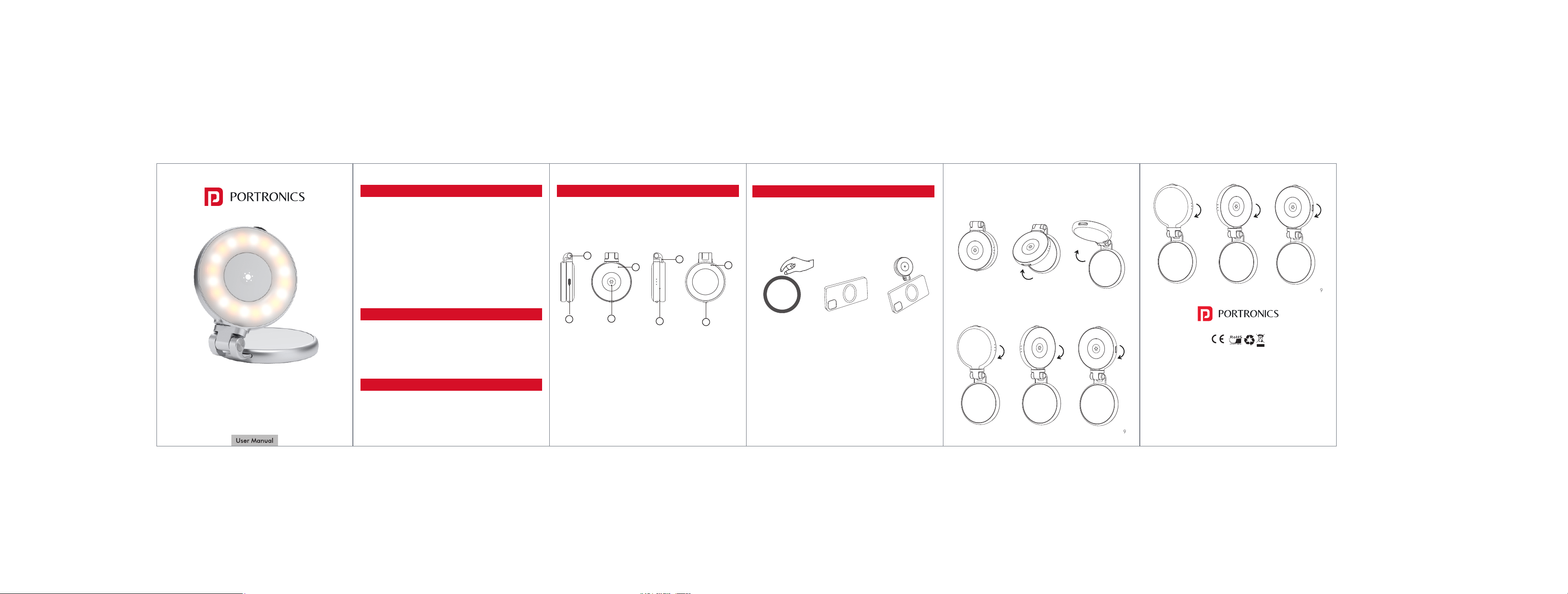
Flip the light for mirror use; can rotate 180° for better angles.
5. Extend for Lighting :
Pull up the extension rod for multi-angle lighting.
ORIA
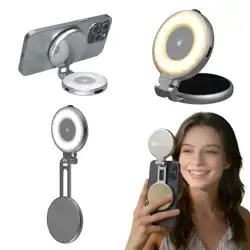
Magnetic Clip-On Selfie Light with Mirror
PRODUCT OVERVIEW
Thank you for purchasing the Portronics Oria: Magnetic
Beauty Light!
This compact and portable light is designed to enhance your
selfies, videos, and makeup sessions with effortless
brightness. Its magnetic design lets it attach easily to your
phone or magnetic ring, while the built-in mirror helps you
look your best anytime. You can adjust brightness and color
tone smoothly. With a long-lasting rechargeable battery,
Type-C fast charging, and a foldable, lightweight build,
it’s your perfect on-the-go lighting companion
SAFETY TIPS
• Avoid dropping or exposing to moisture.
• Clean with a soft, dry cloth.
• Do not charge with high voltage adapters.
• Do not disassemble or repair on your own.
PACKAGE CONTENTS
• Magnetic Beauty Light × 1
• Magnetic Ring × 1
• Type-C Charging Cable × 1
• User Manual × 1
SPECIFICATIONS
Battery : 500mAh / 3.7V
Charging Power : 5V / 1A (Type-C)
Max Power : 2.5W
HOW TO USE
1. Attach Magnetically :
For iPhone 12 or newer: attach directly.
For other phones: stick the provided magnetic ring to the
phone or case.
2. Power On/Off & Light Modes :
Long-press the Mode button for 3 seconds to power on/off.
Short-press to switch between three light modes — White
Light, Warm Light, and Cool Light.
3. Adjust Brightness :
Rotate the knob to increase or decrease brightness.
1. Type-C Port : For fast charging.
2. Switch Button : Power on/off and switch modes.
3. Battery Indicator : Shows charge status.
4. Brightness Control : Adjusts light intensity.
5. Magnetic Ring : Attaches securely to your phone.
6. Extension Rod : Adjusts height and angle.
7. Diffuser : Softens and spreads the light evenly.
8. Shaft : Connects and supports the main body.
Peel off the protective
sticker from the
magnetic ring.
www.portronics.com
For Support
Visit : www.portronics.com
Email : [email protected]
Contact No. : +91 9555245245
(Working Hours. : Monday - Saturday 10:00am - 6:00pm)
E-Waste Management
For E-Waste & ROHS compliance
refer to www.portronics.com/ewaste
5
4
1
8
2
7
3
6
Stick the ring on
the back of your
phone or case.
Attach the light
magnetically and
start using it.