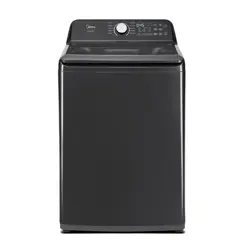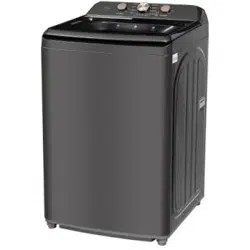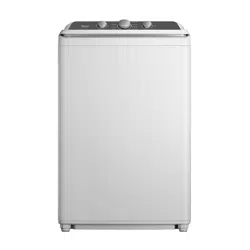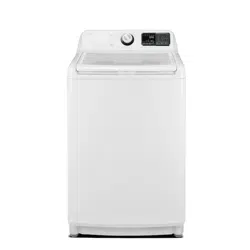
Version A
Msmarthome,
,
,
This
,
,
,
place
.
Start/Pause
used
flammable
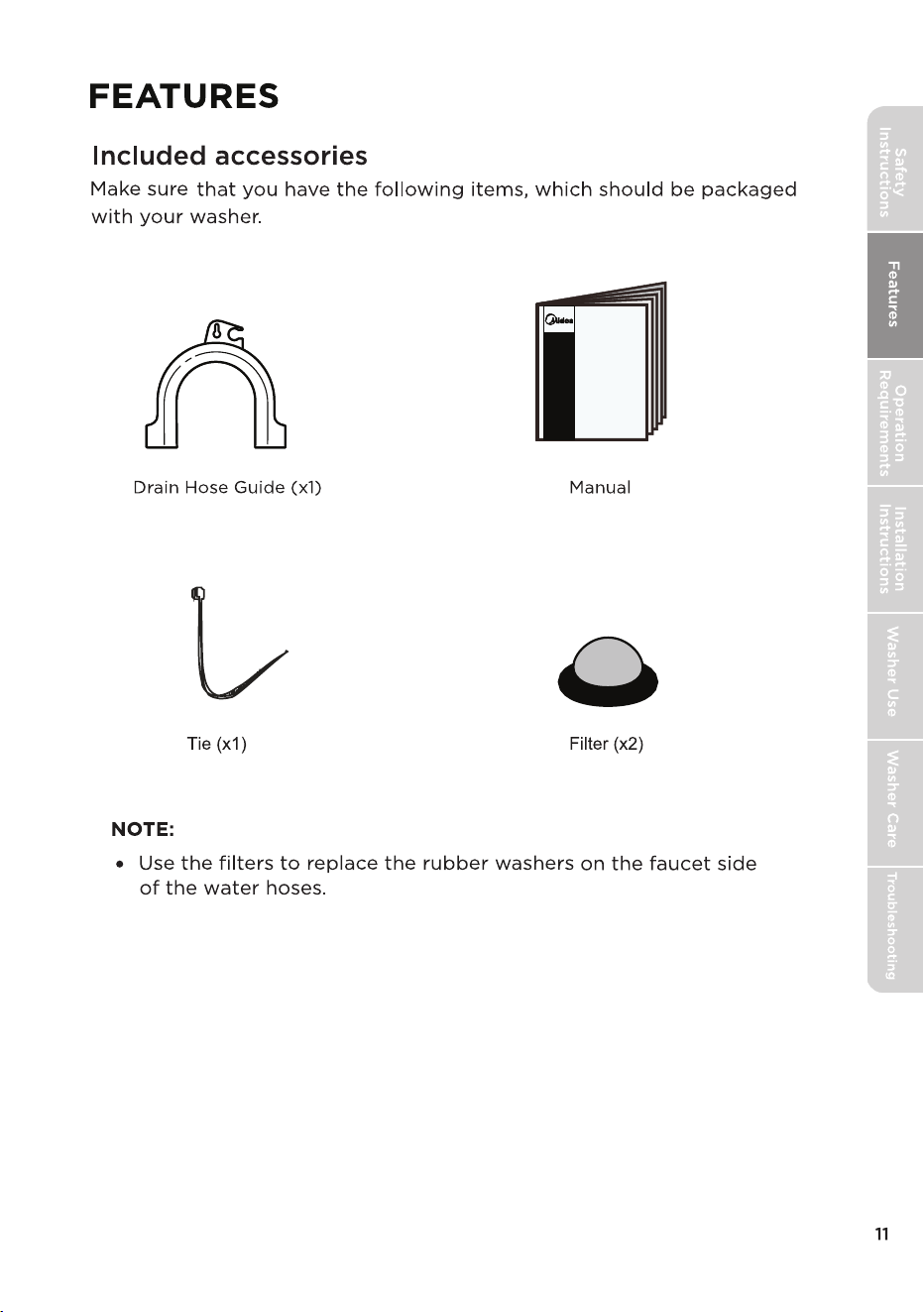
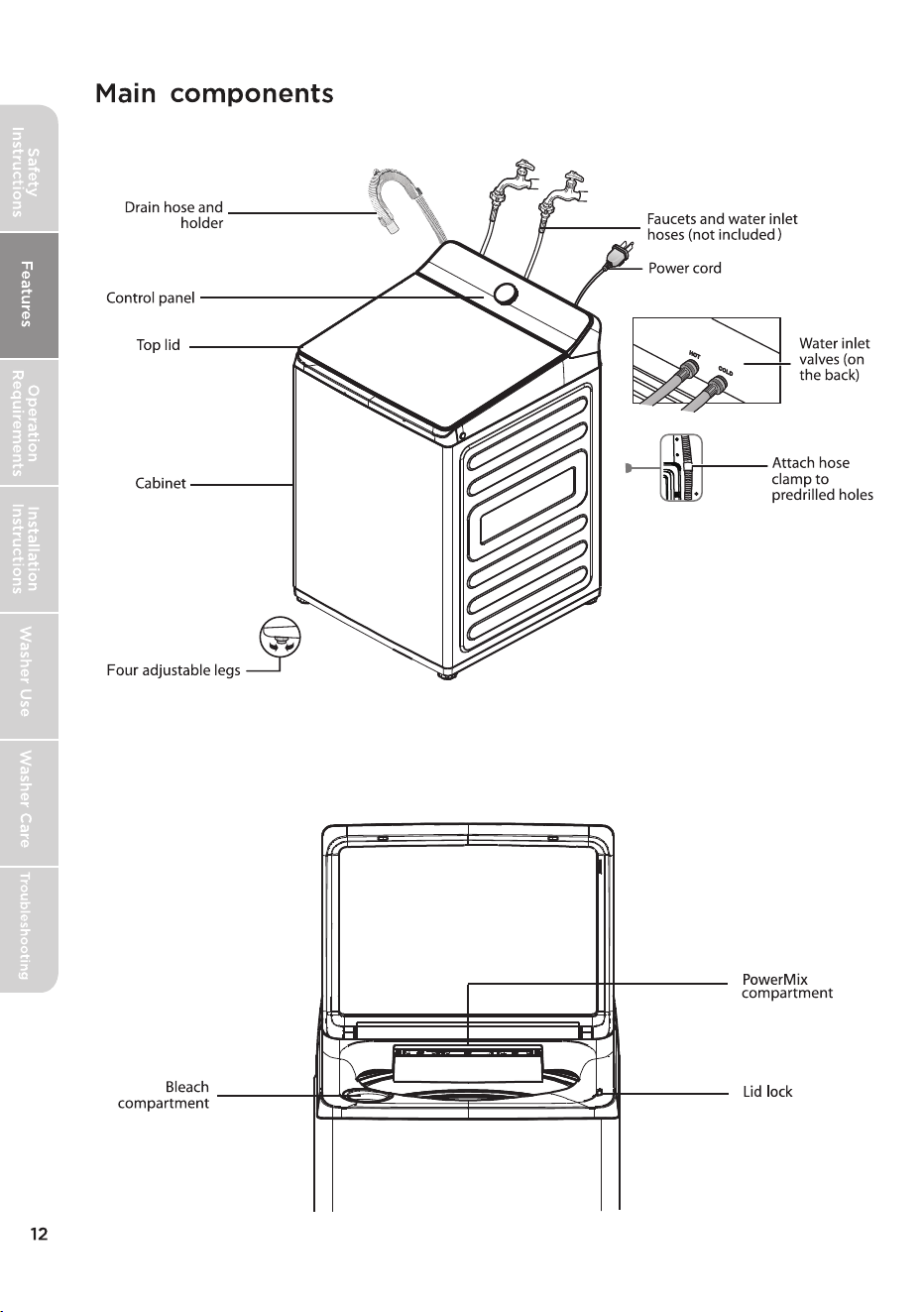
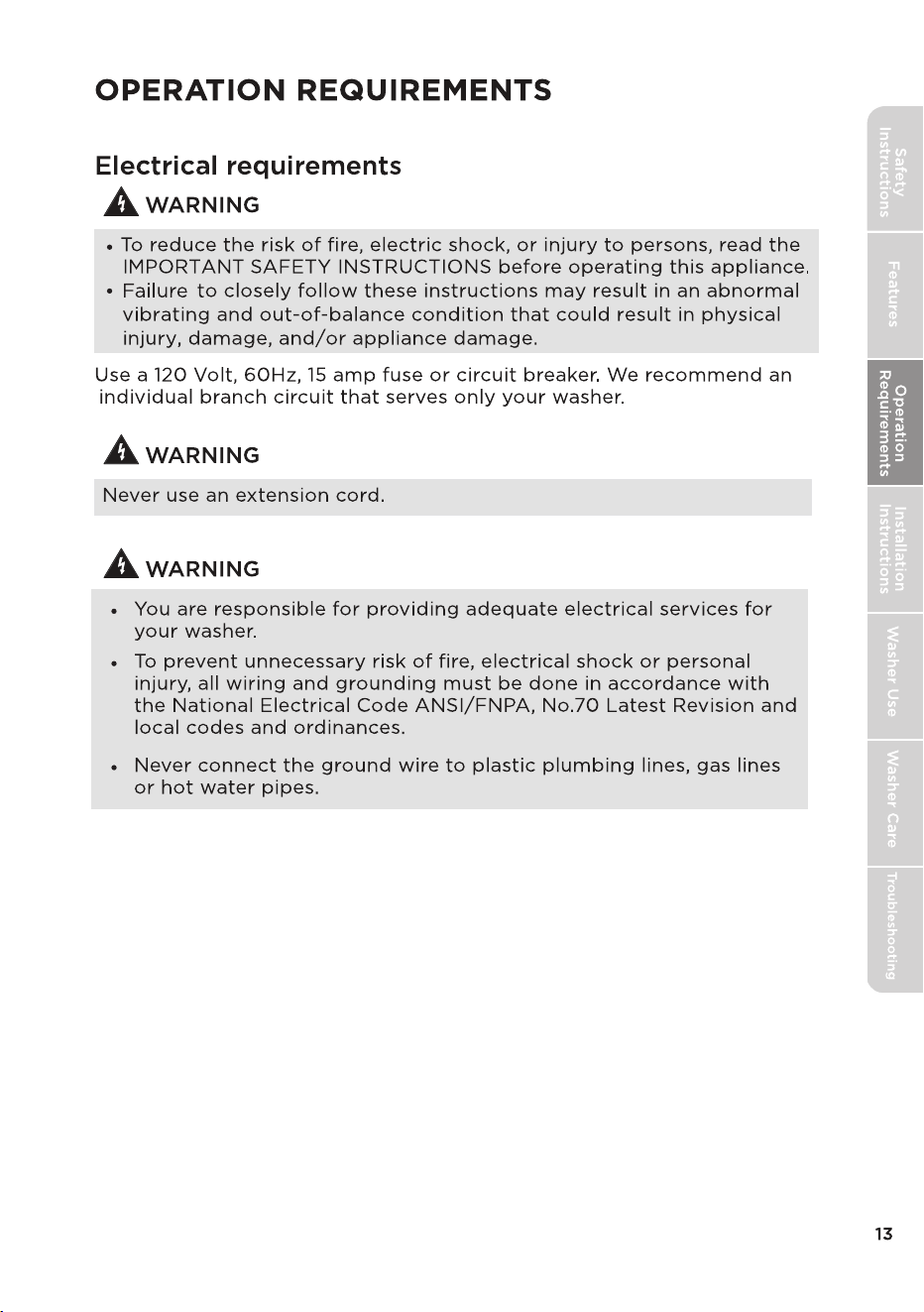
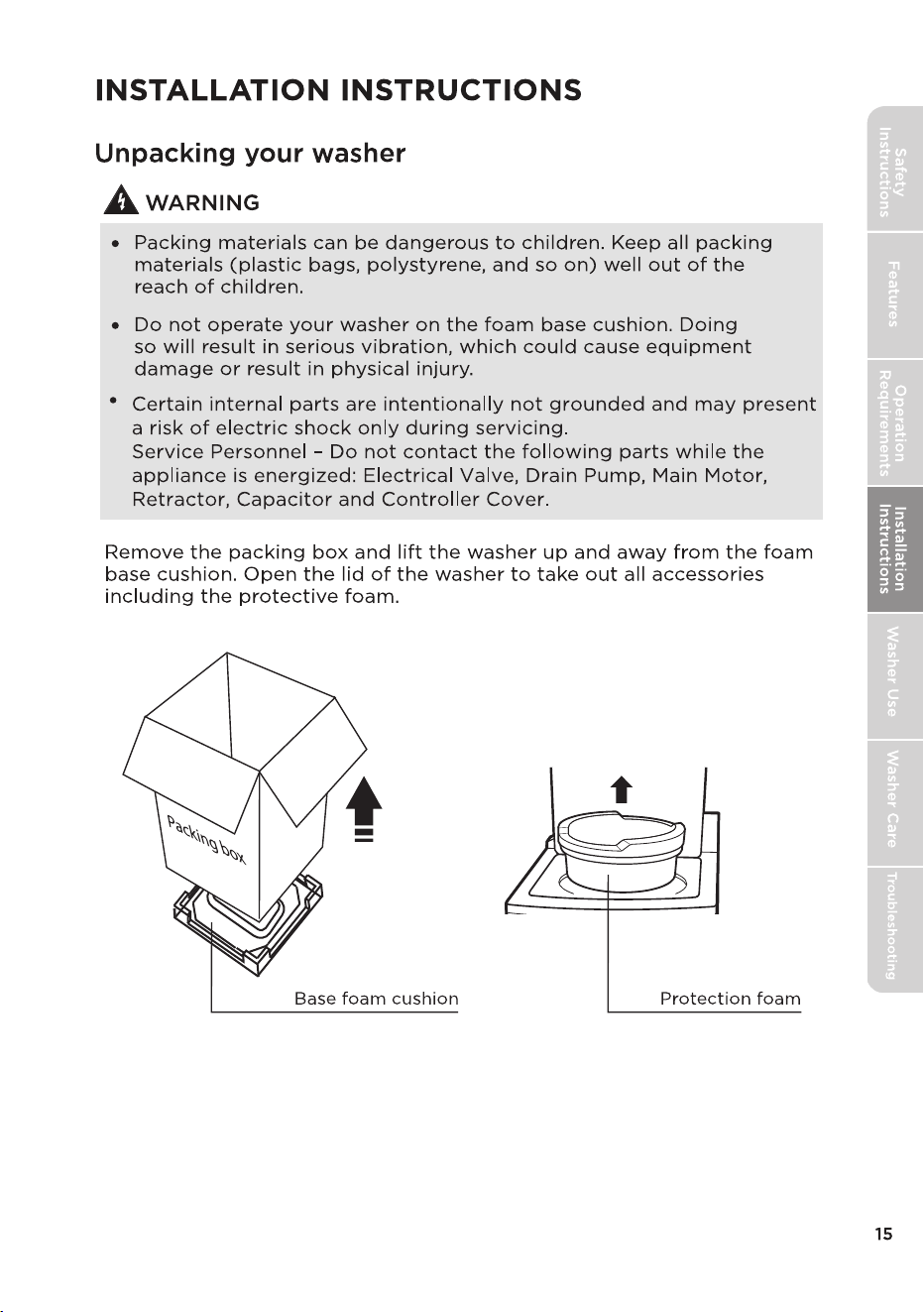
,
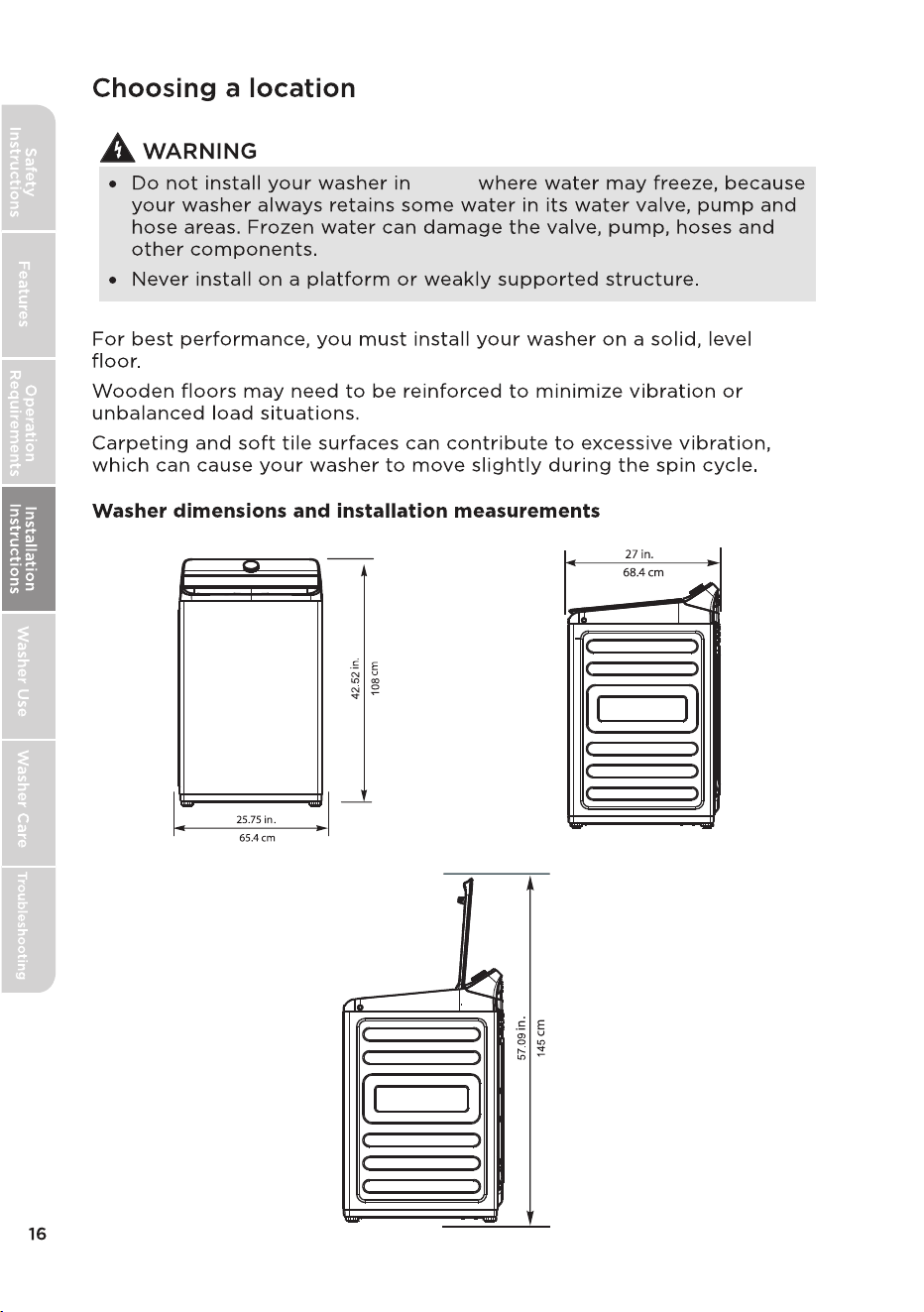
areas
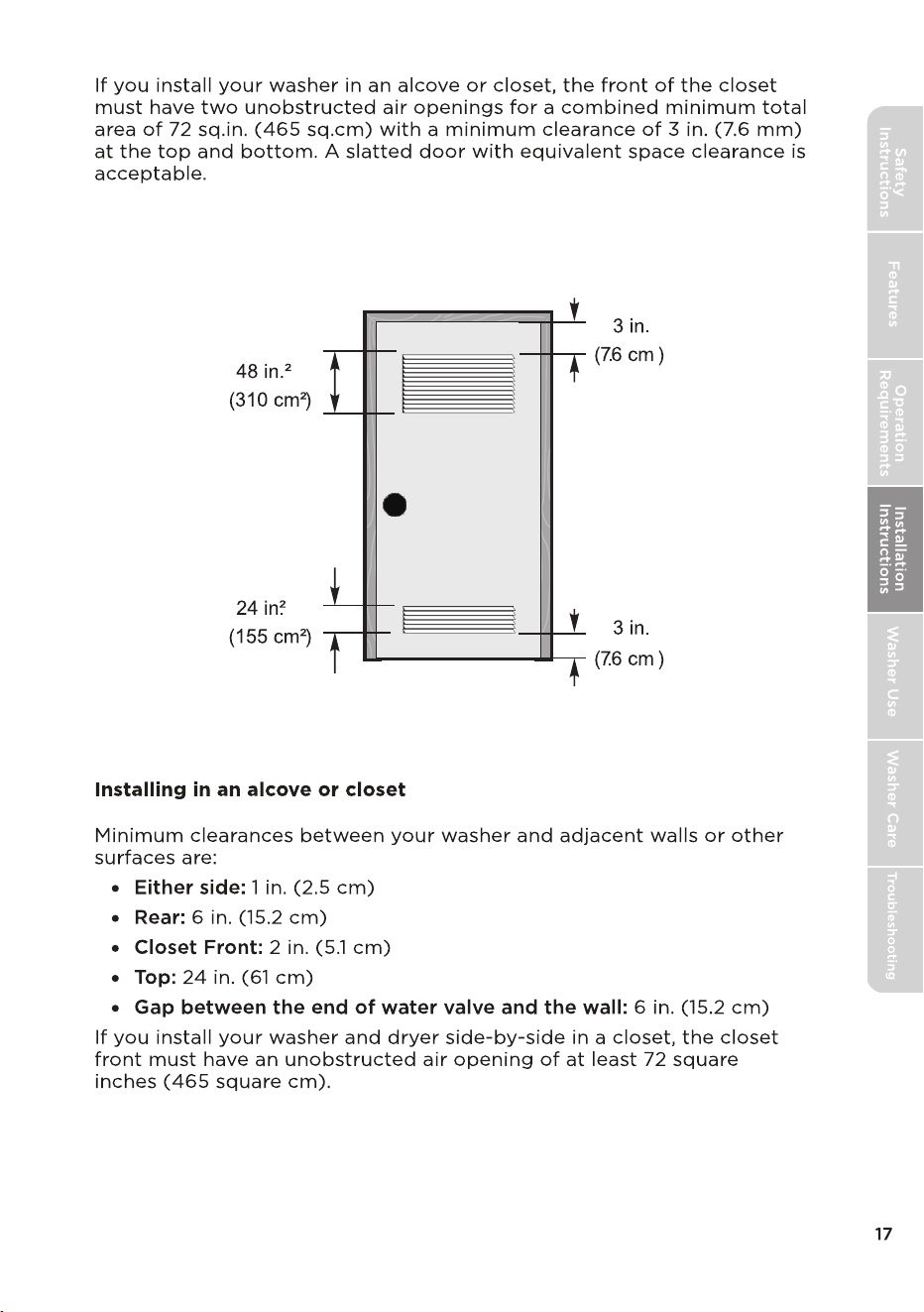
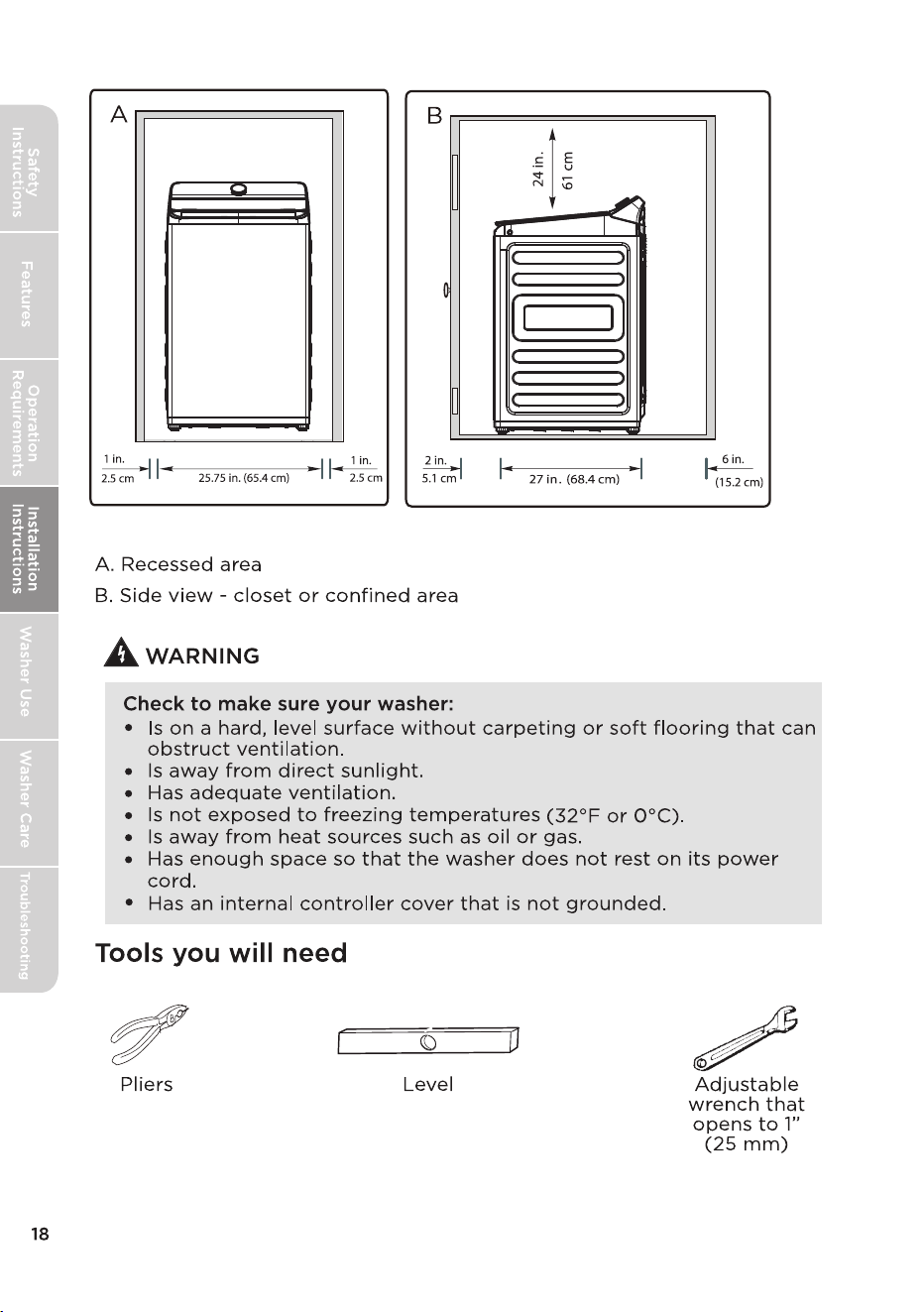
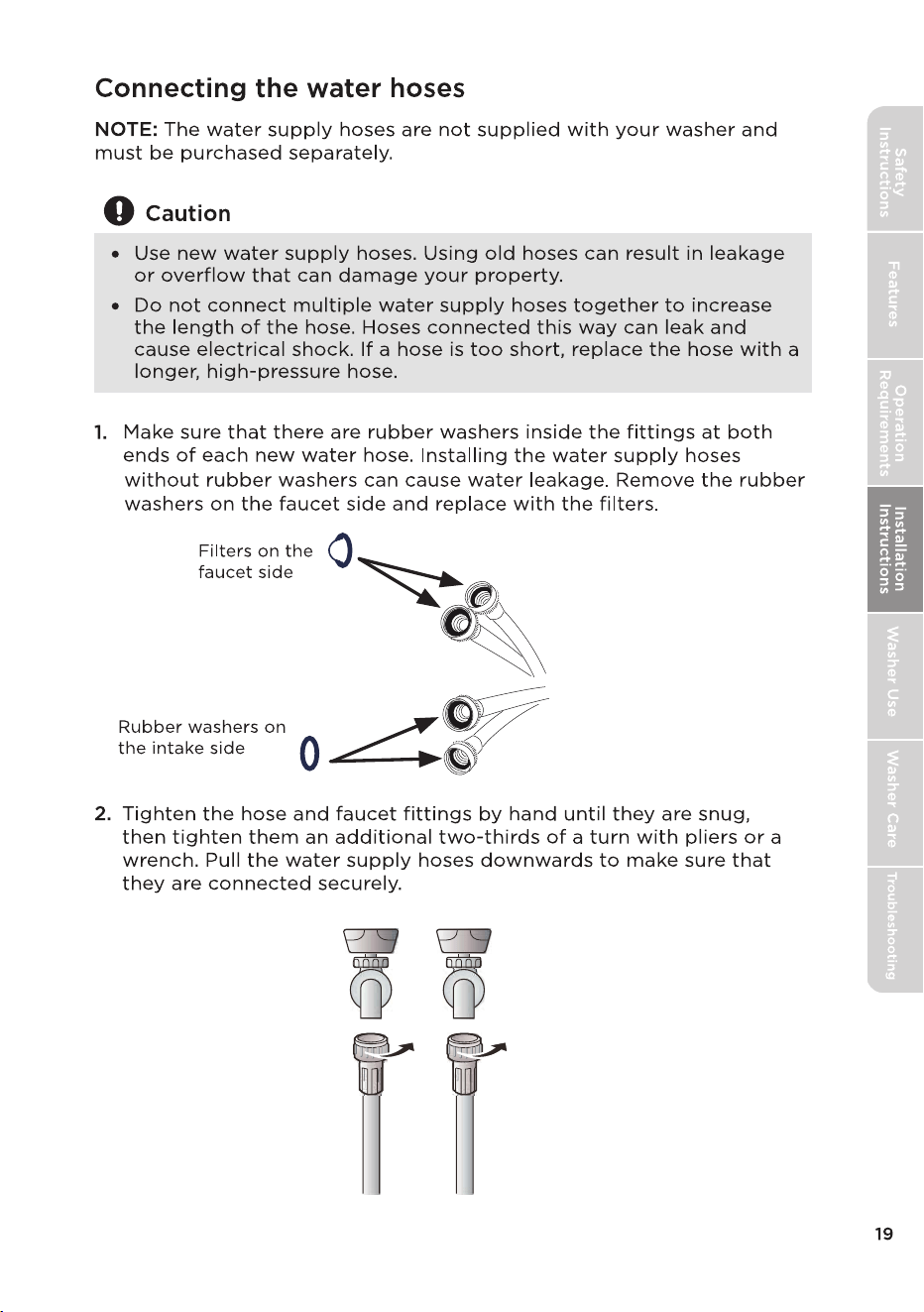
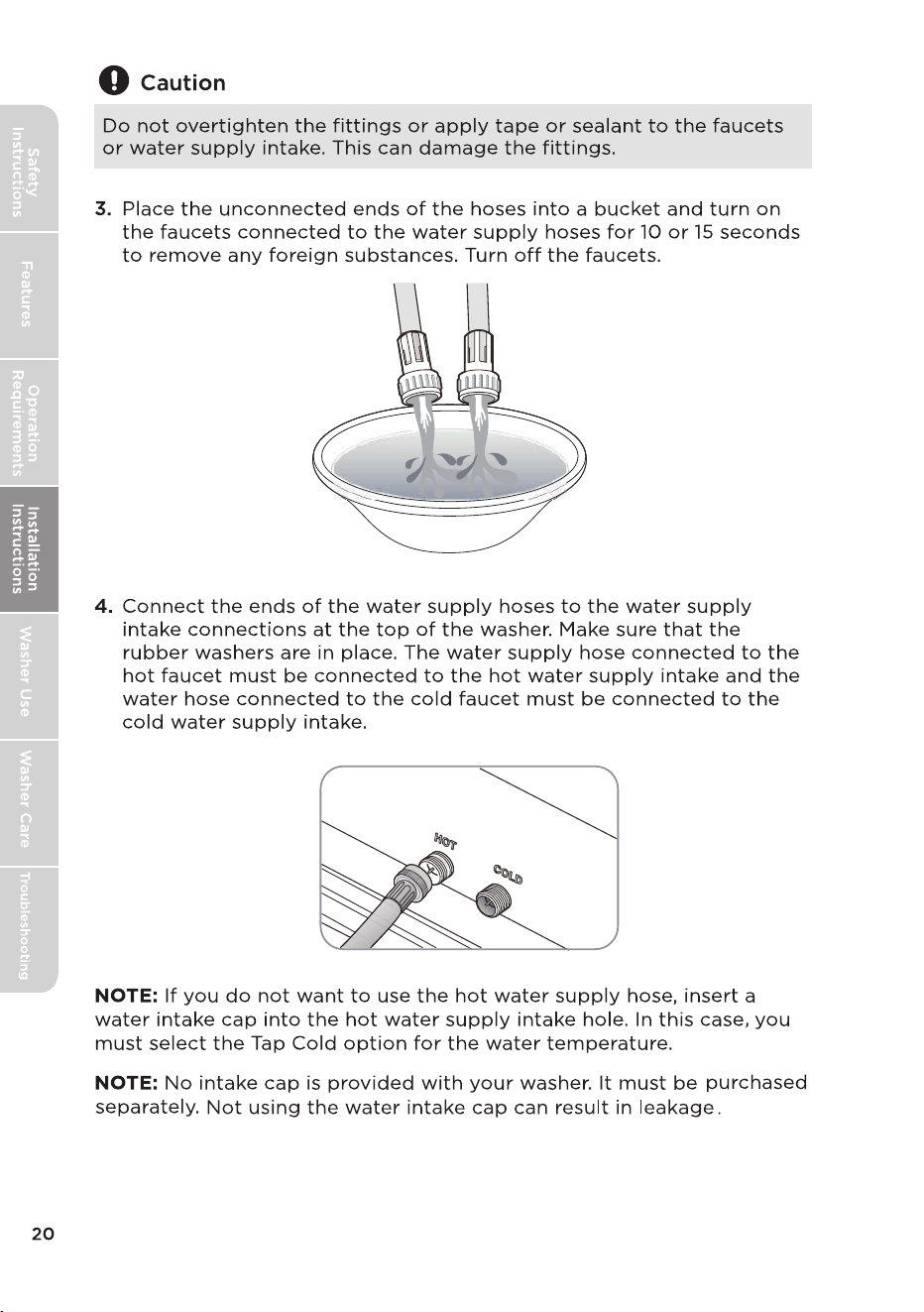
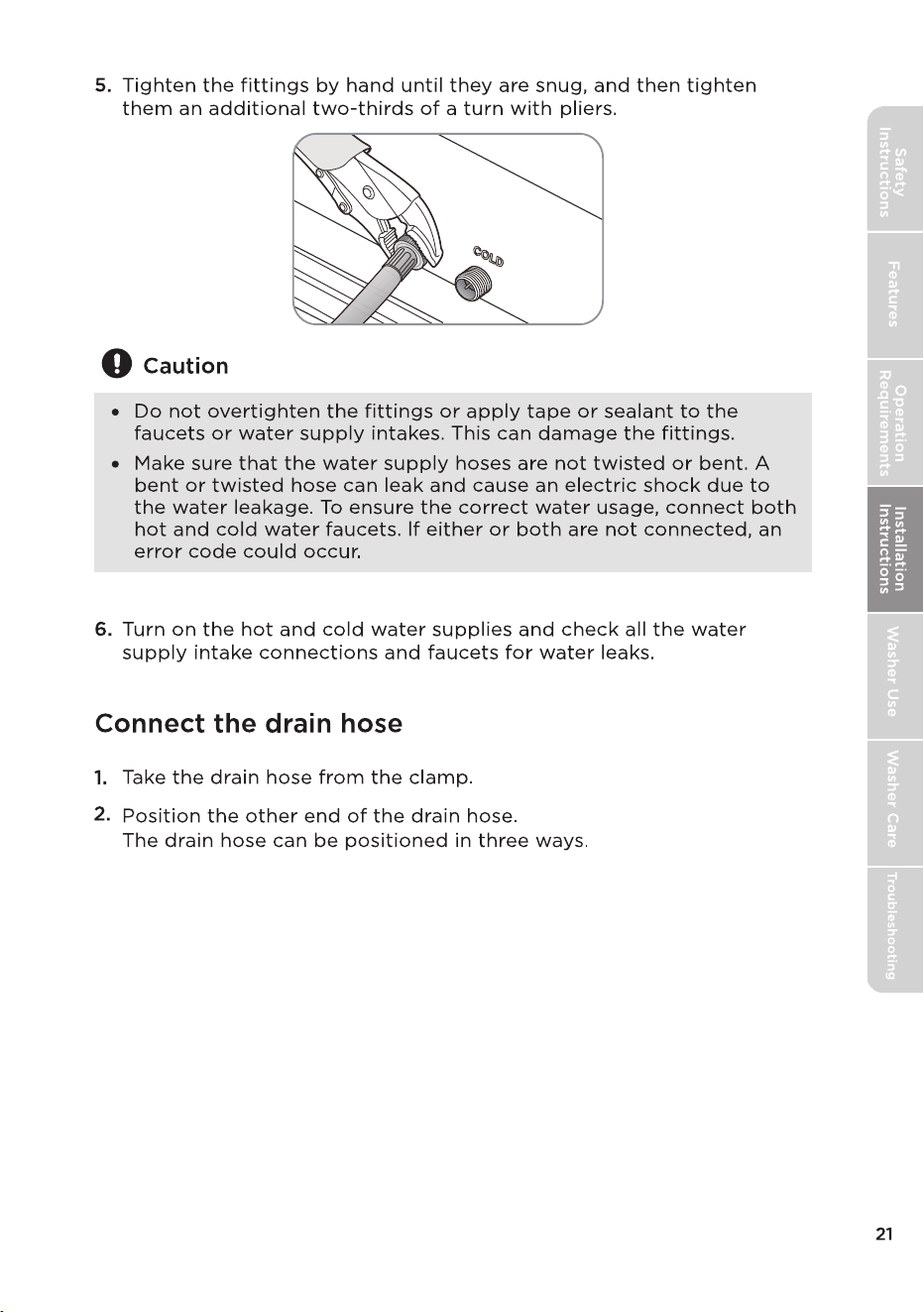
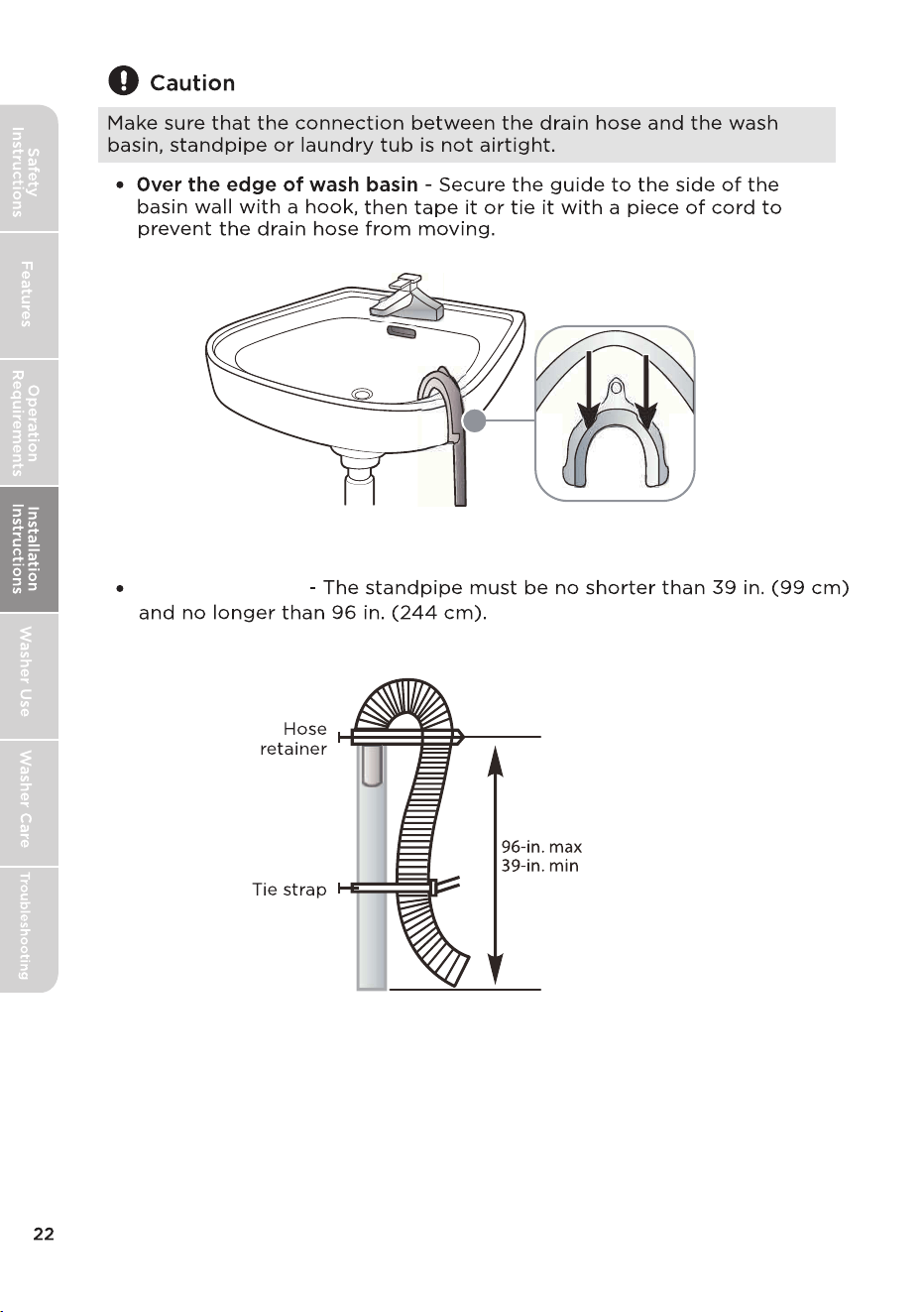
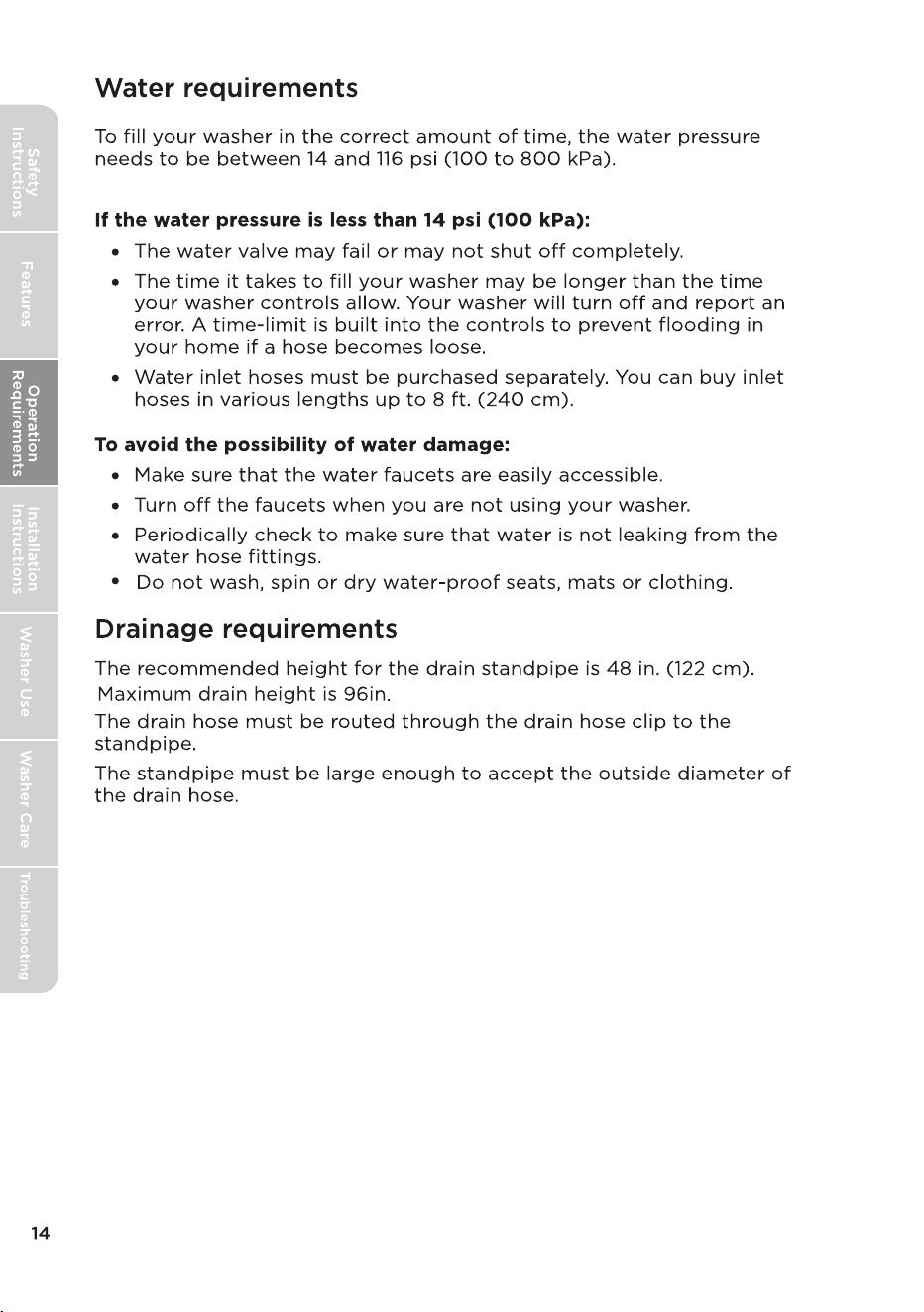
Into a standpipe
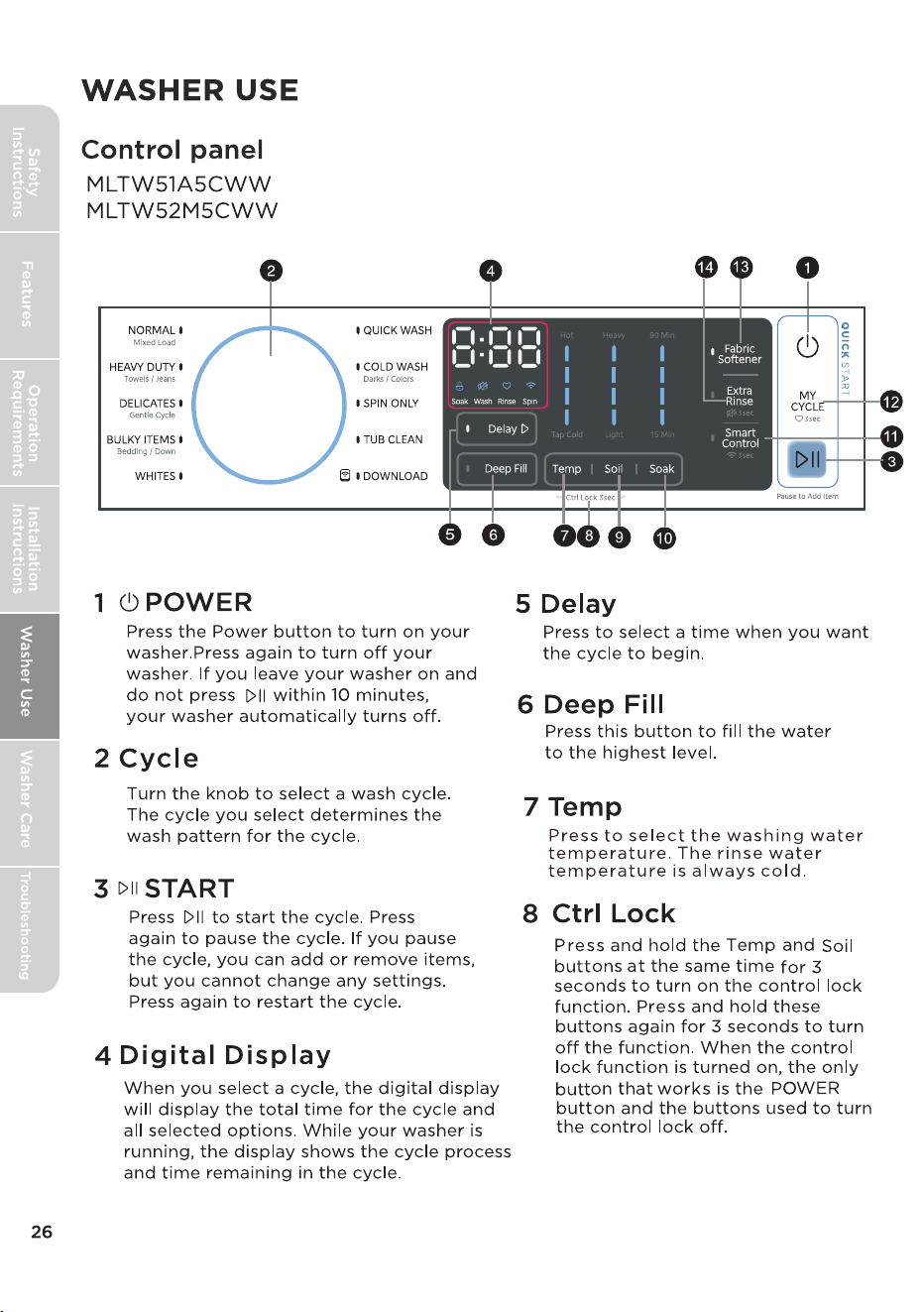
9 Soil
10 Soak
11 Smart Control
12 MY CYCLE
13 Fabric Softener
14 Extra Rinse
Add liquid fabric softener to the fabric softener
compartment, and
then
re
s
s this button.
The fabric softener will be added to the cycle
at the correct time.
p
Press once to add an extra rinse to the selected cycle.
Press to select the Soil to get dierent soil settings.
Used in situations where clothes need extra cleaning. Suitable for heavily
soiled garments.
Press[
Smart
Control
3 se
conds to connect your washer to the SmartHome
APP on your phone.
Pressing the Smart Control button allows your device to connect to a
wireless network.
After connecting your devi ce to wireless network, press [
] once to
enter the remote control state.
To use your smartphone as a remote control, you must meet the
following c
onditions:
1. The appliance should connect to the internet;
2.
The door of drum should be closed.
Please note:
Smart
Control
-
The smart control function will not operate if the lid is open.
-
automaticall
y. If
you want to use smart control function again, you
need to turn it on again.
The smart control function is turned o at the end of each cycle
] for
Press and hold for 3 seconds to remember your
current wash cycle settings.
Press once to load your
saved
c
y
cle settings.
Press and hold the Extra Rinse button for 3 seconds to turn the sound on
or off.
non-HE
,
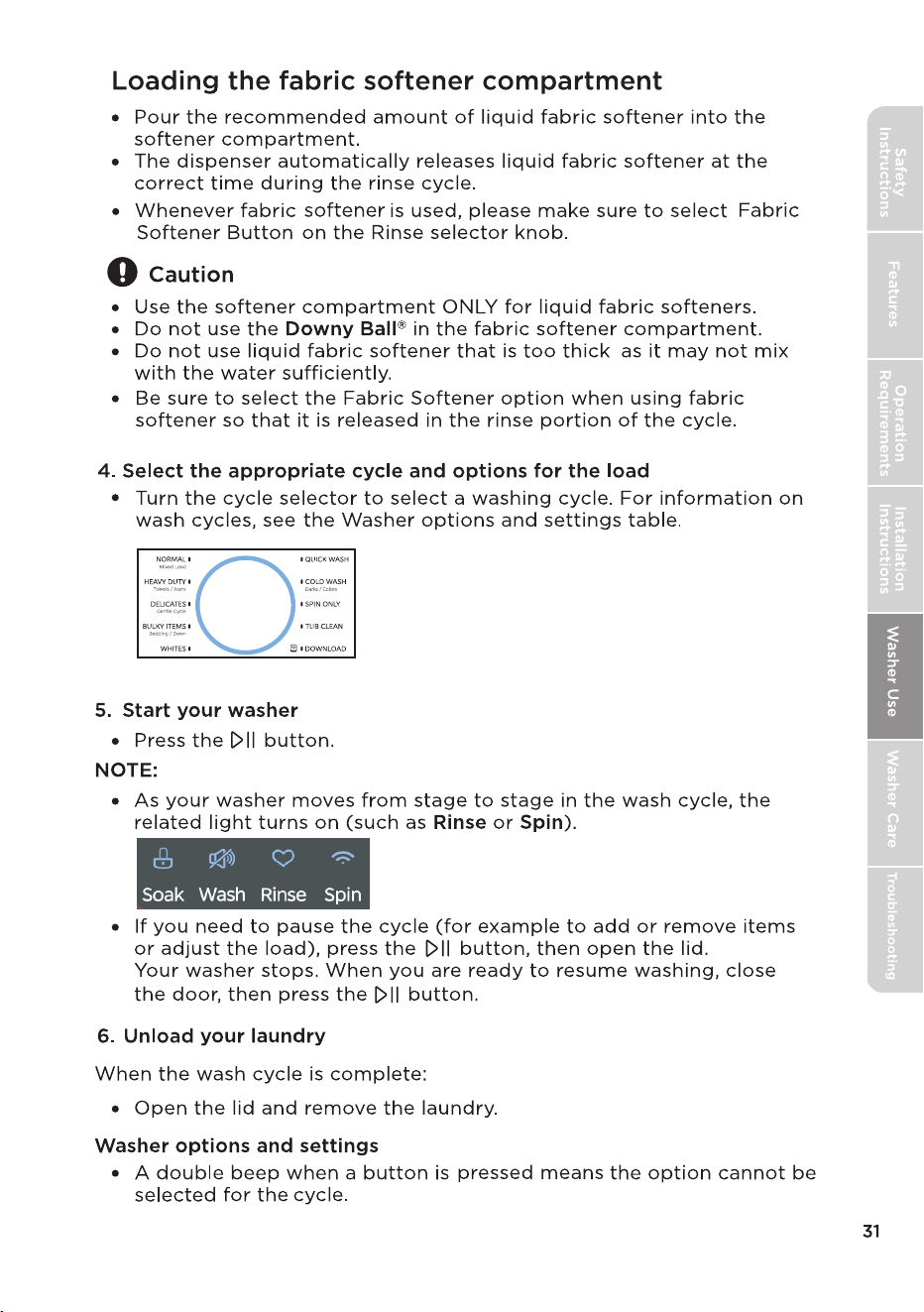
COLD WASH
SPIN ONLY
DOWNLOAD
BULKY ITEMS
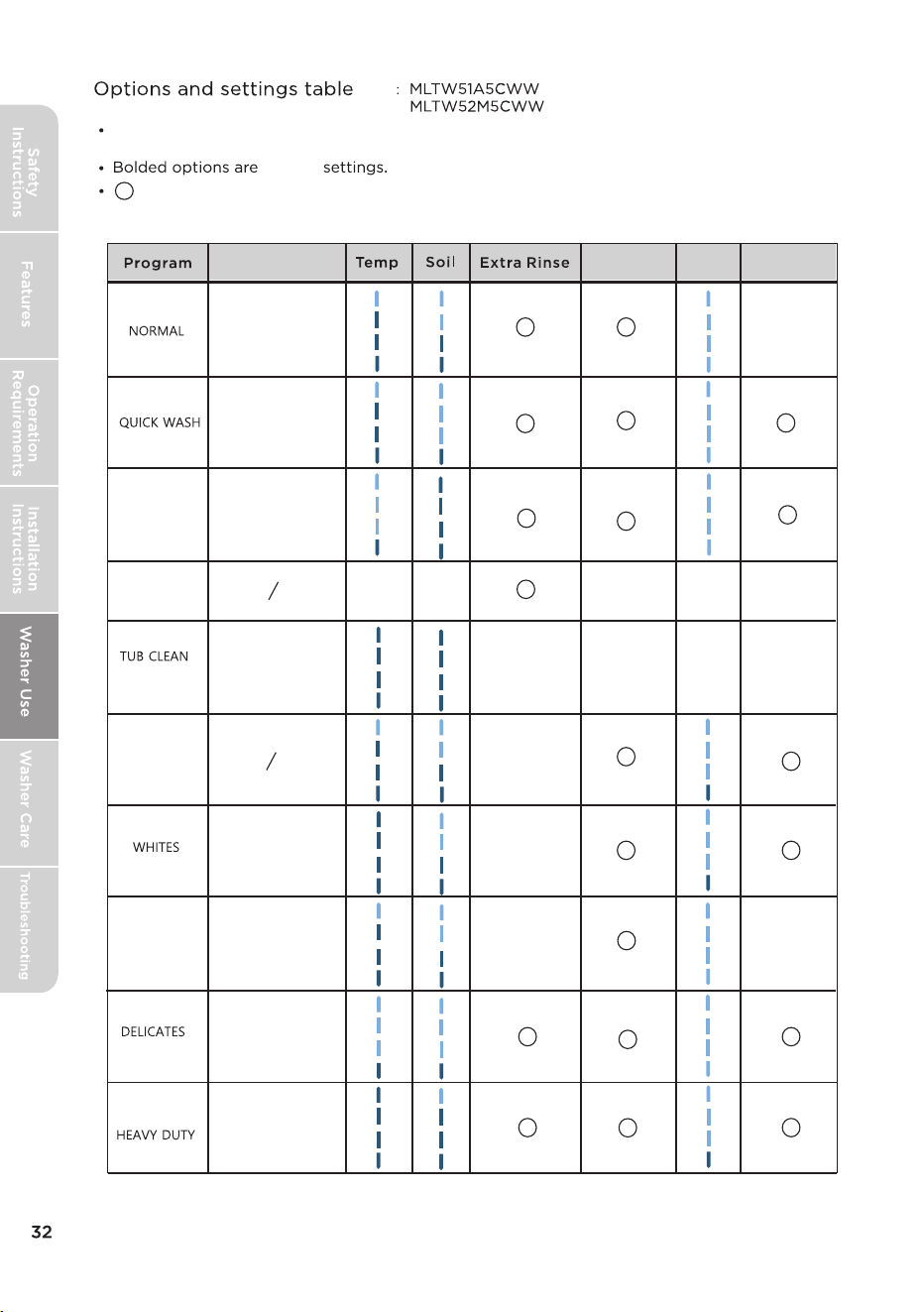
Fabric
Softener
Soak
Deep Fill
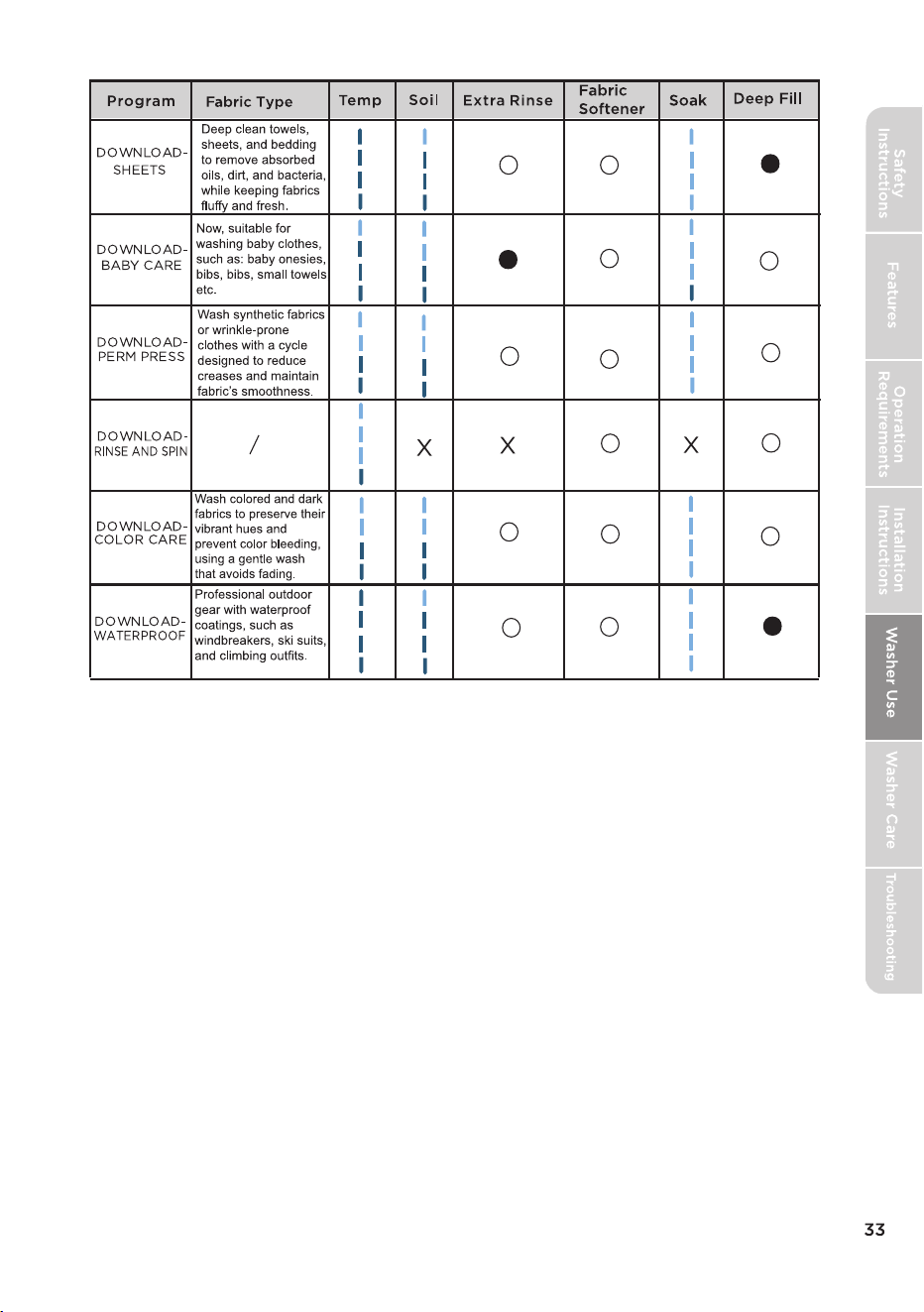
: Optional, but this function is not selected by default; : Not selectable
X
X
X
X
X X
X
X
Fabric Type
Cotton,Linen,Towels,
Shirts,Sheet,Jeans,
Mixed loads.
Large items like
blankets and
comforters.
Heavily soiled cotton
fabrics.
White Fabric.
Dress shirts, Blouses,
Nylons,Sheer/lacy.
Lightly soiled and
small loads.
Clothes with prints or
dyed colors.
Clean the inside of the
washing machine.
●
:Optional, default selection of this feature.
X
for
For best washing performance, we suggest that the loading weight of the dry
clothes should be less than 17.64 Ibs. (8.0 kg).
default
X
X
●
●
●
●
Smart control
Use Your Appliance with the SmartHome App
Before you start, make sure that:
1. Your smartphone is connected to home wireless network, and you know the
network password.
2. Make sure you are near the home appliance.
3. The 2.4GHz band wireless signal is enabled on your wireless router.
Follow the below steps to enter the remote control state
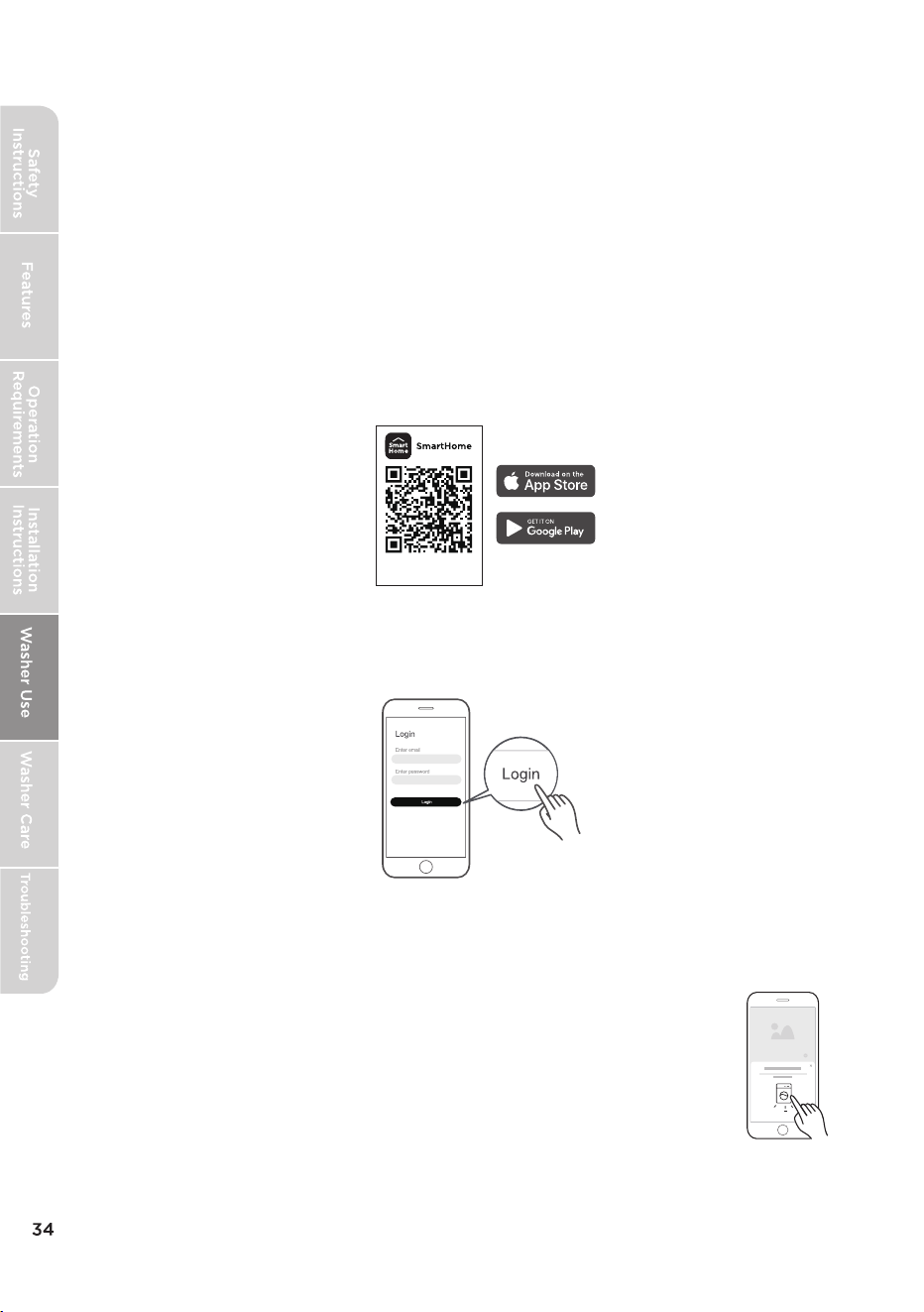
Download the SmartHome app
On an app market (Google Play Store, Apple App Store), search for
"MSmartHome" and find the SmartHome app. Download and install it
on your phone. You can also download the app by scanning the QR code
below.
Register and log in
Open the SmartHome app, and create a new account to start (you can
also register through a third-party account). If you already had an existing
account, use the account to log in.
Download the app
& activate product
Connect your devices to the SmartHome APP
1. Please make sure your mobile phone is connected to a wireless network. If
not, go to Settings and turn on the wireless connection, select and connect
to a wireless network. If needed, activate Bluetooth as well.
2. Please power on your devices.
3. Open the SmartHome app on your phone.
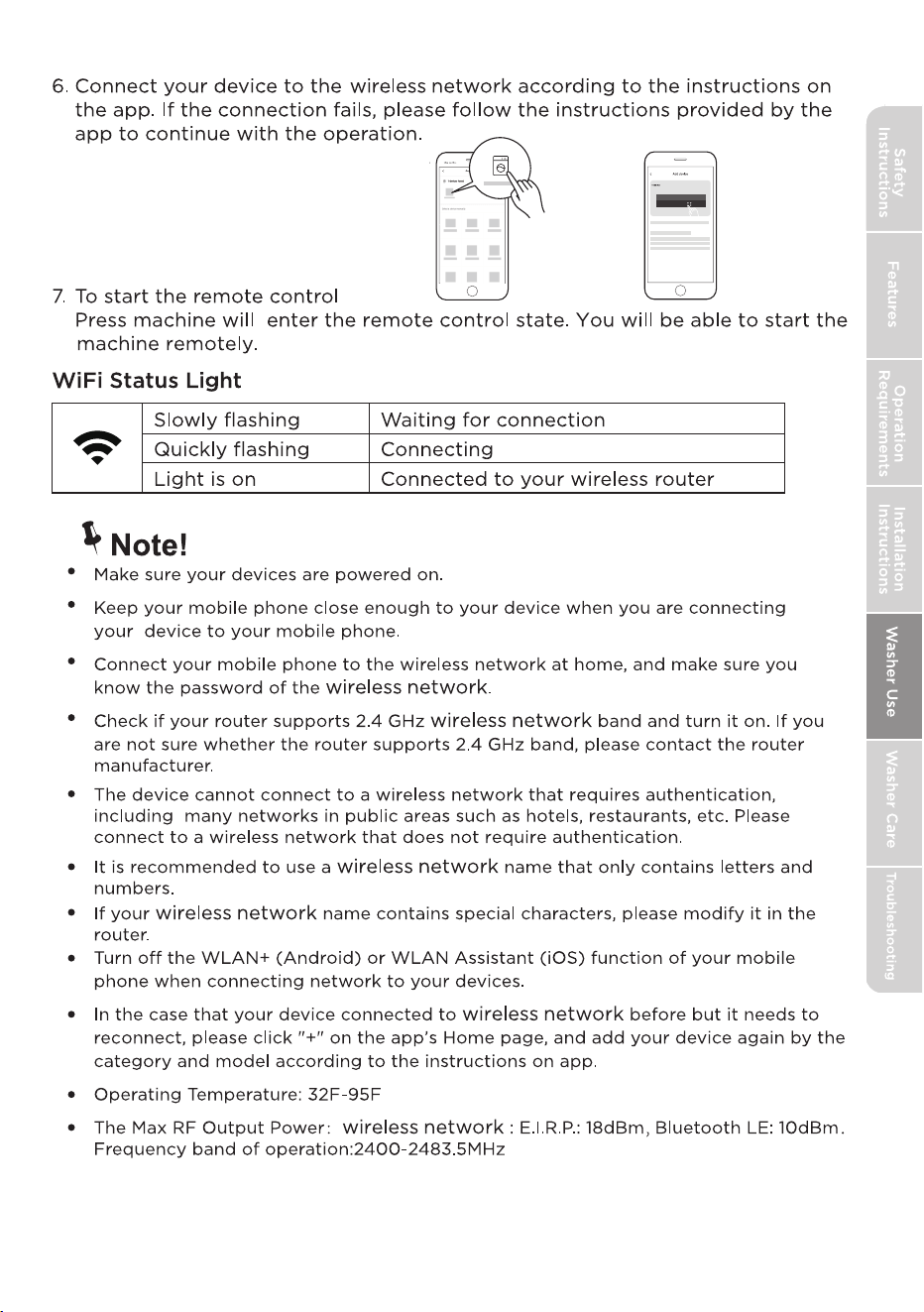
4. If a message of "Smart devices discovered nearby" appears,
click to add.
5. If no message appears, select "+" on the page and select your
device in the list of nearby your device is
not listed, please add your device manually by the device category and
device model.
available devices. If
35
8: 88
36
Procedures to reset the Wireless Network configuration.
1. Press [
Smart
Control
] 3 seconds to turn on the wireless network function and
re-enter the network configuration process.
2.
3. Reconnect to the network based on the content of the previous page.
The letters AP will be displayed on the digital display.
Matter
This product is Matter-enabled. To get the most out of this feature, ensure
that your chosen third-party smart home platform or app fully supports the
Matter protocol.
Note!
When using third-party software to operate your appliance, follow the
instructions below if the program options do not appear:�
1. Exit the appliance operation screen and return to the main menu.�
2. Refresh the main menu page.
3. Select your appliance again,The program options should now be available.
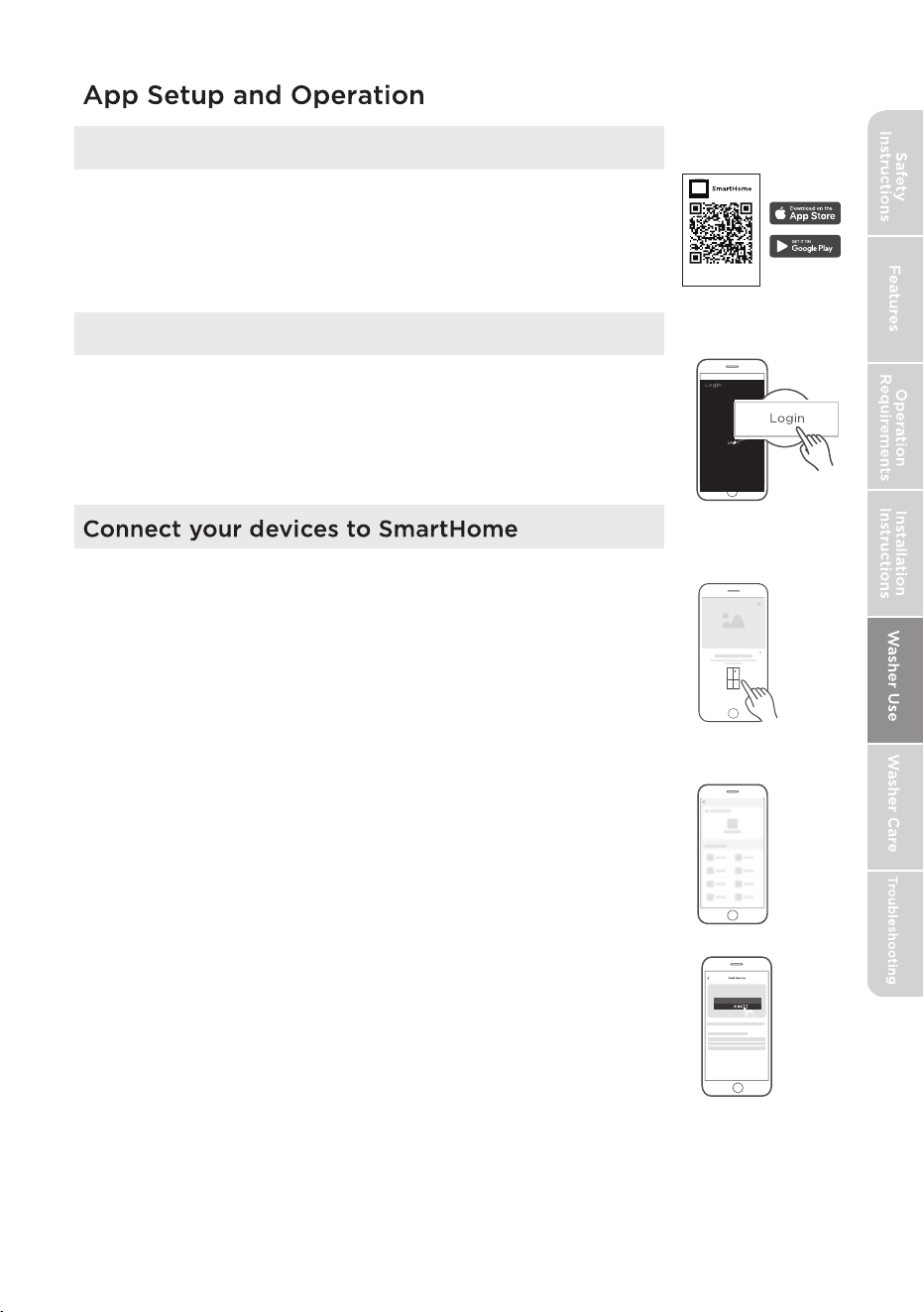
Download the SmartHome App
On an app market (Google Play Store, Apple App Store),
search for “MSmartHome” and find the SmartHome app.
Download and install it on your phone. You can also
download the app by scanning the QR code below.
Download the app
& activate product
Register and log in
Open the SmartHome app, and create a new account
to start (you can also register through a third-party
account). If you already have an existing account, use
the account to log in.
1. Please make sure your mobile phone is connected to a
wireless network. If it is not, go to Settings and enable
wireless networks and Bluetooth.
2. Please power on your devices.
3. Open SmartHome App on your phone.
4. If a message of "Smart devices discovered nearby" appears,
click to add.
5. If no message appears, select “+” on the page and select
your device in the list of nearby devices available. If your
device is not listed, please add your device manually by the
device category and device model.
6. Connect your device to the wireless network according to
instructions on app. If the connection fails, please follow
the instructions provided by the app to continue with the
operation.
37
control panel.
TUB CLEAN.
QUICK WASH
in your washer
Remove filter to remove excess water.
41
empty,
Press the power button to turn on the machine.
40
The Hall sensor alarms,
but there is no signal
Thailand