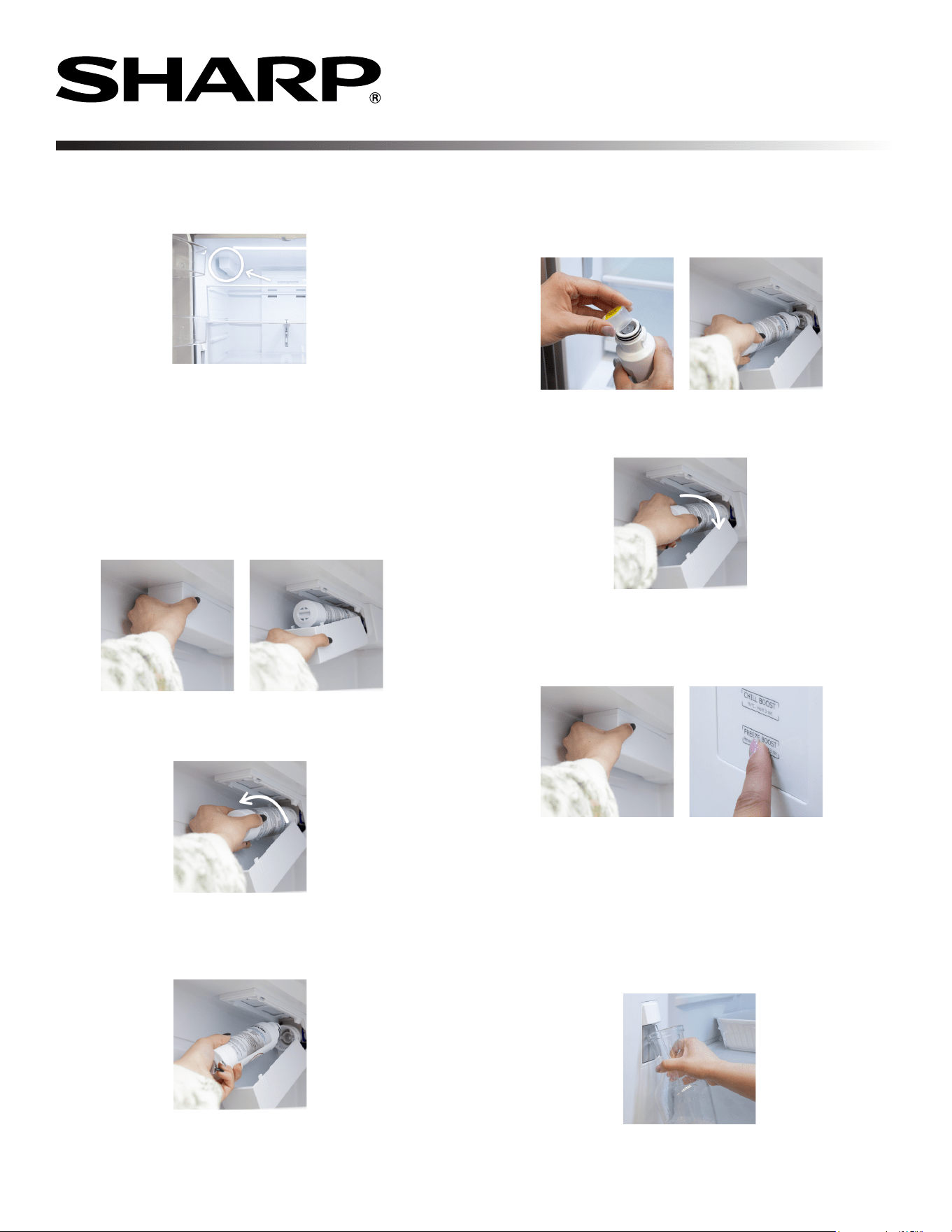
1 Press the marks on both sides of the lter cover by hand
and open it downward.
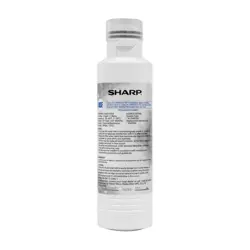
SJWF250 WATER FILTER
REPLACEMENT INSTRUCTIONS
WATER FILTER CARTRIDGE
The water lter cartridge holder is located in the back
upper-left corner.
WHEN TO REPLACE THE WATER FILTER
The water lter should be replaced every 6 months at the rated
capacity or if a noticeable reduction in ow occurs. When
replacement is recommended, the Filter Replacement icon
will be lit.*
REMOVING THE WATER FILTER
INSTALLING THE WATER FILTER
Please contact your local dealer or 1-800-BE-SHARP for further assistance.
2 Once the water lter is revealed, gently grasp the water lter
and carefully turn it counterclockwise, about a 1/4 turn.
3 The lter should automatically release itself once you’ve
rotated the water lter far enough.
NOTE: Some water may drip down while removing.
1 Remove the outer package and cap of the water lter and line
up the ports on the lter with the ones in the lter cartridge
holder and insert.
2 Turn the water lter clockwise until it cannot be rotated
anymore. DO NOT OVER TIGHTEN.
3 Close the lter cartridge holder by pushing the cover upwards
until the tabs lock back into place. After the water lter is
replaced, hold down “FREEZE BOOST” for 3 seconds to reset
lter aging data.
4 Dispense 2.5 gallons of water (ush for approximately
5 minutes) to remove trapped air and contaminants from
the system. Additional ushing may be required
in some households. See Page 10 of the SJF2752MS
Operation Manual for further details.
NOTE: Do not dispense the entire 2.5 gallon amount
continuously. Depress and release the dispenser pad
for cycles of 30 seconds ON and 60 seconds OFF.
*Recommended replacement varies based on water consumption and time.