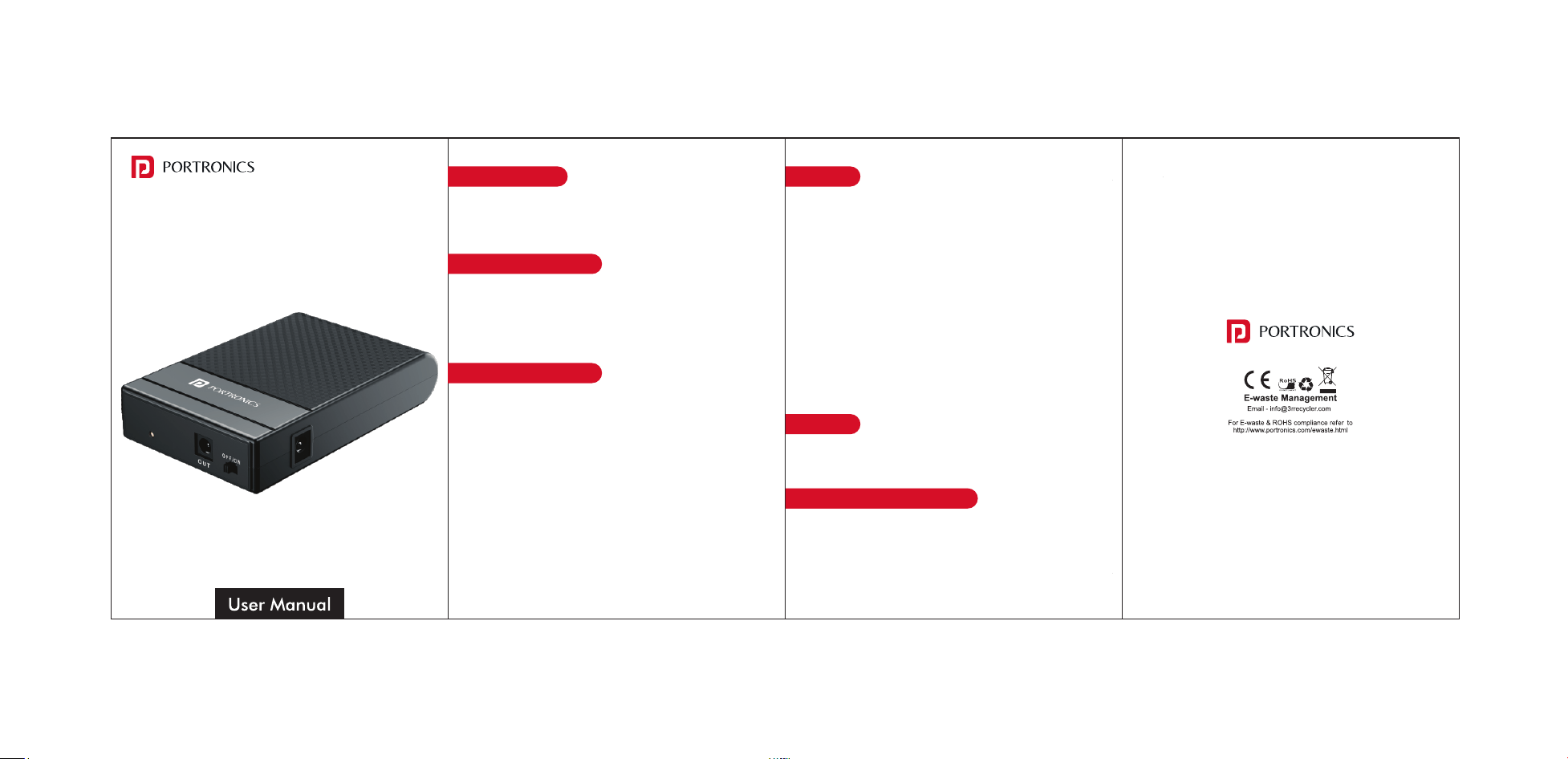
POWER PLUS II
Power Up your Home Entertainment
Thank-you for choosing Portronics. We're happy to help
you understand how to use this product. Read on!
Proper Recycling: When your Power plus II reaches the end of its life,
don't throw it in the trash. Take it to an electronics recycling center,
as lithium batteries can be hazardous if improperly disposed of..
HANDLING
www.portronics.com
For Support
Visit : www.portronics.com
Email : [email protected]
Contact No. : +91 9555245245
(Working Hrs. : Monday - Saturday 10:00am - 6:00pm)
PACKAGE CONTENTS
IMPORTANT NOTE
DISPOSAL
1. Power plus II- 1 N
2. Charging Cable -1 N
3. User Manual
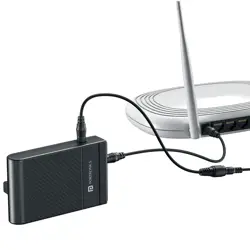
• Unplug the Power Adapter from the WiFi Router
• Connect the Power Adapter to Input Port of Power Plus II
• Connect the Output of Power Plus II to Your WiFi Router
• Red Led indicator getting on while charging and ouput
TECHNICAL SPECIFICATIONS
Input : 12v3A
Output : 12v3A
Battery Backup : upto 4 hour (Efficiency is depending on your
wifi power Amp)
LED Indicators : Red light (charging and gives output)
Green light (NO charging but gives output )
Toggle Switch : On/off Power supply (For charging kindly switch on )
Battery Type : Li-ion
Overcurrent Protection : Protected
Short Circuit Protection : Protected
• Inspect for Damage : Regularly check for signs of wear, such as a
swollen battery, cracked casing, or exposed wires. If you notice any
damage, stop using it immediately and dispose of it safely
• Don't Drop or Crush : Physical damage can rupture the battery,
leading to leaks or even a fire hazard.
• Avoid Overheating : If the power plus II feels unusually hot during
use or charging, unplug it and let it cool down before using it again.
Persistent overheating is a sign of a problem
• Don't Disassemble : Never attempt to open or repair a Power plus II
yourself. Internal components like lithium batteries can be
dangerous if mishandled
• · Charge in a Safe Environment : Place the power plus II on a flat,
non-flammable surface while charging. Avoid charging it on beds,
sofas, or near flammable materials.
• Avoid Moisture : Keep it away from water or humid environments
to prevent short circuits or corrosion
If your Power plus II swells, stop using it immediately and unplug it
carefully, placing it on a non-flammable surface away from
flammable items, people, and pets to avoid risks like leaks or
explosions. Do not puncture or open it; instead, let it cool down and
dispose of it at an electronics recycling center per local rules-never
in regular trash. Contact the manufacturer for further advice.
The company will not be responsible for any damages injury, or
malfunction resulting from improper usage, mishandling, or failure to
follow the manufacturer's instructions
QUICK & EASY INSTALLATION
HANDLING A SWOLLEN POWER PLUS II