Third-Generation Four-Color Price Tag User Manual
Overview
The price tag is installed on a dedicated guide rail. With the eRetail 3.2 system and
base stations such as ETAP05, the price tag can communicate with the base station to
update screen display content and enable light-flashing functions. It can also be used
with a mobile phone via NFC, allowing NFC-based control of page refresh and light
flashing through the mobile app.
Includes
Size
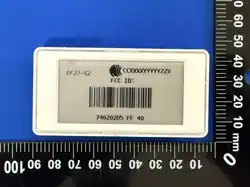
Model
Image
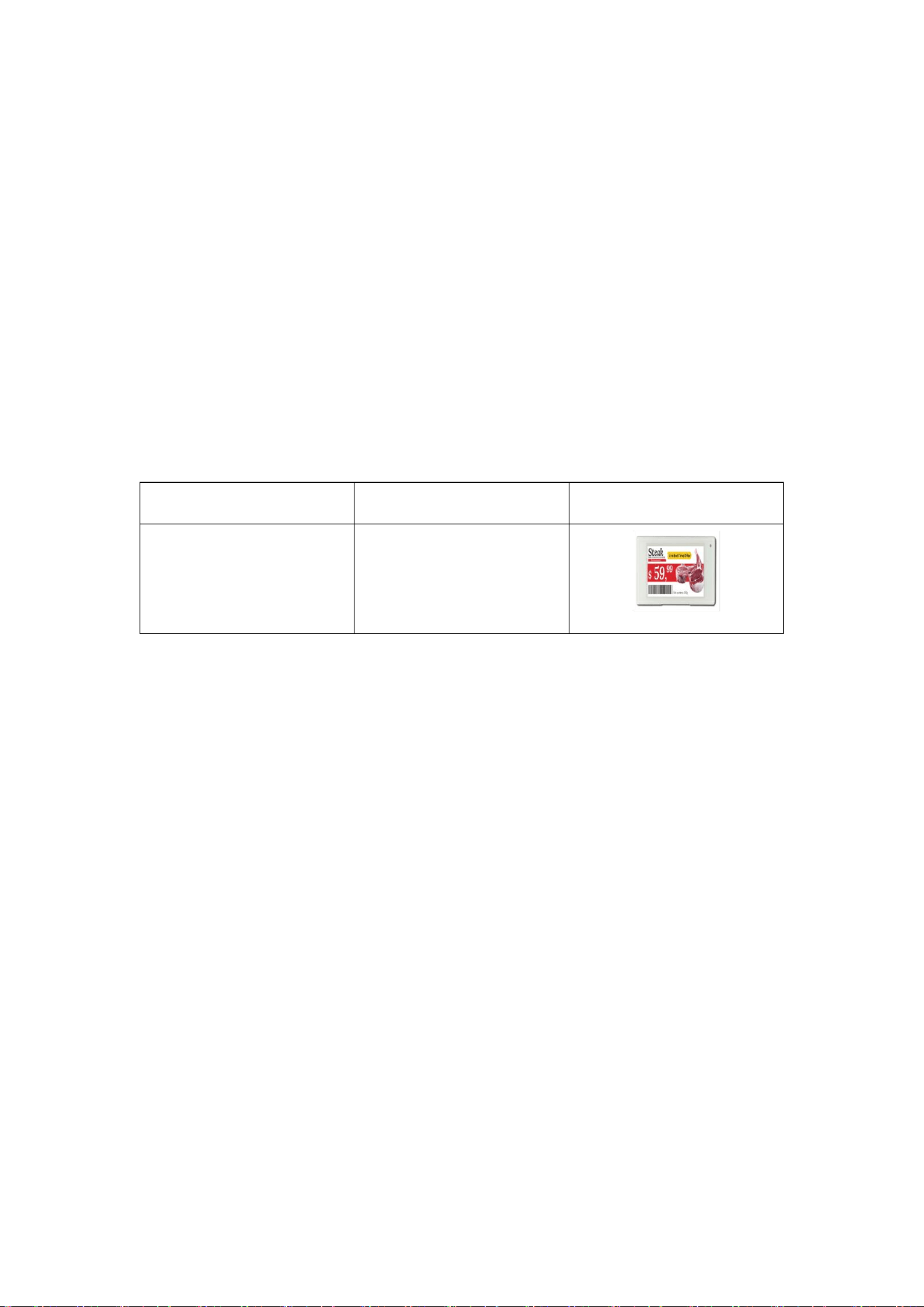
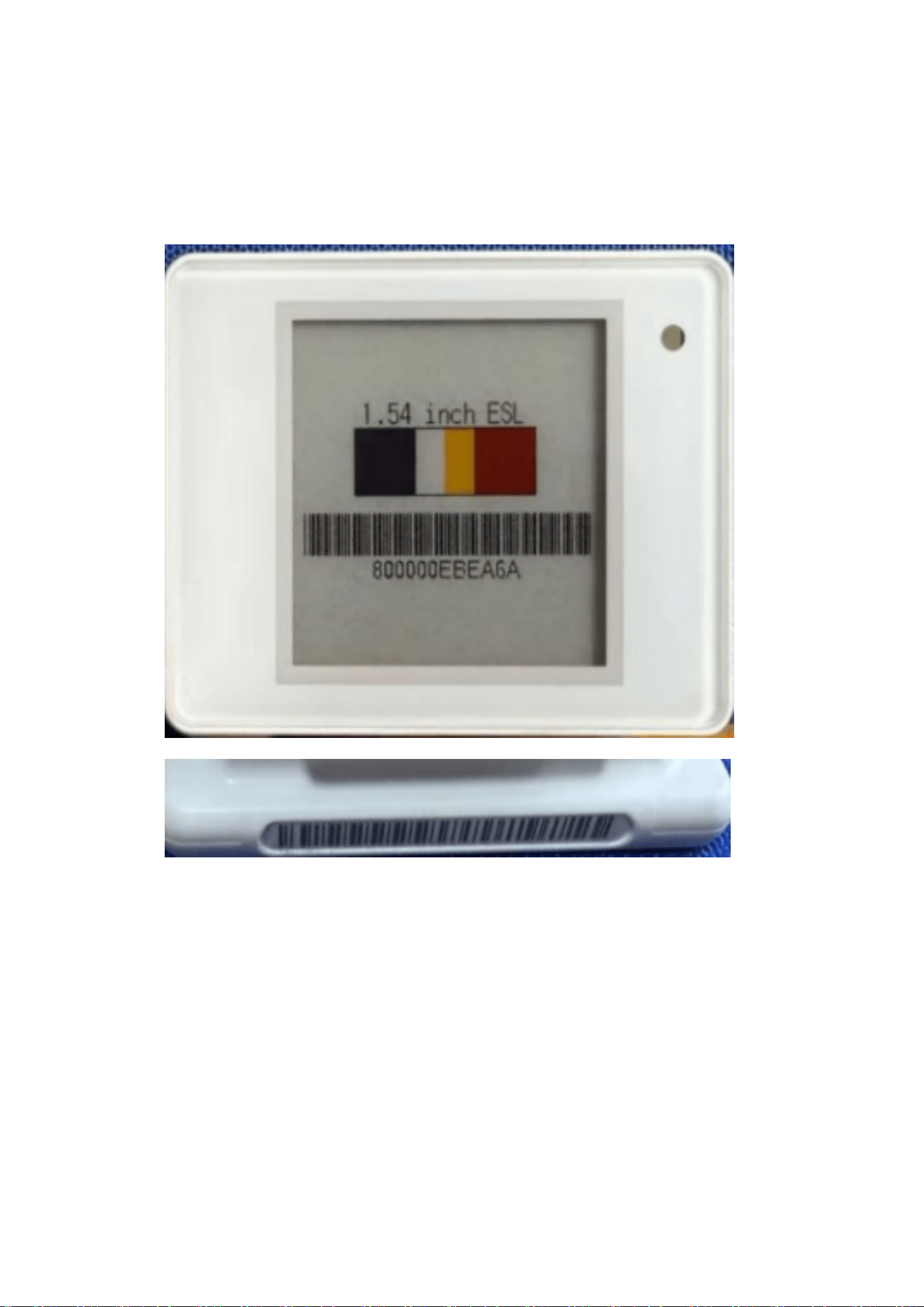
1.54
ET0154-80
Equipment
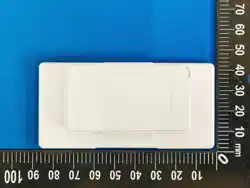
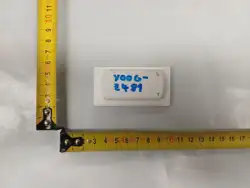
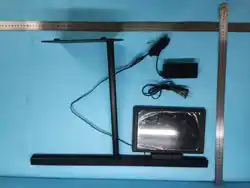
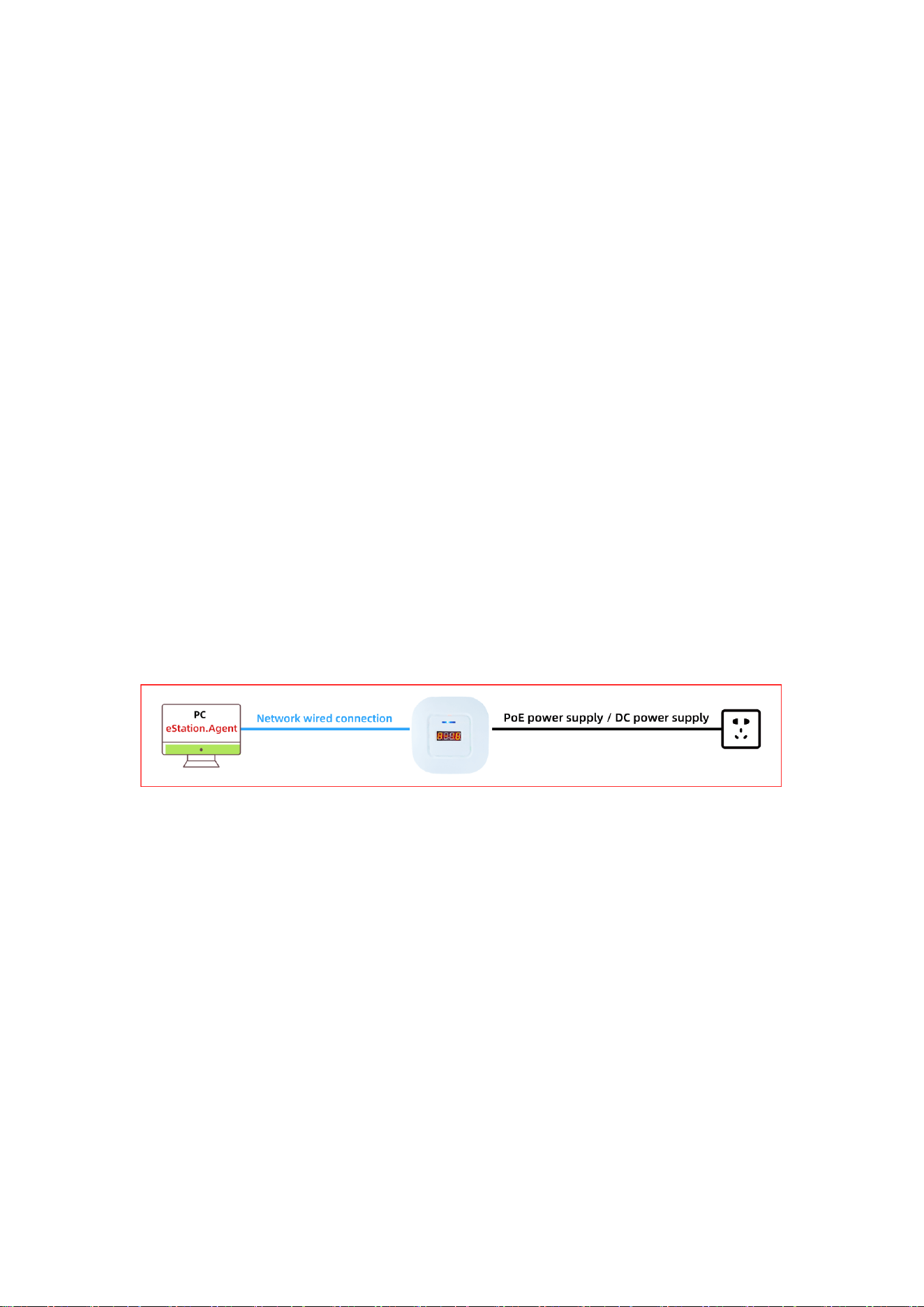
One ETAP05 base station, several third-generation four-color price tags, and one price
tag guide rail.
Operating Procedure
1 Device Installation
(1) The price tag can be installed directly on the shelf guide rail, or used together
with price tag accessories such as brackets, clamps, hooks, and bases.
(2) When installing on the guide rail, align the snap-fit structure on the back of the
price tag with the rail slot, then slide or press it into place, and adjust it to the
corresponding product position.
(3) When used with accessories, select suitable accessories according to the actual
scenario, and complete installation by snap-fitting, clamping, hanging, or fixing.
(4) After installation, make sure the price tag is securely fixed, the display direction
is correct, the screen is not blocked, and the price tag ID corresponds to the
product information.
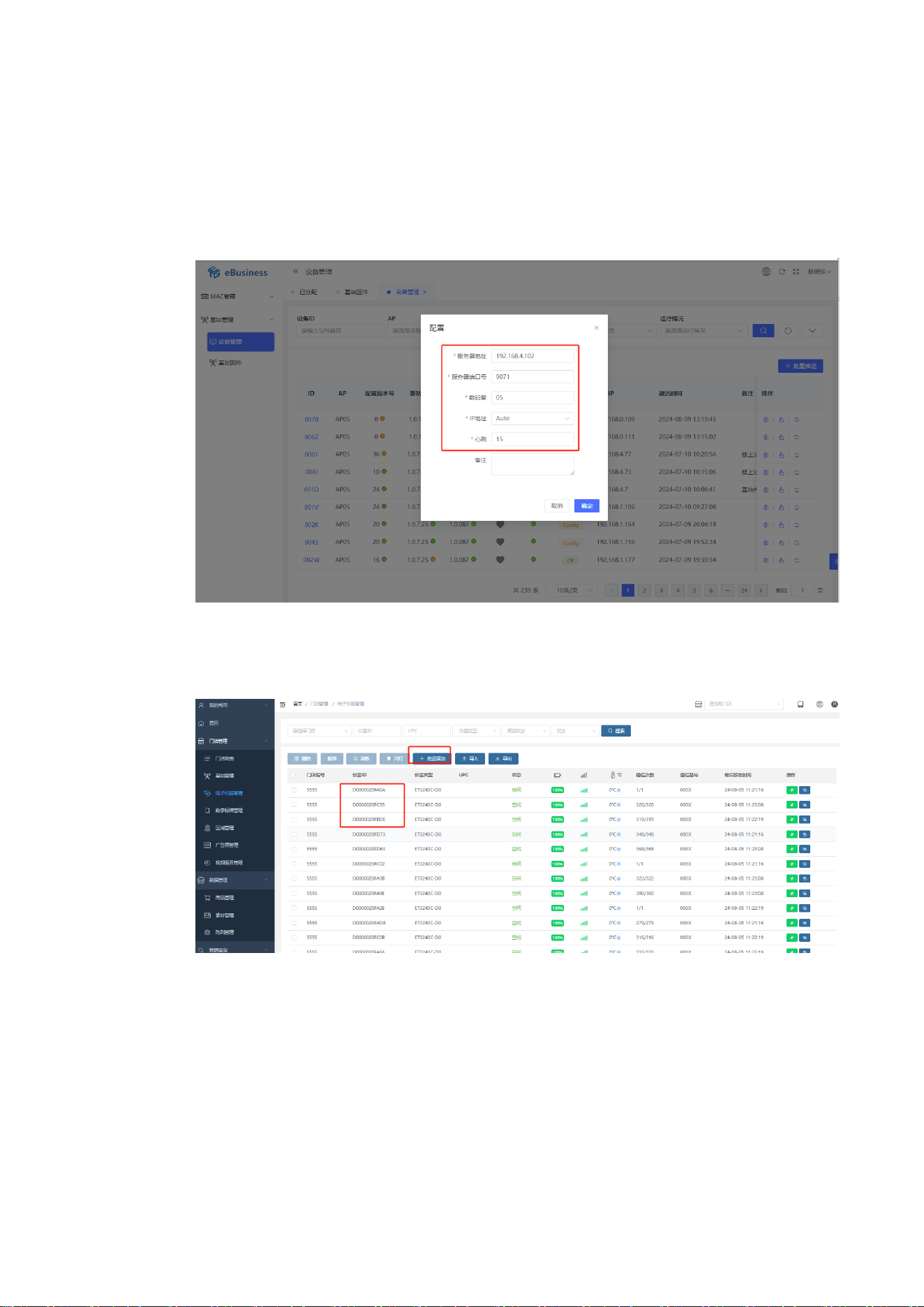
Base Station Installation
2 System Procedure
(1) Enter the base station configuration backend to configure the base station, and
configure it to the corresponding server.
(2) Open the deployed eRetail 3.2 computer backend, and batch-add the price tags
to be used into the backend.
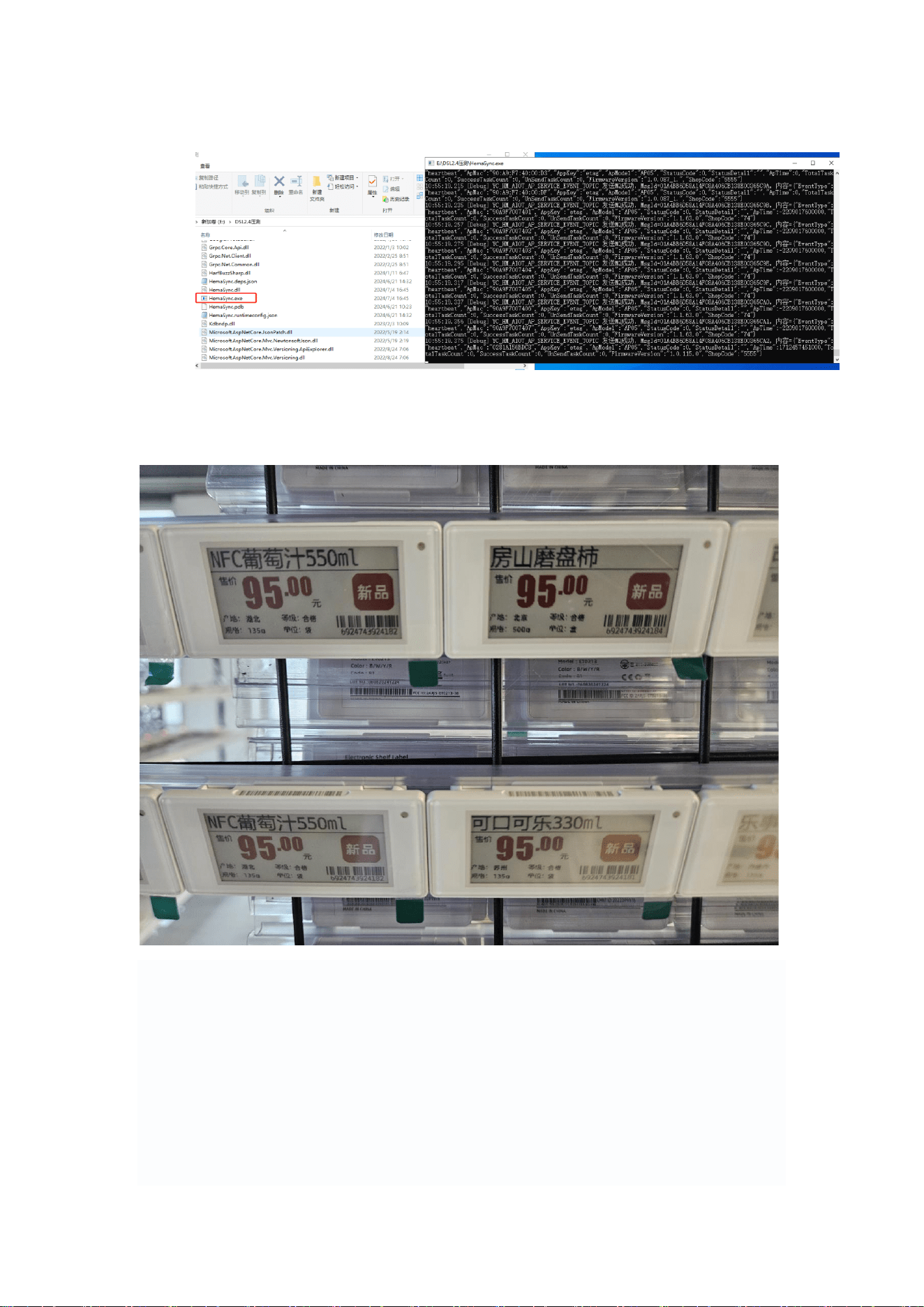
(3) Use the test tool or mobile app to bind products and push data.
(4) The price tag receives data normally and displays the bound product image.
FCC STATEMENT
1. This device complies with Part 15 of the FCC Rules. Operation is subject to the following
two conditions: (1) This device may not cause harmful interference, and (2) This device
must
accept any interference received, including interference that may cause undesired
operation.

2. Changes or modifications not expressly approved by the party responsible for
compliance
could void the user’s authority to operate the equipment.
This equipment has been tested and found to comply with the limits for a Class B digital
device, pursuant to part 15 of the FCC Rules. These limits are designed to provide
reasonable
protection against harmful interference in a residential installation. This equipment
generates,
uses and can radiate radio frequency energy and, if not installed and used in accordance
with the
instructions, may cause harmful interference to radio communications. However, there is
no
guarantee that interference will not occur in a particular installation. If this equipment does
cause
harmful interference to radio or television reception, which can be determined by turning
the
equipment off and on, the user is encouraged to try to correct the interference by one or
more of
the following measures:
—Reorient or relocate the receiving antenna.
—Increase the separation between the equipment and receiver.
—Connect the equipment into an outlet on a circuit different from that to which the
receiver
is connected.
—Consult the dealer or an experienced radio/ TV technician for help.
FCC Radiation Exposure Statement:
This equipment complies with FCC radiation exposure limits set forth for an uncontrolled environment. In
order to avoid the possibility of exceeding the FCC radio frequency exposure limits, Human proximity to
the antenna shall not be less than 20cm(8 inches)during normal operation.