Type-C headphone jack/Type-C charging port
English
2.5-5W
The charger output power must be between the minimum power [2.5W] and the maximum power [5W] required
by the wireless device to achieve the maximum charging speed.
Power button
1
1 2+
2
3
4
5
Previous track: Click
Volume down: Long press
Voice assistant: Double-tap to wake up the phone's built-in
voice assistant.
Next song: Click
Volume up: Long press
Auto-answer: (Double-click to switch when not connected)
To turn music sharing on/off: (Double-click on both headphones
simultaneously)
Power on/off: Press and hold for 2 seconds
Play/Pause: Click
Call back (previous call contact): Double-click
Switch language: (When Bluetooth is not connected) Double-click
Turn FM on/off: Triple hit
Switch between receive/transmit multi-person half-duplex intercom
mode: Double-click
To switch lights: Click
Turn the intercom on/off: Long press
Enter half-duplex multi-person intercom mode: Double-click
Simultaneously press and hold the volume down button and the
volume up button for 5 seconds to restore factory settings and power off.
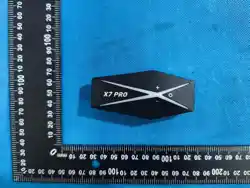
Product Model: X7 Pro
Working Time: 25-30 hours
Charging Time: 1-2 hours
Standby Time: 300 hours
Charging Port: Type-C
Charging Voltage: USB 5V 1A
Volume -
Volume +
USERS MANUAL
X7 Pro
Before using the product, please read this manual.
Read carefullyand keepfor future reference.
Warning
!
This device complies with part 15 of the FCC Rules. Operation is
subject to the following two conditions: (1) this device may not
cause harmful interference, and (2) this device must accept any
interference received, including interference that may cause
undesired operation. Any changes or modications not expressly
approved by the party responsible for compliance could void the
user's authority to operate the equipment.
NOTE: This equipment has been tested and found to comply with
the limits for a Class B digital device, pursuant to Part 15 of the
FCC Rules. These limits are designed to provide reasonable
protection against harmful interference in a residential
installation. This equipment generates, uses and
can radiate radio frequency energy and, if not installed and used
in accordance with the instructions, may cause harmful
interference to radio communications. However, there is no
guarantee that interference will not occur in a particular
installation. If this equipment does cause harmful interference to
radio or television reception, which can be determined by
turning the equipment o and on, the user is encouraged to try to
correct the interference by one or more of the following
measures:
Reorient or relocate the receiving antenna.
Increase the separation between the equipment and receiver.
Connect the equipment into an outlet on a circuit dierent from
that to which the receiver is connected.
Consult the dealer or an experienced radio/TV technician for help.
The device has been evaluated to meet general RF exposure
requirement. The device can be used in portable exposure
condition without restriction
-
2
1
3
4
Type-C
headphone jack/
charging port
5
Two-person walkie-talkie from the same brand:
After powering on both headsets, press and hold button [4] to enter intercom mode. The green
indicator light will flash rapidly, accompanied by a voice prompt. Once pairing is successful, a
message will sound saying "Intercom connected," allowing two people to talk to each other.
Cross-brand 2-person intercom:
Power on the X7 Pro headset and press and hold button [4] to enter intercom mode. A green
indicator light will flash rapidly, accompanied by a voice prompt. Simultaneously, power on
another headset from a different brand and enter pairing mode. The X7 Pro will automatically
connect to the other headset. Once both headsets are successfully paired, a "Intercom
connected" message will sound, allowing two people to make cross-brand intercom calls.
Multi-person half-duplex intercom:
Power on multiple X7 Pro headsets and double-click button [4]. A prompt tone will play, and
all headsets will enter "Multi-person Intercom Mode." If one person wants to make a call,
double-click button [3] to initiate a multi-person intercom call. Double-clicking button [3]
again will exit the multi-person intercom call. (Note: When one headset is engaged in an
intercom call, other headsets can only receive audio. Other headsets can only enter "Intercom
Call Mode" after the first headset exits the intercom call.)
(Note: Before activating "Multi-person Intercom Mode," please disconnect the headsets from
the phone's Bluetooth connection.)
Music sharing:
After connecting earbuds A and B to phones A and B via Bluetooth respectively, double-click
the volume up button on both earbuds to enable music sharing. At this point, earbud A can
play music, and earbud B can share the music. Double-click the volume up button again to
disable music sharing.
FM mode:
After turning on the headphones, triple-click [3] to start the FM radio mode; double-click to
perform automatic station search (wait 1 minute). Single-click [1]/[2] to switch channels;
triple-click [3] again to turn off the FM radio mode.
英
版本名:X7 Pro 16国 说明书 X7系列
版本:A0
MODE
Polski
Magyarország
Italiano
日本語
한국인
Русский
Indonesia
แบบไทย
Español
Nederlands
Português
ελληνικά
Dansk
English
Français
Deutsch
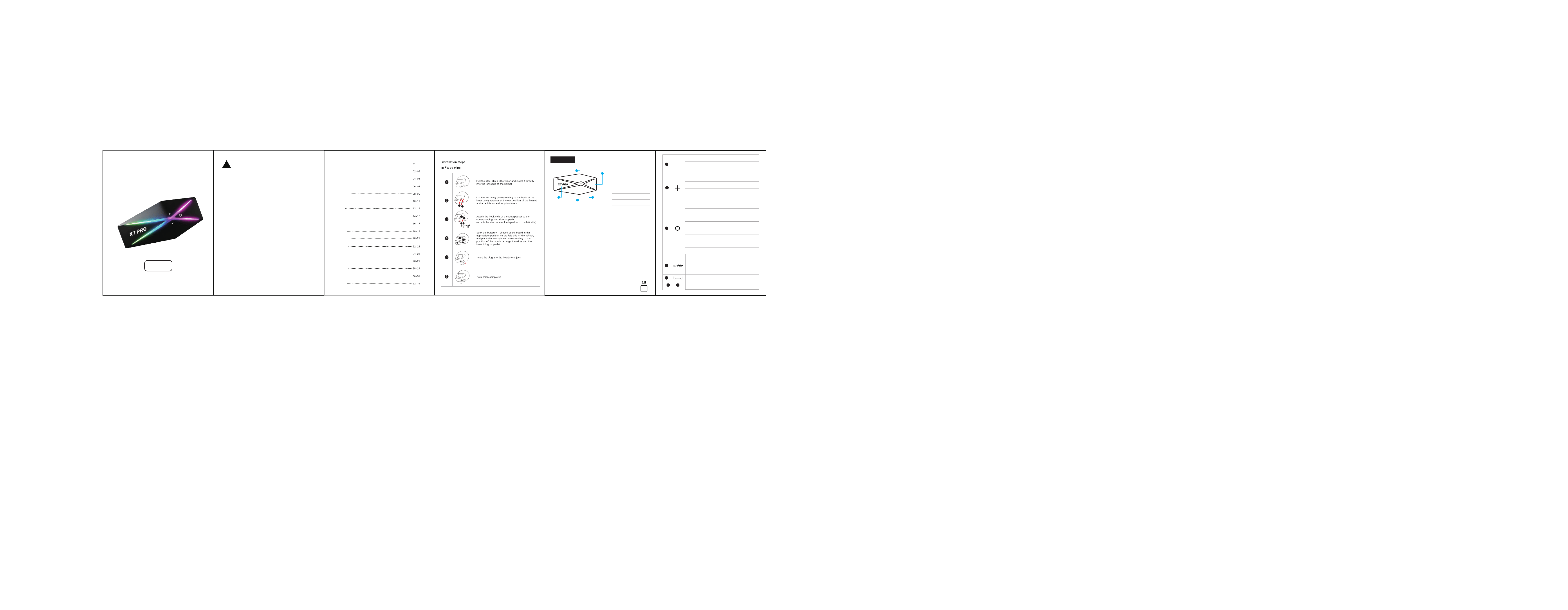
Installation steps
Answer / End Call: Single-click
Reject Call: Double-click