2.4G Wireless Membrane Keyboard
Ver7.0
Product Overvie
2.4G Wireless Membrane Keyboard
User Manual
(v7.0)
w
1. Compatible with USB 1.1/2.0 specifications, assists with USB-IF and WHQL compliance
2. High-quality BK2483, 16-channel adaptive frequency hopping for stable, low-
power, interference-resistant, omni-directional operation
3. Ultra-low-power design (operating = 0.7 mA, sleep = 3 uA)
4. Supports an 8*18 matrix and multiple language layouts
5. Supports 18 standard multimedia functions
6. Supports CAPS LOCK and NUM LOCK indicator LEDs, with LED
status synchronized with the host 7. Built-in maintenance
mode for easy detection and repair of defective units
8. Supports wake-up from computer sleep and from its own
sleep
9. Smart multi-level power-saving design
10. Supports Mouse/Keyboard combo mode
Pairing Instructions
Method 1: Pairing via key combination
Press and hold "ESC" + "+/=" for 1 second. The keyboard enters pairing mode (the
low-battery indicator stays on). Insert the receiver within 20 seconds. If pairing
succeeds, the LED turns off immediately; if pairing fails, the keyboard exits pairing
mode after 20 seconds and the LED turns off.
Method 2: Pairing via the pairing key
Press the pairing key. The keyboard enters pairing mode (the low-battery indicator
stays on). Insert the receiver within 20 seconds. If pairing succeeds, the LED turns
off immediately; if pairing fails, the keyboard exits pairing mode after 20 seconds and
the LED turns off.
Method 3: Pairing via software

Launch the pairing software and insert the receiver into a USB port; pairing mode
is entered automatically. Within 20 seconds, press the keyboard pairing key or press
and hold "ESC" + "+/=" for 1 second to pair. If pairing succeeds, the software
displays <Keyboard pairing successful>; otherwise, it exits pairing mode after 20
seconds.
Ver7.2.4G Wireless Membrane Keyboard 0
Function Description
I. Low-Battery LED: Indicates the low-battery and pairing status; it can also
indicate fault points on defective units during repair
1. Pairing status indication — The low-battery LED stays on while the
keyboard is in pairing mode and turns off when pairing succeeds 2. Low-
battery status indication — The low-battery LED blinks when the battery
voltage is low and turns off when the voltage is normal
3. Abnormal function status indication:
1) Normal case-----on power-up, the indicator lights up briefly and then turns
off
2
) Indicator does not light up-----
MCU
not working
3
) Indicator stays on-----
RF
not working
** Numlock + Caps: LED status synchronized with the host
When Numlock/Caps is activated, the LED lights up and stays on for 5 seconds. If
a key is pressed within 5 seconds, the timer resets to 5 seconds (the LED turns off 5
seconds after the key is released). After the LED turns off, pressing a key lights it
up again for 5 seconds
Note: When the low-battery threshold is reached, the low-battery indicator
blinks 5 times. If a key is pressed, the timer resets to 5 seconds, until the battery is
fully drained
Working Current
Operatin
Overall power consumption (with 1 batteries at 1 . 5 V)
g current (key
pressed)
0.7mA
Static current (key
released)
3uA
● Keyboard Matrix Application Notes
Full-size Keyboard
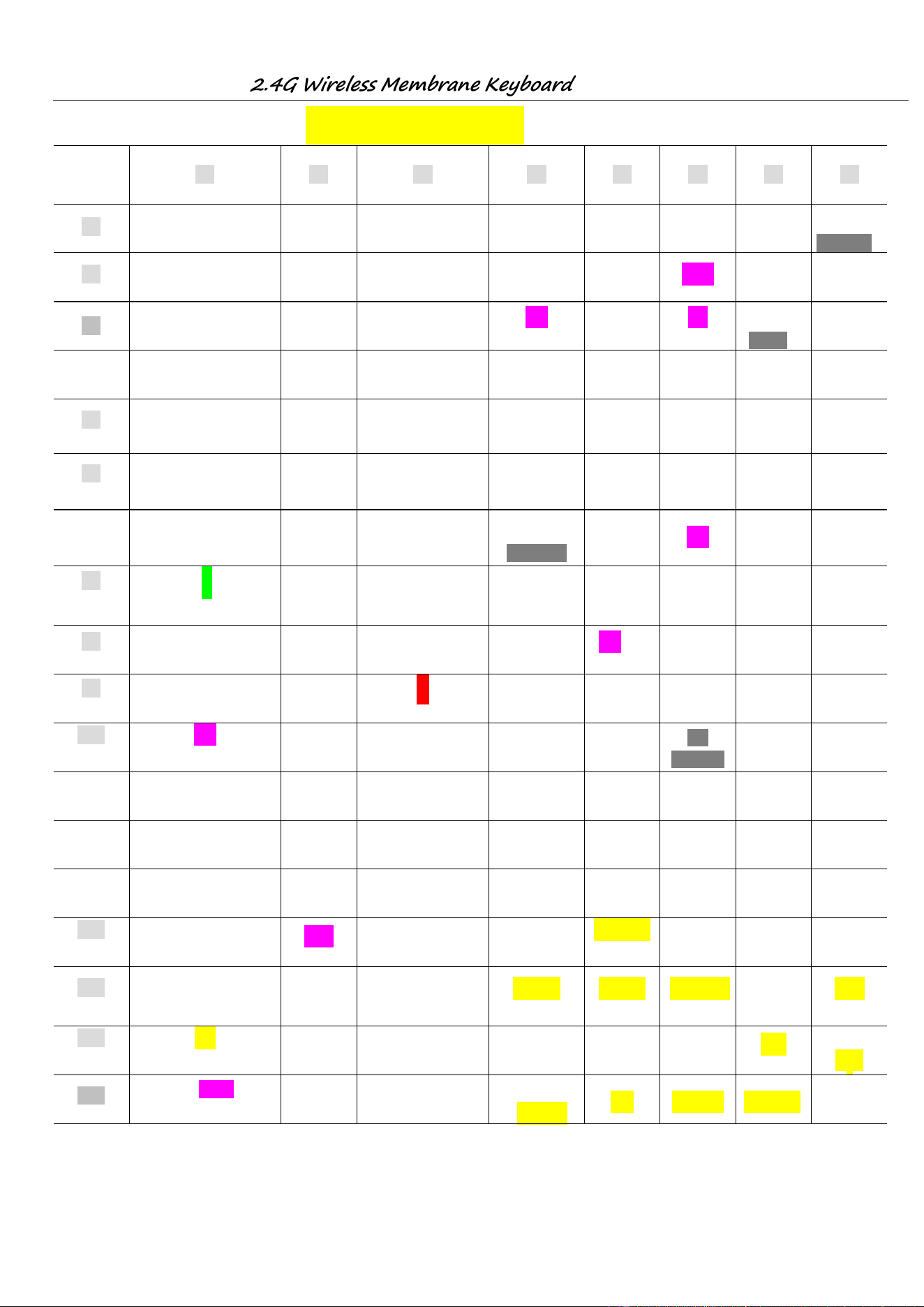
1. The 104/107-key full-size keyboard matrix is compatible with EMC83053 (ELAN);
key layout is shown in "Keyboard Matrix" on the following page
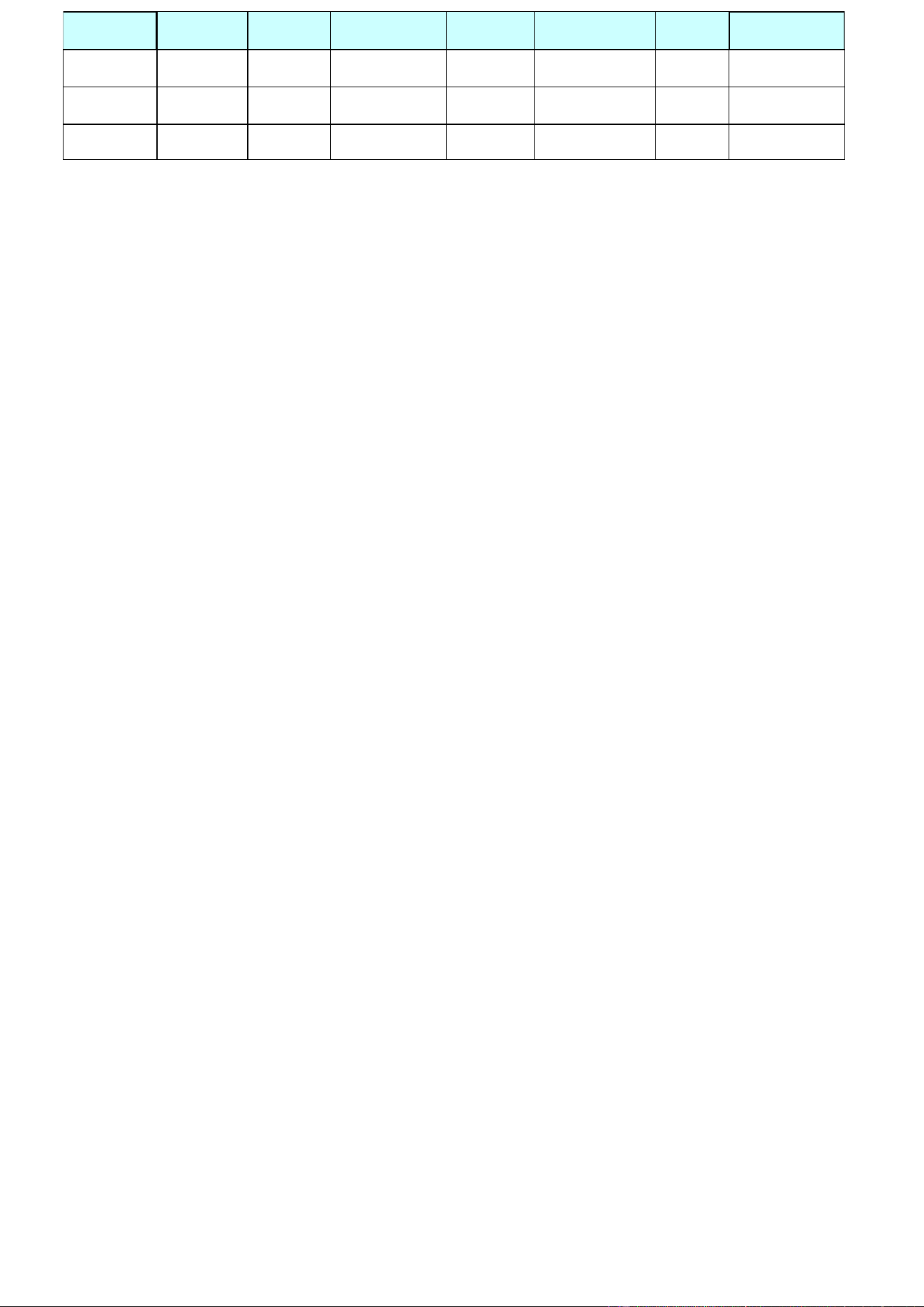
2. Fn + F1-F12 multimedia functions
Hold Fn and press F1-F12; they then act as multimedia function keys
Default Hot key Default Hot key Default Hot key Default
F
Hot key
1 Media F4 Mute F7 Play/Pause F10 E-mail
F2 Volume- F5 PreTrack F8 CD Stop F11 My computer
F3 Volume+ F6 NextTrack F9 web home F12 wwwFavorite
2.4G Wireless Membrane Keyboard
Ver7.0
Keyboard Matrix
R0 R1 R2 R3 R4 R5 R6 R7
C0
Pause
Power usb dongle
Sleep Ctrl-R Wake up Ctrl-L
F5
(pre track)
C1
Q Tab A Esc Z N-chg `(~) 1 (!)
C2
W Caps S K45 X Chg
F1
(media)
2 (@)
C3
E
F3
(vol+)
D
F4
(mute)
C ROMA
F2
(vol-)
3 (#)
C4
R T F G V B 5 (%) 4 ($)
C5
U
(4)
Y
J
(1)
H
M
(
0
)
N 6(^)
7 (&)
(7)
C6
I
(5)
O
] (})
K
(2)
L
F6
(next track)
, (<)
. (>)
K56 +’ (=)
8
(*)
(8)
9 (()
C7
(6)
P
F7
(play/pau
)
(3)
; (:)
type-c dongle
(.)
App
/ (
?
)
F8
(CD stop)
(9)
0
())
C8
(-)
[ ({)
(+)
‘ (“) K42
(/)
_ (-)
(*)
C9
Scroll
Connect
button
Fn
Alt-L Alt-R
Connect
button
Print
C10
K14 Back \ (|)
F11
(computer)
Enter
F12
(www fav)
F9
(web home)
F10
(mail)
C11
7
(K)
4
(
K
)
1
(
K
)
Space Num
↓
Del Power
C12
8
(K)
5
(
K
)
2
(K)
0
(K)
/
(
K
)
→
Ins Sleep
C13
9
(K)
6
(
K
)
3
(K)
.
(K)
*
(
K
)
-
(
K
)
Page Up
Page down
C14
+
(K)
K107
Enter
(K)
↑
Play/Pause
←
Home End
C15
Wake up Shift_L Shift-R Vo lume- Vo lume+ Next Track Prev Track Media
C16
Mail WIN-L
www
Forward
www
Stop
www
Back
www
Refrech
Mute
www
Searc
h
C17
K150 (KC-L)
www
Favourite
WIN-R
My
Com
p
uter
Stop Calculator Web/Home
K151
(KC-R)
2.4G Wireless Membrane Keyboard
Ver7.0
1.
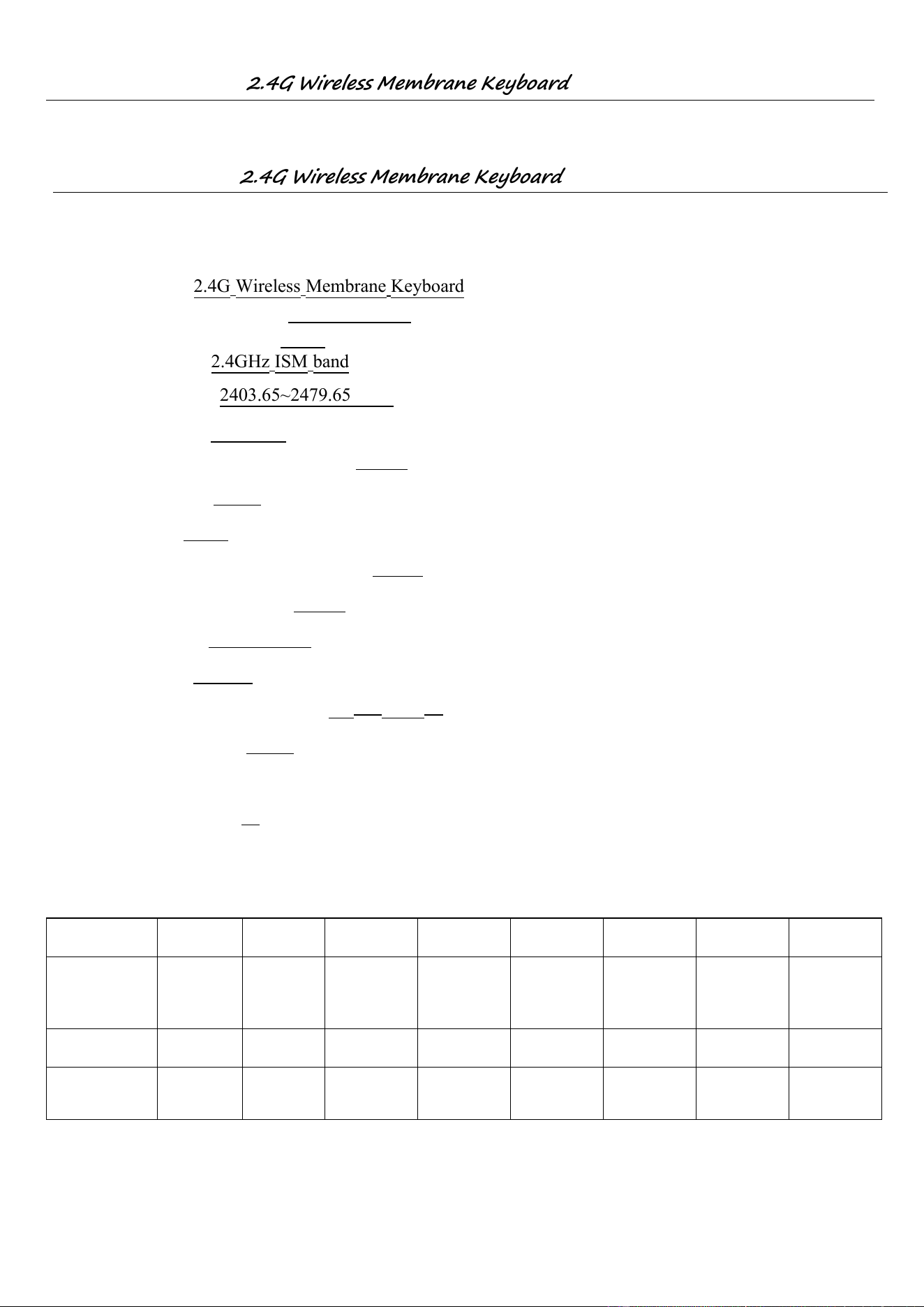
Channel List
2.4G Wireless Membrane Keyboard
Ver7.0
● RF Product Technical Specifications (for FCC, CE, KCC)
1. Product Name : 2.4G Wireless Membrane Keyboard
2.Rated Voltage and Current:
DC 1 . 5 V,5mA
3.Frequencyhopping method: FHSS
4. Frequency Band :
2.4GHz ISM band
5.Carrier Frequency : 2403.65~2479.65MH z
6. Channel Spacing: 2 . 5 MHz
7. RF Output Power (ERP OR EIRP) : -1dBm
8.Modulation Type : GFSK
9. Duty Cycle : <10%
11. Mode of operation (duplex , simplex): duplex
12. Bit Rate of Transmission : 2Mbps
13. Antenna Type: PCB Antenna
14. Antenna gain: 2.03dBi
~ 55℃15. Operating Temperature Range: -20℃
16. Channel Bandwidth : 2MHz
17. Preset Target Market: EUROPE
18. Number of Channel: 16
:
Channel 1 2 3 4 5 6 7 8
Frequency
(MHz)
2403.65 2426.65
2441 .65 2463 .65
2407.65
2422.65
2445.65 2466.65
Channel 9 10 11 12 13 14 15 16
Frequency
(MHz)
2436.6
2414.65
5 2459.65 2473.65
2419.65 2439.65 2453.65
2479.65
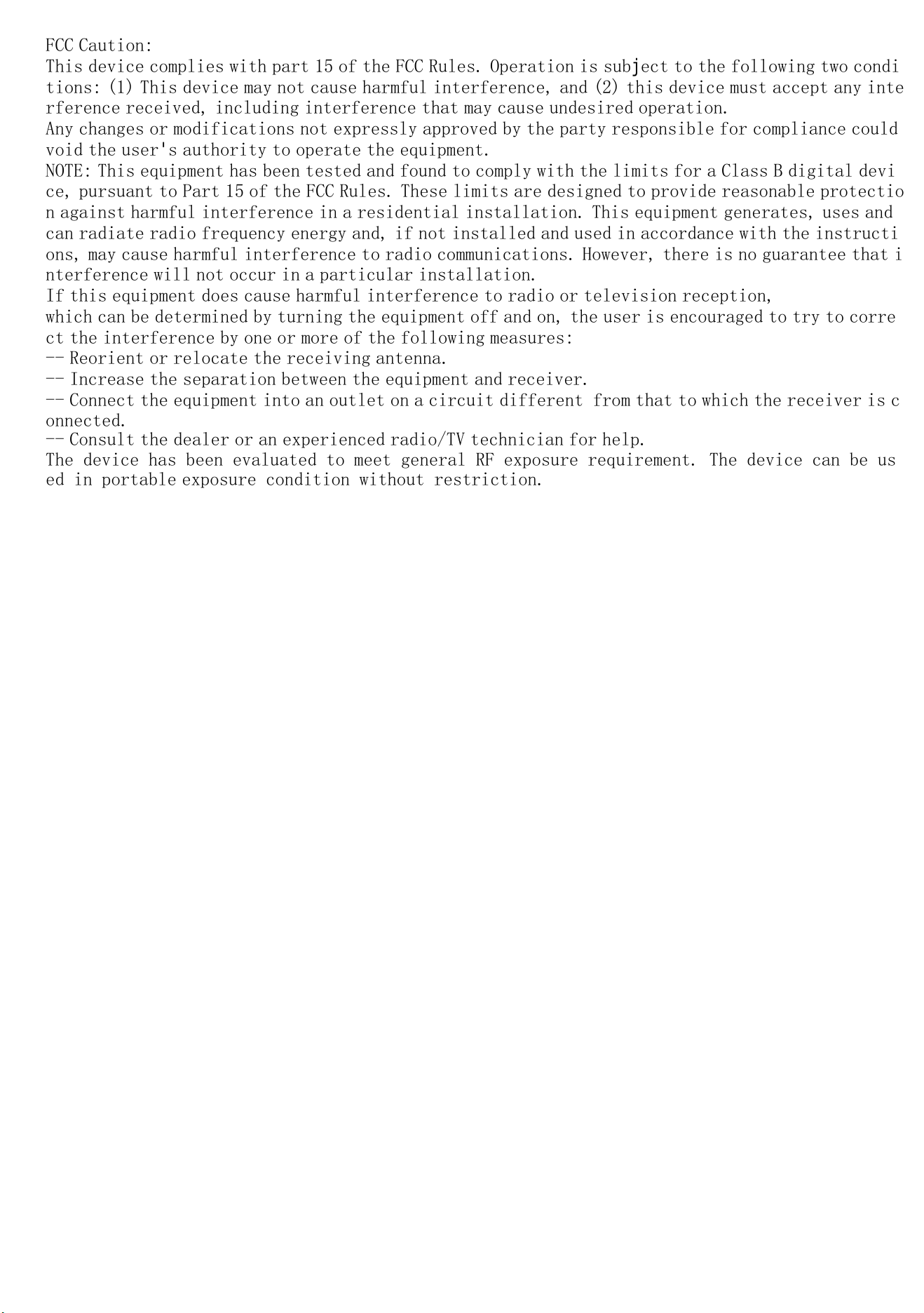
FCC Caution:
This device complies with part 15 of the FCC Rules. Operation is subject to the following two condi
tions: (1) This device may not cause harmful interference, and (2) this device must accept any inte
rference received, including interference that may cause undesired operation.
Any changes or modifications not expressly approved by the party responsible for compliance could
void the user's authority to operate the equipment.
NOTE: This equipment has been tested and found to comply with the limits for a Class B digital devi
ce, pursuant to Part 15 of the FCC Rules. These limits are designed to provide reasonable protectio
n against harmful interference in a residential installation. This equipment generates, uses and
can radiate radio frequency energy and, if not installed and used in accordance with the instructi
ons, may cause harmful interference to radio communications. However, there is no guarantee that i
nterference will not occur in a particular installation.
If this equipment does cause harmful interference to radio or television reception,
which can be determined by turning the equipment off and on, the user is encouraged to try to corre
ct the interference by one or more of the following measures:
-- Reorient or relocate the receiving antenna.
-- Increase the separation between the equipment and receiver.
-- Connect the equipment into an outlet on a circuit different from that to which the receiver is c
onnected.
-- Consult the dealer or an experienced radio/TV technician for help.
The device has been evaluated to meet general RF exposure requirement. The device can be us
ed in portable exposure condition without restriction.