Bluetooth Speaker
User Manual
Thank you for your choose this product. Your recognition has always been our driving
force.
1: Instruction:
Before using this product pls carefully read the instruction first, to avoid any confused.
1: Firstly please press the switch on/off button of this product. Then open your smart
devices to connect the Bluetooth name “Smartfy AquaSound”, successfully connected
you will hearing the “Beep” voice prompt for paring.
2: After connected the Bluetooth, you can play any music on your smart devices anytime
anywhere then.
2: How to using:
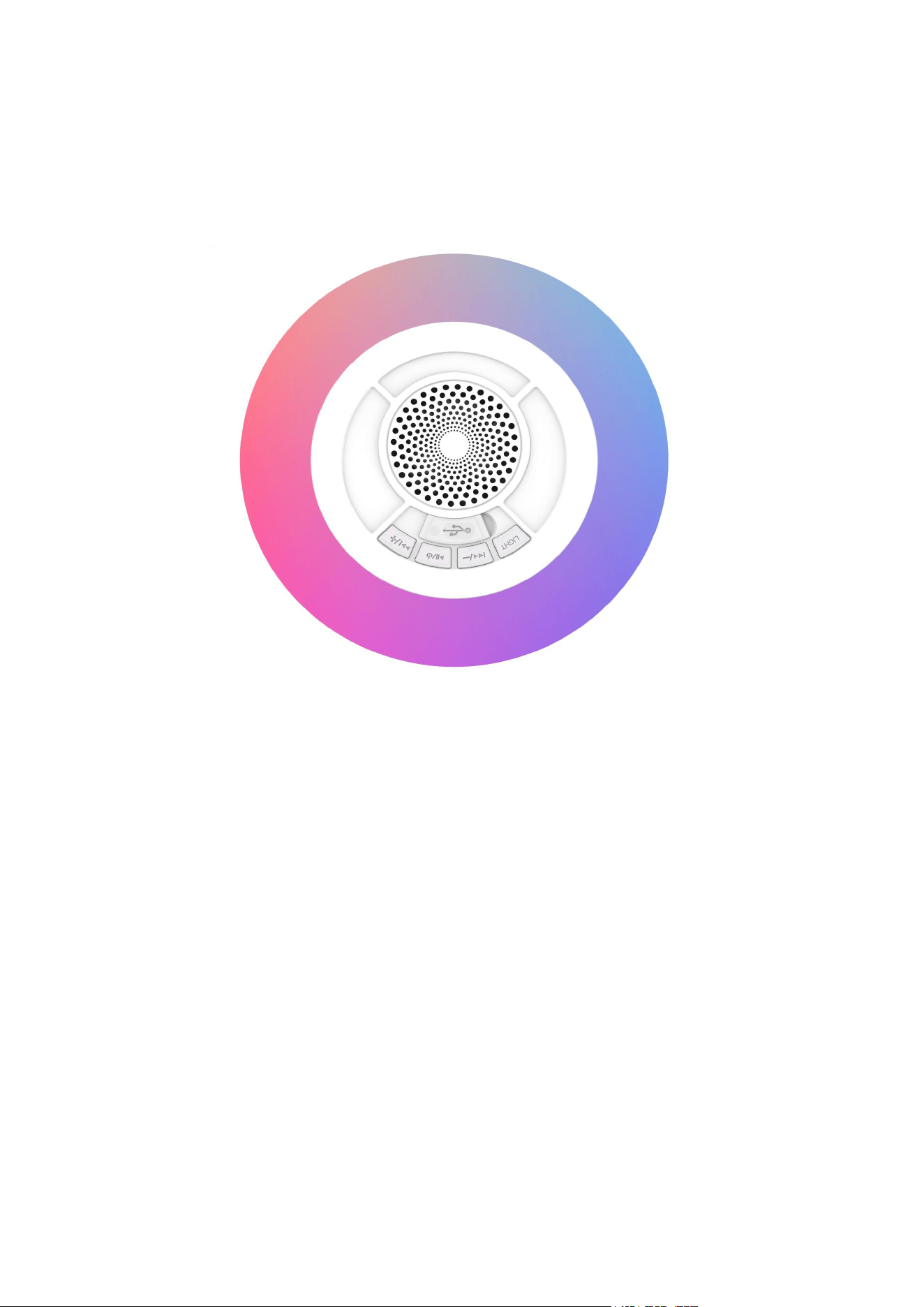
Follows picture for the product buttons instruction.
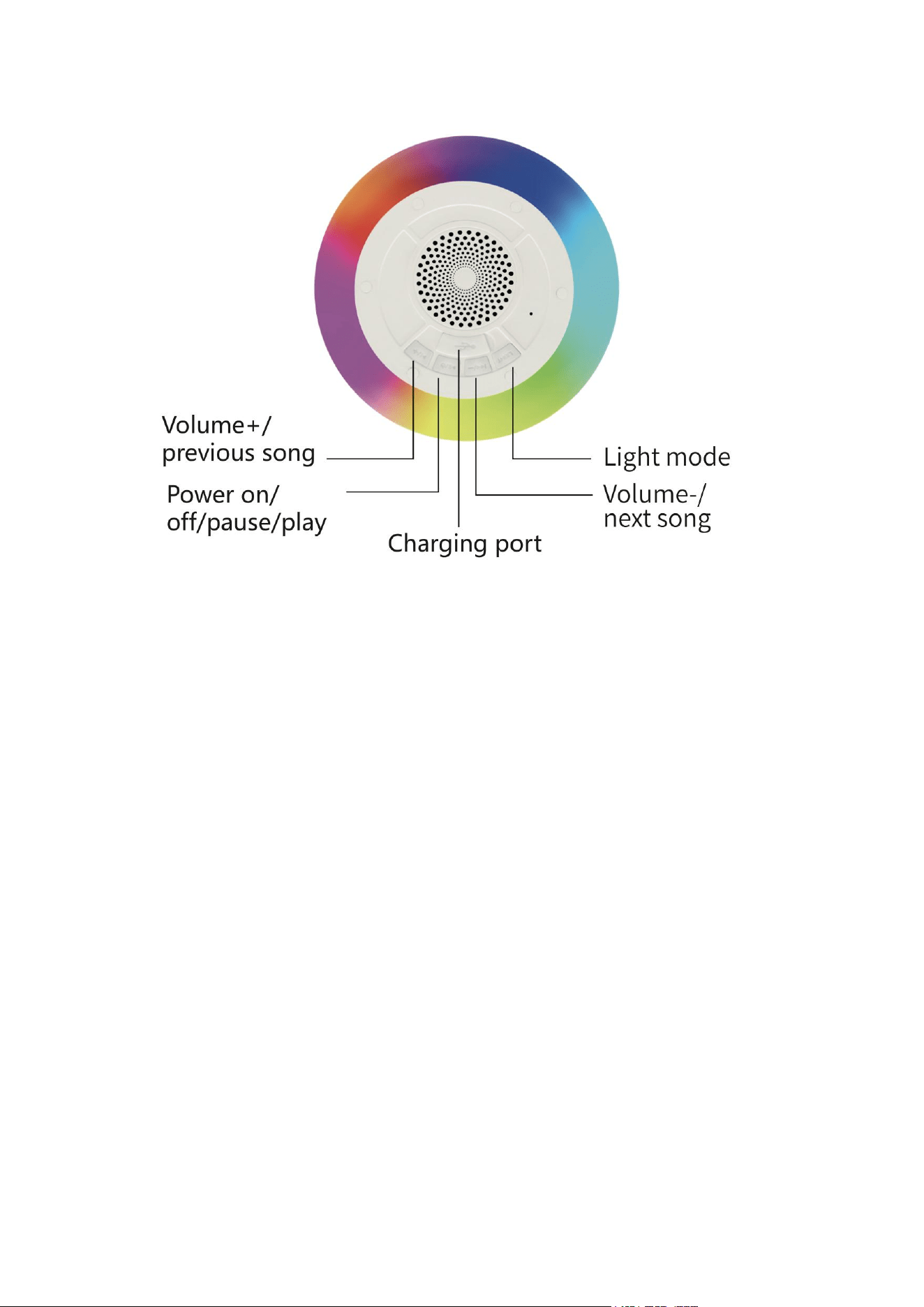
1: Switch On/Off Button.
1) Short press for Pause/Play.
2) Long press of 3 second for Switch on/off.
3) Long press 8 second for reset function.
4) Dual press for Aurocast mode(Broadcast mode, 1 to N connection).
5) Tripe press for Sound quality checking.
6) Four press for awake voice assistant(Google/Siri).
2: Volume Down/Previous Song Button.
1) Long press to go back to the previous track/song.
2) Short press for volume down.
3: Light Button.
1) Short press for light mode change(Light effect 1, 2,3,4 etc).
2) Long press for switch on/off light.
3) Dual press for dis-connect/re-connect Bluetooth.
4) Tripe press for clear paired list..

4: Volume Up/Next Song Button.
1) Long press to skip to the next track/song.
2) Short press for volume up.
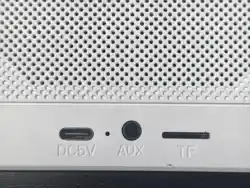
5: USB-C/Type-c Charging port(DC 5V)
1) The user can connect the charging cable for get charging if the unit battery is low and
the voice prompt is reminding, we suggest to use an adaptor of DC 5V 2A.
2) During the charging state, the charging LED indicator is solid red in color.
3) Once the battery gets fully charged, changing LED turns off.
Note: Please don’t use the speaker while it is in charging as it may decrease the battery’s
performance.
NOTE:
1) Play time varies according to the level of volume.
2) If the speaker doesn’t turn off or doesn’t respond properly, you could use the Reset
functionality.
3) The speaker can automatically reconnected to the last paired device.
4) The speaker gets automatically turned off if there’s no pairing established in 10 minutes.
5) Please kindly use the speaker outside for 1 to N connection, otherwise might bring not
good use experience for you.
LED INDICATOR:
1) Turn the speaker on and the LED blinks in blue color.
2) The LED turns steady after connected with smart devices.
1) The LED blinks in blue color when playing.
2) The LED is solid red when charging.
3) The LED is off when full charged.
TWS CONNECTION:
1) Turn the speaker on that you require to be forged into one, both under Bluetooth mode.
You need to set up only one of the two units.
2) Double press the Pause/Play button on one of speaker to establish TWS connectivity.
3) A tone gets heard again along with the Blue LED turning steady; it may take a few
seconds before the two speaker get connected.
4) Activate the phone’s Bluetooth and search for “Smartfy AquaSound” to establish
pairing.
SPECIFICATIONS:
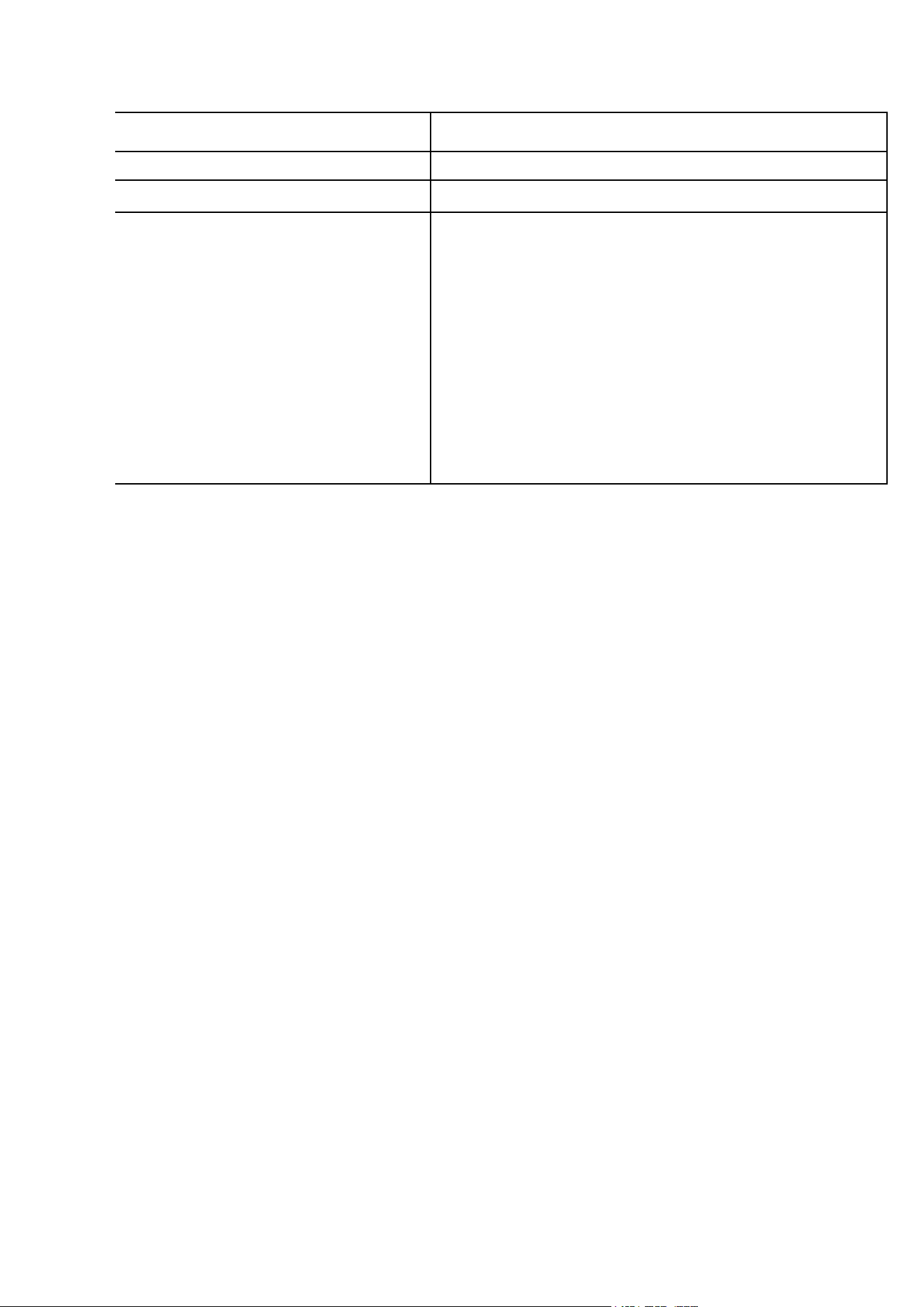
Bluetooth Chipset
AC7065E V5.4
Power Amplifier
LTK5315
Working Range
10m
Speaker Driver
52mm, 5W / 4Ω (Output: 5W, RMS: 5W 10% THD)
Battery Capacity
3.7V/1200mAh
Charging Interface
USB-C/ Type-c
Water Resistance
IPX6
Standby Time
200H
Frequency Response
20-20 kHz
Compatibility
Bluetooth, answer calling, Aurocast, RGB lights
Charging Time
Up to 2H
Play Time
Up to 8H at 50% volume(Play time varies according to the
volume and music)
WARNING:
1) Please keep this product safe from coming in contact with any liquid.
2) Don’t use/store this product in extreme temperatures.
3) Please keep the product away from anything that generates heat, such as radiators,
stoves, etc.
4) In order to have hearing protection and an extended speaker life, avoid listening to
songs on maximum volume.
5) Don’t try dismantle/repair the product on your own.
FCC Caution:
This device complies with part 15 of the FCC Rules. Operation is subject to the following two
conditions: (1) The device may not cause harmful interference, and (2) this device must accept any
interference received, including interference that may cause undesired operation.
FCC Statement
:
Changes or modifications not expressly approved by the party responsible for compliance could
void the user's authority to operate the equipment.
This equipment has been tested and found to comply with the limits for a Class B digital device,
pursuant to Part 15 of the FCC Rules. These limits are designed to provide reasonable
protection against harmful interference in a residential installation. This equipment generates
uses and can radiate radio frequency energy and, if not installed and used in accordance with
the instructions, may cause harmful interference to radio communications. However, there is no
guarantee that interference will not occur in a particular installation. If this equipment does
cause harmful interference to radio or television reception, which can be determined by turning
the equipment off and on, the user is encouraged to try to correct the interference by one or
more of the following measures:
-- Reorient or relocate the receiving antenna.
-- Increase the separation between the equipment and receiver.
-- Connect the equipment into an outlet on a circuit different from that to which the receiver is
connected.
-- Consult the dealer or an experienced radio/TV technician for help
This equipment complies with FCC radiation exposure limits set forth for an uncontrolled
environment. The device can be used in portable exposure condition without restriction.
Thank you for your reading, hope you have a nice experience!