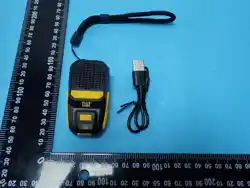
5W Wireless Charging Bluetooth Speaker
User Manual
Thank you for your choose this product. Your recognition has always been our driving
force.
1: Instruction:
Before using this product pls carefully read the instruction first, to avoid any confused.
1: Firstly please press the switch on/off button of this product. Then open your smart
devices to connect the Bluetooth name “BTM10”, successfully connected you will hearing
the “Beep” voice prompt for paring.
2: After connected the Bluetooth, you can play any music on your smart devices anytime
anywhere then.
2: How to using:
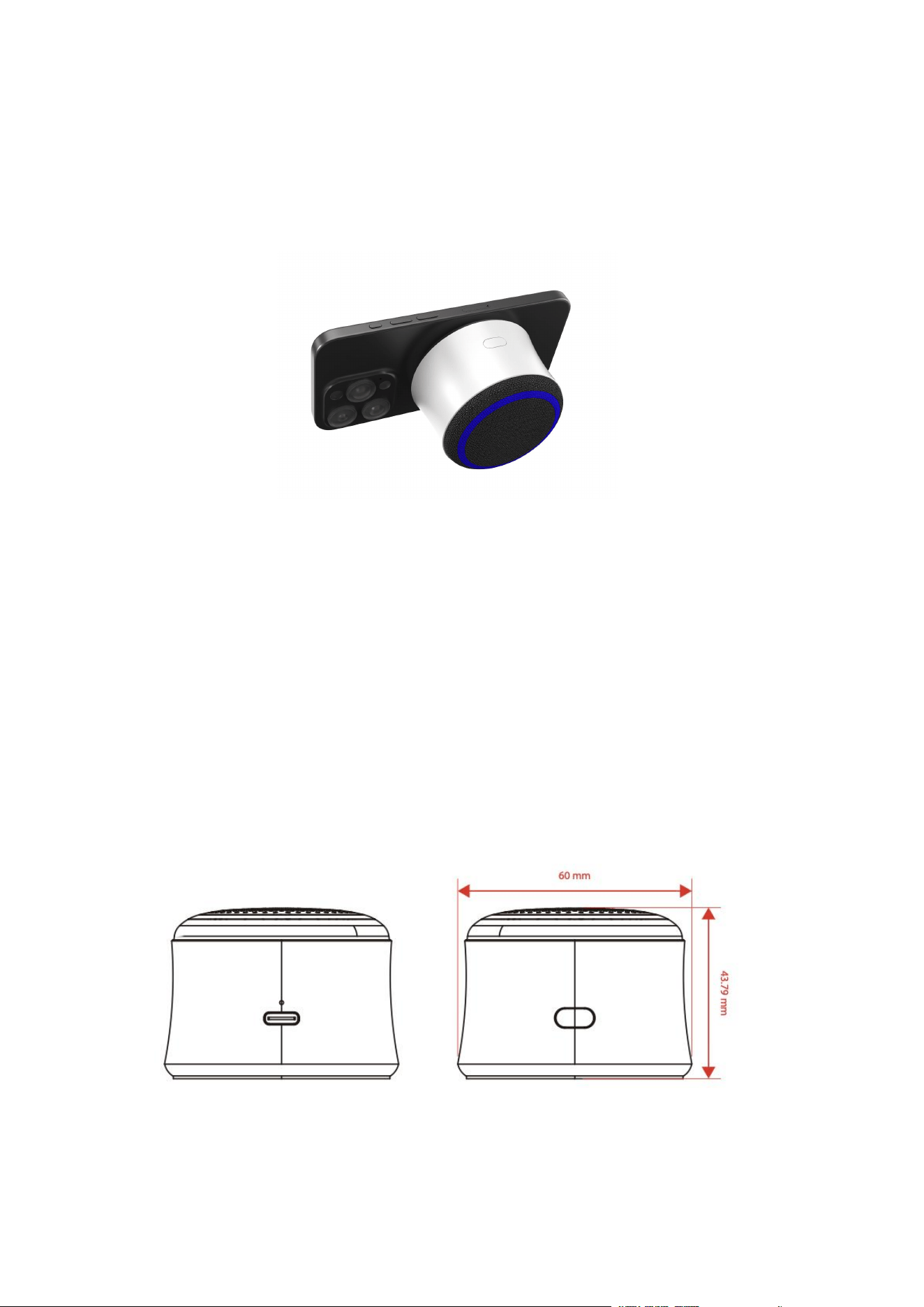
Follows picture for the product buttons instruction.

1: Switch On/Off Button.
1) Short press for play/pause.
2) Long press of 3 second for Switch on/off.
3) Dual press for voice assistant function(Siri & Goggle).
4) Triple press for dis-connected, re-connect.
2: USB-C/Type-c Charging port(DC 5V)
1) The user can connect the charging cable for get charging if the unit battery is low and
the voice prompt is reminding, we suggest to use an adaptor of DC 5V 2A.
2) During the charging state, the charging LED indicator is solid red in color.
3) Once the battery gets fully charged, changing LED turns off.
Note: Please don’t use the speaker while it is in charging as it may decrease the battery’s
performance.
NOTE:
1) Play time varies according to the level of volume.
2) If the speaker doesn’t turn off or doesn’t respond properly, you could use the Reset
functionality.
1) The speaker can automatically reconnected to the last paired device.
2) The speaker gets automatically turned off if there’s no pairing established in 10
minutes.
LED INDICATOR:
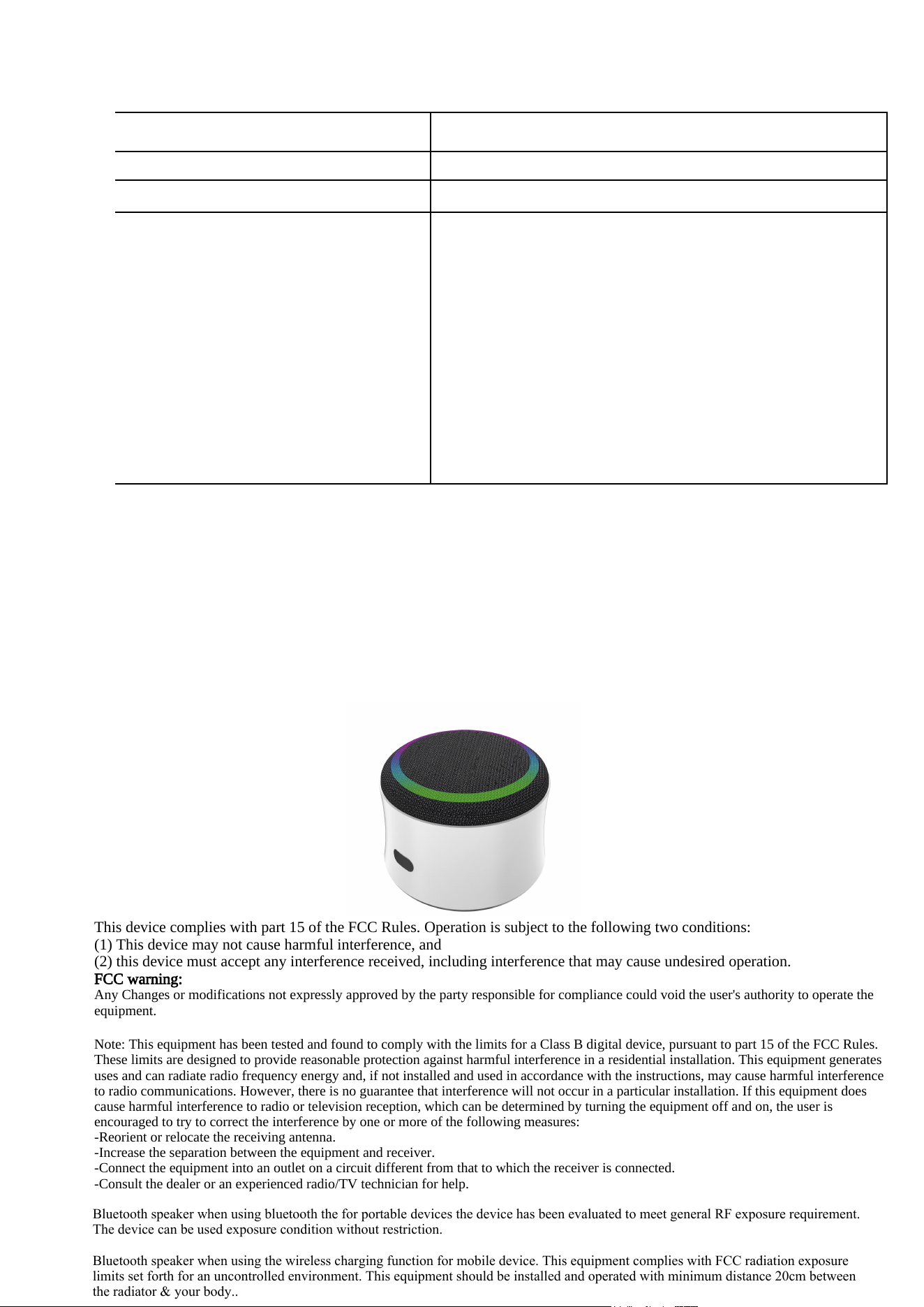
1) Turn the speaker on and the LED blinks in blue color.
2) The LED turns steady after connected with smart devices.
3) The LED blinks in blue color when playing.
4) The LED is solid red when charging.
5) The LED is off when full charged.
TWS CONNECTION:
1) Turn the speaker on that you require to be forged into one, both under Bluetooth mode.
You need to set up only one of the two units.
2) Double press the Switch on/off button on one of speaker to establish TWS connectivity.
3) A tone gets heard again along with the Blue LED turning steady; it may take a few
seconds before the two speaker get connected.
4) Activate the phone’s Bluetooth and search for “BTM10”to establish pairing.
SPECIFICATIONS:
Bluetooth Chipset HYX HA3606A V5.4
Power Amplifier
LTK5315
Working Range 10m
Speaker Driver 40mm, 5W / 4Ω (Output: 5W, RMS: 3W 1% THD)
Battery Capacity 3.7V/400mAh
Charging Interface USB-C/ Type-c
Water Resistance N/A
Standby Time 200H
Frequency Response 20-20 kHz
Compatibility Bluetooth, TWS
Charging Time Up to 2H
Play Time Up to 6H at 60% volume(Play time varies according to the
volume and music)
WARNING:
1) Please keep this product safe from coming in contact with any liquid.
2) Don’t use/store this product in extreme temperatures.
3) Please keep the product away from anything that generates heat, such as radiators,
stoves, etc.
4) In order to have hearing protection and an extended speaker life, avoid listening to
songs on maximum volume.
5) Don’t try dismantle/repair the product on your own.
Thank you for your reading, hope you have a nice experience!
This device complies with part 15 of the FCC Rule
s. Operation is subject to the following two conditions:
(1) This device may not cause har
mful interference, and
(2) this device must accept any interference received, including interfer
ence that may cause undesired operation.
FCC warning:
Any Changes or modifications not expressly approved by the party r
esponsible for compliance could void the user's authority to operate the
equipment.
Note: This equipment has been tested a
nd found to comply with the limits for a Class B digital device, pursuant to part 15 of the FCC Rules.
These limits are designed to provide
reasonable protection against harmful interference in a residential installation. This equipment generates
uses and can radiate radio frequency energy and, if
not installed and used in accordance with the instructions, may cause harmful interference
to radio communications. However, there is
no guarantee that interference will not occur in a particular installation. If this equipment does
cause harmful interference t
o radio or television reception, which can be determined by turning the equipment off and on, the user is
encouraged to try to correct the interference by one or more of the following measures:
-Reorient or relocate the receiving antenna
.
-Increa
se the separation between the equipment and receiver.
-Connect the equipment into an outlet on a circuit different from that to whi
ch the receiver is connected.
-Consult the dealer or an experienced radio/TV technic
ian for help.
Bluetooth speaker when using bluetooth the for portable devices the device has been evaluated to meet general RF exposure requirement.
The device can be used exposure condition without restriction.
Bluetooth speaker when using the wireless charging function for mobile device. This equipment complies with FCC radiation exposure
limits set forth for an uncontrolled environment. This equipment should be installed and operated with minimum distance 20cm between
the radiator & your body..