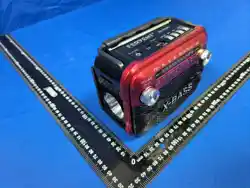
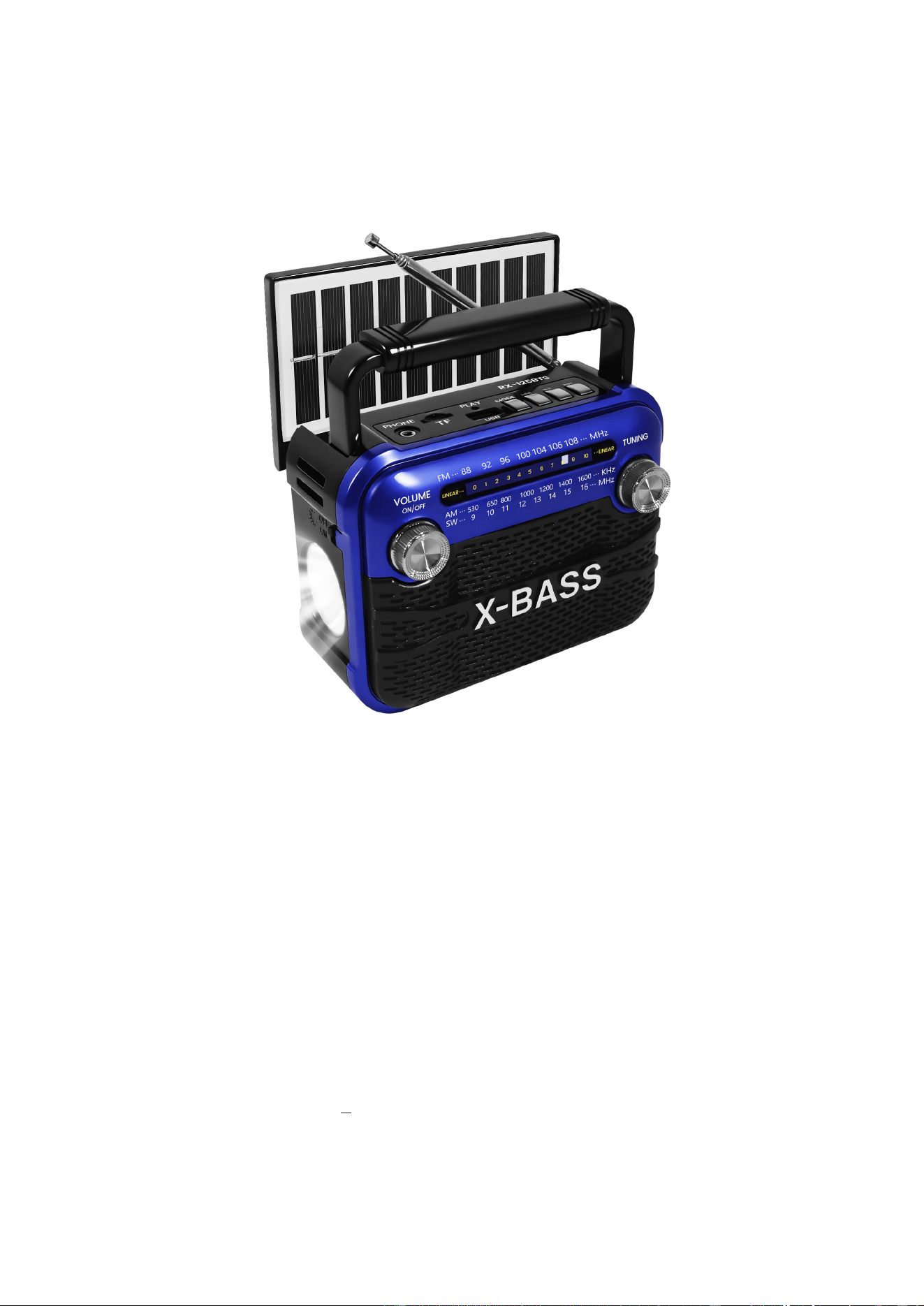
PORTABLE AM/FM
RADIO PLAYER
INSTRUCTION MANUAL
Important safety instructions please read carefully and keep for future reference
Model NO: RX-125BT-S
WARING
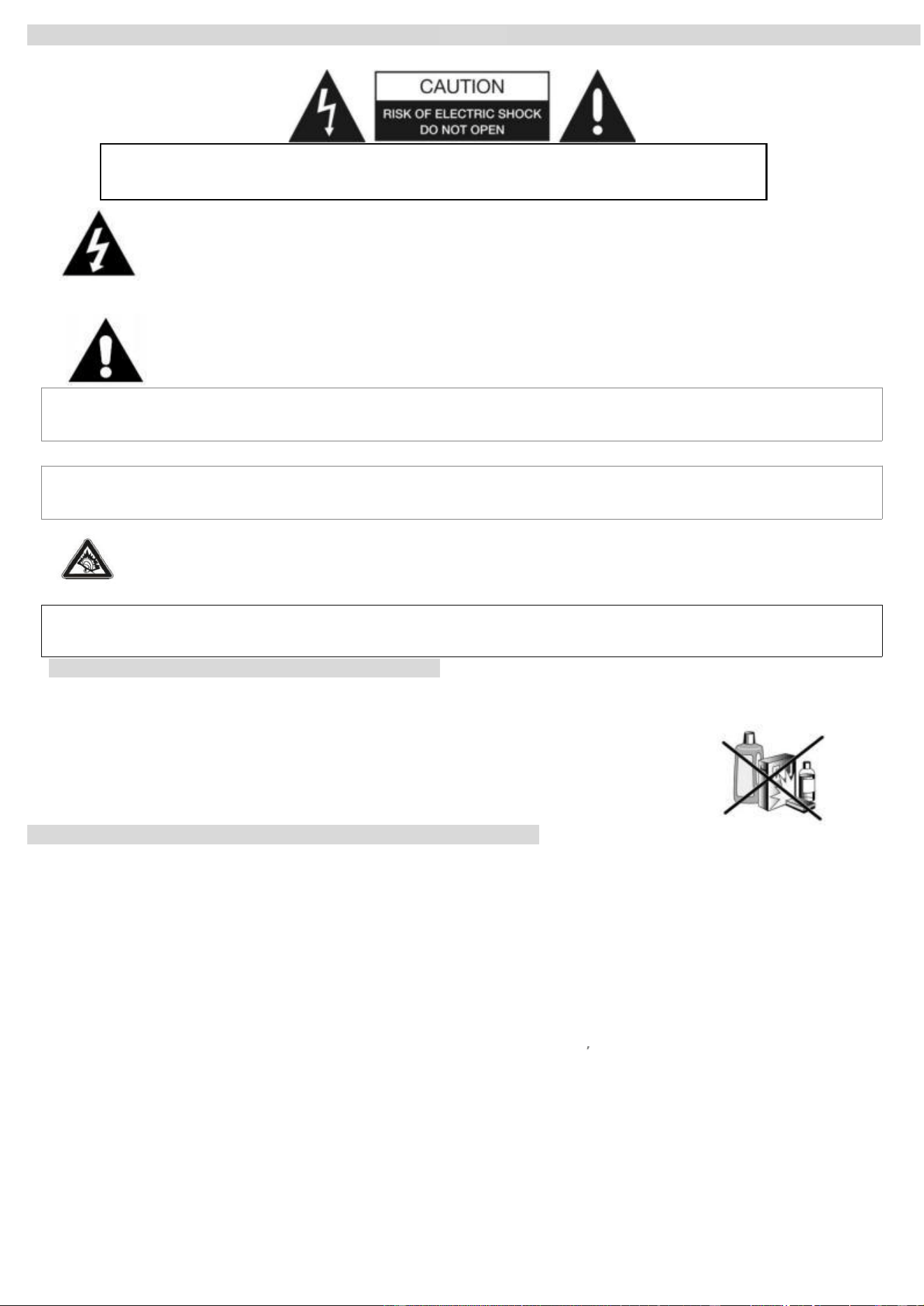
TO PREVENT FIRE OR SHOCK HAZARD DO NOT EXPOSE THIS APPLIANCE TO RAIN OR MOISTURE.
WARNING: SHOCK HAZARD- DO NOT OPEN
AVIS: RISQUE DE CHOC ELECT RIQUE -NE PAS
LIGHTNING FLASH WITH ARROWHEAD SYMBOL -
within an equilateral triangle, is intended to alert the user to the presence of uninsulated dangerous voltage within
the products enclosure that may be of suffcient magnitude to constitute a risk of electric shock to persons.
EXCLAMATION POINT -within an equilateral triangle is used to indicate that a specific componentshall be
replaced only by the component specified in that documentation for safety reason.
DRIPPING WARNING
product s hall not be exposed to dripping or splashing and that no objects filled with liquids, shall be placed on the product.
VENTILATION WARNING
The norma ventilation of the product shall not be impeded for intended use.
SAFE SOUND
Notes: 1 . Reduce volume before plugging the earphones/headphone.
2 . speaker of the unit is automatically disconnected while earphone /headphones are connected.
3 . Adjust the volume to a comfortable listening volume level.
IMPORTANT! It is recommended not to leave a mobile phone near the unit in order to avoid electromagnetic interference in the
speakers.
CAUTION
Dangerous tension inside the product ! DO not open. Risk of electric shock ! NO Parts can be repaired by the end-user·
only qualified personnel can repair and maintain this product.
If the electric cord is damaged, it must be replaced by the manufacturer or qualified after-sales personnel in order to avoid any danger.
The product must be installed in accordance with local laws.
Damaged batteries must be properly disposed. In order to protect the environment, please dispose the
batteries properly, in accordance with local laws (information is available at your reseller).
To clean the set use a soft dry cloth. DO not use any cleaning agents containing alcohol, ammonia c, benzene
or abrasive as this may harm the housing.
PREPARATION FOR USE ---POWER SUPPLY
using DC Electric supply
please unplug the product in case of prolonged non-use.
If the supply cable is damaged, it must be replaced by the manufacturer or qualified after-sales personnel to avoid any danger.
This product must be connected to an electrical supply DC 5v-1A CELLPHONE RECHARGING ADAPTOR DIRECTLY
REMARK: PLS Use the correct CE Approval cellphone adaptor to recharge the unit, the original package is not including the Ac adaptor,
only include 80cmength USB recharging cable.DO not use the product with a battery different from the one provided.
CAUTION: Explosion risk if the battery is not replaced correctly. DO not attempt to replace the battery with a different battery version. Batteries
(battery pack or batteries installed) shall not be exposed to excessive heat such as sunshine or fire or any other heat sources.
using DC Power inserting Batteries (not included)
1. open the battery compartment. And insert as indicated in the compartment fourbatteries type LR14, UM2 orc size batteries (not included) ·
2. Insert batteries into the battery compartment, making sure that the batteries are installed in the designated numerical order and that the
proper polarities (+and -) are maintained, to prevent possible damage to the unit:
(preferably Alkaline) with the correct polarity as indicated by the + and symbols inside the compartment
using DC Power -DC Jack
1. connect the DC 3.5mm cable(not including) to the DC Power Jack and 5v DC adaptor(not including). the power supply is now connected
and ready for use.
2. To switch off completely, unplug the Ac adaptor from the wall outlet.
3. unplug the Ac adaptor from the wall outlet to protect your set during heavy thunderstorms.
----------------------------------------------------------------------------------PAGE 1------------------------------------------------------------------------
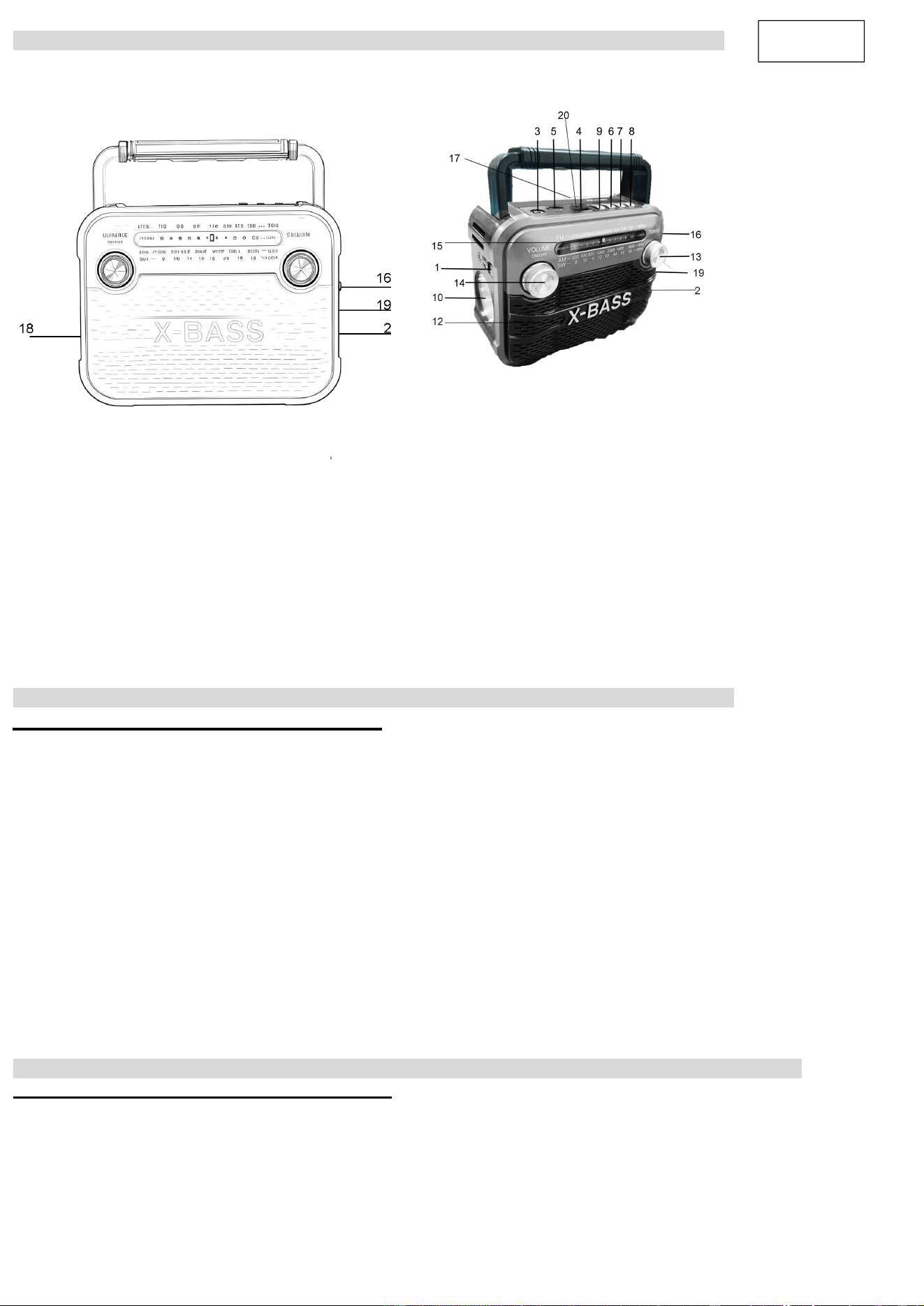
CONTROL LOCATIONS
FM/AM RADIO WITH USB/SD PLAYER with Bluetooth function
1 LAMP OR TORCH SWITCH 2 MICRO-USB POWER JACK-5V IN
3 PHONE JACK 4 USB JACK
5 TF JACK 6 PREV
7 PLAY/PAUSE 8 NEXT
9 MODE 10 LED-TORCH
12 SPEAKER
13 TUNING 14 POWER ON/OFF AND VOLUME
15 TUNING WINDOW AND POINTER 16 BAND SWITCH
17 FMAND SWANT 18 BATTERY DOOR
19 CHARGE LAMP 20 PLAY LAMP
RADIO OPERATION
LISTENING TO THE RADIO
1. Turn the Function switch(16)to RADIO position.
2. When connect the DC power inside the DC socket(14),The battery is being charged and the charge LED is
on,machine will be worked by DC default.When pull out the DC power,the machine will be worked
by battery default.
3. Turn the volume knob(14)adjust it to the appropriate volume.
4. Turn the band switch(16)to FM, turn the tuner(13)and watch the tuning frequency indicating window(7)
and indicator select the program which you want to receive.
5. When you receive FM and SW station,please pull out the telescopic antenna(17) to get the best reception by
changing it’s length and angle.
6. Receiving AM by using the internal magnetic antenna,and you can get the best reception by rotating the
direction of the radio.
7. In order not to affect others,please insert the earphones in the earphones in the Headphones jack(3),you
can listen to the by earphones.when you would not like to use,please set the switch to OFF position.
MEDIA PLAYER
PLAYING USB Player
1.Turn the Function switch(16)to MP3 position And adjust volume knob(12) to the appropriate volume.
The unit will be working in BT/USB/TF playback status
2.inserting TF card, USB reader(Maximum support 16G).
3.No need to shift among USB/TF card,machine automatically read the first input media device .If firs input TF card,you need
to take out TF card, then machine can read MP3music file from U Disc
----------------------------------------------------------------------------------PAGE 2------------------------------------------------------------------------
English
FCC Statement
This equipment complies with Part 15 of the FCC Rules. Operation is subject to the following two conditions:
(1) This device may not cause harmful interference, and
(2) This device must accept any interference received, including interference that may cause undesired
operation.
NOTE: This equipment has been tested and found to comply with the limits for a Class B digital device,
pursuant to part 15 of the FCC rules. These limits are designed to provide reasonable protection against
harmful interference in a residential installation. This equipment generates, uses and can radiate radio
frequency energy and, if not installed and used in accordance with the instructions, may cause harmful
interference to radio communications.
However, there is no guarantee that interference will not occur in a particular installation. If this equipment
does cause harmful interference to radio or television reception, which can be determined by turning the
equipment off and on, the user is encouraged to try to correct the interference by one or more of the
following measures:
-Reorient or relocate the receiving antenna.
-Increase the separation between the equipment and receiver.
-Connect the equipment into an outlet on a circuit different from that to which the receiver is connected.
-Consult the dealer or an experienced radio/TV technician for help.
FCC Radiation Exposure Statement:
The device has been evaluated to meet general RF exposure requirement.The device can be used in the
Warning
To assure continued compliance, any changes or modifications not expressly approved by the party.
Responsible for compliance could void the user’s authority to operate this equipment.
portable exposure condition without restriction.