Please use DC5V 2A current safety standard charge to
charge the speaker, when charging starts, the charge
indicator lights up in red. Charging will complete in about
4 hours and the indicator will turn off.
Echo Control Adjustment Þ
Adjust Echo Level:
Double-press the M button to enter Echo Control Mode.
Within 5 seconds, use the “+” or “–” buttons to increase
or decrease the echo level.
Adjust Microphone Volume:
Press and hold the M button to enter Microphone
Volume Mode. Within 5 seconds, use the “+” or “–”
buttons to adjust the microphone volume.
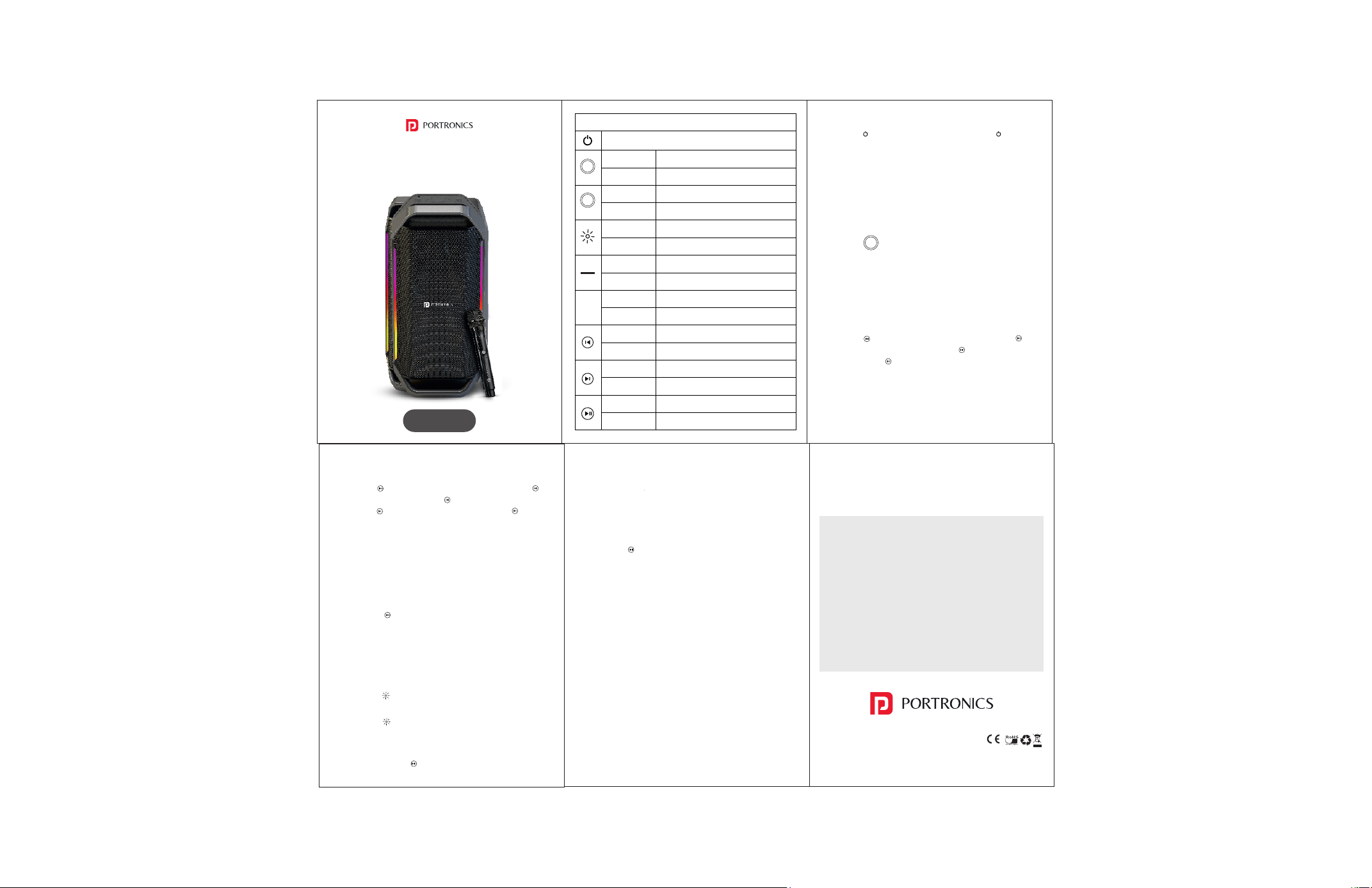
Functional Brief Description
Power Switch On/Off
Short Press
Adjust Bass or Tweeter
Long Press
3s long press reset the device
Short Press
Mode Switch
Long Press
Force disconnect the BT
Short Press
Turn on/ Change light effect
Long Press
Turn off the lights
Short Press
Reduce the volume
Long Press
Reduce the volume quickly
Short Press
Increase the volume
Long Press
Increase the volume quickly
Short Press
Play the last song
Long Press
N/A
Short Press
Play the next song
Long Press
N/A
Short Press
Play/ Pause
Long Press
Enter TWS mode / Exit TWS mode
www.portronics.com
For Support
Visit : www.portronics.com
Email : [email protected]
Contact No. : +91 9555245245
(Working Hrs. : Monday - Saturday 10:00am - 6:00pm)
E-Waste Management
For E-Waste & ROHS compliance
refer to www.portronics.com/ewaste
User Manual
Turn the power on or off. Þ
Long press “ ” button to switch on, short press “ ”button to
switch off.
Mode Switch Þ
Short press "M" button to switch mode
"BT -〉USB-〉AUX IN".
The first time booting will enter into Bluetooth model by
default, the next booting will enter into the same mode and
setting as last selection.
Short press “ ” button to adjust bass or tweeter.
Bluetooth Connecting Þ
Short press “M” button switch to BT mode, there will have a
prompt sound, choose pairing name Dash 13 on your
device to connect. Once successfully connected, there will
be an indication prompt sound.
Bluetooth Play Mode Þ
Short press “ ” button to Play and Pause, Long press “ ”
Enter and Exit TWS mode. Short press “ ” to Play the last
song. Short press “ ” to Play the next song. Short press “+”
button to increase the volume, Long press “+” button to
increase the volume quickly. Short press “-” button to
reduce the volume, Long press “ - ” button to reduce the
volume quickly.
Music Mode (USB) Þ
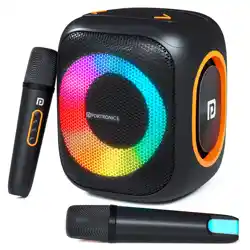
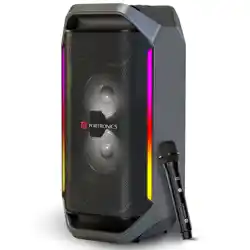
DASH 13
PARTY SPEAKER WITH WIRELESS KARAOKE MIC
1. MP3 Player (USB): Insert a USB, It will play music from USB
automatically.
Short press “ ” button to Play and Pause. Short press “ ” to
Play the last song, Long press “ ” to fast-rewind the song.
Short press “ ” to Play the next song, Long press “ ” to fast-
forward the song. Short press “+” button to increase the
volume, Long press “+” button to increase the volume
quickly. Short press “-” button to reduce the volume, Long
press “-” button to reduce the volume quickly.
Aux Mode Þ
1. Insert the AUX cable, and then press the “M” button
switch to AUX mode.
2. Short press “ ” button to Play and Pause.
3. Short press “+” button to increase the volume, Long
press “+” button to increase the volume quickly. Short
press “-” button to reduce the volume, Long press “-”
button to reduce the volume quickly.
RGB Light Control Þ
1. Short press “ ” button to turn on light/ change light
effect
2. Long press “ ” button to turn off light.
TWS Function Þ
1. When the BT mode is not connected to a Bluetooth
device, long-press “ “(for the host device) to enter the
Bluetooth TWS mode. The secondary device will
automatically search for pairing and does not require
any operation.
2. Once the automatic pairing between the main and
secondary devices is successful, there will be a sound as
a prompt, indicating that the TWS has been successfully
connected.
3. Long press “ “ to exit the TWS mode.
Note: To enter the Bluetooth TWS mode, you need to long
press the play button when the device is not connected to
any Bluetooth device. This will enter the Bluetooth TWS
mode for the host (left channel). It will automatically
search for and pair the sub-device.
Otherwise, it is impossible to enter the TWS mode for
searching and pairing.
Power And Recharge Þ
The are 4 indication lights on the control panel:
100%, 4 indication lights ON;
75%, 3 indication lights ON;
50%, 2 indication lights ON;
<25%, one indication light will be flashing.
Note: The device will automatically turn off when the
battery voltage lower than 6V.
BAS | TER
BAS | TER
M
+