User Manual
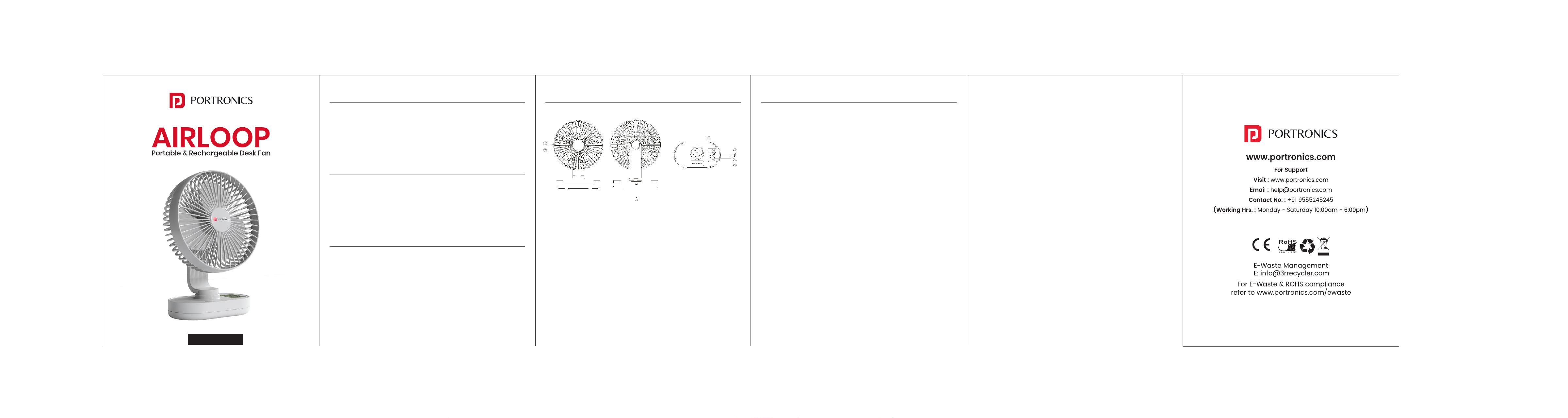
1. Detachable Front Cover
2. Fan Blade
3. Type-C Charging Port
4. Rotation Button
5. LED Switch
6. Fan Speed Switch
7. Speed Indicator
8. LED Light
OPERATING INSTRUCTIONS
/////
PRODUCT OVERVIEW
/////
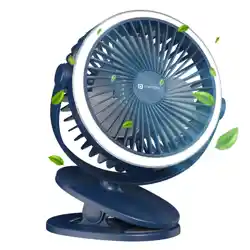
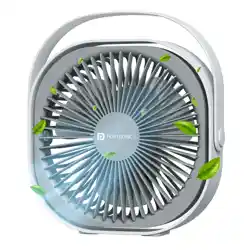
AirLoop is a compact, portable desk fan designed for effortless
cooling anywhere you go. With adjustable speed modes, long-lasting
rechargeable batteries, and quiet airflow, it is ideal for home, office,
and travel use.
IMPORTANT INFORMATION
/////
• The fan contains a lithium battery that can be used while charging.
• Do not insert objects into the fan while it is operating.
• Do not scratch or damage the fan components.
• Use the product as described in this manual to maintain battery life.
PRODUCT SPECIFICATIONS
/////
Power Consumption : 6W
Charging Time : 6–8 hours (DC 5V2A)
Battery : 2 × 3.7V 2000mAh Lithium-ion
Fan Operating Time :
Low Speed : 8–9 hours,
Medium Speed : 4–4.5 hours,
High Speed : 1.8–2.2 hours
LED Runtime : 18–20 hours
PARTS DESCRIPTION
/////
1. Turning On & Adjusting Fan Speed
• Press the FAN button to switch on the fan.
• Press repeatedly to cycle through speeds:
Press 1 time: Low
Press 2 times: Medium
Press 3 times: High
• The speed indicator light will display the selected level.
• If the fan stops responding, the battery may be low — please
charge it.
2. Charging the Fan
• Connect the supplied Type-C cable to the charging port.
• When the battery is low, the first bar of the speed indicator flashes
white; when the fan is fully charged, all indicator bars remain
steadily lit in white.
• Once fully charged, disconnect the cable and operate normally.
3. Using the Rotation Function
• Press the Rotation Button to rotate the fan head for wider airflow
coverage.
• Press again to stop rotation.
4. Using the LED Light
• Press the LED Switch to turn the LED ON/OFF.
• LED can operate independently even when the fan is OFF.