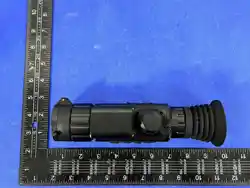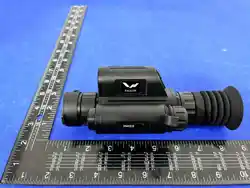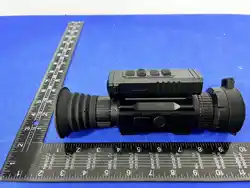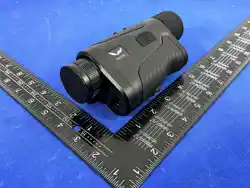
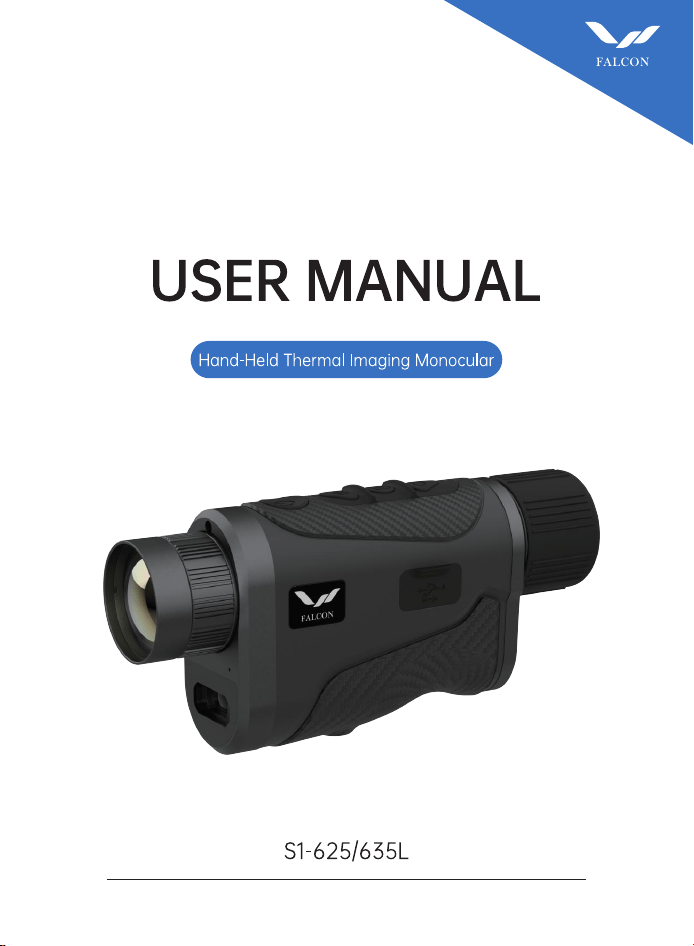
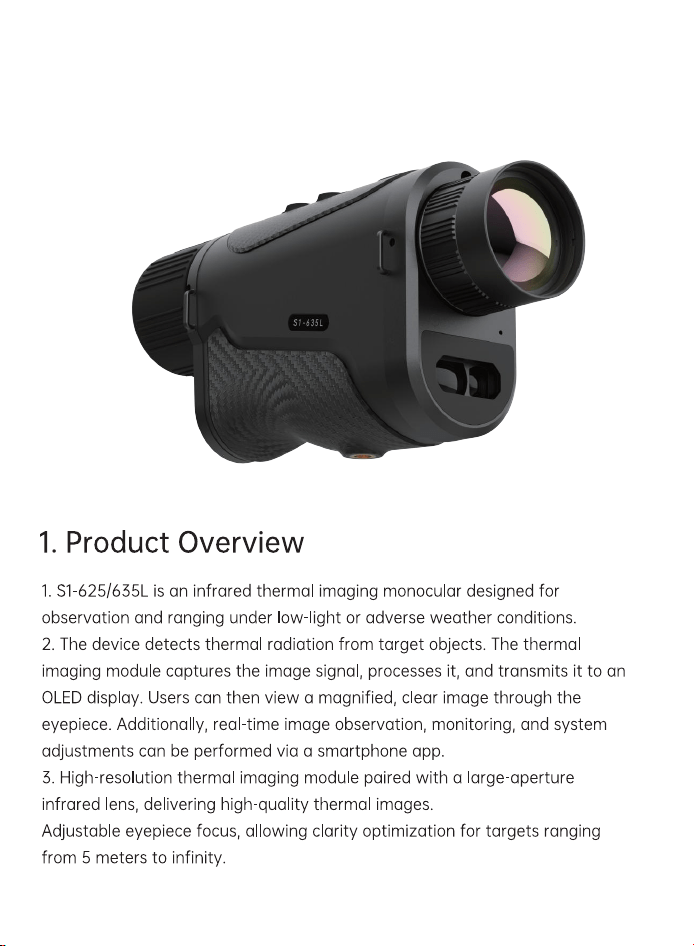
Falcon S1-625L Hand-Held Thermal Imaging Monocular

Product's Documents

Below are documents related to this product, you can read online or download:
S1-625L photo

User Manual

This is the main product document for model S1-625L. Additionally, the document applies to other Falcon models: S1-635L

The file format is pdf, 15 pages, you can download this manual here .

background
Surtur Series
background
background
1
background
2
background
3
background
4
background
5
background
6
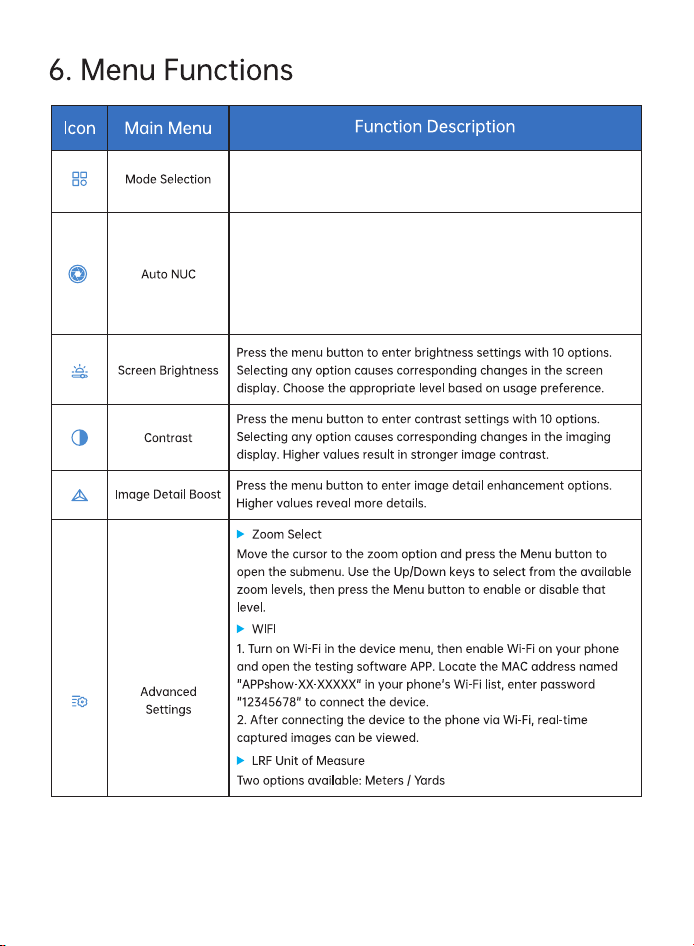
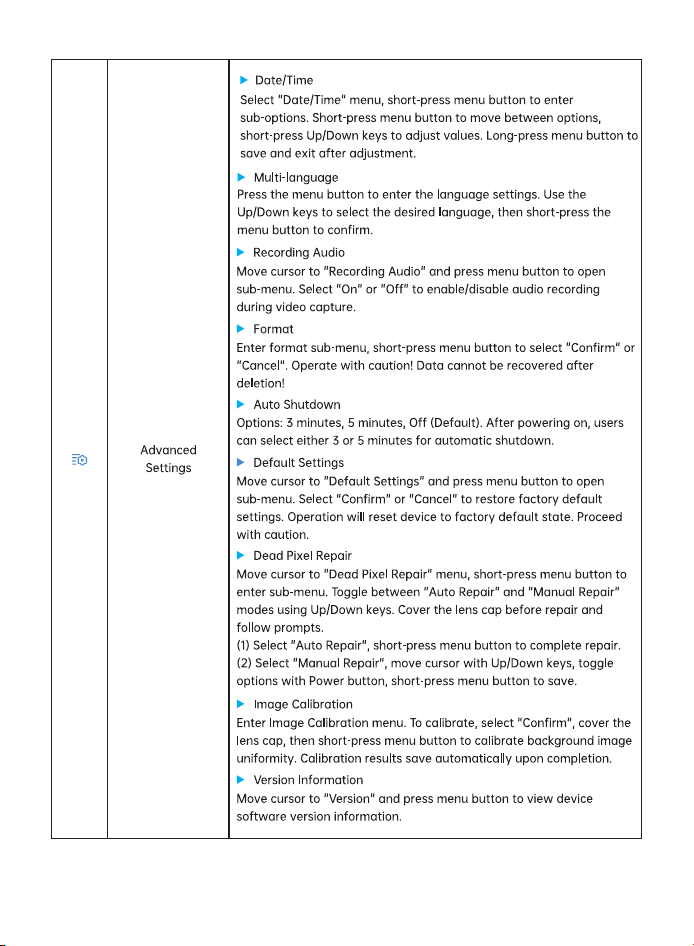
Mode options include 5 items: "White Hot, High Light, Black Hot, Low
Light, Pseudo-color,Red Hot". Default mode is White Hot.
When enabled, the shutter speed will automatically adjust based on
time and temperature to optimize image quality; when disabled, the
shutter speed will not adjust based on time and temperature, and you
will need to manually adjust the shutter speed to correct image
quality. Please use this feature with caution;
background
7
background
8
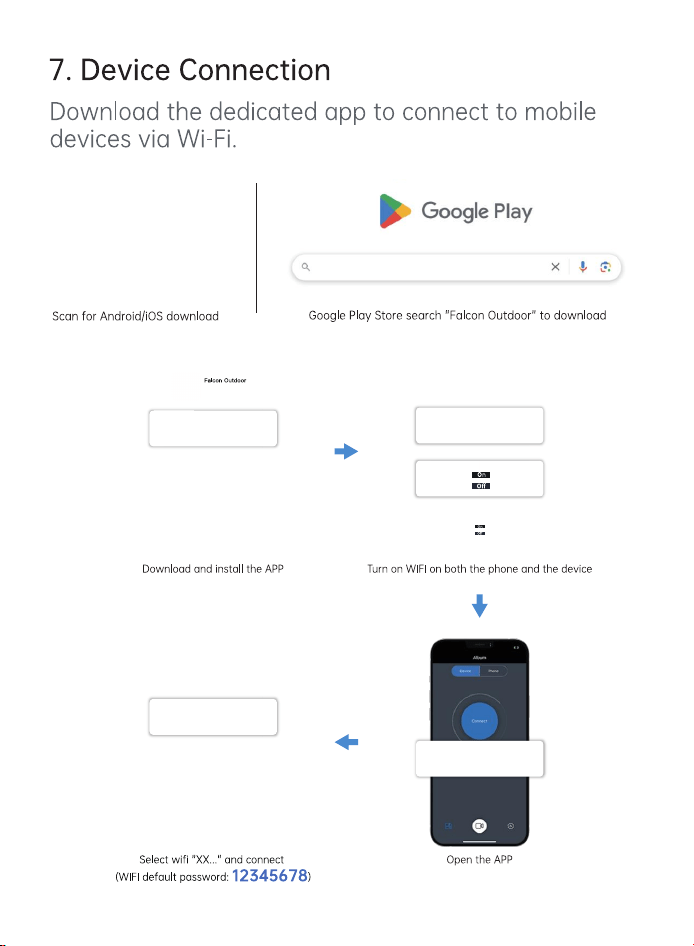
XX-XX-XXX
XX-XX-XXX
WLAN
Falcon Outdoor
background
9
background
10
background
11
background
background

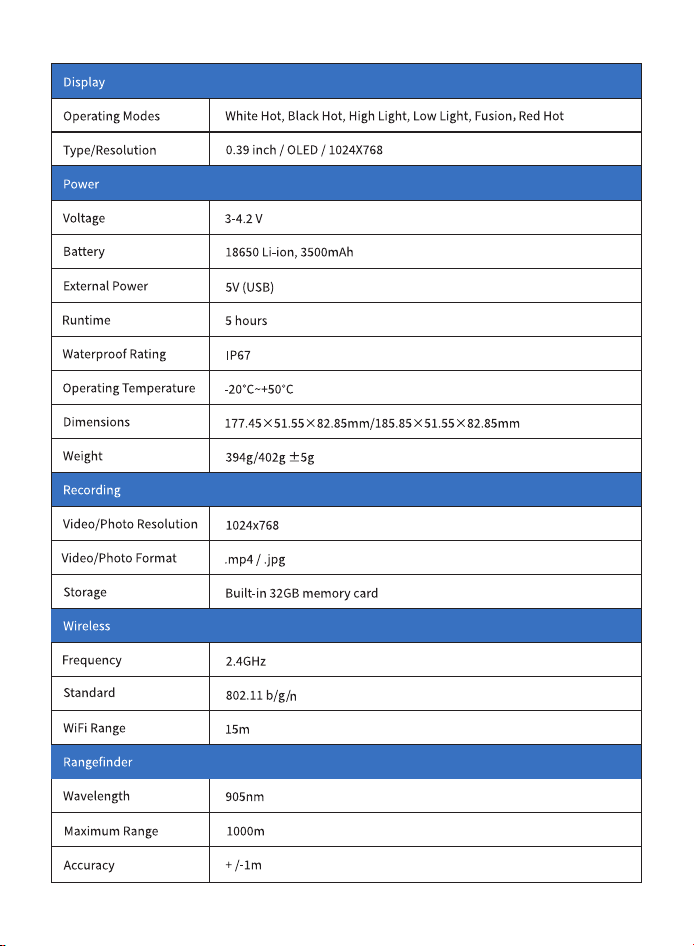
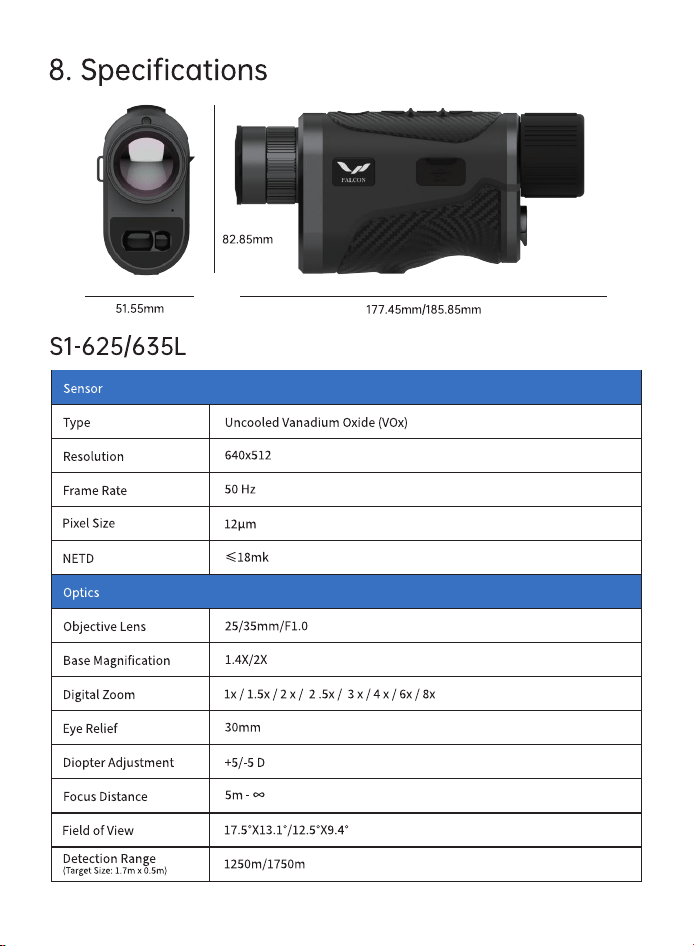
Specifications

Falcon S1-625L Questions and Answers

Questions and Answers

Related Products