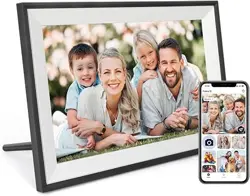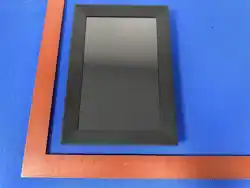
CoFrame
Sent
RESET USB MicroSD DC
K
Smart Cloud Photo Frame User Manual
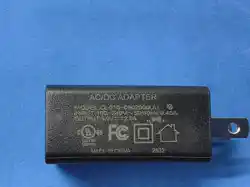
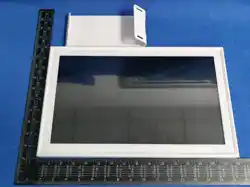
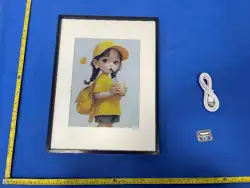
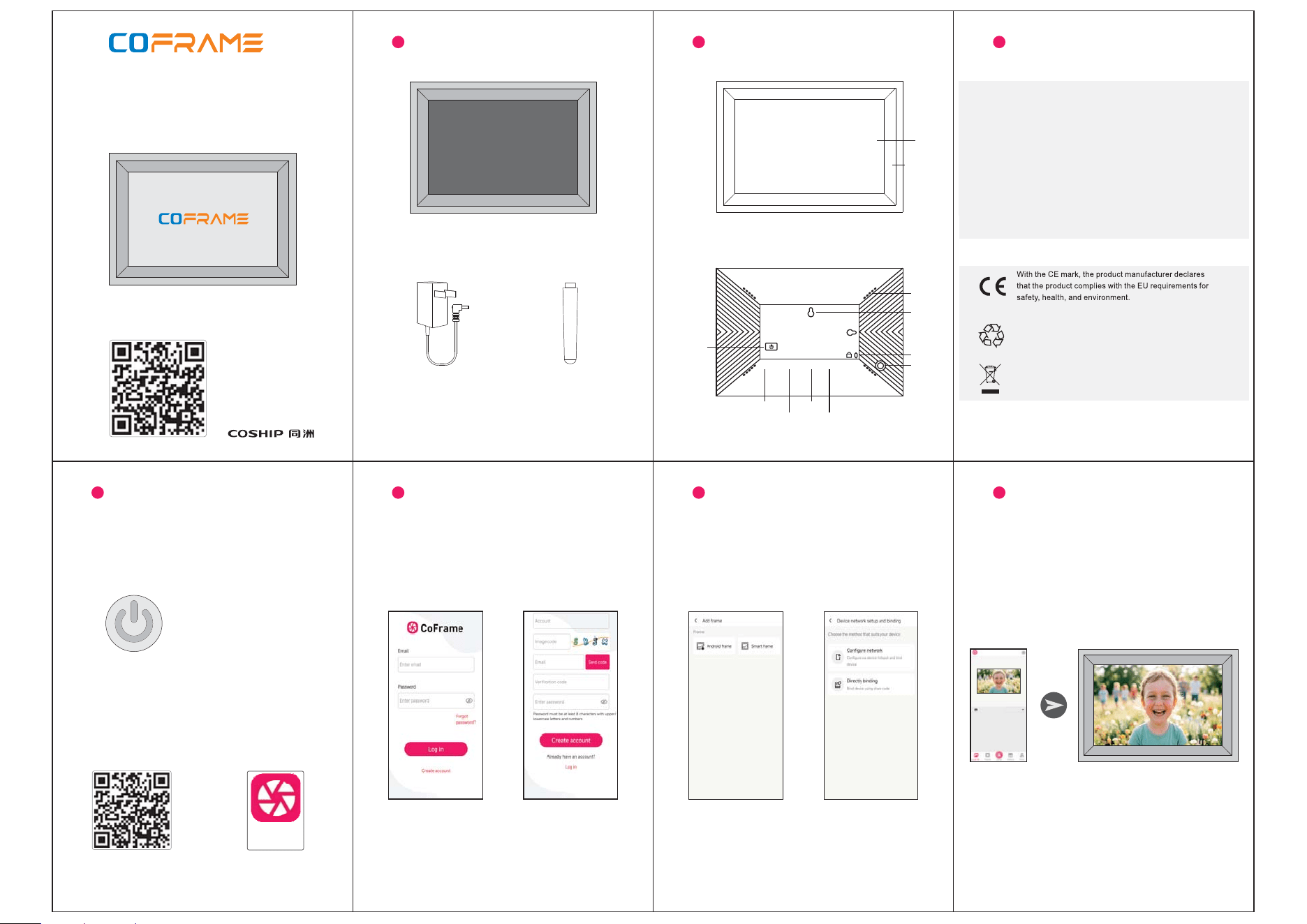
Package list
Power adapter Holder
Notes
1. Please use the included power adapter, otherwise it may cause malfunction.1.
2. According to the design, the product is only recommended for indoor use.2.
3. The product must not be exposed to rain or water splashes.3.
5. Avoid using under conditions of vibration, dust, direct sunlight, and high temp.5.
6. Please do not let this product fall, otherwise it may cause damage.6.
7. Do not use alcohol, chemicals, etc. to clean the screen and the product.7.
4. During thunderstorm weather, please shut down and unplug the power
adapter to avoid lightning strikes.
4.
8. It is not allowed to disassemble the product.8.
The product is manufactured using recyclable
high-performance materials and components.
Do not dispose of th product together with othere
.household waste
Screen
Decorative
Get to know
Hanging
Holder
Anti-theft
Power
SD Card
USB
Reset
Speaker
DC Input
1. Installing the holder and connecting to the
power supply,turn on the device.
1.
2. Scan the QR code,download and install the
CoFrame application.
2.
3. Open the CoFrame app,
log in or choose to create a free account.
3. 4. Logging in follow the prompts to,
connect to the network.
4.
5. Add successful and bind photo frame.5.
6. Select a picture or video and send it
to the frame.
6.
7. More rich features are subject to the
prompts on the app interface.
7.
How to use How to use How to use How to use

FCC Caution
This device complies with part 15 of the FCC Rules. Operation is subject to the following two conditions:
(1) This device may not cause harmful interference, and
(2) this device must accept any interference received, including interference that may cause undesired operation.
Any Changes or modifications not expressly approved by the party responsible for compliance could void the user's authority to operate the equipment.
Note: This equipment has been tested and found to comply with the limits for a Class B digital device, pursuant to part 15 of the FCC Rules. These limits are designed to provide
reasonable protection against harmful interference in a residential installation. This equipment generates uses and can radiate radio frequency energy and, if not installed and used in
accordance with the instructions, may cause harmful interference to radio communications. However, there is no guarantee that interference will not occur in a particular installation. If
this equipment does cause harmful interference to radio or television reception, which can be determined by turning the equipment off and on, the user is encouraged to try to correct
the interference by one or more of the following measures:
-Reorient or relocate the receiving antenna.
-Increase the separation between the equipment and receiver.
-Connect the equipment into an outlet on a circuit different from that to which the receiver is connected.
-Consult the dealer or an experienced radio/TV technician for help.
This equipment complies with FCC radiation exposure limits set forth for an uncontrolled environment. This equipment should be installed and operated with minimum distance 20 cm
between the radiator & your body.