Smart Weather Clock with Indoor
Temperature & Humidity Display
Meteo
User Manual
Overview
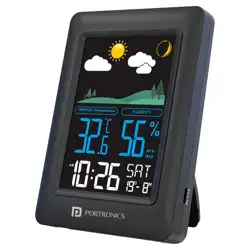
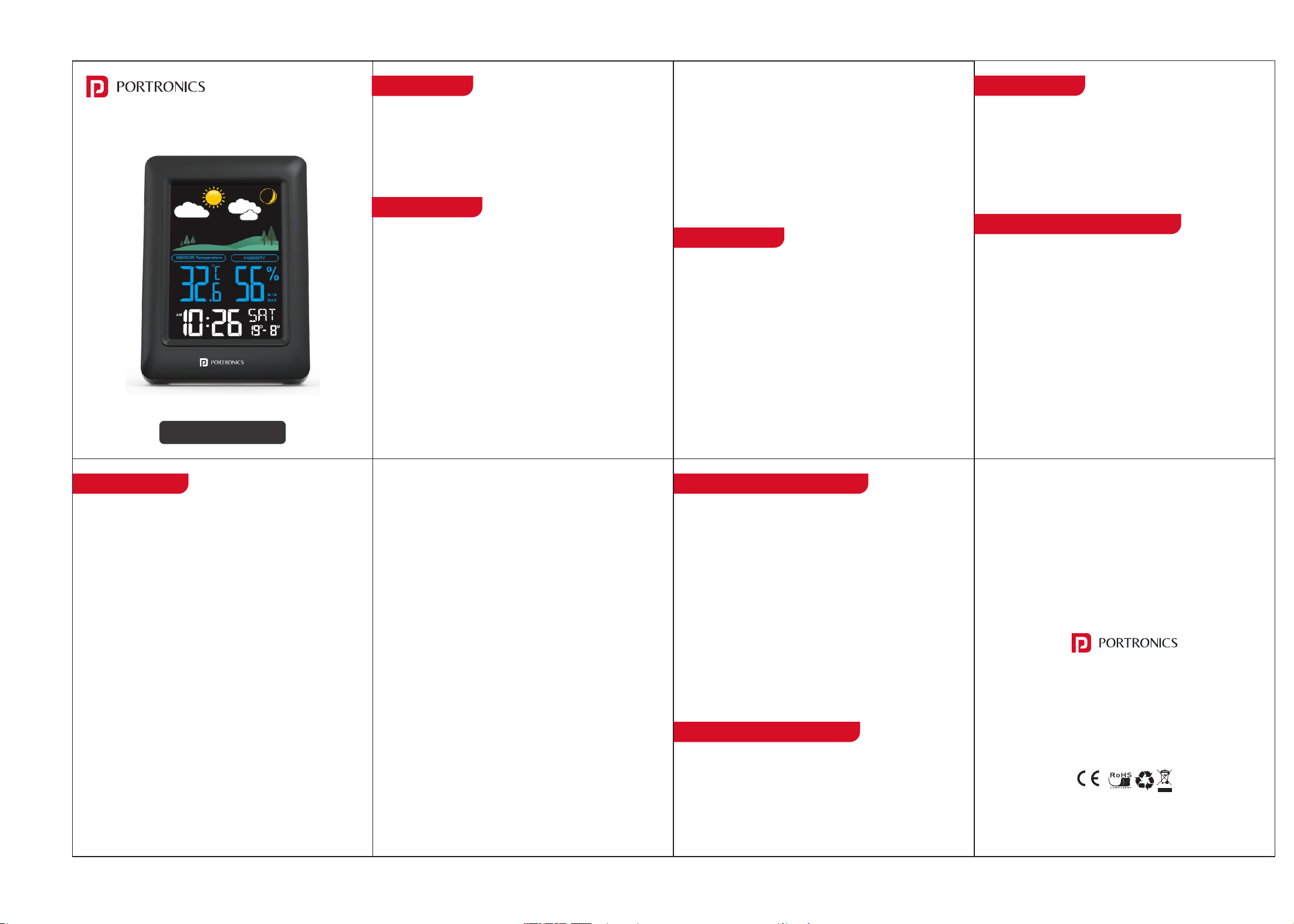
Portronics Meteo is an indoor weather station that displays
time, date, temperature, humidity, moon phase, and weather
forecast. It also includes a color backlight, alarm with snooze,
max/min readings, and optional DCF time calibration.
Button Guide
Main Features
• Time, Date & Weekday Display for quick daily reference.
• 12/24-Hour Format selection to match your preference.
• Indoor Temperature Range: –10°C to 50°C.
• Indoor Humidity Range: 10% to 99%.
• Color Backlit Display with adjustable brightness (when
using adapter power).
• Single Alarm with adjustable snooze (5–20 minutes).
• Moon Phase Display for daily lunar tracking.
• MAX/MIN Readings for temperature and humidity.
• Dual Power Options:
> Battery: Backlight for 8 seconds on key press
> Adapter: High / Medium / Off brightness modes
Initial Start-Up
• Insert batteries or connect the power adapter.
• The screen will light up with a full display.
• A short beep will confirm power-on.
• The device enters default normal time mode with:
> 24-hour format
> Temperature in °C
Setting the Time & Calendar
• While being in the time display mode, press and hold the
SET key to enter the setting mode.
• Short press the DOWN key to switch between 12-hour and
24-hour formats. When set to 12-hour mode, AM/PM will
appear on the screen.
• The display will begin flashing the first adjustable value.
• Use the UP or DOWN keys to change each value.
• Press the SET key to move through the sequence.
• Long press UP or DOWN for fast scrolling through numbers.
• Setting Sequence: Hour → Minute → Year → Month → Date
• After the final step, press SET again to confirm and exit.
• If no key is pressed for 10 seconds, the device will
automatically exit the setting mode and return to the main
screen.
Alarm Function
1. Entering Alarm Mode
Short Press the ALARM key to enter the alarm display mode.
In this mode, you can:
• View the current alarm time
• Turn the alarm ON/OFF
• Enter the alarm setting cycle (by long pressing)
2. Setting the Alarm
• Press and Hold the ALARM key to enter the alarm setting
mode.
• The alarm hour will start flashing.
• Use the UP or DOWN keys to adjust.
• Press ALARM again to move to the next step.
• Alarm Setting Cycle: Hour → Minute → Snooze Duration
(5–20 minutes)
• After the final step, press ALARM once more to save and
exit.
• If no key is pressed for 10 seconds during setting, the device
will automatically exit the alarm setting mode.
• 3. Turning the Alarm ON / OFF
(This controls whether the alarm will ring at the set time.)
• While in alarm mode, short press the UP key to toggle the
alarm ON or OFF.
Temperature & Humidity
www.portronics.com
For Support
Visit : www.portronics.com
Email : [email protected]
Contact No. : +91 9555245245
(Working Hrs. : Monday - Saturday 10:00am - 6:00pm)
E-Waste Management
For E-Waste & ROHS compliance
refer to www.portronics.com/ewaste
Backlight & Power Modes
Battery Power
• When operating on batteries, pressing any key turns the
backlight ON for 8 seconds.
• The backlight automatically turns OFF after 8 seconds to
save battery.
1. SET Key
• Long Press: Enter the main setting mode (Time → Year →
Month → Date).
• Short Press: Move to the next step within the setting cycle.
2. UP Key
• Increase the selected value by 1.
• Long Press: Rapid increase.
3. DOWN Key
• Decrease the selected value by 1.
• Long Press: Rapid decrease.
4. °C/°F Key
• Switch between Celsius (°C) and Fahrenheit (°F).
5. ALARM Key
• Long Press: Enter alarm setting mode.
• Short Press: Move through the alarm setting cycle:
• Hour → Minute → Snooze Duration (5–20 mins)
6. SNOOZE / LIGHT Key
• During Alarm: Short press to activate Snooze.
• On Adapter Power: Short press to adjust backlight
brightness.
• When the alarm is ON, the alarm icon appears on the
display, indicating that the alarm is active.
4.When the Alarm is Ringing
• Stopping the Alarm : Press ANY key to stop the alarm
immediately.
• Snooze Mode : Press SNOOZE/LIGHT to activate snooze. The
alarm will ring again after the selected snooze duration.
5. Alarm Behaviour
• The alarm rings for 2 minutes if not stopped manually.
• During this time, the beep pattern gradually increases:
> 0–15 sec: 1 beep/sec
> 16–30 sec: 2 beeps/sec
> 31–45 sec: 3 beeps/sec
> 46–60 sec: 4 beeps/sec
> After 60 sec: Continuous beeping
• Press ANY key to stop the alarm immediately.
6. Snooze
• When the alarm sounds, press SNOOZE/LIGHT to activate
Snooze (default: 5 minutes).
• Snooze can repeat for up to 3 automatic cycles.
• If no key is pressed, Snooze activates automatically after 2
minutes of ringing.
Indoor Temperature
• Measurement Range: –10°C to 50°C
• Below –10°C → Display shows “LL”
• Above 50°C → Display shows “HH”
Indoor Humidity
• Measurement Range: 10% to 99%
• Below 10% → Display shows “LL”
• Above 99% → Display shows “HH”
Switching Units (°C/°F)
• Press the °C/°F key to toggle between Celsius (°C) and
Fahrenheit (°F).
• Press the UP key to view maximum and minimum
temperature & humidity readings.
Adapter Power
• When using a power adapter, the backlight stays active
and brightness can be adjusted.
• Press the SNOOZE/LIGHT key to cycle through the brightness
levels: High → Medium → Off → High
• Choose the preferred brightness based on room lighting.
Note : Uses 3×AAA batteries to preserve time and setting.