20260112
SW1A7440EB010U2
2026/03/05
陈萍
1.名称:U2中性英⽂说明书
2.材质:128g铜版纸⿊⽩印刷⻛琴折
3.尺⼨:60*80mm
4.印刷字印清晰,不断线、拖笔画不得有重线,杂点等缺陷。
5.尺⼨公差±0.2mm
Product Description
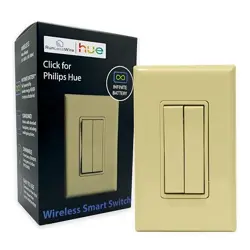
Wireless Kinetic Switch is a push-button self-powered
switch with MEA (Micro Energy Acquisition) module
inside, which transform mechanical energy into
electricity to drive RF chipset work. It is able to control
the wireless receiving controller after pairing with it.
Work Type: Push Button Type
Number of Button: 2 buttons
Power Supply: Self-powered
Working Frequency: RF 433MHz
Lifetime: 100,000 times ≥
Modulation Mode: FSK
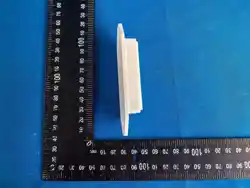
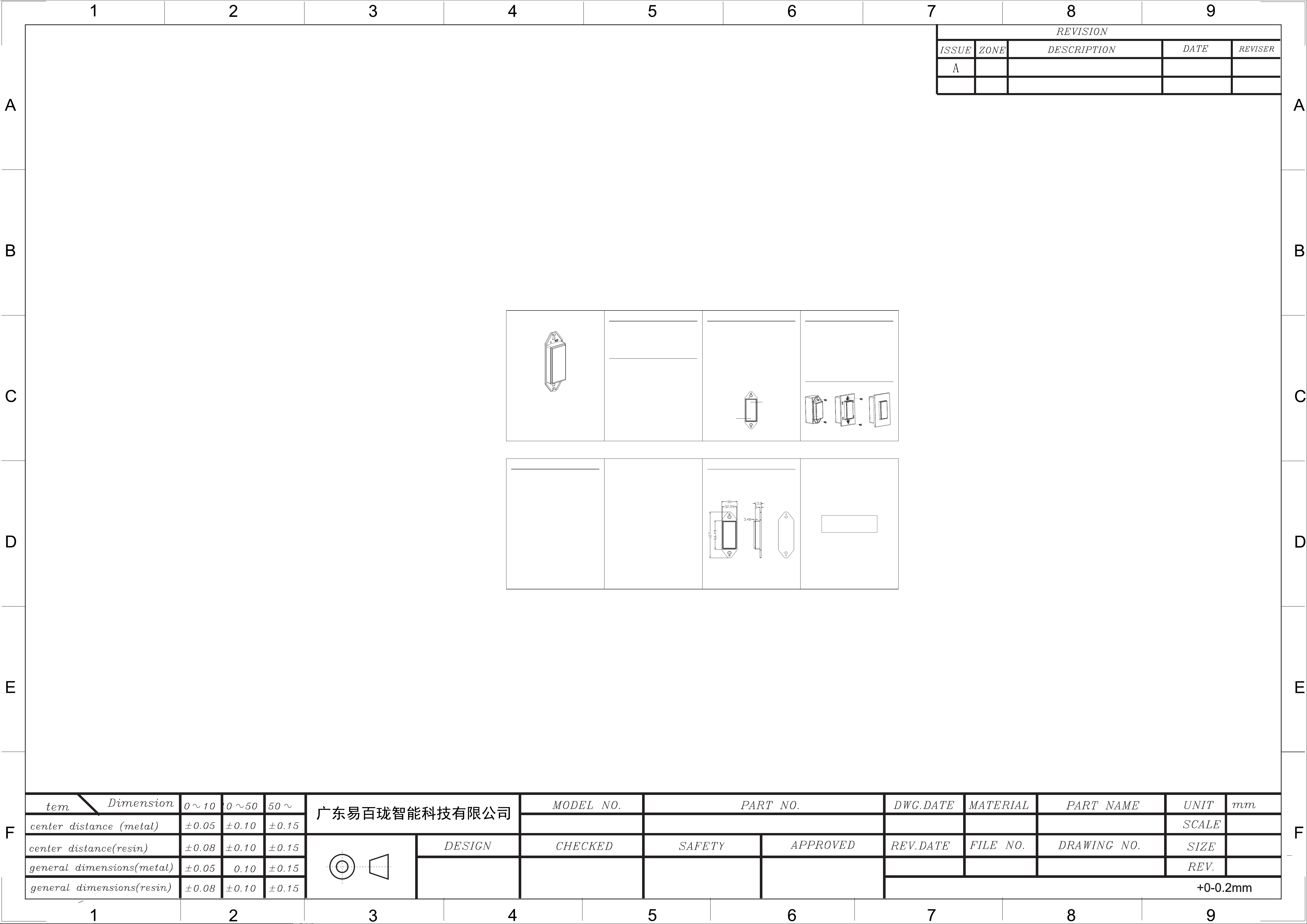
Dimensions: L107*W36*H17mm
Operating Temperature: -20°C~+55°C
Control Distance: 60m(outdoor) 25m(indoor)
Use Method: Pairing with wireless receiving controller
Note: The effective distance data is measured by Lab and it will vary
due to the changes of the environment in the actual use.
Product Parameters
WIRELESS KINETIC SWITCH
INSTRUCTIONS
—Reorient or relocate the receiving antenna.
—Increase the separation between the equipment and
receiver.
—Connect the equipment into an outlet on a circuit
different from that to which the receiver is connected.
—Consult the dealer or an experienced radio/TV
technician for help.
Note: The Grantee is not responsible for any changes or
modifications not expressly approved by the party responsible for
compliance. such modifications could void the user's authority to
operate the equipment.
Installation Instructions
FCC Warning
This device complies with part 15 of the FCC Rules.
Operation is subject to the following two conditions:
(1) This device may not cause harmful interference, and
(2) this device must accept any interference received,
including interference that may cause undesired
operation.
The device has been evaluated to meet general RF exposure
requirement. To maintain compliance with FCC's RF exposure
guidelines, the distance must be at least 20 cm between the radiator
and your body, and fully supported by the operating and installation.
Product Dimensions
Note: This equipment has been tested and found to
comply with the limits for a Class B digital device,
pursuant to part 15 of the FCC Rules. These limits are
designed to provide reasonable protection against
harmful interference in a residential installation. This
equipment generates, uses and can radiate radio
frequency energy and, if not installed and used in
accordance with the instructions, may cause harmful
interference to radio communications. However, there is
no guarantee that interference will not occur in a
particular installation. If this equipment does cause
harmful interference to radio or television reception,
which can be determined by turning the equipment off
and on, the user is encouraged to try to correct the
interference by one or more of the following measures:
Ordinary Pair with Controller
The Wireless Kinetic Switch need to be paired with
wireless receiving controller. The ordinary pairing
method is: press and hold the pairing button on
controller for 3 seconds, release the pairing button when
the indicator light flashes , and then press one button of
the Wireless Kinetic Switch once. The indicator goes off,
which means that the pairing is successful. Then you
can control the wireless receiving controller by this
button.(More detailed steps, please refer to the receiving
controller instruction. )
Directional Pairing with Controller
In order to meet the user's habits of the switch and to
ensure that the multiple controllers can be turned on and
off at the same time in the one-to-multiple mode, we
design the directional pairing mode on the U2 Wireless
Kinetic Switch. The directional pairing method is: press
and hold the pairing button on the controller for 3
seconds, and release the pairing button when the light is
flashing, and then press one of the U2 Wireless Kinetic
Switch 4 times (in 1 seconds). The indicator light goes
off, which means pairing is successful. After directional
pairing is successful, press the bottom button to turn off
the light, and press the top button to turn on the light.
Press and hold the bottom button to dim, and press and
hold the top button to brighten.
Bottom:Off and Dim
and Top: On Brighten
TO P
CERTIFICADO
INSPECCIONADO