©COPYRIGHT 2019 METRA ELECTRONICS CORPORATION
iBEAMUSA.comiBEAM Vehicle Safety Sytems
®
REV. 08/05/2020 INSTTE-9VS-4
Attention!
When testing the aftermarket
equipment, ensure that all factory equip-
ment is connected before cycling the key to
ignition.
TE-9VS-4
INSTALLATION INSTRUCTIONS
#IBEAMSAFETY
Wiring ..................................................................... 2
Button Assignments .............................................. 3
Menu Operation .................................................4-5
Mounting.................................................................6
Specifications..........................................................7
TABLE OF CONTENTS
TOOLS REQUIRED
• Wire stripper
• Tape
• Digital Multi-meter
• Cutter
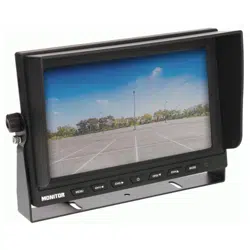
Universal Quad-View Commercial
Monitor 9”
Visit iBEAMUSA.com for more detailed informatuon about the product and up-to-date vehicle specific
applications.
Product Features
• 9” Color LCD screen
• Display to 4 camera simultaneously
• 4-pin DIN camera input connectors
• Includes remote
• Built-in speaker for camera audio
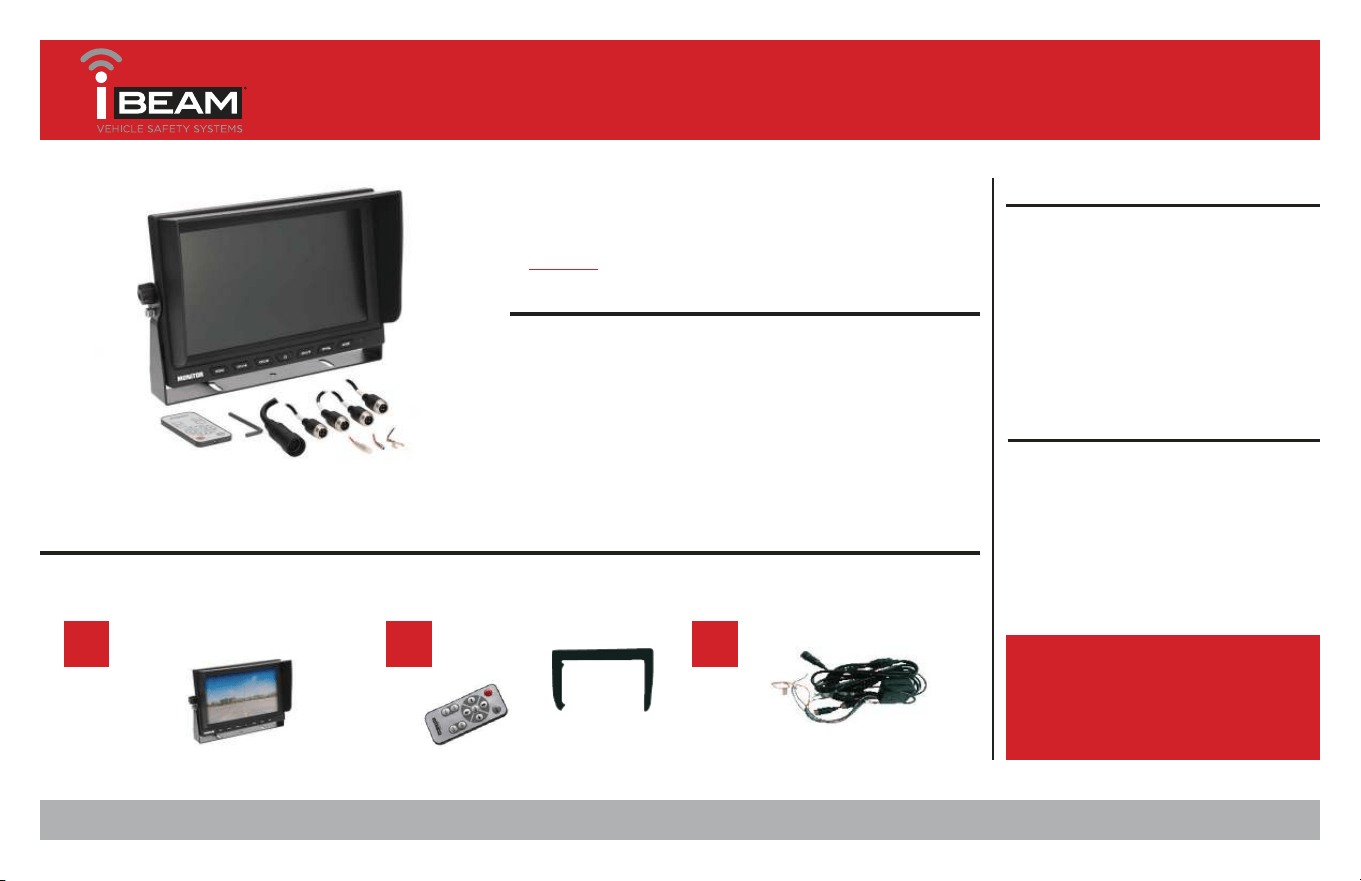
Part Components
A) Monitor B) Accessories C) Harness
A B C
386-257-2956
|
iBEAMUSA.com
2
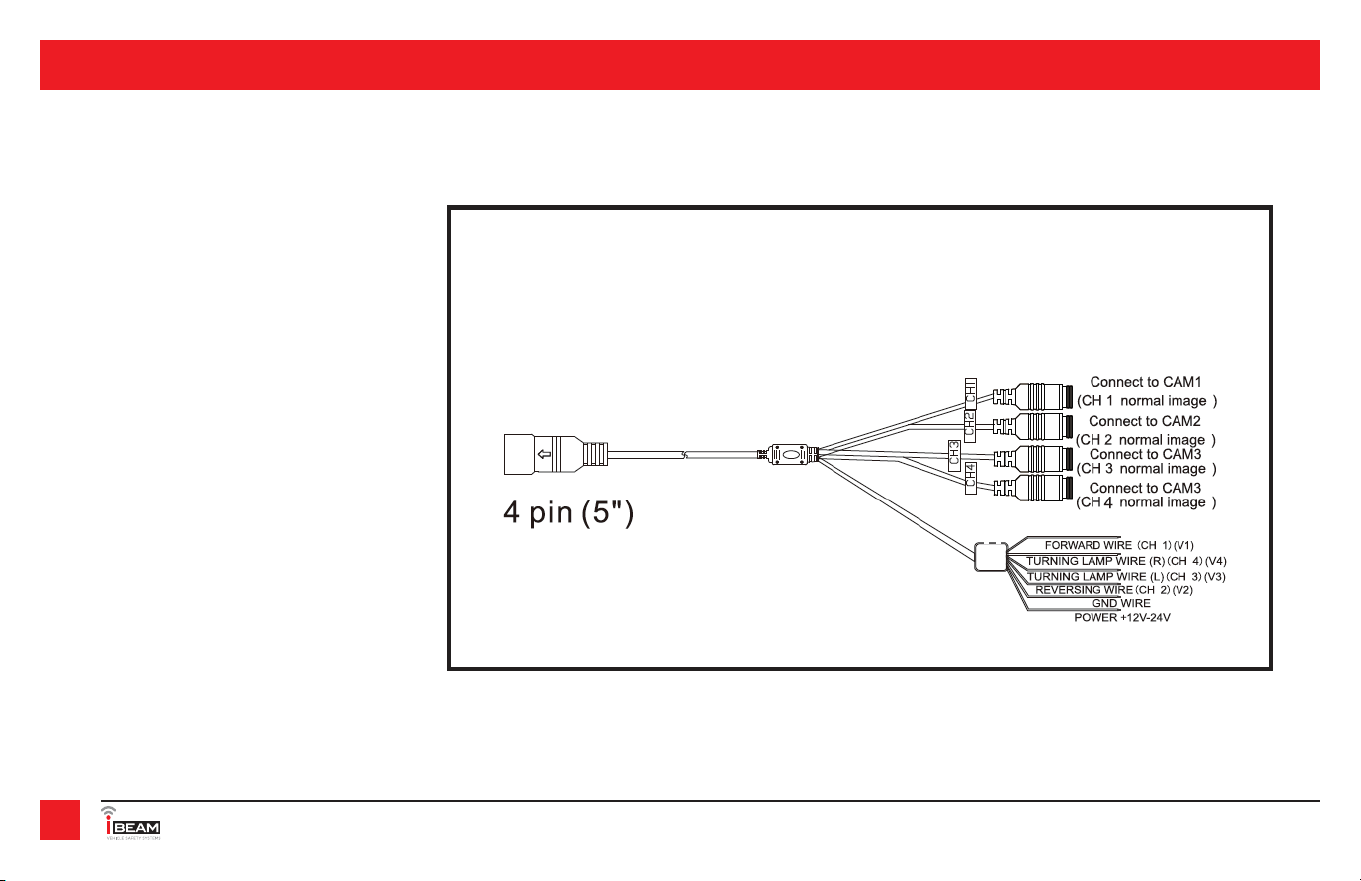
Monitor Wiring
(Figure A)
1. Connect the RED wire to a 12V-24V ignition
source. Verify with a multi-meter that the
correct wire is being used.
2. Connect the BLACK wire to a chassis ground.
Verify with a multi-meter that the correct
wire is being used.
3. If a trigger is needed to show a select cam-
era in full screen mode, connect the corre-
sponding trigger wire to a 12-24V source.
Verify with a multi-meter that the correct
wire is being used.
• Camera 1 = Brown wire - Forward wire - CH1
• Camera 2 = Green wire - Reversing wire -
CH2
• Camera 3 = Blue wire - Turning lamp (L) -
CH3
• Camera 4 = White wire - Turning lamp (R)
- Ch4
(Figure A)
WIRING
REV. DATE 08/05/2020 INSTTE-9VS-4
3
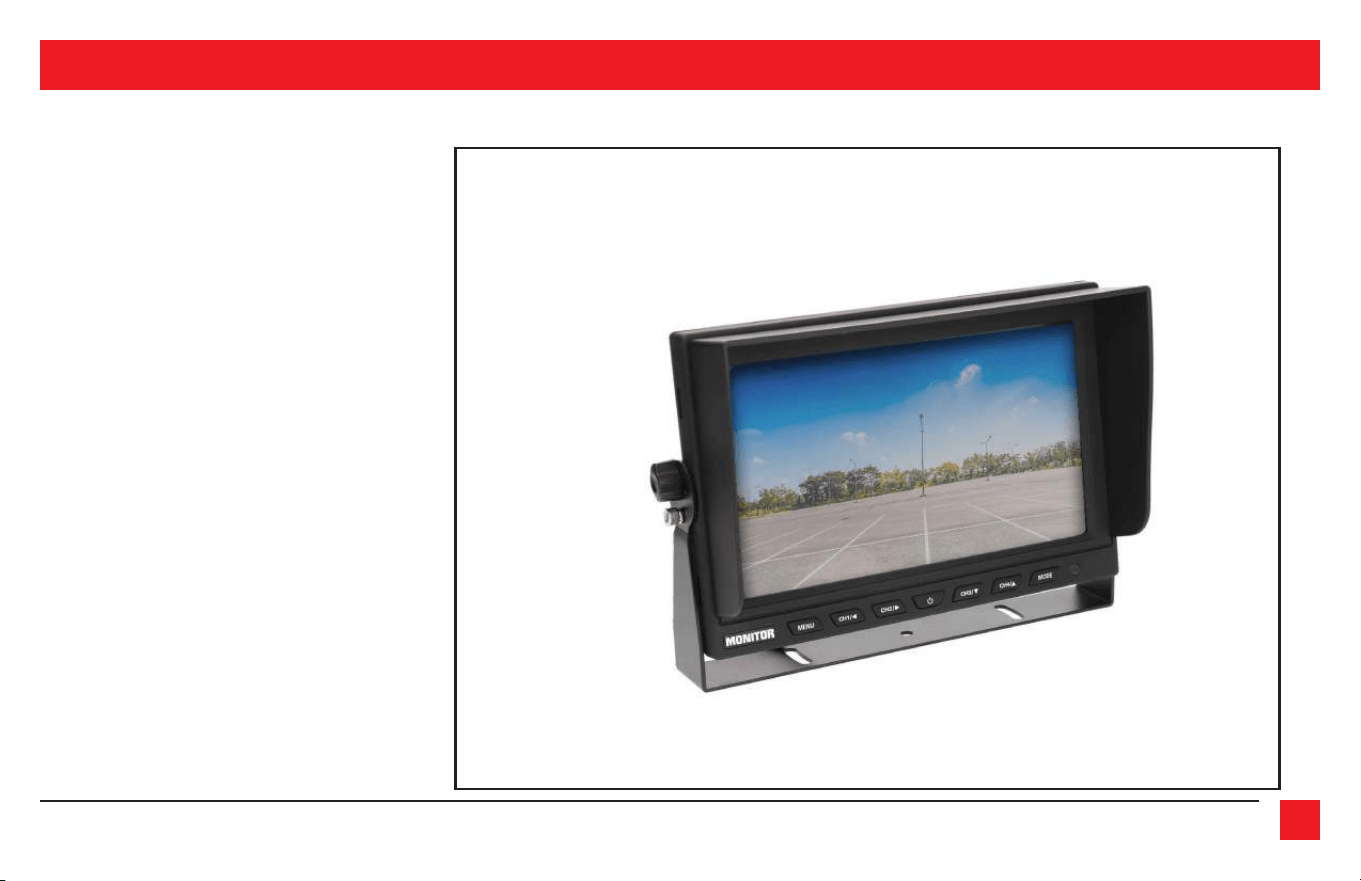
BUTTON ASSIGNMENTS
(Figure B)
Remote/Monitor Buttons (Figure B)
MODE - Rotates through the different
combinations of viewing options
Red/Power button - power on/off
Arrow up/down/left/right - Used to
navigate through the menu
Menu - Move through the menu
options
CH1 - Full screen camera 1
CH2 - Full screen camera 2
CH3 - Full screen camera 3
CH4 - Full screen camera 4
NOTE: On the monitor, the CH 1-4
have a dual purpose as the naviga-
tion arrows when in the Menu.
386-257-2956
|
iBEAMUSA.com
4
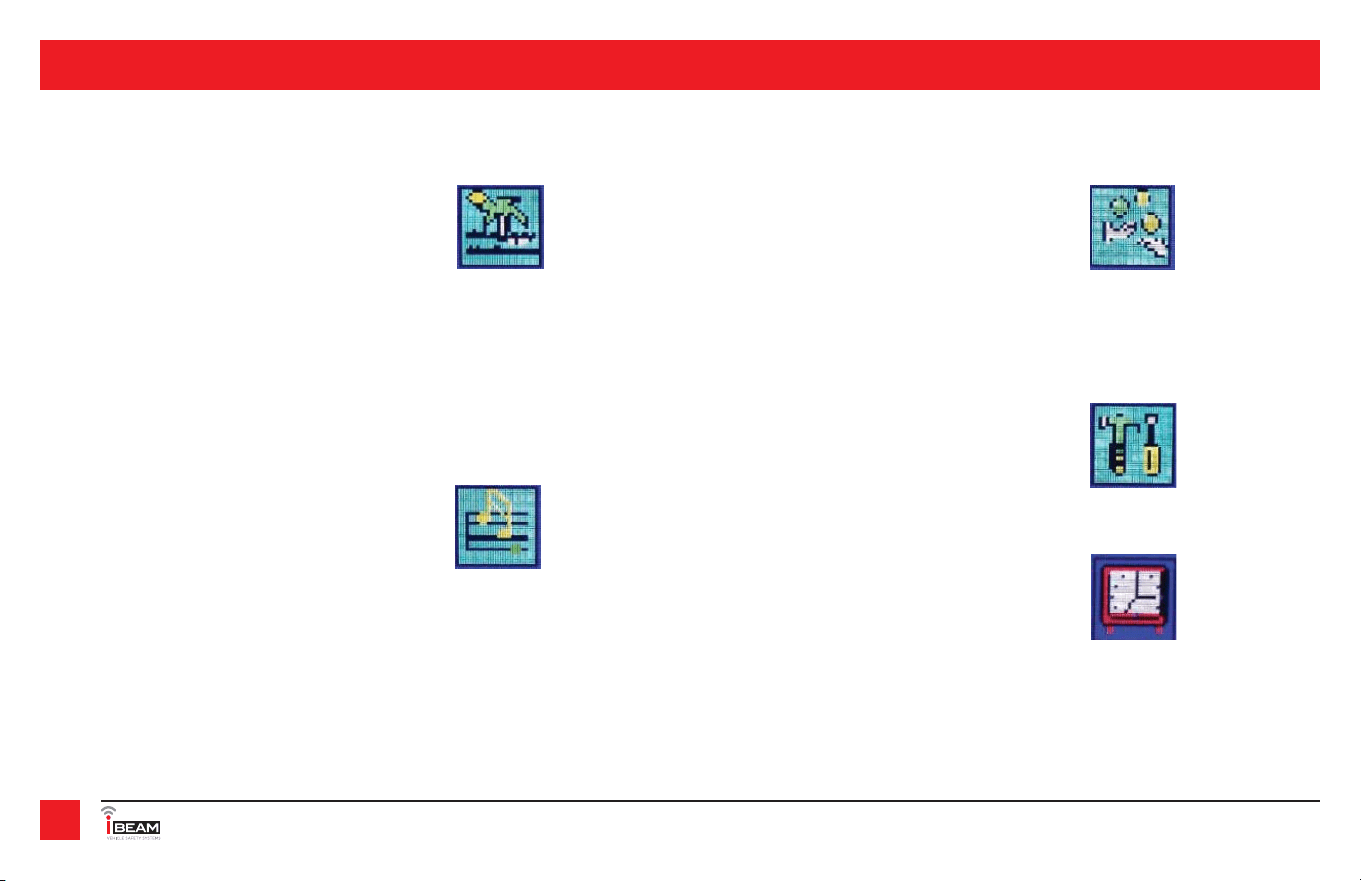
Menu Operation
Picture
Brightness - 0-40
Contrast - 0-40
Colour - 0-40
Tint - 0-40
Reset - resets picture numbers to default
Volume
0 - 40
Mirror- Mirrors the image of the camera
Camera 1 - on/off
Camera 2 - on/off
Camera 3 - on/off
Camera 4 - on/off
System
Language - English - Dutch - French -
Spanish - Portugesge - Italian - Dutch
English - Chinese - Turkish
Clock - Sets the delay of the camera
when triggers by the trigger wire
Camera 1 - (0-10) -sec
Camera 2 - (0-10) -sec
Camera 3 - (0-10) -sec
Camera 4 - (0-10) -sec
MENU OPERATION
REV. DATE 08/05/2020 INSTTE-9VS-4
5
Screen size 9 inches
Aspect Ratio 16:9
Luminance 250 cd/m
Resolution 1024 X 600
Audio & Video 4 inputs (CH1-4) - 1 audio input (CH1)
Voltage 12-24V
System PAL & NTSC, Auto
Language Multiple
Mount U-bracket
Built-in Speaker Yes
Sun shade Removable
Mode Full / 2 / 3 / 4 / adjustable layouts
Trigger delay 0-10 seconds
SPECIFICATIONS
386-257-2956
|
iBEAMUSA.com
6
Mounting
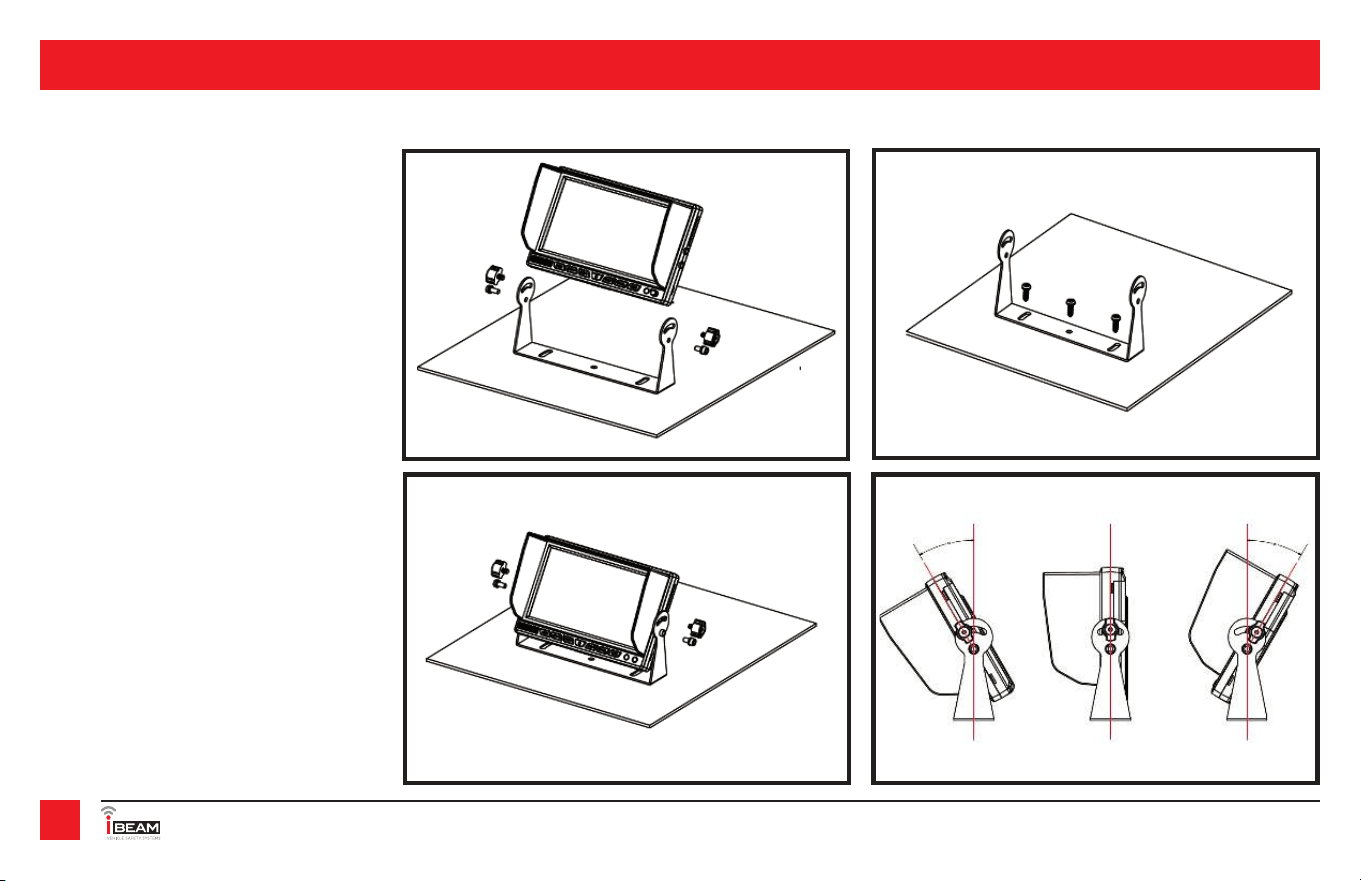
1. Remove the thumb screws from
the sides of the monitor. Remove
the monitor from the U-bracket.
(Figure A)
2. Place the U-bracket in desired
mounting location.
3. Secure using 3 screws. (Figure B)
4. Replace monitor and thumb
screws and adjust desired angle
befor tighening thumb screws.
(Figure C)
NOTE: Monitor is adjustable 30 degrees
forward and 30 degrees backward.
(Figure D)
Figure A Figure B
Figure C Figure D
MOUNTING
REV. DATE 08/05/2020 INSTTE-9VS-4
7
NOTES
©COPYRIGHT 2019 METRA ELECTRONICS CORPORATION
iBEAMUSA.comiBEAM Vehicle Safety Sytems
®
REV. 08/05/2020 INSTTE-9VS-4
KNOWLEDGE IS POWER
Enhance your installation and fabrication skills by
enrolling in the most recognized and respected
mobile electronics school in our industry.
Log onto www.installerinstitute.com or call
800-354-6782 for more information and take steps
toward a better tomorrow.
®
TE-9VS-4
INSTALLATION INSTRUCTIONS
#IBEAMSAFETY
Having difficulties? We’re here to help.
Contact our Tech Support line at:
386-257-1187
Or via email at:
techsupport@metra-autosound.com
Tech Support Hours (Eastern Standard Time)
Monday - Friday: 9:00 AM - 7:00 PM
Saturday: 10:00 AM - 7:00 PM
Sunday: 10:00 AM - 4:00 PM
Metra Recommends MECP
certified technicians
