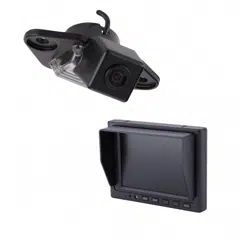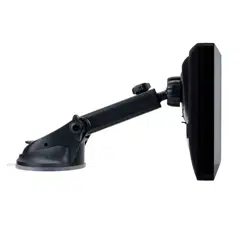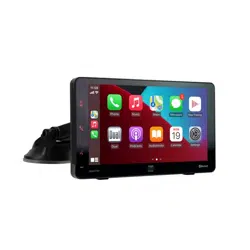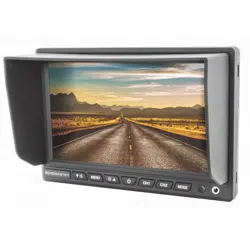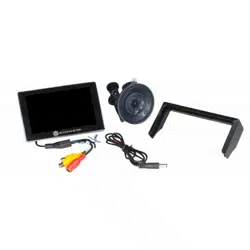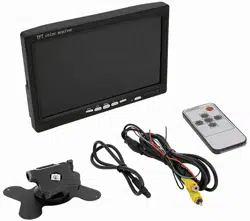

TE-7VS User Manual
iBeamUSA.com
MetraDealer.com
techsupport@metra-autosound.com
� TECH SUPPORT
l ::: J
800-253-8324
1
Diagram
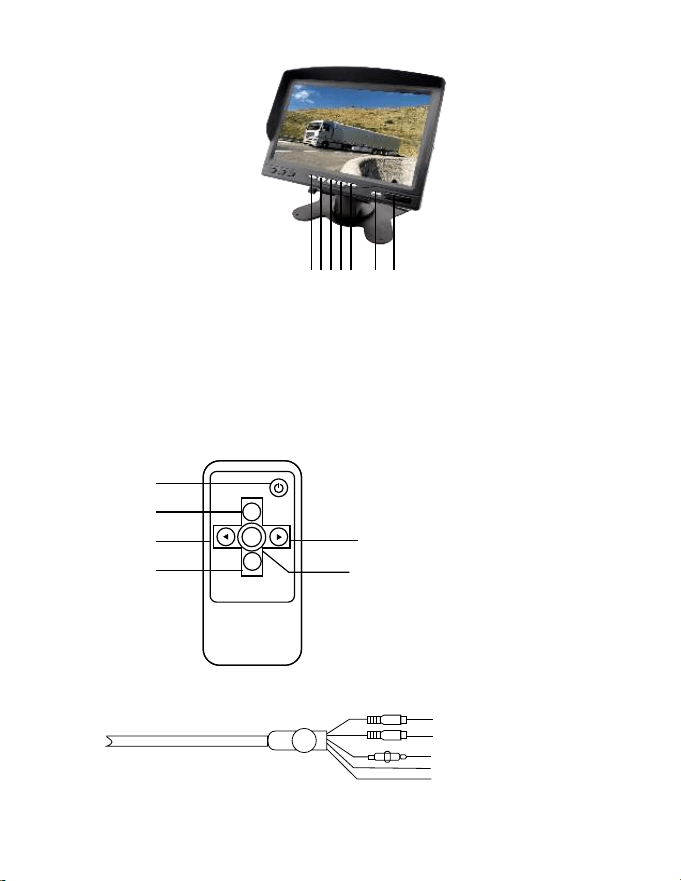
White: V1 Input
Yellow: V2 Input
Red: DC12V
Black:GND
Green: Reverse
(The monitor will be power on
and switch to V2 automatically
once reversing)
Mode
Setect
Menu
Video
select
1
2
3
5
4
6
1.Power on/off
2.Video select
3.Decrease (-)
4.Increase (+)
5.Menu
6.Mode Select
Front Panel
Remote control
1.V1 / V2 Switch
2.Image direction switch
(left/right/up/down)
3.Menu
4.Decrease (-)
5.Increase (+)
6.Power on/off
7.Remote signal receiver
window
12345 6 7

2
Specificaon
7-Inch TFT LCD Monitor
800 x 480 Pixels
16:9
NTSC / PAL
DC 12V
7.8W
Screen Size:
Resolution:
Aspect Ratio:
System:
Power Supply:
Power Consumption:
Working Temp:
Storage Temp:
Video:
Rear view:
Operation Mode:
-10℃~ + 60℃
-20℃ ~ +70℃
Two video inputs (V1 / V2)
Standard and mirrored
Full function OSD and remote
control
Warning
Do not watch monitor while vehicle is in motion, as it is hazardous

IMPORTANT
If you are having difficulties with the installation
of this product, please call our Tech Support line
at 1-800-253-TECH. Before doing so, look over
the instructions a second time, and make sure
the installation was performed exactly as the
instructions are stated. Please have the vehicle
apart and ready to perform troubleshooting
steps before calling.
When connecting with power cable, please make sure not to mistake the positive and
negative pole, otherwise the fuse will blow immediately for security protection. If it happens,
please replace the blown fuse with a new one with same specification, after connecting
properly to the right pole. Don’t randomly increase the current rating of the fuse, and NEVER
use metal wire as a substitute.
KNOWLEDGE IS POWER
Enhance your installation and fabrication skills by
enrolling in the most recognized and respected
mobile electronics school in our industry.
Log onto www.installerinstitute.com or call
800-354-6782 for more information and take steps
toward a better tomorrow.
Metra recommends MECP
certified technicians
Version 1.0